
Cette page n'est pas une page officielle de l'application ou de son développeur, mais une publication éditoriale indépendante créée à des fins d'information et de commentaire. Sauf indication expresse contraire, ni l'application ni son développeur ne sont affiliés, approuvés, sponsorisés, autorisés ou autrement officiellement liés à MWM, Apple, Google Play, à l'éditeur de l'application ou au développeur de l'application, et rien sur cette page n'implique que l'application a été développée en utilisant les services de MWM. Toutes les marques, logos, captures d'écran et autres contenus restent la propriété de leurs propriétaires respectifs.


SafeInCloud 1
Prenez le contrôle total de votre sécurité numérique. Stockez votre base de données chiffrée sur votre propre cloud, synchronisez-la sur tous vos appareils et profitez de fonctionnalités premium sans les contraintes d'un abonnement.
Téléchargements
342K+Note
Nombre d'avis
11K+Éditeur
Catégorie
ProductivityLangues
33Dernière version
25.1.0Taille
60.5 MBDate de sortie
15 janv. 2014La sécurité sans compromis
SafeInCloud allie une protection de niveau militaire à la liberté de choix. Gérez tous vos mots de passe sur tous vos appareils sans aucun abonnement.
Souveraineté totale des données
Vos données ne sont jamais stockées sur nos serveurs. Synchronisez votre coffre-fort chiffré via votre compte iCloud, Google Drive ou votre NAS privé.
Productivité sans friction
Connectez-vous instantanément grâce à Face ID et Touch ID. Utilisez l'application gratuite pour ordinateur (Windows et Mac) pour une saisie de données ultra-rapide.
Les captures d'écran et la description suivantes proviennent directement de la fiche officielle de l'application sur le store et sont la propriété du développeur.
App Store
Captures
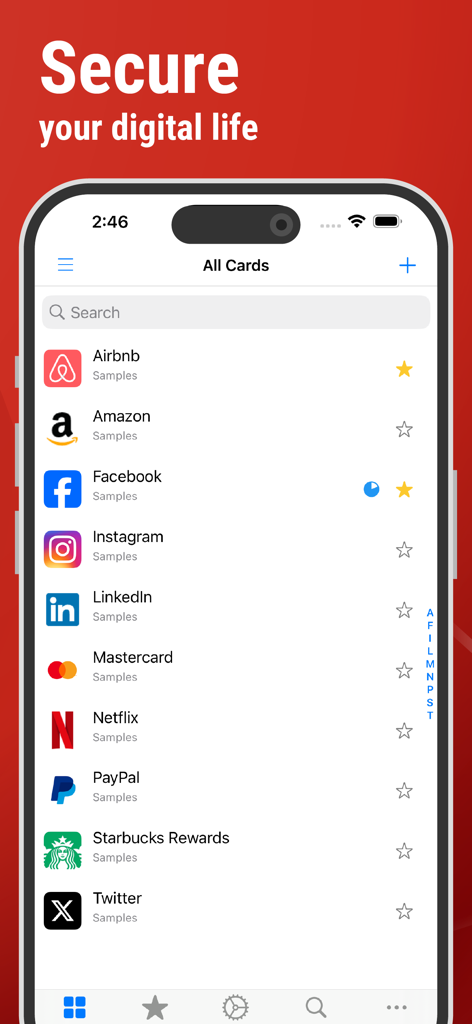
L'interface de l'application SafeInCloud affiche une liste sécurisée de mots de passe pour différents comptes sur un iPhone.
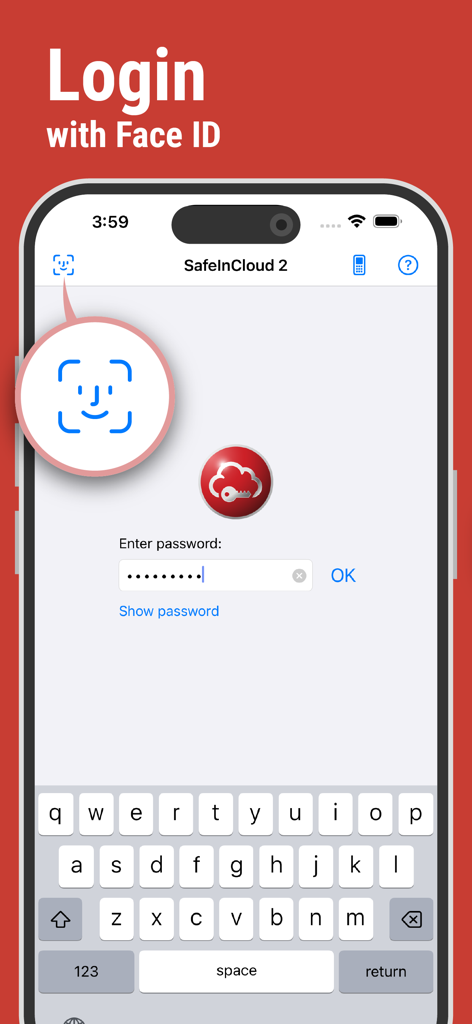
Écran de connexion du gestionnaire de mots de passe SafeInCloud affichant l'authentification biométrique Face ID sur un iPhone
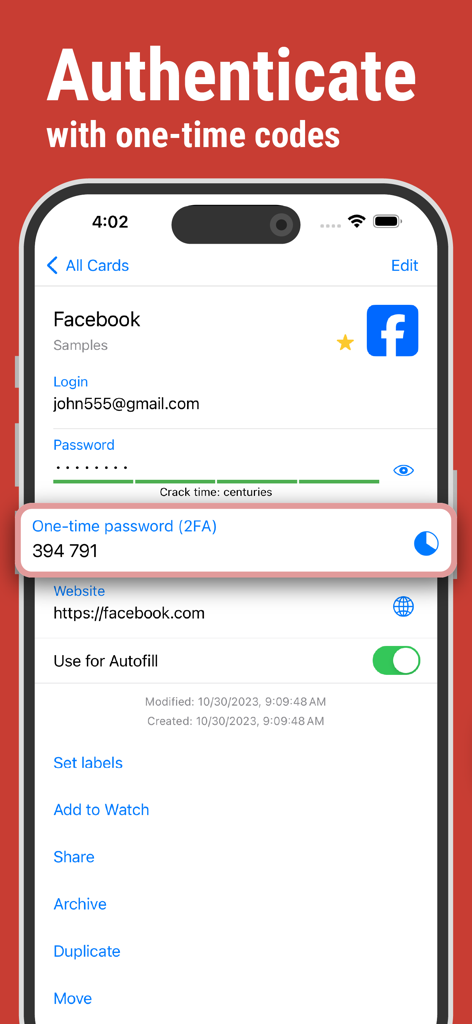
Écran de l'application SafeInCloud affichant un code à usage unique pour l'authentification du compte par double authentification.
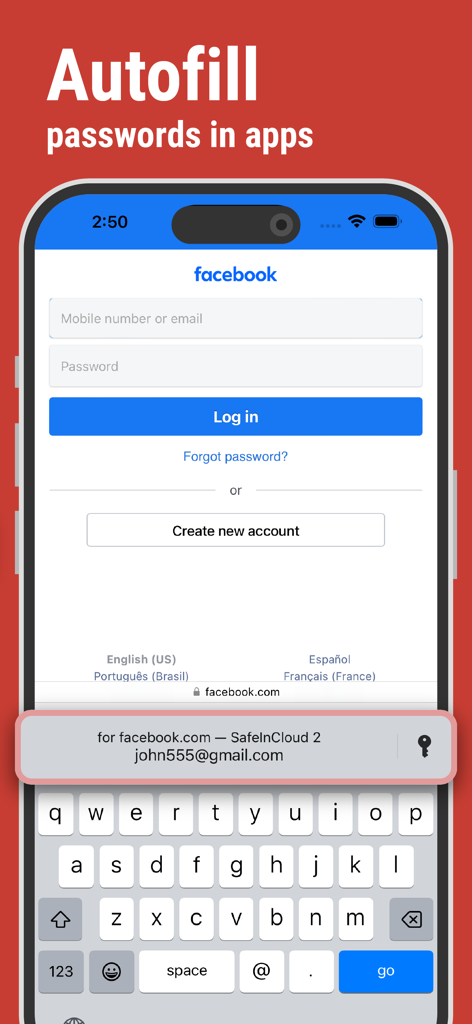
SafeInCloud, gestionnaire de mots de passe, remplit automatiquement les identifiants de connexion sur un iPhone
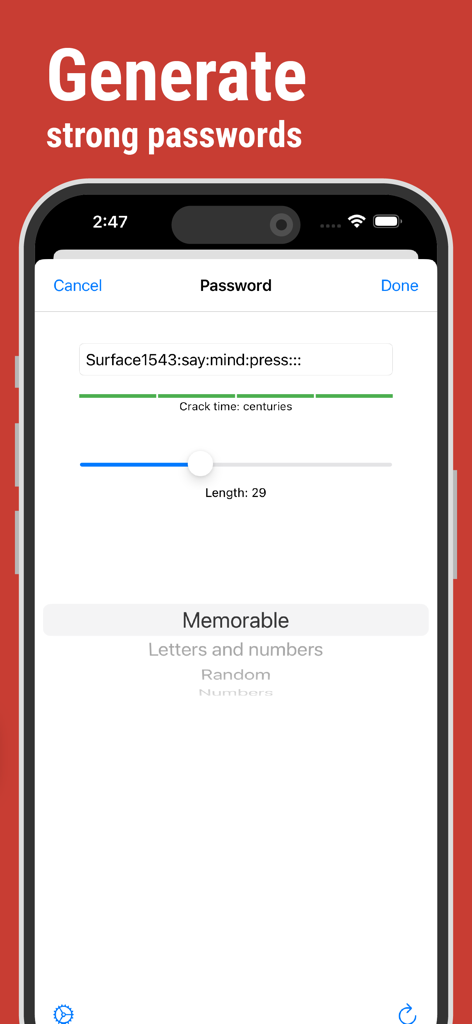
L'interface de l'application SafeInCloud permet de générer des mots de passe forts et mémorables avec une analyse estimée du temps de craquage.
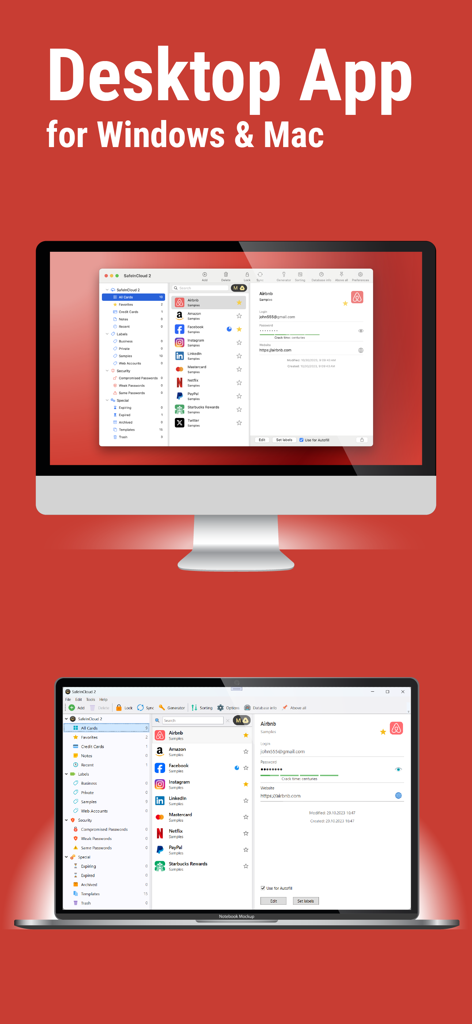
Interface de l'application de bureau SafeInCloud, gestionnaire de mots de passe, affichée sur un ordinateur Mac et un ordinateur Windows.
Description
Download
Apps Similaires
Apps les mieux classées dans la même catégorie

ChatGPT
OpenAI OpCo, LLC

Google Gemini
Google LLC

Grok
X.AI Corporation

Gmail - Email by Google
Google LLC

千问 - 阿里最强大模型官方AI助手
Shanghai Zhixin Puhui Technology Co., Ltd.

Google Drive
Google LLC

Microsoft Authenticator
Microsoft Corporation

Google Sheets
Google LLC

Google Docs
Google LLC
Cette page n'est pas une page officielle de l'application ou de son développeur, mais une publication éditoriale indépendante créée à des fins d'information et de commentaire. Sauf indication expresse contraire, ni l'application ni son développeur ne sont affiliés, approuvés, sponsorisés, autorisés ou autrement officiellement liés à MWM, Apple, Google Play, à l'éditeur de l'application ou au développeur de l'application, et rien sur cette page n'implique que l'application a été développée en utilisant les services de MWM. Toutes les marques, logos, captures d'écran et autres contenus restent la propriété de leurs propriétaires respectifs.