Scanner Mini – Le scanner à intelligence artificielle pour une vie sans papier
Transformez votre iPhone en une plateforme de numérisation professionnelle. Capturez des PDF d'une netteté exceptionnelle, corrigez les imperfections grâce à l'IA et automatisez votre flux de travail documentaire en quelques secondes.
Découvrez l'interface utilisée par 2M+ utilisateurs.
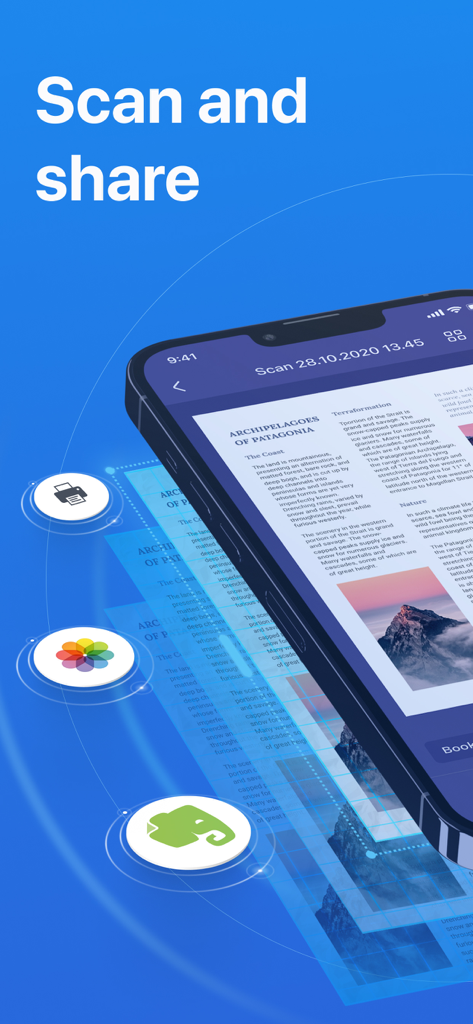
L'application Scanner Mini sur iPhone affiche un document numérisé avec des options de partage pour l'impression et Evernote.
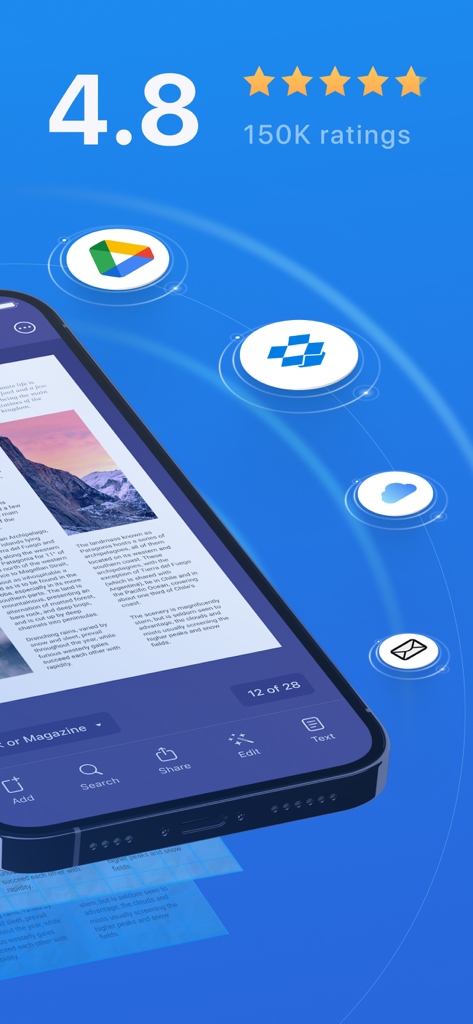
L'interface de l'application Scanner Mini affiche des notes d'utilisateurs élevées et intègre le stockage cloud pour les documents numérisés.
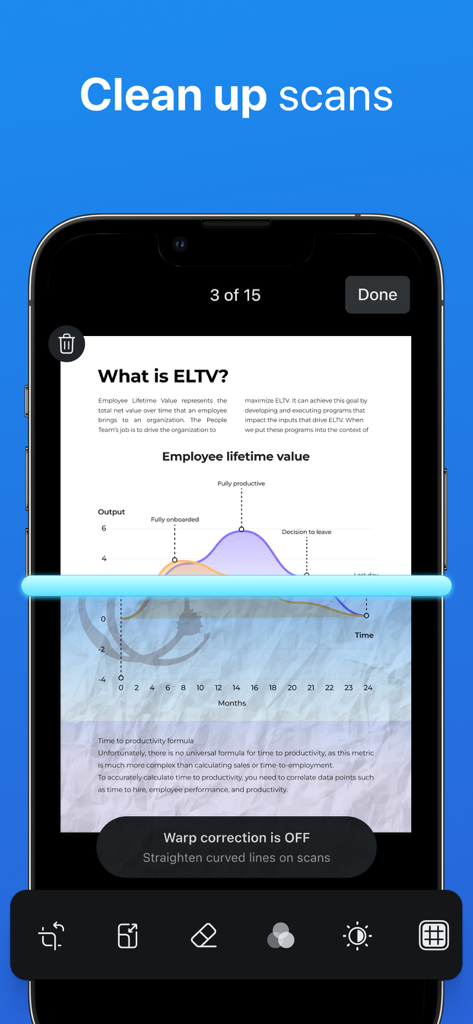
Capture d'écran d'un iPhone montrant l'application Scanner Mini en train de nettoyer un document numérisé à l'aide d'une ligne de numérisation bleue.
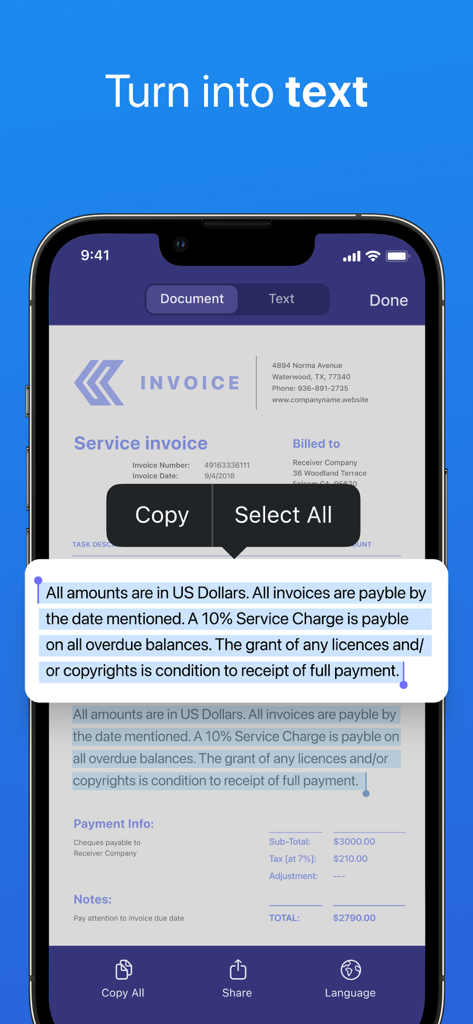
Écran d'iPhone montrant l'application Scanner Mini convertissant une facture scannée en texte modifiable
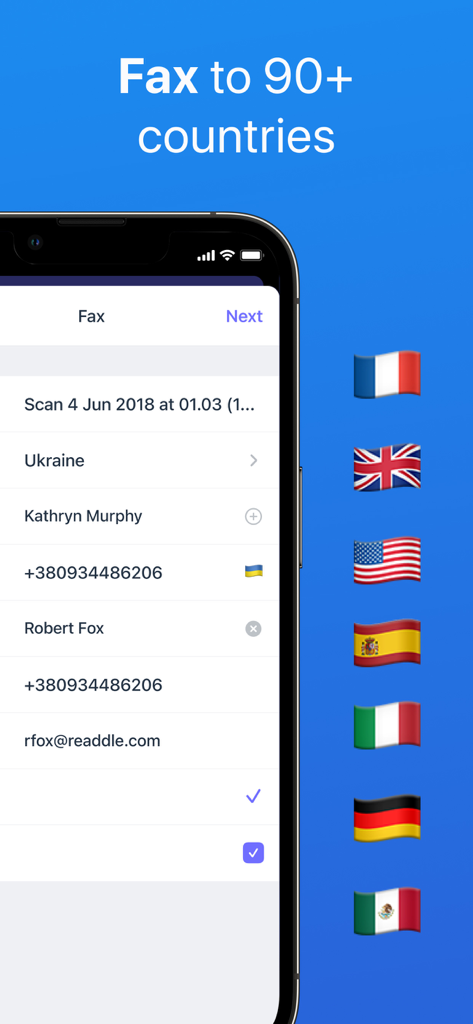
Interface de l'application Scanner Mini affichant les options de fax international avec les drapeaux des pays, notamment les États-Unis et le Royaume-Uni.
Votre centrale de productivité portable
Les outils qui font la différence, choisis par 2M+ utilisateurs.
✨
Montage IA de qualité professionnelle
Supprimez instantanément les ombres, les traces de doigts ou les agrafes de vos numérisations. Obtenez des PDF nets et parfaitement rognés, dignes d'un scanner professionnel.
⚡
Automatisation intelligente et fax
Évitez les étapes fastidieuses. Créez des flux de travail en un clic pour numériser, renommer et télécharger sur le cloud, ou envoyez des fax professionnels vers plus de 50 pays directement depuis l'application.
🔒
Recherche et synchronisation sécurisées
Trouvez instantanément des documents grâce à la recherche en texte intégral (OCR) et protégez vos contrats sensibles avec Face ID, tout en restant synchronisé sur votre iPhone, iPad et Mac.
À propos de l'app
Tout ce que vous devez savoir sur Scanner Mini – Scan PDF & Fax.
Description
Scanner Mini is the best place for your important documents. It transforms your iPhone and iPad into portable scanners.
Scan agreements, receipts, IDs, books, and more using your device and turn them into high-quality PDFs, so you can safely store and share them anywhere.
"Scanner Mini turns your iPhone into a scanning boss" – The Next Web
"Scanner Mini is very, very nice. It’s simple and fast." – Mark Gurman, 9to5Mac
*** WITH SCANNER MINI YOU GET FREE ACCESS TO ***
EASY SCANNING
Sсan any kind of paper documents into multi-page PDFs or JPEGs.
ADVANCED IMAGE PROCESSING
Create great-looking documents with original pictures, color stamps and signatures. Scanner Mini will automatically detect borders in real time, correcting distortion and geometry. You can also adjust the crop area manually, by tapping on the screen.
MAKE ORGANIZING EASY
All your scans are automatically organized into useful categories: bills, receipts, books or magazines, IDs, forms, etc.
ANNOTATE YOUR SCANS
You can draw, write, and highlight text in your scans right in Scanner Mini without jumping to another app.
MAGIC ERASER
Get rid of staples, holes, or fingers that got into the scan while scanning. Scanner Mini’s AI-powered eraser makes unwanted objects disappear as if they were never there.
iCLOUD SYNC ACROSS ALL YOUR DEVICES
Access to all your scanned documents on your iPhone, iPad and Mac. Scan a document on your iPhone or iPad and it will be uploaded to iCloud Drive automatically.
*** SCANNER MINI PLUS UNLOCKS THE ADVANCED FEATURES ***
WORK WITH TEXT (OCR)
Turn scans into text, so you can read, copy, and export it to other apps. Scanner Mini supports 25+ languages: Catalan, Croatian, Simplified Chinese, Traditional Chinese, Czech, Danish, Dutch, English, Estonian, Finnish, French, German, Greek, Hungarian, Italian, Japanese, Latin, Norwegian, Polish, Portuguese, Romanian, Russian, Spanish, Swedish, Tagalog, Turkish and Ukrainian.
SHARE YOUR SCANS
Send scanned documents via email, export to Photos or open in any 3rd party apps. Also, you can print your documents or even fax them to most countries and territories.
FULL-TEXT SEARCH
Search through the text of your scans or by category, not just by titles. Quickly find any scan no matter how it’s named.
REMOVE WATERMARK
Create clean and professional scans without watermarks.
AUTO UPLOAD & WORKFLOWS
Automate your flow and perform multiple actions in just one tap. First, choose your actions – rename documents, send an email, auto upload to Dropbox, save to the required folder and much more. Then, with just one tap Scanner Mini will complete all of these actions, while you solve more important problems.
PROTECT YOUR PDFs
Protect your document library with a secure password, Face ID, or Touch ID. Share password-protected scans to shield them from prying eyes.
We give you 7-DAY FREE TRIAL to Scanner Mini Plus, so you can download it now and check it in action.
Have any feedback or comments? We’d love to hear from you at http://readdle.com/contact
Privacy Policy: https://readdle.com/scannermini/legal/privacy
Terms of Service: https://readdle.com/scannermini/legal/terms
Dernière version
8.26.2
Taille
242.1 MB
Date de sortie
18 déc. 2012
Mettez un scanner de bureau haut de gamme dans votre poche
Rejoignez plus de 2 millions de professionnels qui ont simplifié leur quotidien. Téléchargez Scanner Mini dès aujourd'hui pour numériser, faxer et automatiser vos flux de travail avec une précision optimisée par l'IA.
Recommandations
Apps Similaires
Apps avec des fonctionnalités et une expérience similaires
App information, icons, screenshots, and descriptions displayed on this page are sourced from the Apple App Store and are the property of their respective developers. Download estimates and rankings are based on MWM's proprietary models and may not reflect actual figures. This page is provided for informational and analytical purposes only.
Believe this page infringes your intellectual property? File a dispute