Scanner+ Scan PDF Documents

Scanner+ Scan PDF Documents

Télécharger sur App Store
Logo de Scanner+ Scan PDF Documents

Scanner+ : Votre scanner de documents portable haute performance

Transformez votre iPhone en un outil de bureau professionnel. Numérisez, signez électroniquement et exportez sans effort des PDF de haute qualité en déplacement, sans équipement encombrant ni connexion Internet.

Télécharger sur App Store

Éditeur

Can Aksoy

Catégorie

Utilities

Téléchargements

3K+

Note

4.8/5

Nombre d'avis

0

Langues

4

La précision à chaque numérisation

Découvrez l'interface utilisée par 3K+ utilisateurs.
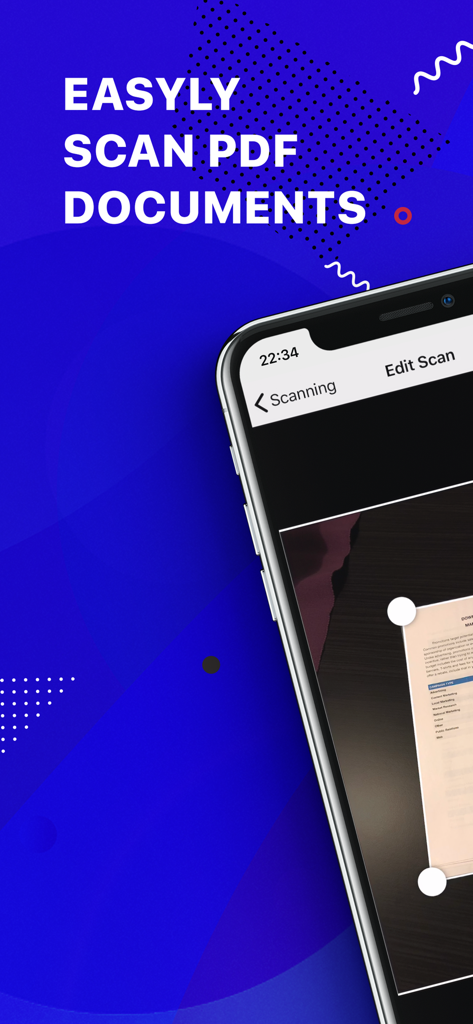
Interface d'application mobile pour la numérisation de documents PDF avec détection automatique des bords sur un smartphone

Interface d'application mobile pour la numérisation de documents PDF avec détection automatique des bords sur un smartphone

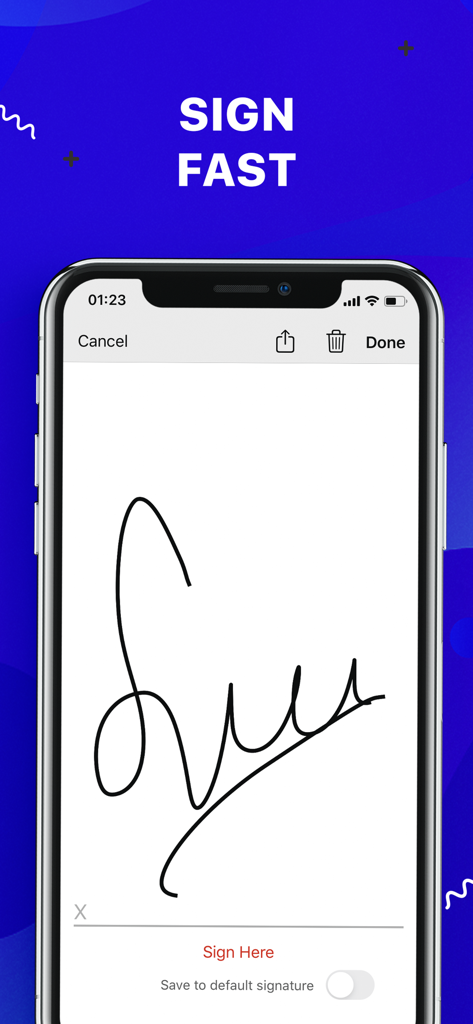
Écran de smartphone affichant une fonction de signature électronique pour signer des documents

Écran de smartphone affichant une fonction de signature électronique pour signer des documents

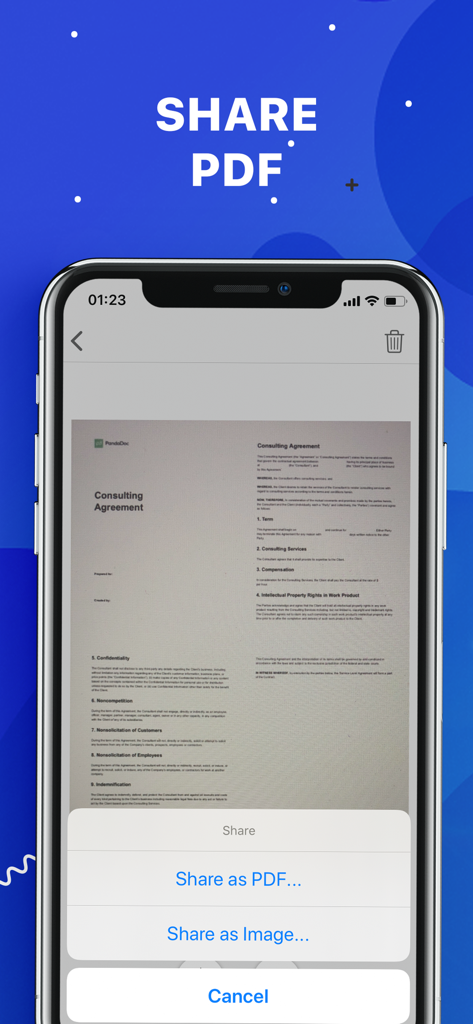
Interface de l'application Scanner plus montrant les options de partage d'un document numérisé en PDF ou en image

Interface de l'application Scanner plus montrant les options de partage d'un document numérisé en PDF ou en image

Votre bureau, partout où vous allez

Les outils qui font la différence, choisis par 3K+ utilisateurs.

🚀

Numérisation sans Internet

Restez productif dans n'importe quel environnement. Numérisez, traitez et enregistrez des documents de haute qualité sans avoir besoin d'une connexion Wi-Fi ou de données.

🖋️

Signatures électroniques en un clic

Accélérez votre entreprise en signant des contrats et des accords de non-divulgation directement sur votre écran. Signez, enregistrez et renvoyez en quelques secondes.

☁️

Synchronisation cloud instantanée

Gardez vos fichiers en sécurité et accessibles. Exportez en toute transparence vos numérisations améliorées vers Google Drive, Dropbox ou iCloud pour une vie sans papier.

À propos de l'app

Tout ce que vous devez savoir sur Scanner+ Scan PDF Documents.

Description

“Scanner+” is an easy to use scanner app that will turn your iPhone into handy portable scanner. Easily scan, save and share any printed document in PDF or JPEG format. Scan anything you need: Receipts, documents, paper notes, fax papers, book and store your scans as multipage PDF or JPEG files. Save time by adding your signature to documents with a single tap. You can take this portable document scanner anywhere you go for business needs because Scanner+ doesn’t require Internet connection. Say goodbye to big scanner boxes and get this easiest PDF scanner+ now! Scanner+ App Features: - Scan to high quality PDF or JPEG - Save scans in grayscale, black and white or color - Automatic border detection for any scannable object - Advanced pic processing with enhancement and color correction, noise removing, automatic perspective correction and more - Multipage scanning - scan as many pages as you like Document Editor: - E-sign any document by adding your signature to scans within the app - Drag and change the order of your scanned documents Document Sharing Tools: - Share your scans via email - Easy print your scans with any Wi-Fi printer - Share and upload scanned documents to cloud services like Dropbox, Evernote, Yandex Disk, Box, OneDrive or Google Drive - Save scans to Camera Roll Terms Of Service: https://sulubeyn.com/terms.html Privacy Policy: https://sulubeyn.com/privacy.html You can cancel your subscription in the iTunes settings at least 24-hours before the end of the free trial period. Subscription payments will be charged to your iTunes account at confirmation of your purchase and upon commencement of each renewal term. * Please note: any unused portion of a free trial period (if offered) will be forfeited when you purchase a premium subscription during the free trial period. * You can cancel a free trial or subscription anytime by turning off auto-renewal through your iTunes account settings. This must be done 24 hours before the end of a free trial or subscription period to avoid being charged. The cancellation will take effect the day after the last day of the current subscription period, and you will be downgraded to the free service.

Dernière version

1.6

Taille

36.8 MB

Date de sortie

27 oct. 2018

Votre bureau complet, directement dans votre poche

Rejoignez des milliers de professionnels qui numérisent, signent et partagent des documents en quelques secondes. Commencez votre essai gratuit dès aujourd'hui et découvrez la liberté ultime sans papier.

Télécharger sur App Store

App information, icons, screenshots, and descriptions displayed on this page are sourced from the Apple App Store and are the property of their respective developers. Download estimates and rankings are based on MWM's proprietary models and may not reflect actual figures. This page is provided for informational and analytical purposes only.

Believe this page infringes your intellectual property? File a dispute