
Cette page n'est pas une page officielle de l'application ou de son développeur, mais une publication éditoriale indépendante créée à des fins d'information et de commentaire. Sauf indication expresse contraire, ni l'application ni son développeur ne sont affiliés, approuvés, sponsorisés, autorisés ou autrement officiellement liés à MWM, Apple, Google Play, à l'éditeur de l'application ou au développeur de l'application, et rien sur cette page n'implique que l'application a été développée en utilisant les services de MWM. Toutes les marques, logos, captures d'écran et autres contenus restent la propriété de leurs propriétaires respectifs.


Screen Recorder + Capturer
Capturez des moments forts de jeux épiques, des tutoriels professionnels et des réunions importantes en qualité HD époustouflante. Aucune inscription requise et 100% privé avec stockage local — une seule pression suffit pour commencer à enregistrer instantanément.
Téléchargements
14K+Note
Nombre d'avis
500Éditeur
Catégorie
UtilitiesLangues
3Dernière version
4.0Taille
16.0 MBDate de sortie
23 mai 2025Capturez, créez et partagez en quelques secondes
L'outil ultime pour les joueurs et les professionnels afin d'enregistrer du contenu d'écran de haute qualité avec une confidentialité totale et zéro configuration.
Enregistrez sans friction
Oubliez l'inscription. Commencez à capturer des moments forts de jeux épiques ou des tutoriels instantanément en une seule pression.
Votre contenu, votre contrôle
Tout est stocké localement sur votre iPhone. Enregistrez des réunions privées ou des bugs sensibles en toute tranquillité d'esprit.
Les captures d'écran et la description suivantes proviennent directement de la fiche officielle de l'application sur le store et sont la propriété du développeur.
App Store
Captures
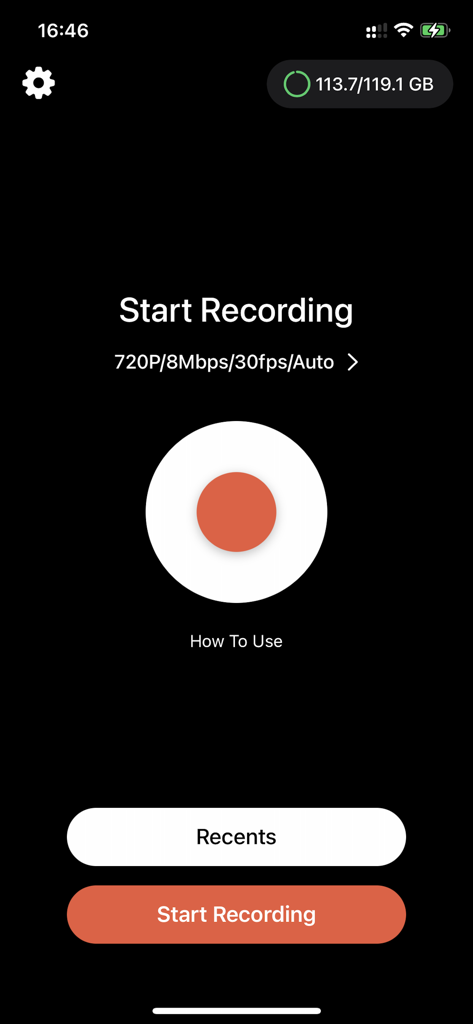
Interface principale de l'application Enregistreur d'écran avec un grand bouton d'enregistrement rouge et des paramètres 720p
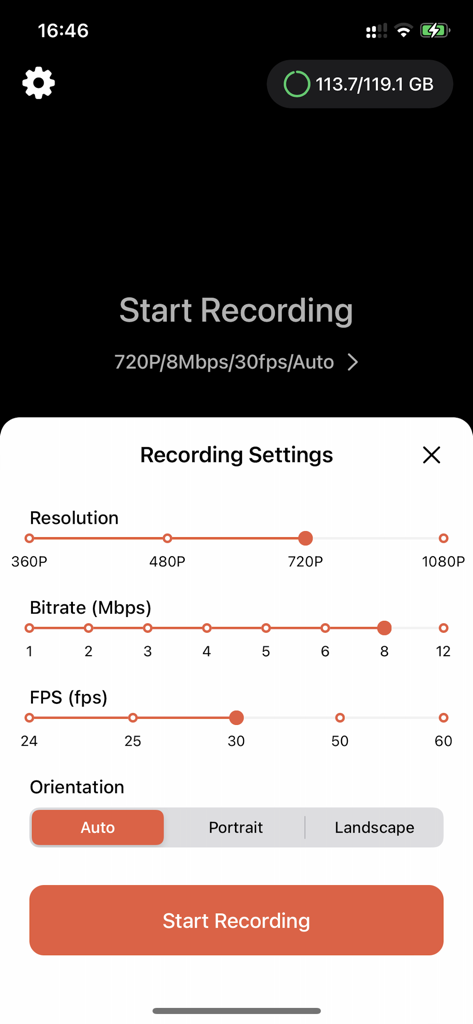
Interface de l'application Enregistreur d'écran montrant des paramètres réglables pour la résolution vidéo, le débit binaire, les FPS et l'orientation.
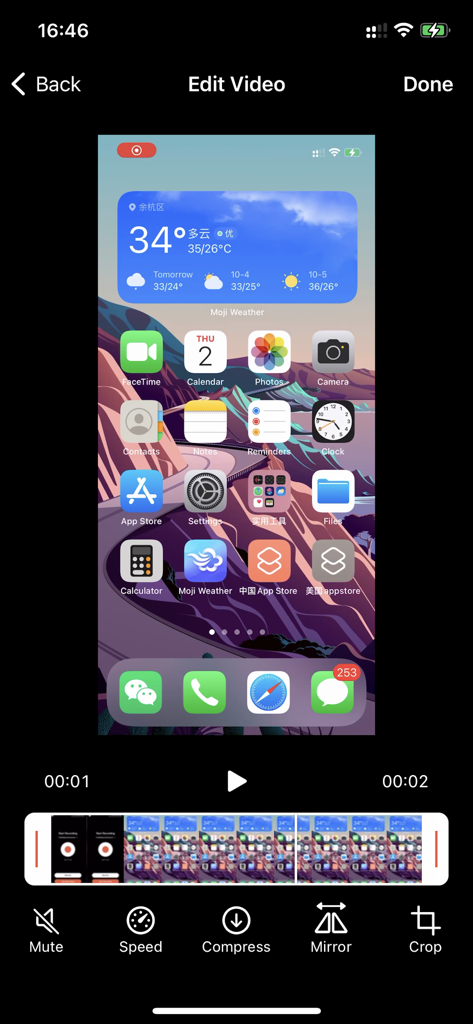
Interface d'édition de l'application Enregistreur d'écran présentant des outils pour la compression de vitesse et le recadrage
Description
Download
Apps Similaires
Apps avec des fonctionnalités et une expérience similaires




Cette page n'est pas une page officielle de l'application ou de son développeur, mais une publication éditoriale indépendante créée à des fins d'information et de commentaire. Sauf indication expresse contraire, ni l'application ni son développeur ne sont affiliés, approuvés, sponsorisés, autorisés ou autrement officiellement liés à MWM, Apple, Google Play, à l'éditeur de l'application ou au développeur de l'application, et rien sur cette page n'implique que l'application a été développée en utilisant les services de MWM. Toutes les marques, logos, captures d'écran et autres contenus restent la propriété de leurs propriétaires respectifs.