Solve - Graphing Calculator

Solve - Graphing Calculator


Télécharger sur App Store
Logo de Solve - Graphing Calculator

Solve - Calculatrice Graphique : Révolutionnez Votre Façon de Visualiser et de Calculer

Oubliez le matériel archaïque pour une interface moderne qui résout au fur et à mesure de la saisie. Gérez plusieurs calculs avec des onglets codés par couleur et donnez vie à des fonctions complexes avec des graphiques 2D, 3D et animés époustouflants.

Éditeur

Pomegranate Apps LLC

Catégorie

Utilities

Téléchargements

206K+

Note

3.6/5

Nombre d'avis

2K+

Langues

1

Les Mathématiques en Mouvement

Découvrez l'interface utilisée par 206K+ utilisateurs.
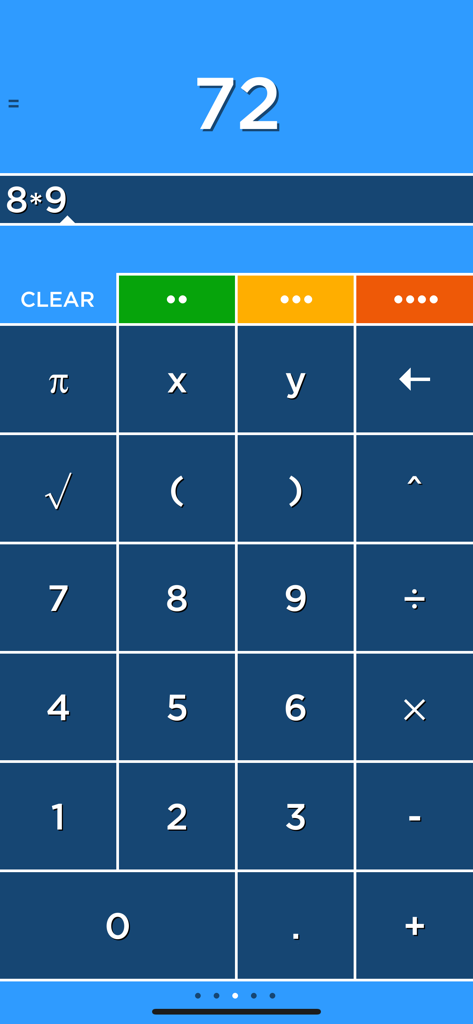
Interface de l'application de calculatrice graphique Solve montrant un calcul de multiplication et quatre onglets colorés

Interface de l'application de calculatrice graphique Solve montrant un calcul de multiplication et quatre onglets colorés

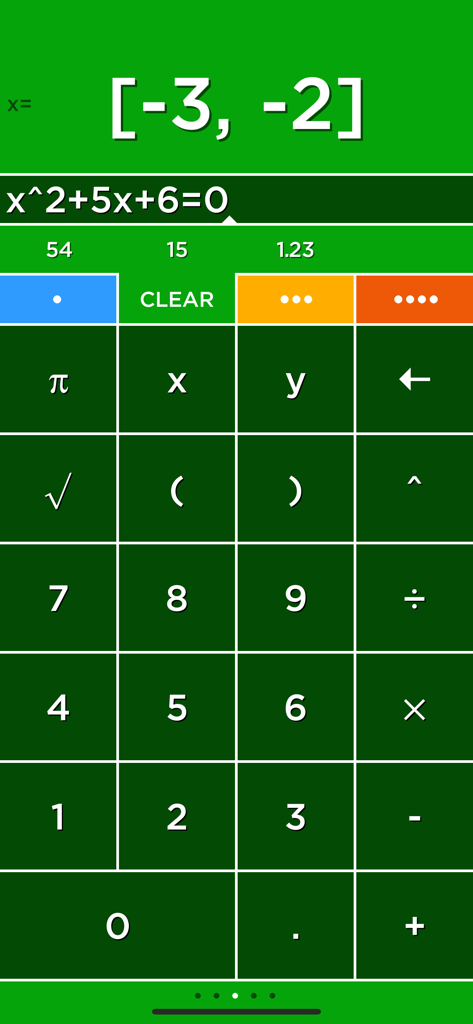
Interface de l'application de calculatrice graphique Solve montrant la solution d'une équation quadratique

Interface de l'application de calculatrice graphique Solve montrant la solution d'une équation quadratique

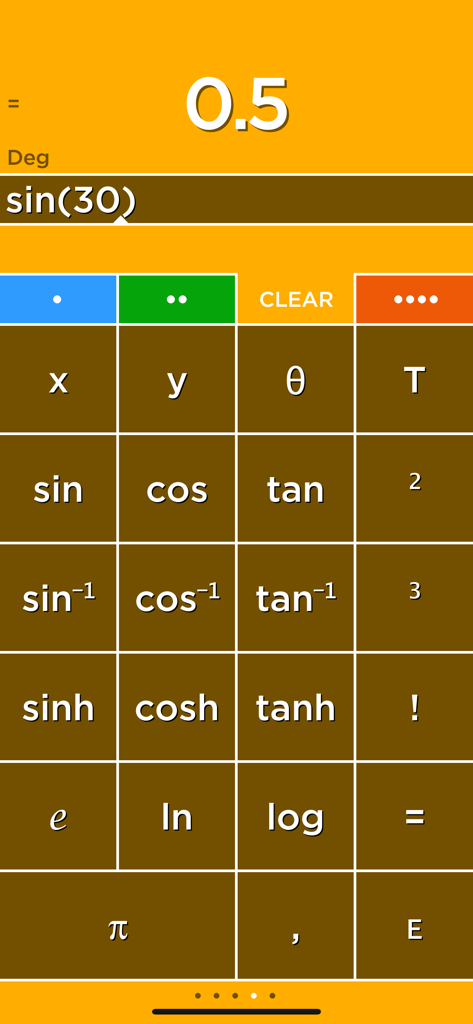
Interface de la calculatrice graphique Solve montrant un calcul de sinus et les boutons des fonctions scientifiques.

Interface de la calculatrice graphique Solve montrant un calcul de sinus et les boutons des fonctions scientifiques.

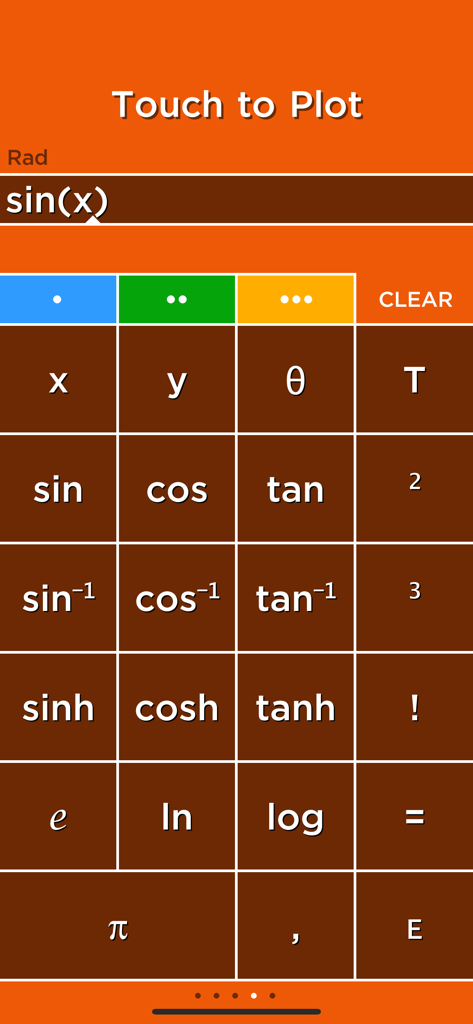
Interface de calculatrice scientifique dans l'application Solve montrant le pavé de fonctions sinus et la saisie d'une équation à tracer.

Interface de calculatrice scientifique dans l'application Solve montrant le pavé de fonctions sinus et la saisie d'une équation à tracer.

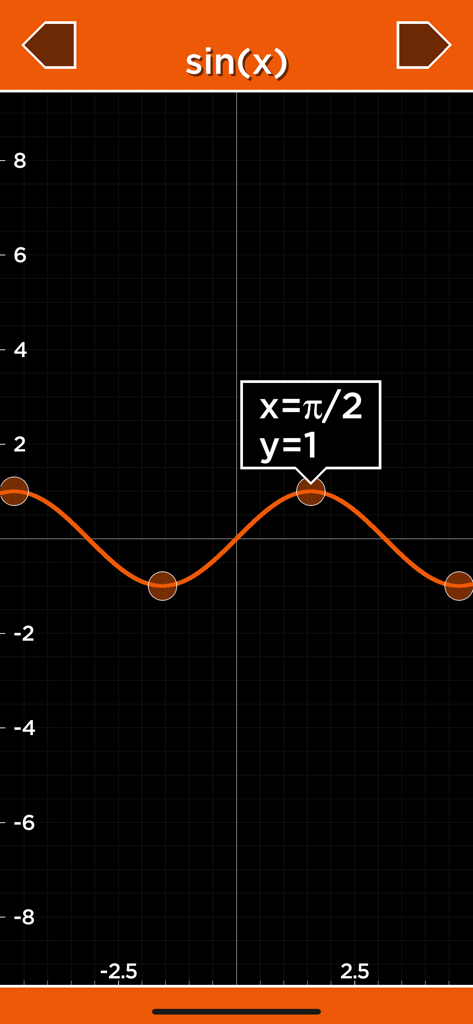
Graphique 2D d'une fonction sinus dans l'application de calculatrice graphique Solve

Graphique 2D d'une fonction sinus dans l'application de calculatrice graphique Solve

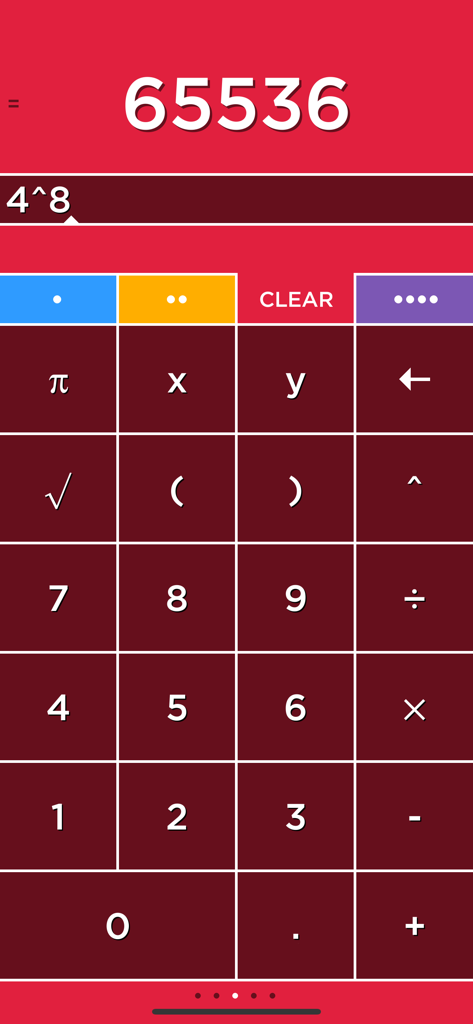
Interface de calculatrice Solve montrant un calcul mathématique avec des onglets codés par couleur sur fond rouge.

Interface de calculatrice Solve montrant un calcul mathématique avec des onglets codés par couleur sur fond rouge.

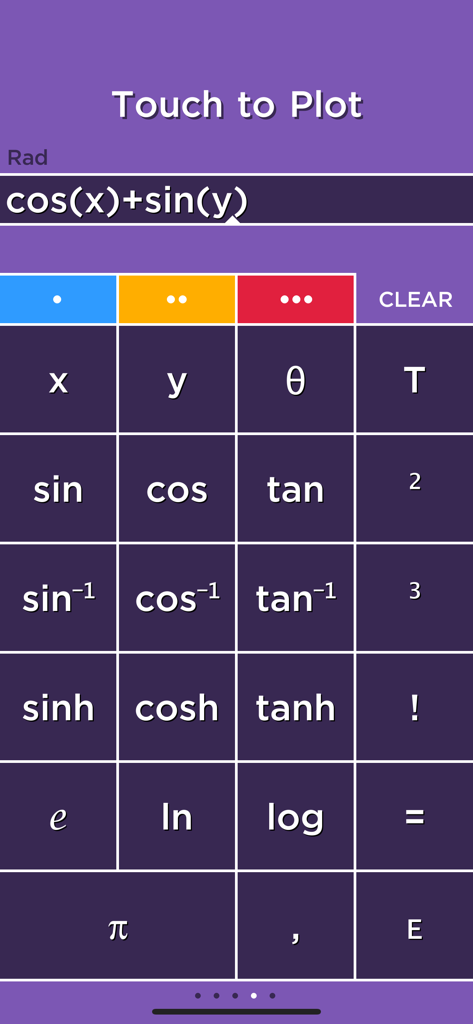
Interface de calculatrice scientifique avec des fonctions trigonométriques et une équation prête pour le traçage 3D.

Interface de calculatrice scientifique avec des fonctions trigonométriques et une équation prête pour le traçage 3D.

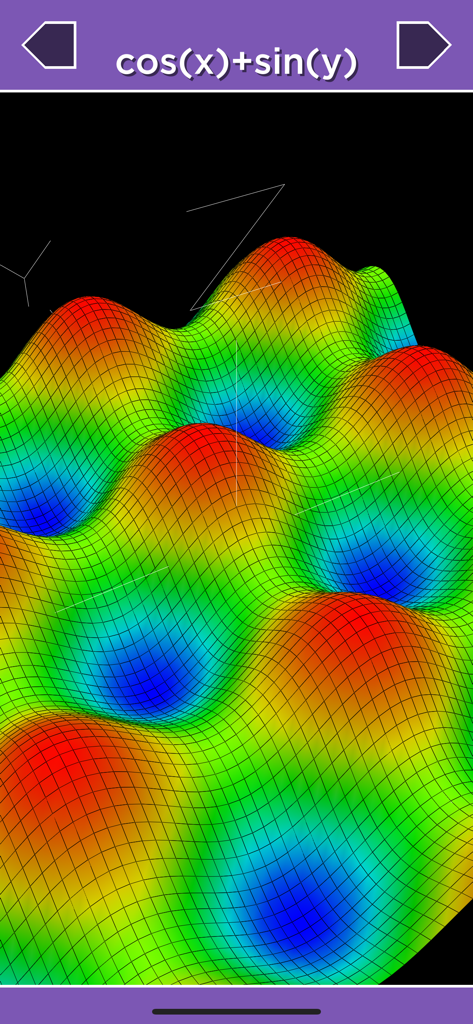
Un graphique de surface 3D coloré de la fonction mathématique cos(x) plus sin(y) dans l'application Solve.

Un graphique de surface 3D coloré de la fonction mathématique cos(x) plus sin(y) dans l'application Solve.

Mathématiques Avancées, Efficacité Moderne

Les outils qui font la différence, choisis par 206K+ utilisateurs.

Résolution Instantanée en Temps Réel

Les expressions sont résolues au fur et à mesure de la saisie. Touchez n'importe quel résultat pour le stocker en mémoire et le rappeler instantanément – plus besoin de brouillon.

📑

Multitâche avec Quatre Onglets

Travaillez sur quatre calculs différents simultanément avec des onglets codés par couleur. Parfait pour jongler avec des devoirs complexes ou des logistiques professionnelles.

📐

Graphiques 2D et 3D Dynamiques

Visualisez le calcul multivariable avec des tracés 3D et des graphiques animés basés sur le temps qui rendent les fonctions complexes faciles à comprendre.

À propos de l'app

Tout ce que vous devez savoir sur Solve - Graphing Calculator.

Description

Solve is a calculator like no other! Solve solves expressions as you type and features an innovative memory system to store and recall answers. Simply touch the answer to store it and touch the stored answer to use it in an expression. Solve has four tabs that select four different calculators each with its own color. Multiply numbers, calculate a tip and find a square root all without clearing your results! Plot graphs with a single touch! Solve plots 2D and 3D functions using the x, y and θ variables. When you use the x, y and θ variables in an equation the answer will say Touch to Plot. Touch this label to graph the equation. GRAPHING Plot functions using the x variable. For example, "y=sin(x)" is just entered as "sin(x)". • cos(x) • abs(x) • x^2+2x+6 POLAR GRAPHING Plot polar equations using the θ variable. For example, "r=2θ" is just entered as "2θ". • 2θ • sin(2θ) 3D GRAPHING Plot 3D functions by using the x and y variables. For example, "z=x+y" is just entered as "x+y". • cos(x)+sin(y) • x^2+y^2 PLOT MULTIPLE GRAPHS Graph multiple functions by separating each equation with a comma. • sin(x),cos(x) • x,x^2,x^3 TIME GRAPHING The T variable is used to create animated or time plots. • cos(x+T) • sin(x+T)*x • cos(x+T)+sin(y+T) USER REVIEWS Really nice calculator by NeedHim "Having multiple calculators that you can use your calculations in is really a cool function. Prevents you from having to have a pad and paper to figure out multiple calculations. Also the colors are just incredible." Simply amazing. by oddgoingson "I was blown away by this app. When I first tried it and the tutorial came up, my first instinct was to skip past it. Then I started... Blown away. This calculator has everything and more. It is so logical for those who always wondered why calculators are sometimes so archaic. Forget copy and paste. Then I got to the graphing.... A must have period!" Perfect! by Michael "I've always hated how calculators didn't save answers. It made working out equations very hard and time consuming. But this app does that, and it does it well! Finally, a calculator app that actually works." Outstanding calculator -- full featured! by ofloveandhate "I have been using Solve for a few years now. Prompt updates, excellent controls, and a ton of features make it the best calculator I have used. I love having four separate units which I can use in each other and the plotting is easy as pi." Great app by biosci "It does everything I need in a 'fun' way that's intuitive to how I think and operate. I'll take it!" Great Calculator by Carl E. M. "This is a great calculator, aesthetically and functionally. Having the answer appear as you enter numbers will be the future of all calculators." I love this calculator by Alan63134 "I work on a shipping dock and it saves me a lot of time and headache. I can have 4 different calculator in one place. I can see the different weights or counts and know where I am if I have to do a lot of weighing or counting on different pallets. I use it every day. I also use it while shopping and can add the price of my shopping list and calculate what things cost. I love this calculator." Awesome! by smart-music-fan "This app is great. It easily graphs functions on the xy plane, and adding T as a variable to make the graph move is so fun. Its 3D graphing capability is great - quick, easy (it sets nice bounds on the z axis so you can see things clearly), and helpful for visualizing my Multivariable Calculus homework." Fantastic by xTricksterz "This app is beautiful, I use on my iPad and I'm first to answer most of the problems in class. This app shreds TI's calculator OS." Awesome!!! by llikeadodachacha "Does just about everything my TI-84 Plus but quicker and much easier to manipulate the graphs. It loads instantly and the 3D function is awesome for higher level math classes (I'm in Calc 3 now and it's already come in hand!)

Dernière version

5.4

Taille

5.1 MB

Date de sortie

11 déc. 2008

Prêt à Surpasser Votre Ancienne Calculatrice ?

Découvrez la vitesse des résultats instantanés, la puissance des graphiques 3D et l'efficacité de quatre calculatrices en une seule. Téléchargez Solve dès aujourd'hui et rejoignez plus de 200 000 étudiants et professionnels qui ont adopté l'avenir des mathématiques.

Télécharger sur App Store

App information, icons, screenshots, and descriptions displayed on this page are sourced from the Apple App Store and are the property of their respective developers. Download estimates and rankings are based on MWM's proprietary models and may not reflect actual figures. This page is provided for informational and analytical purposes only.

Believe this page infringes your intellectual property? File a dispute