Sync2 Outlook Google & iCloud

Sync2 Outlook Google & iCloud


Télécharger sur App Store
Logo de Sync2 Outlook Google & iCloud

Sync2 Outlook Google et iCloud : Le pont professionnel pour vos données

Synchronisez en toute transparence Outlook, Google et iCloud pour maintenir vos calendriers, contacts et tâches à jour sur tous vos appareils. Enfin, accédez à vos dossiers publics Exchange et à vos données professionnelles directement depuis votre iPhone ou iPad sans aucun effort.

Télécharger sur App Store

Éditeur

Alittera Ltd inc.

Catégorie

Productivity

Téléchargements

128K+

Note

4.0/5

Nombre d'avis

200

Langues

3

L'efficacité en perspective

Découvrez l'interface utilisée par 128K+ utilisateurs.
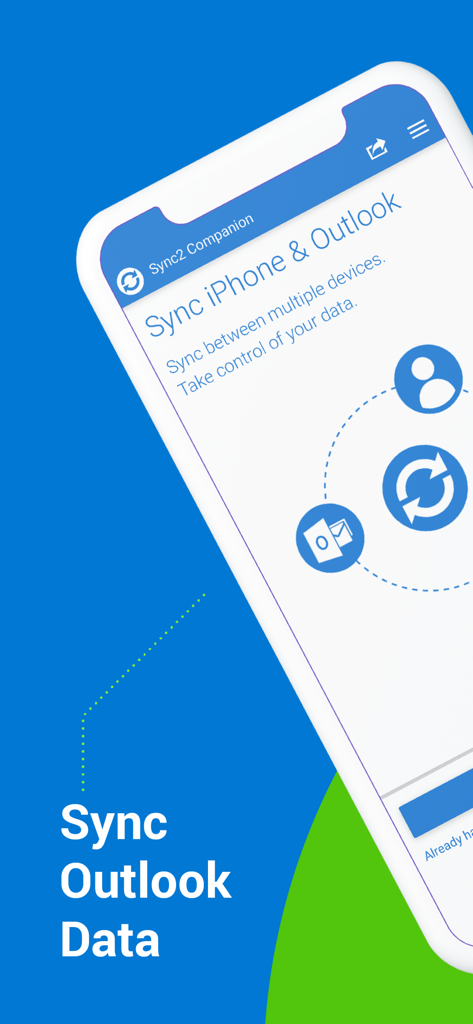
Interface de l'application compagnon Sync2 montrant l'option de synchronisation des données iPhone et Outlook.

Interface de l'application compagnon Sync2 montrant l'option de synchronisation des données iPhone et Outlook.

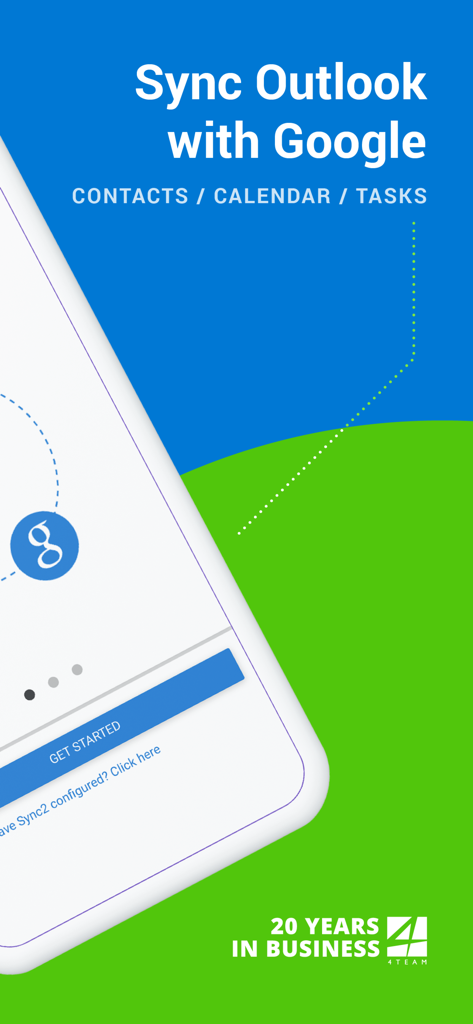
Écran de démarrage de l'application Sync2 montrant la synchronisation Outlook avec Google pour les contacts, le calendrier et les tâches.

Écran de démarrage de l'application Sync2 montrant la synchronisation Outlook avec Google pour les contacts, le calendrier et les tâches.

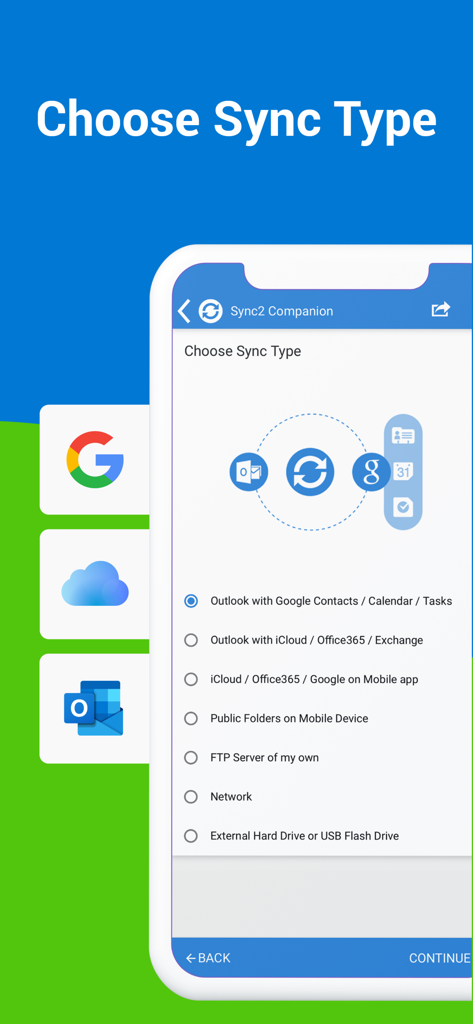
Écran de sélection du type de synchronisation dans l'application Sync2 pour la synchronisation Outlook Google et iCloud.

Écran de sélection du type de synchronisation dans l'application Sync2 pour la synchronisation Outlook Google et iCloud.

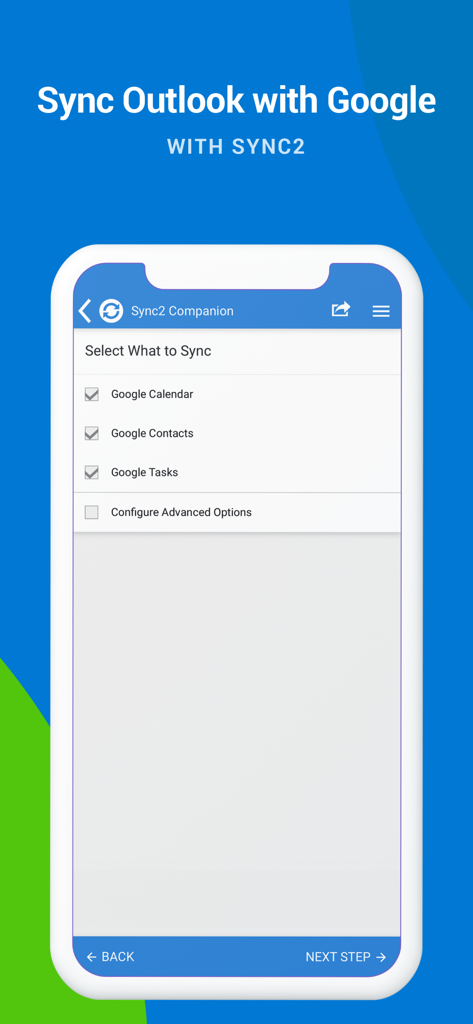
Écran de l'application Sync2 montrant des cases à cocher pour synchroniser le calendrier, les contacts et les tâches Google avec Outlook.

Écran de l'application Sync2 montrant des cases à cocher pour synchroniser le calendrier, les contacts et les tâches Google avec Outlook.

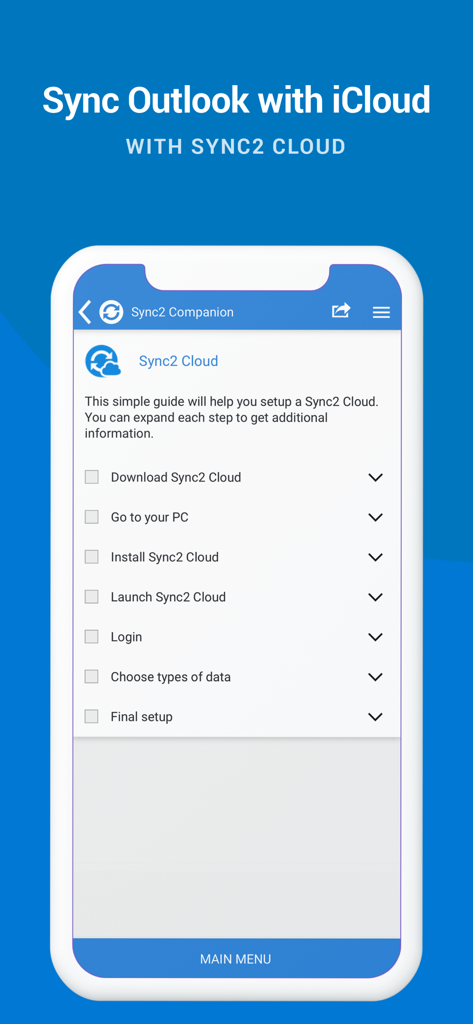
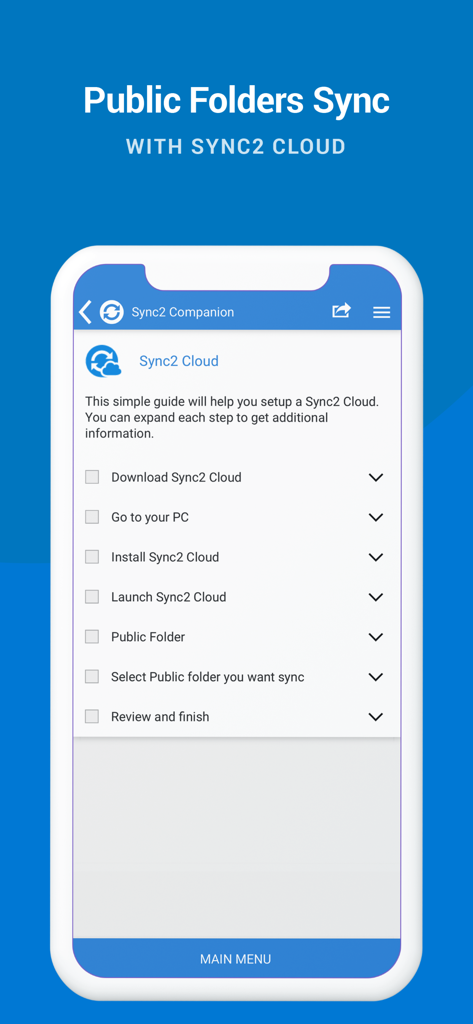
Un écran de smartphone affichant une liste de contrôle pour configurer la synchronisation Outlook et iCloud à l'aide de Sync2 Cloud.

Un écran de smartphone affichant une liste de contrôle pour configurer la synchronisation Outlook et iCloud à l'aide de Sync2 Cloud.

Guide d'installation pour synchroniser les dossiers publics Outlook avec Sync2 Cloud.

Guide d'installation pour synchroniser les dossiers publics Outlook avec Sync2 Cloud.

Productivité unifiée sur toutes vos plateformes

Les outils qui font la différence, choisis par 128K+ utilisateurs.

📂

Accès natif aux dossiers publics

Affichez les calendriers et contacts Exchange partagés directement sur votre iPhone ou iPad, résolvant ainsi le problème le plus courant de synchronisation mobile en entreprise.

🔄

Intégration transparente de l'écosystème

Unifiez votre compte professionnel Outlook, votre compte personnel Google et vos appareils Apple en un hub synchronisé avec un flux de données bidirectionnel.

Automatisation « règlez et oubliez »

Profitez de mises à jour instantanées en arrière-plan et de sauvegardes automatiques, garantissant que votre emploi du temps est toujours à jour sans intervention manuelle.

À propos de l'app

Tout ce que vous devez savoir sur Sync2 Outlook Google & iCloud.

Description

This is a Complimentary Companion that helps you set up synchronization for Outlook with iCloud, Google, Office 365, Exchange and iPhone/iPad sync with iCloud and other cloud services. With Sync2 you will be able to synchronize your iPhone/iPad with Microsoft Outlook using your Google Account. PLEASE NOTE: THE SOFTWARE DOES NOT SUPPORT MICROSOFT OUTLOOK FOR MAC. Public Folder Sync to smartphones Public Folders sync solution. Microsoft Exchange Public Folders are not displayed natively on smartphones. Choose sync type “Public Folders on Mobile Device" and you will be guided to set up Sync2 Cloud. The new Sync2 Cloud helps to sync Public Folders. Sync & Share Public Folders on multiple platforms or smartphones (iPhone, iPad). Sync any type of Public folders (calendars, contacts, tasks, emails, notes). Sync Microsoft Outlook with your iPhone/iPad using Google account. Use Sync2 to set up synchronization of your Google account and Microsoft Outlook. Set up the Google account on your iPhone or iPad and have your data synchronized both ways. Set up the Sync2 PC application for Microsoft Outlook with Sync2 Companion in a few simple steps. Go through all the necessary settings to set up Sync2 on your PC. Get familiar with Sync2 functionality easily and without any trouble. About the Sync2 desktop app: The PC Microsoft Outlook synchronization software keeps your Emails, Calendar, Contacts and Tasks in sync between your Outlook, Google, iPhone, iPad and any other smartphone, tablet or PC. You can schedule automatic Outlook synchronization, perform manual sync on demand, or use an instant sync feature for changes made in Outlook to be moved immediately. Sync2 is the right tool for you if you are looking for a way to: - Sync Outlook with your iPhone or iPad using your Google account; - Sync your Outlook Contacts, Calendars and/or Tasks using one-way or two-way synchronization; - Easily sync your Outlook data, such as emails, calendars, contacts, tasks, notes, Outlook journals, between multiple PCs without the Microsoft Exchange server; - Synchronize specific Outlook folders with different workgroups. Main Sync2 features: - Sync Outlook with iPhone or iPad using a Google account. - Sync Outlook Calendar with Google Calendars. - Sync Microsoft Outlook between PC‘s without a server. - Instant synchronization of changes made in Microsoft Outlook. - Synchronize Microsoft Outlook Contacts with Google Contacts. - Sync Outlook Tasks with Google Tasks Lists. - Back up Contacts and Calendar folders automatically before each synchronization. - Synchronize data even when Microsoft Outlook is closed. - Manual or scheduled synchronization. - Sync Exchange folders.

Dernière version

2.2

Taille

3.2 MB

Date de sortie

18 juil. 2016

Intégrez votre flux de travail Outlook sur votre iPhone et iPad

Rejoignez plus de 128 000 professionnels qui font confiance à Sync2 pour maintenir leurs calendriers, contacts et dossiers publics parfaitement synchronisés sur chaque appareil.

Télécharger sur App Store

App information, icons, screenshots, and descriptions displayed on this page are sourced from the Apple App Store and are the property of their respective developers. Download estimates and rankings are based on MWM's proprietary models and may not reflect actual figures. This page is provided for informational and analytical purposes only.

Believe this page infringes your intellectual property? File a dispute