Text Viewer - txt file viewer

Text Viewer - txt file viewer


Télécharger sur App Store
Logo de Text Viewer - txt file viewer

Text Viewer - Votre bibliothèque portable ultime pour les romans txt

Le choix du lecteur féru de technologie pour une expérience sans distraction. Synchronisez en toute transparence depuis le cloud, personnalisez chaque pixel et plongez dans vos romans web préférés avec un défilement automatique avancé et des vues optimisées pour iPad.

Éditeur

kim juyoung

Catégorie

Books

Téléchargements

590K+

Note

4.7/5

Nombre d'avis

4K+

Langues

3

Votre lecture, à votre façon

Découvrez l'interface utilisée par 590K+ utilisateurs.
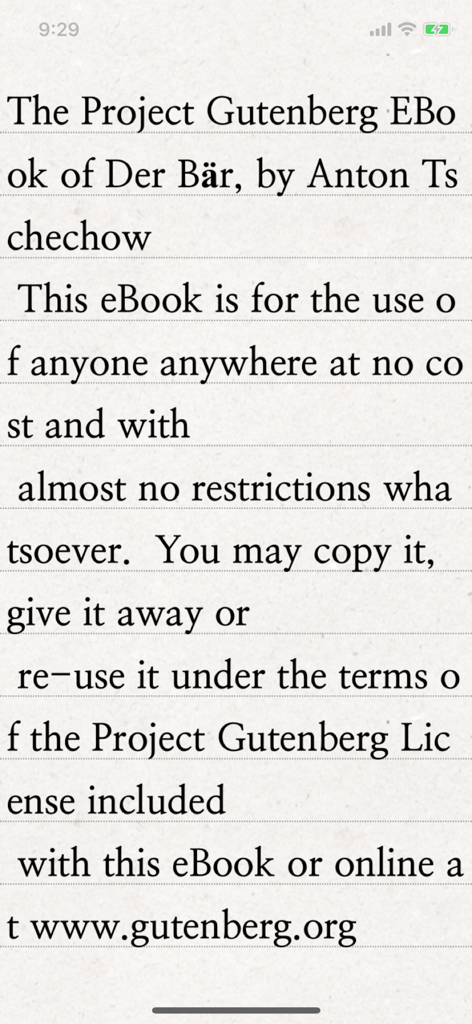
Un écran de smartphone montrant l'application Text Viewer affichant un e-book classique du Projet Gutenberg avec une typographie sérif claire sur un fond de papier texturé.

Un écran de smartphone montrant l'application Text Viewer affichant un e-book classique du Projet Gutenberg avec une typographie sérif claire sur un fond de papier texturé.

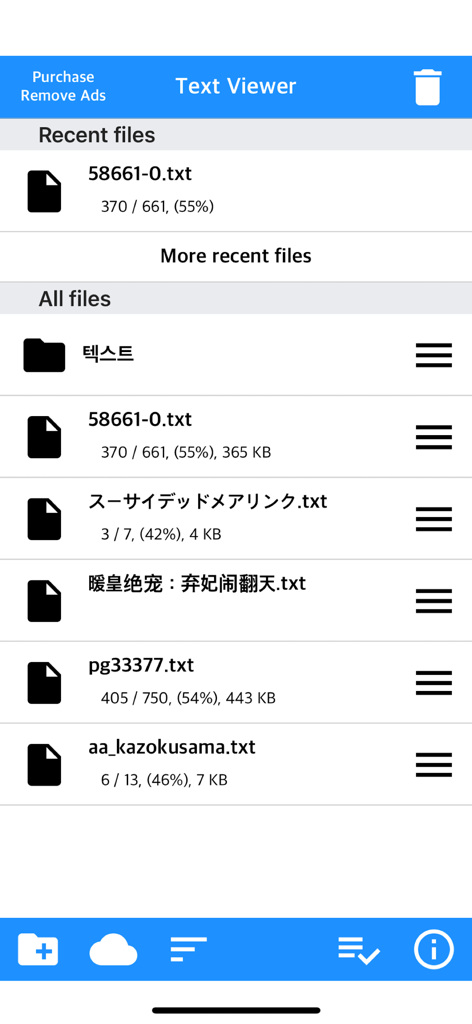
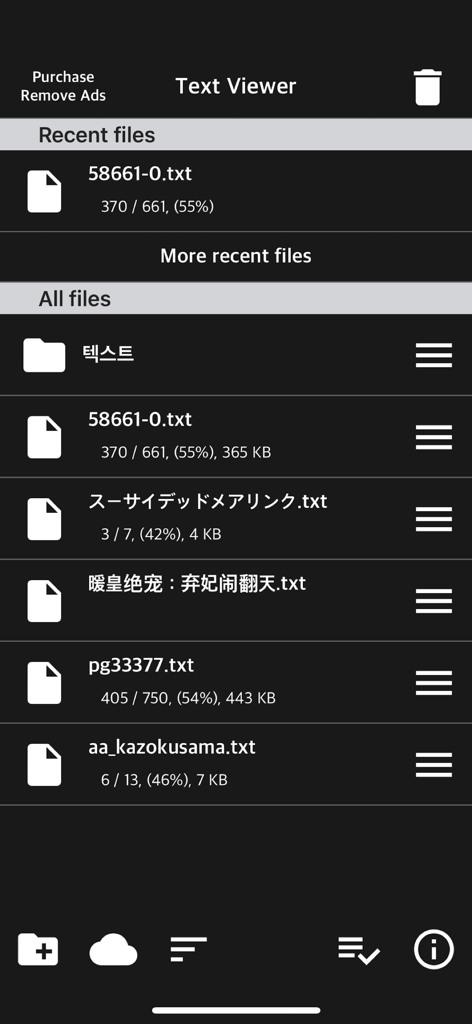
L'écran principal de gestion de fichiers de l'application Text Viewer montrant une liste de fichiers txt avec la progression de lecture

L'écran principal de gestion de fichiers de l'application Text Viewer montrant une liste de fichiers txt avec la progression de lecture

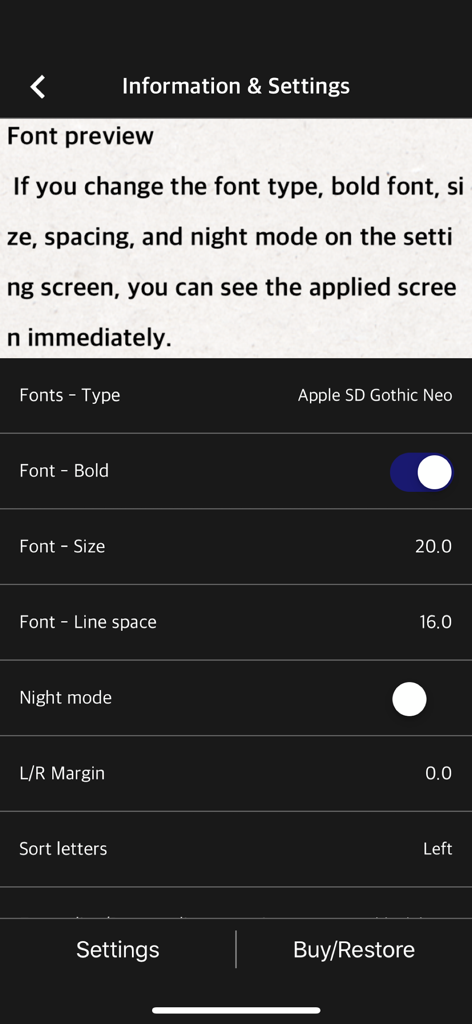
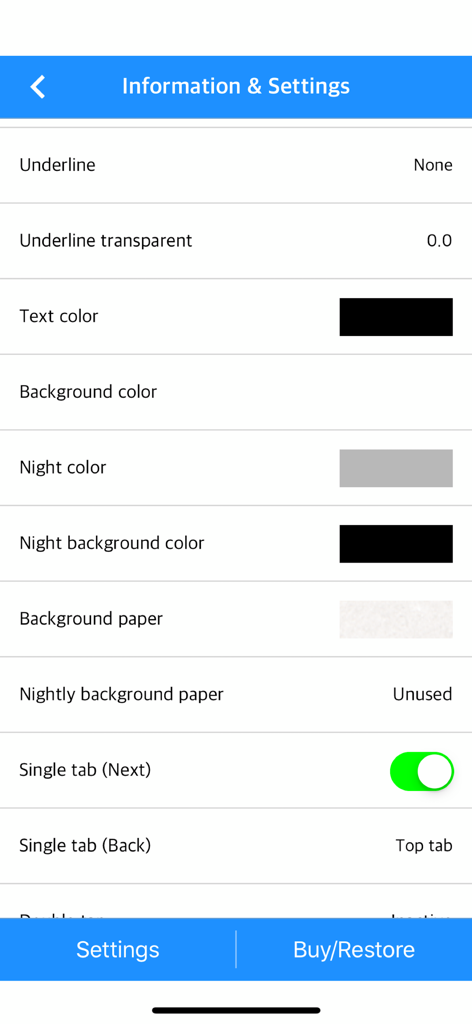
Écran des paramètres de l'application mobile pour ajuster la taille de la police et l'espacement des lignes dans un lecteur de texte

Écran des paramètres de l'application mobile pour ajuster la taille de la police et l'espacement des lignes dans un lecteur de texte

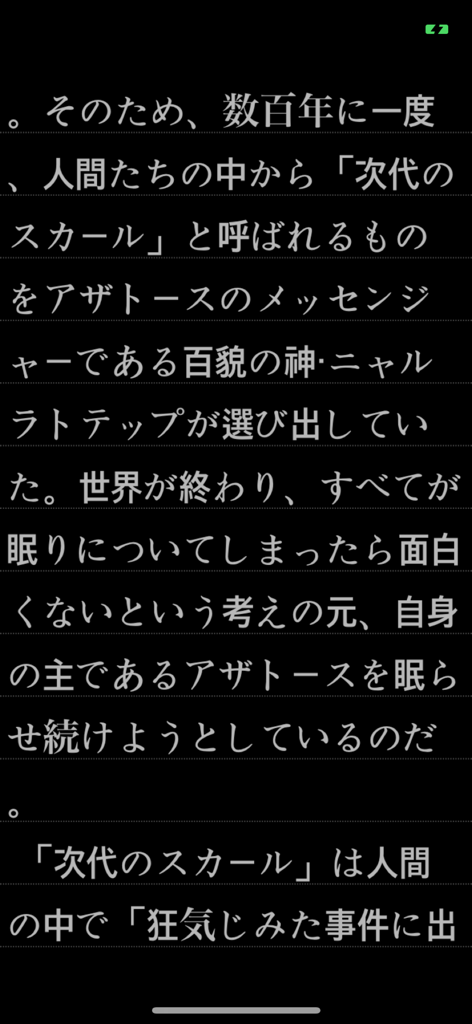
Texte japonais affiché en mode sombre sur l'application mobile Text Viewer

Texte japonais affiché en mode sombre sur l'application mobile Text Viewer

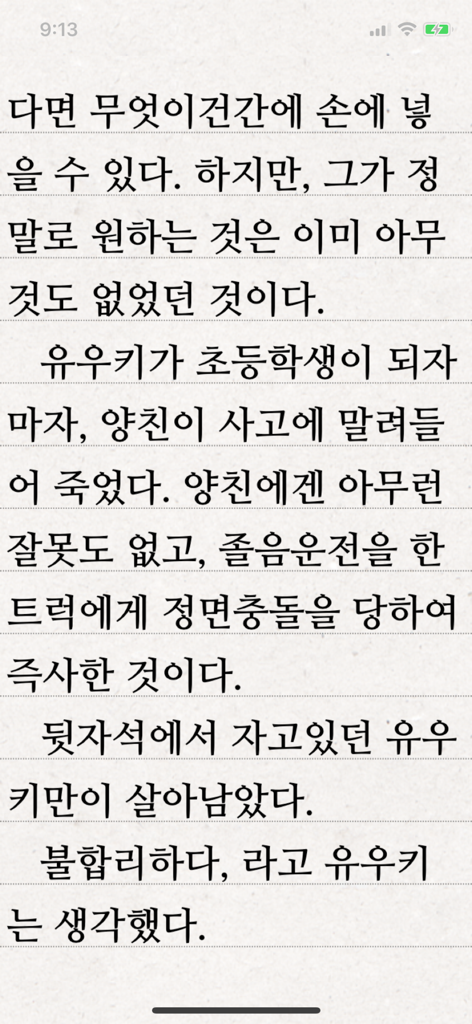
L'application Text Viewer affichant une page de texte coréen sur un fond ligné

L'application Text Viewer affichant une page de texte coréen sur un fond ligné

Interface de l'application Text Viewer montrant une liste de fichiers texte récents et stockés en mode sombre

Interface de l'application Text Viewer montrant une liste de fichiers texte récents et stockés en mode sombre

Menu des paramètres de l'application Text Viewer montrant les options de personnalisation des couleurs du texte et de l'arrière-plan

Menu des paramètres de l'application Text Viewer montrant les options de personnalisation des couleurs du texte et de l'arrière-plan

Lisez exactement comme vous le souhaitez

Les outils qui font la différence, choisis par 590K+ utilisateurs.

🎨

Contrôle visuel total

Imitez un e-reader haut de gamme avec des contrôles granulaires pour l'épaisseur de la police, l'espacement des lignes et les marges personnalisées. Basculez entre les modes vertical et horizontal pour trouver votre flux parfait.

☁️

Votre bibliothèque, partout

Oubliez les câbles encombrants. Importez votre collection privée instantanément via iCloud, Dropbox, FTP ou un transfert Wi-Fi direct de votre PC vers votre appareil mobile.

Optimisé pour la lecture intensive

Maîtrisez les romans web massifs avec notre outil unique de fractionnement de fichiers et notre fonction de défilement automatique. Ne perdez jamais votre place grâce aux signets intelligents et à la synchronisation du 'dernier vu'.

À propos de l'app

Tout ce que vous devez savoir sur Text Viewer - txt file viewer.

Description

Simple text based novel viewer app that can view text file on your smart devices. Now, you can read E-book of text-based novel You can directly transfer text file from PC to App under identical Wi-Fi connection. If you are using iCloud app, the text file uploaded to iCloud can be imported into this App. It supports FTP and iTunes. Pages can be switched using tapping, left-right/up-down dragging, or scrolling. Each switching gesture feature can be turned on and off in the settings. It supports automatic scrolling (in-app purchase required). It is compatible with iPhone and iPad, and it can customize view mode as horizontal or vertical in the setting. In addition, it supports various features such as cutting file, and changing font, color, and brightness. Text viewer app is designed for viewing text-based novels (books) easily. It is being continuously improved for facilitation. If you have any questions or suggestions after installing app, please send an email to junhuloveapple@gmail.com, or click ‘send an email’ button located at the top right of your app's settings screen. We will try to response and update quickly. (It may take a day or so to answer if you ask using the comment system of Apple. If you need immediate response, please email us.) ** FEATURES ** - txt file extension - UTF-8 and multilanguage encodings - Writing direction: Function for languages that are read in the left direction (iOS 14+) - Enables to upload using PC web browser with Wi-Fi - File import from cloud apps such as iCloud, Dropbox, OneDrive, Mega, and Box etc. - FTP: search, download - SSHFTP - Secure FTP not supported - Enables to upload file using iTunes file sharing - File copy in the cloud app or mail attachment - Enables to set text size, space, and thickness - Adds page transition animation effects - Locks app and file - phone/tablet - Choose font types - Adjust screen brightness - Upload and search the compressed file including text file - Cut file feature: split file over 2MB into files of fixed size - Left / Right margin settings - Background / text color settings - Horizontal and vertical rotation for phone / tablet  - iPad multitasking screen support - Create / delete / rename of folder - Move / copy / delete of file - Select multiple files - Move the pages by tapping and left-right/up-down dragging - Search and view the text file from compressed file - Align text (left, right, center) - Search - Bookmark - Insert / delete a blank line - Turn off screen option: Automatically turn off screen at designated time when activated - Start view from the last viewed - Vertical scroll feature: User can scroll down the viewport - Next book auto-switching options: If you automatically change the next book switching option in Settings, tabs on the last page will automatically switch to the next book. - Automatic scroll feature (text file): Enable to scroll down automatically / Enable to set scroll down time from 1 second (fast) to 30 second (slow). (In-app purchase required) - Bluetooth keyboard: Supports page switching and screen closing function, direction key (asdw) page switch, ESC key viewer screen close (In-app purchase required) - "Two-page view" support in pad: left-right, right-left page direction also selectable, please adjust page interval to "left and right margin" value. (In-app purchase required, pad only) ** To import file from cloud, you need to install and login the cloud app. ** For the “file share” of iTunes and the “app file share” of ifunbox, the file should be uploaded using Text Viewer. ** Advertising: Text Viewer includes banner ad. When you watch the video advertising (less than 1-minute length), you can use ad-free Text Viewer for 24 hours per every day; or you can use permanent ad-free Text Viewer by in-app purchase.

Dernière version

1.377

Taille

103.3 MB

Date de sortie

29 nov. 2017

Toute votre bibliothèque, exactement comme vous l'aimez

Rejoignez plus de 590 000 lecteurs passionnés et amateurs de romans web. Téléchargez le spectateur de texte le plus personnalisable pour iPhone et iPad et commencez à lire dès aujourd'hui.

Télécharger sur App Store

App information, icons, screenshots, and descriptions displayed on this page are sourced from the Apple App Store and are the property of their respective developers. Download estimates and rankings are based on MWM's proprietary models and may not reflect actual figures. This page is provided for informational and analytical purposes only.

Believe this page infringes your intellectual property? File a dispute