
Cette page n'est pas une page officielle de l'application ou de son développeur, mais une publication éditoriale indépendante créée à des fins d'information et de commentaire. Sauf indication expresse contraire, ni l'application ni son développeur ne sont affiliés, approuvés, sponsorisés, autorisés ou autrement officiellement liés à MWM, Apple, Google Play, à l'éditeur de l'application ou au développeur de l'application, et rien sur cette page n'implique que l'application a été développée en utilisant les services de MWM. Toutes les marques, logos, captures d'écran et autres contenus restent la propriété de leurs propriétaires respectifs.

Thermo Watch for Nest & Ecobee
Commandez votre maison avec les raccourcis vocaux Siri et votre Apple Watch. Profitez d'un contrôle rapide, privé et totalement indépendant de votre thermostat, même sans votre iPhone.
Téléchargements
114K+Note
Nombre d'avis
500Éditeur
Catégorie
LifestyleLangues
1Dernière version
15.9Taille
63.7 MBDate de sortie
21 mars 2016Maîtrisez votre climat, naturellement
Le lien manquant entre vos thermostats intelligents et l'écosystème Apple que vous aimez. Rapide, privé et puissant.
Intégration Siri fluide
Contrôlez enfin votre Nest avec des commandes vocales naturelles. Utilisez des raccourcis personnalisés comme "Dis Siri, j'ai froid" sur votre Watch, iPhone ou HomePod.
Contrôle optimisé pour le poignet
Réglez la température de votre maison d'un simple tour de Digital Crown ou surveillez l'état de votre CVC instantanément via les complications du cadran de votre Watch.
Les captures d'écran et la description suivantes proviennent directement de la fiche officielle de l'application sur le store et sont la propriété du développeur.
App Store
Captures
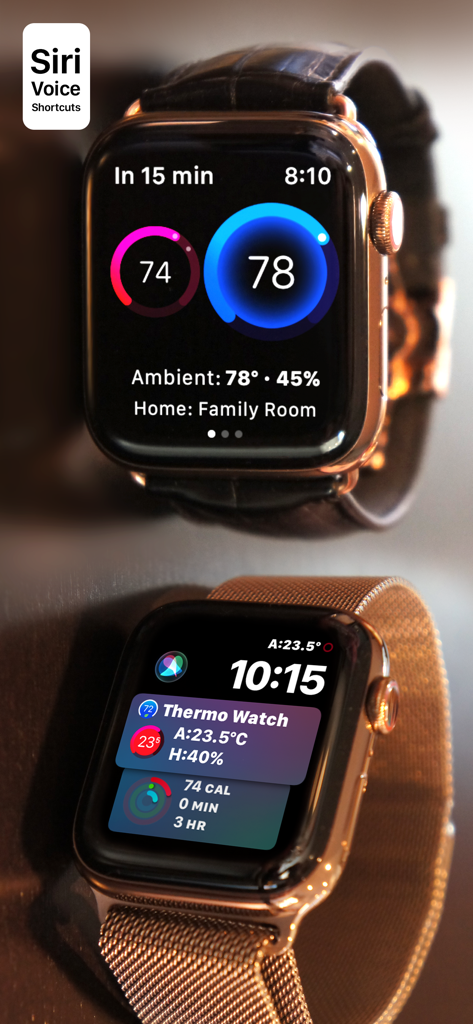
Interface de l'application Thermo Watch sur Apple Watch affichant les commandes du thermostat intelligent pour Nest et Ecobee
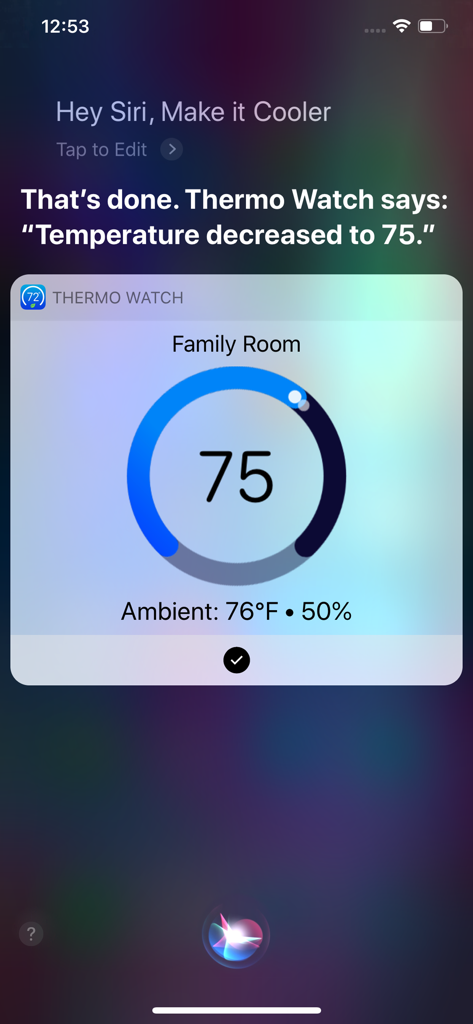
Interface de commande vocale Siri montrant le réglage de la température avec Thermo Watch sur un iPhone
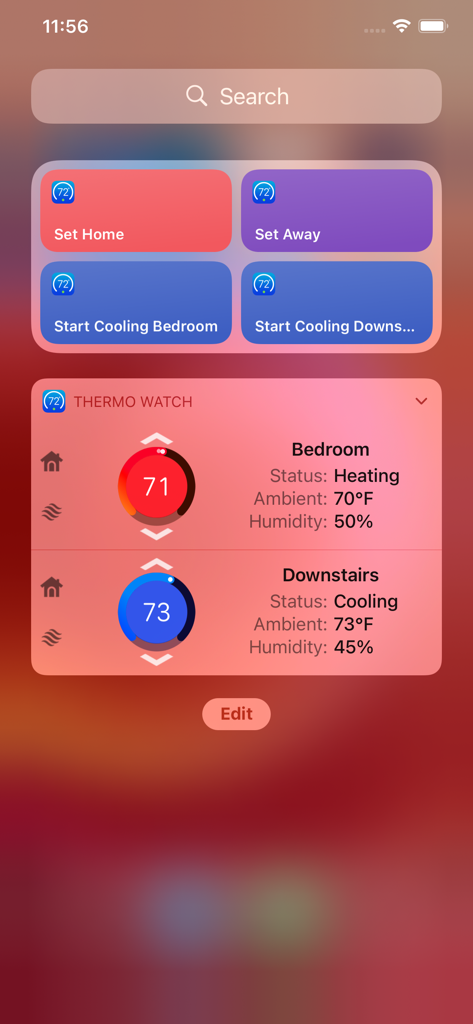
Widget de l'application Thermo Watch sur iPhone montrant la température et le statut pour plusieurs zones de la maison
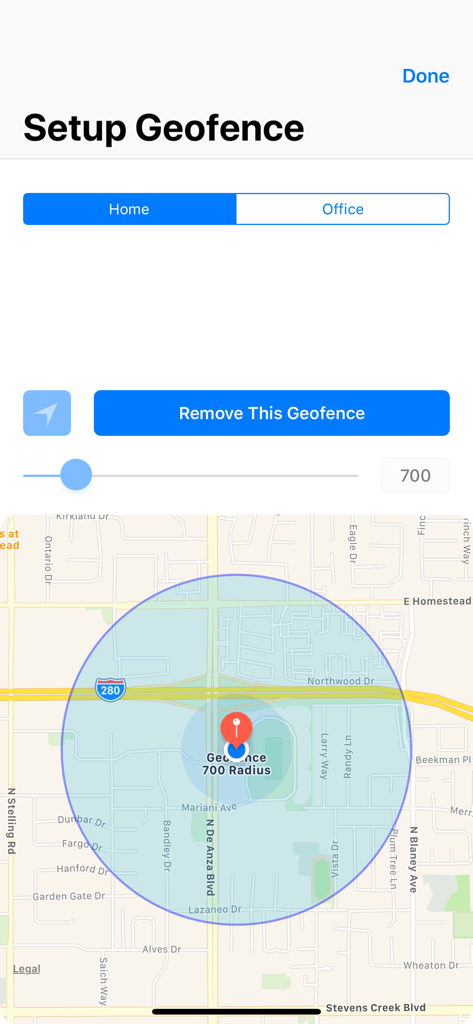
Écran de configuration du geofencing montrant une carte avec un rayon circulaire pour les emplacements domicile et bureau
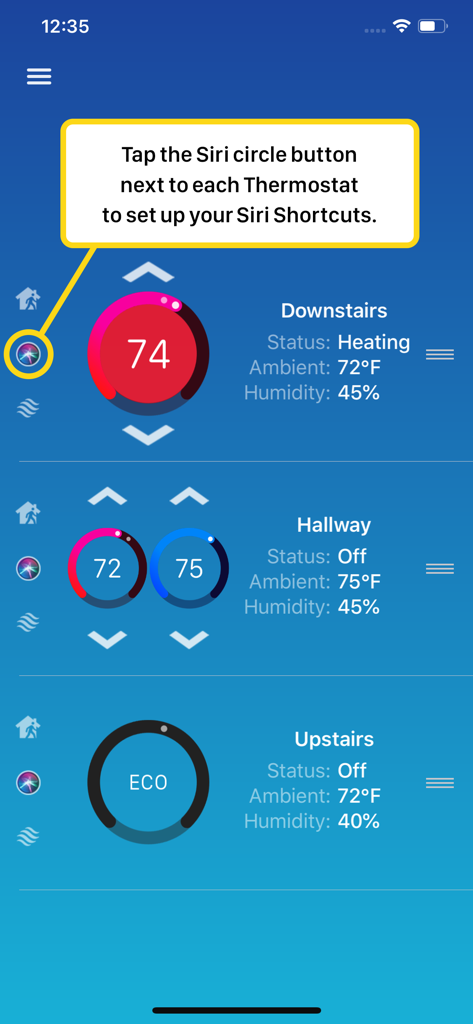
Interface de l'application Thermo Watch montrant comment configurer des raccourcis Siri pour plusieurs thermostats intelligents
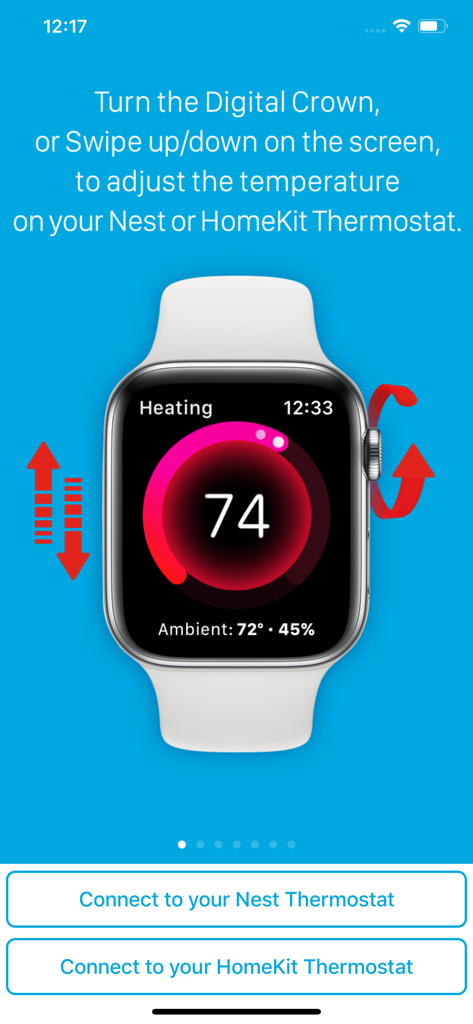
Interface Apple Watch montrant le contrôle de la température pour les thermostats Nest et HomeKit via la couronne numérique et le balayage
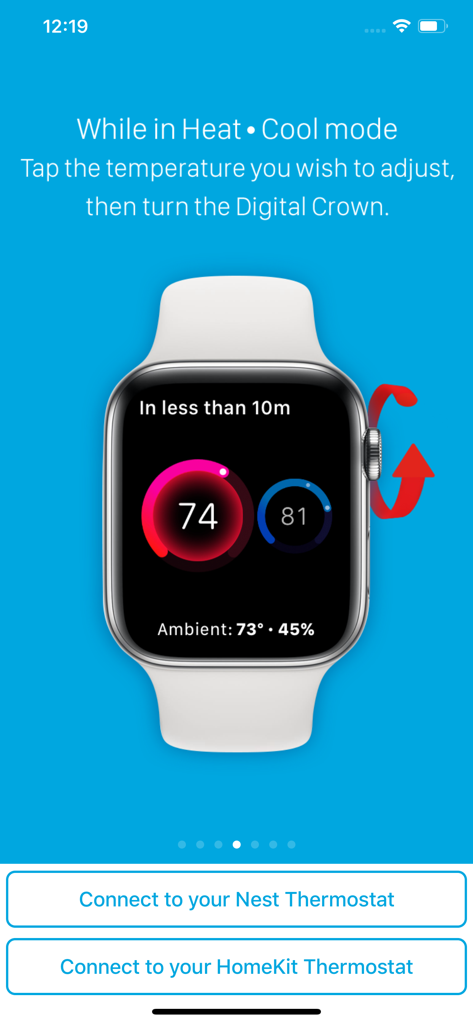
Interface Apple Watch montrant le réglage de la température pour les thermostats Nest et HomeKit à l'aide de la Digital Crown
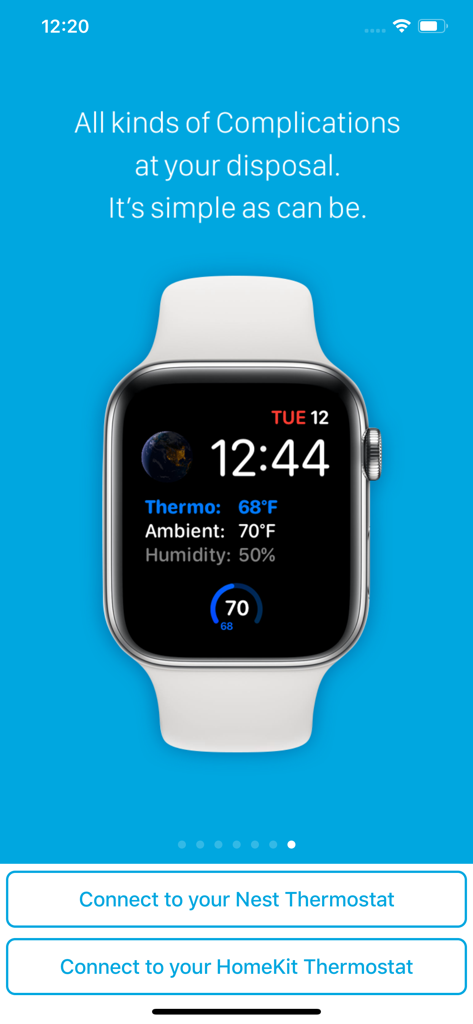
Cadran Apple Watch montrant la température du thermostat, la température ambiante et les complications d'humidité de l'application Thermo Watch.
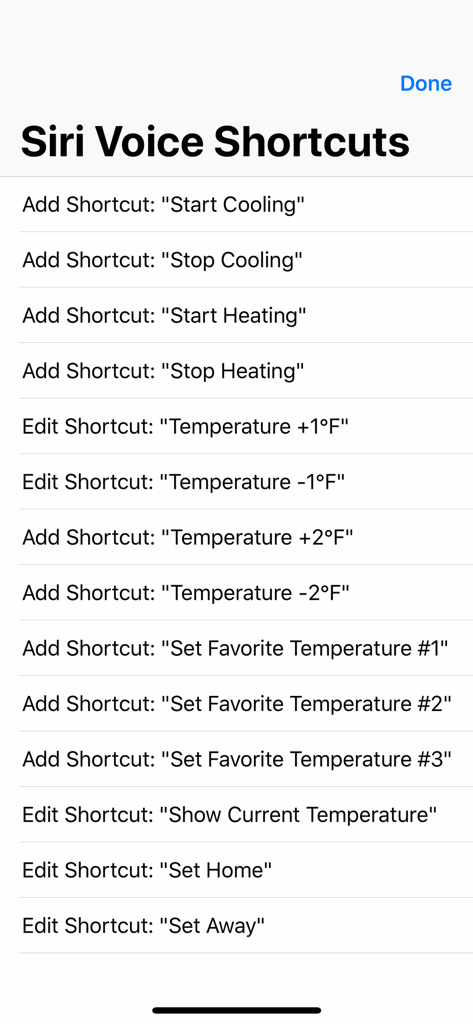
Une liste de raccourcis vocaux Siri dans l'application Thermo Watch pour contrôler les thermostats Nest et Ecobee.
Description
Download
Apps Similaires
Apps les mieux classées dans la même catégorie

Pinterest, Inc.

Alipay - Simplify Your Life
Alipay (Hangzhou) Technology Co., Ltd.

Dianping: Discover Good Places
Hanhai Information Technology (Shanghai) Co.Ltd

美团-美好生活小帮手
Sankuai Technology Co., Ltd.

Lemon8 - Lifestyle Community
TIKTOK PTE. LTD.

Xiaomi Home
Beijing Xiaomi Co., Ltd

Tinder Dating App: Date & Chat
Tinder LLC

SmartThings
Samsung Electronics Co., Ltd.

VNeTraffic
GLOBAL TECHNOLOGY - TELECOMMUNICATIONS CORPORATION
Cette page n'est pas une page officielle de l'application ou de son développeur, mais une publication éditoriale indépendante créée à des fins d'information et de commentaire. Sauf indication expresse contraire, ni l'application ni son développeur ne sont affiliés, approuvés, sponsorisés, autorisés ou autrement officiellement liés à MWM, Apple, Google Play, à l'éditeur de l'application ou au développeur de l'application, et rien sur cette page n'implique que l'application a été développée en utilisant les services de MWM. Toutes les marques, logos, captures d'écran et autres contenus restent la propriété de leurs propriétaires respectifs.