Time’s Up! — Visual Timer

Time’s Up! — Visual Timer


Télécharger sur App Store
Logo de Time’s Up! — Visual Timer

Time’s Up ! — Le minuteur visuel qui rend les transitions amusantes

Transformez les routines en activités engageantes avec des puzzles interactifs et des effets de pixellisation. Conçu pour les familles, les salles de classe et ceux qui recherchent la concentration et qui apprécient la confidentialité et l’intégration transparente d’Apple.

Télécharger sur App Store

Éditeur

Overdesigned, LLC

Catégorie

Utilities

Téléchargements

4K+

Note

4.6/5

Nombre d'avis

200

Langues

1

Le temps rendu visuel

Découvrez l'interface utilisée par 4K+ utilisateurs.
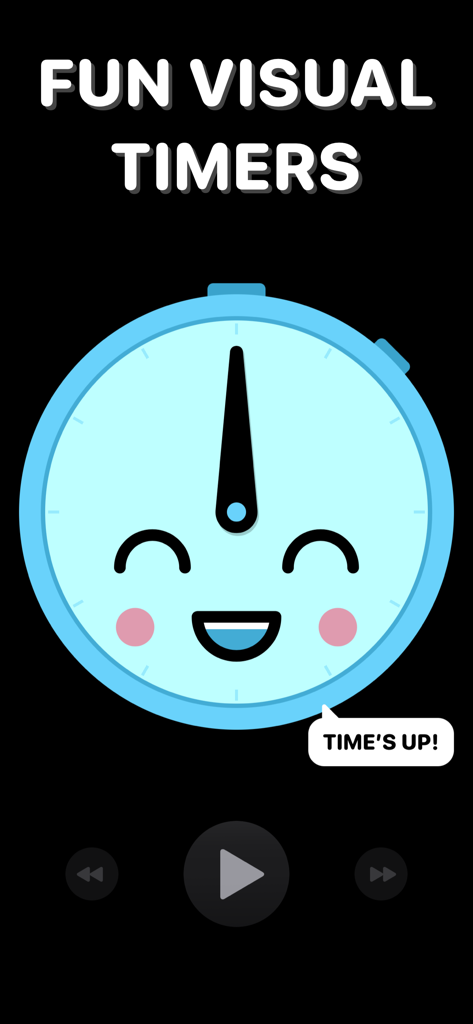
Un visage d’horloge bleu amical souriant sur fond sombre avec le texte "Fun Visual Timers"

Un visage d’horloge bleu amical souriant sur fond sombre avec le texte "Fun Visual Timers"

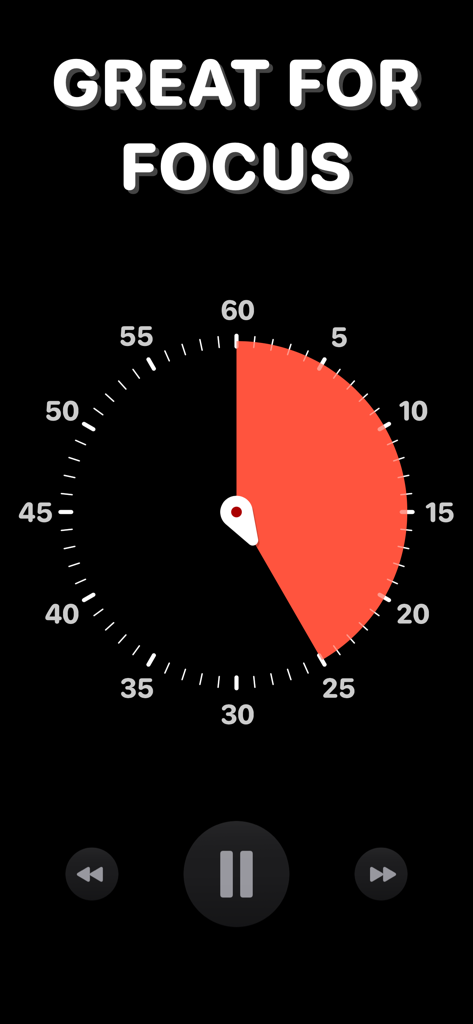
Une interface de minuteur visuel avec un segment de temps rouge sur un cadran d’horloge noir et le texte "Great for Focus."

Une interface de minuteur visuel avec un segment de temps rouge sur un cadran d’horloge noir et le texte "Great for Focus."

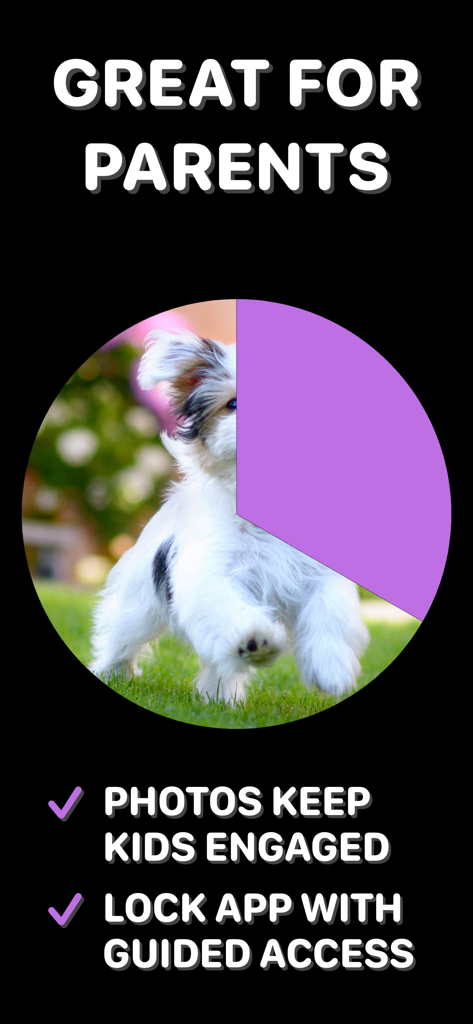
Un écran de minuteur visuel pour les parents présentant un compte à rebours de révélation photo et un verrouillage d’accès guidé.

Un écran de minuteur visuel pour les parents présentant un compte à rebours de révélation photo et un verrouillage d’accès guidé.

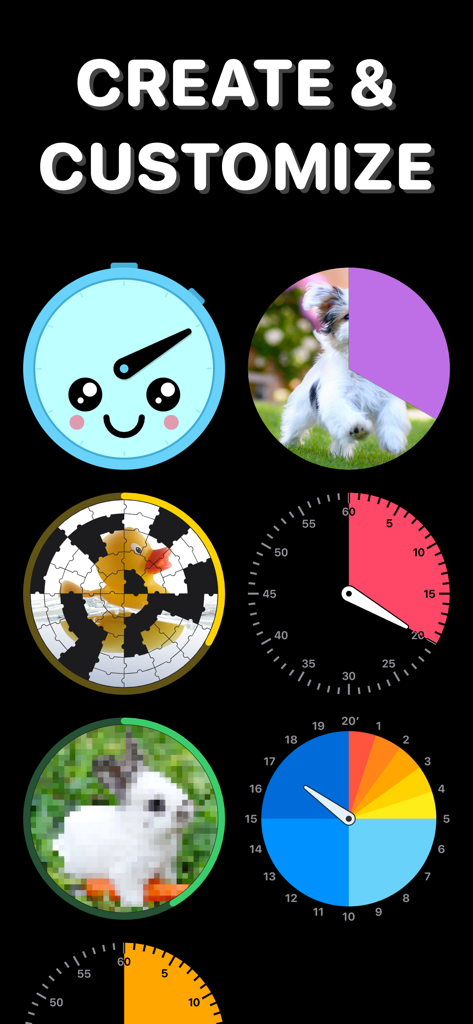
Une variété de designs de minuteurs visuels, y compris des pièces de puzzle, des images pixellisées et des cadrans colorés pour les enfants et la productivité

Une variété de designs de minuteurs visuels, y compris des pièces de puzzle, des images pixellisées et des cadrans colorés pour les enfants et la productivité

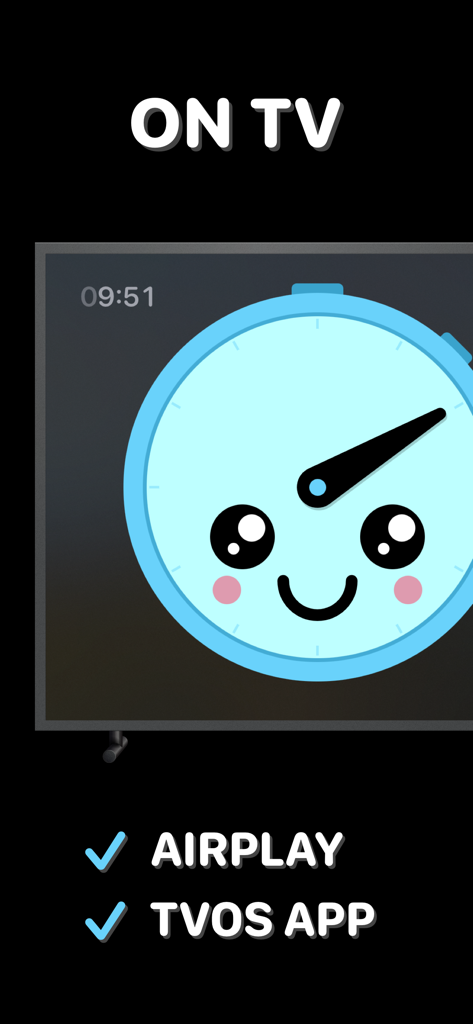
Le minuteur visuel Time’s Up affiché sur un écran de télévision, mettant en évidence les fonctionnalités de l’application AirPlay et tvOS

Le minuteur visuel Time’s Up affiché sur un écran de télévision, mettant en évidence les fonctionnalités de l’application AirPlay et tvOS

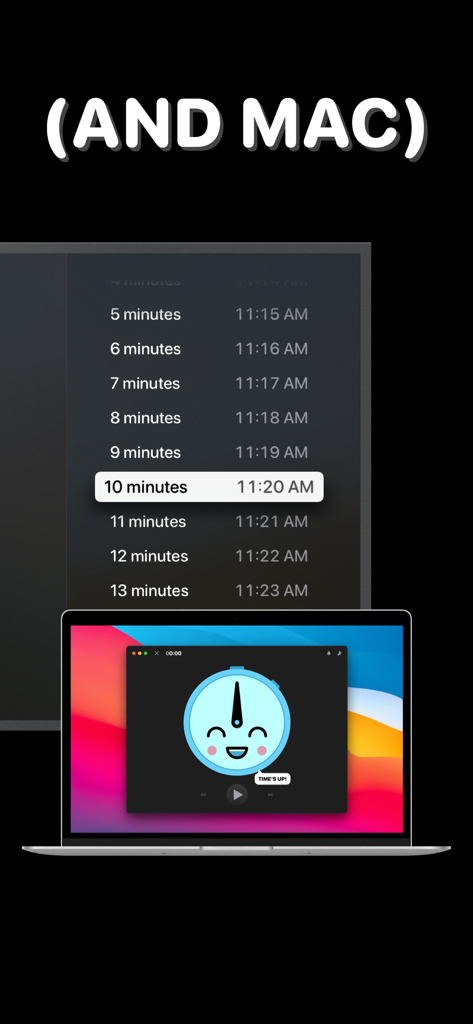
Interface du minuteur visuel Time’s Up sur un MacBook et un grand écran d’affichage

Interface du minuteur visuel Time’s Up sur un MacBook et un grand écran d’affichage

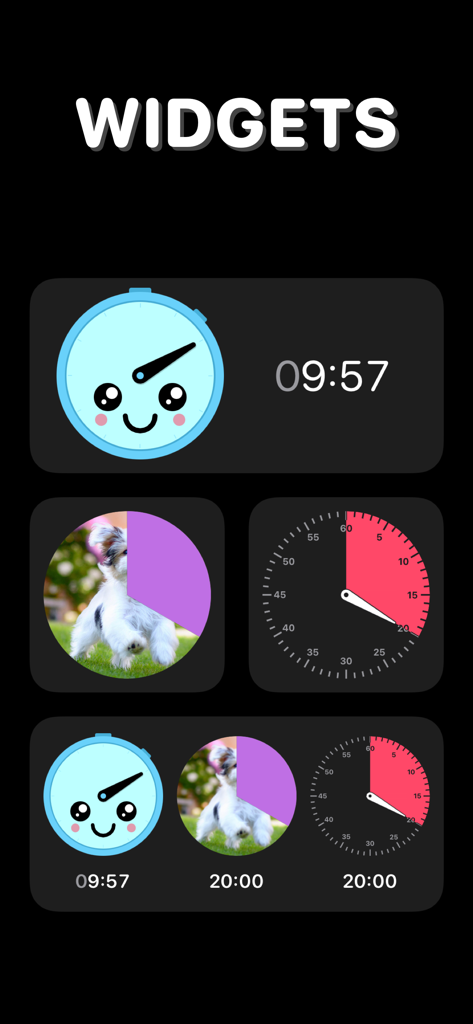
Sélection de widgets de minuteur visuel colorés, y compris un visage souriant et la révélation photo d’un chiot

Sélection de widgets de minuteur visuel colorés, y compris un visage souriant et la révélation photo d’un chiot

La gestion du temps, visualisée

Les outils qui font la différence, choisis par 4K+ utilisateurs.

🎨

Transformez les transitions en jeu

Réduisez la résistance lors des tâches ménagères ou du temps d’écran en transformant le compte à rebours en un puzzle captivant ou une révélation photo qui récompense la patience de vos enfants.

Intégration transparente d’Apple

Surveillez votre temps d’un coup d’œil grâce à la prise en charge des Activités en direct et de l’Îlot dynamique, ou diffusez votre minuteur sur n’importe quel téléviseur pour des activités de groupe ou en classe.

🔒

La confidentialité avant tout, sans distractions

Profitez d’un environnement sûr pour votre famille grâce à zéro suivi de données, aucune publicité et la prise en charge de l’Accès guidé pour que les enfants restent concentrés sur la tâche à accomplir.

À propos de l'app

Tout ce que vous devez savoir sur Time’s Up! — Visual Timer.

Description

Time’s Up! is a fun, visual timer that you’ll actually want to use. Whether it’s for you, your kids, or someone else, Time’s Up! will make counting down much more engaging. Timers can be used at work and at home, whether you’re making sure you take a break or telling kids it’s bedtime.  Timers exist everywhere, but none of them are fun and visually appealing — and that can be important when you’re dealing with kids big and small! Time’s Up! has the features you need to make time fun again — try it for free, NO ADS. Time’s Up! isn’t just for kids and workaholics, though. The possibilities are endless: • Adults who need to set timers to stop them from working for too long without a break. • Kids who don’t want to do their homework but can be convinced to work in smaller chunks. • Setting reading or other activity timers before bed time. • Helping bigger kids focus on an activity for a set amount of time. • Setting timers for exercises — put Time’s Up! on your TV screen using AirPlay and turn a timer into the focal point for your exercise group. • Anything that’s based on a specific amount of time! What makes a timer fun? Time’s Up! has 5 fun styles to choose from, including:  • “Reveal” a photo from your Photo Library as the seconds tick down.  • “Pixelate” makes a photo more clear as a timer gets closer to completion. • “Puzzle” breaks a photo into jigsaw puzzle pieces and then puts the pieces into their places as time progresses. Alternatively, there are more traditional clock faces if you just want a simple timer. Timers can be customized with their own alert sound and color, too. Other key features include: • Sync your timers between iPhone, iPad, Mac, and Apple TV using iCloud. • See your timers on your Lock Screen, Dynamic Island, and Apple Watch with Live Activities (requires iOS 18). • Guided Access to prevent kids from switching apps and changing timers, making sure only you have the power to control time. • Airplay and tvOS support so you can put a timer up on a TV screen. • Get audio updates each minute or countdown the last 10 seconds. • On macOS, you can float the timer window above other apps so it’s always visible. Time’s Up! is a free download with a simple one-time purchase that unlocks the ability to run an unlimited number of timers. ——————— What’s the difference between “Time’s Up! — Visual Timer” and “Time’s Up! Timer (VPP)”? You are looking at the free-to-download version of Time’s Up! that lets you try the app five times before upgrading via in-app purchase. “Time’s Up! Timer (VPP)” is the same app but available paid-upfront with no limits in the app itself. “Time’s Up! Timer (VPP)” exists so educators can purchase the app through Apple’s Volume Purchase Program (VPP) for Education. ——————— Time’s Up! has no ads or data trackers. We believe your data is your own and we don’t collect any of it.

Dernière version

1.9.4

Taille

38.2 MB

Date de sortie

30 août 2021

Prêt à rentabiliser chaque seconde ?

Rejoignez des milliers de parents et de professionnels qui transforment les transitions en jeu. Commencez votre essai gratuit dès aujourd’hui sur iPhone, iPad, Mac et Apple TV — sans publicité, sans suivi et sans abonnement.

Télécharger sur App Store

App information, icons, screenshots, and descriptions displayed on this page are sourced from the Apple App Store and are the property of their respective developers. Download estimates and rankings are based on MWM's proprietary models and may not reflect actual figures. This page is provided for informational and analytical purposes only.

Believe this page infringes your intellectual property? File a dispute