
Questa pagina non è una pagina ufficiale dell'app o del suo sviluppatore, ma una pubblicazione editoriale indipendente creata a scopo informativo e di commento. Salvo espressa indicazione contraria, né l'app né il suo sviluppatore sono affiliati, approvati, sponsorizzati, autorizzati o altrimenti ufficialmente collegati a MWM, Apple, Google Play, all'editore dell'app o allo sviluppatore dell'app, e nulla in questa pagina implica che l'app sia stata sviluppata utilizzando i servizi di MWM. Tutti i marchi, loghi, screenshot e altri contenuti rimangono di proprietà dei rispettivi proprietari.


AI Photo Culling — PhotoPicker
Salva il laptop e recupera il tuo tempo. Seleziona, valuta e contrassegna i tuoi migliori scatti in mobilità con analisi IA intelligente e integrazione perfetta con Lightroom.
Download
22K+Valutazione
Valutazioni totali
200Editore
Categoria
Photo & VideoLingue
23Ultima versione
3.5.4Dimensione
65.0 MBData di lancio
20 giu 2013Trascorri Più Tempo a Creare, Meno Tempo a Selezionare
Il flusso di lavoro definitivo potenziato dall'IA per fotografi professionisti che viaggiano leggeri. Seleziona migliaia di scatti sul tuo iPad o iPhone senza mai aver bisogno di un laptop o di una connessione internet.
Selezione Intelligente Potenziata dall'IA
Smettila di controllare i pixel per ore. La nostra IA rileva istantaneamente sfocature, occhi chiusi e duplicati, contrassegnando i tuoi migliori fotogrammi in modo che tu possa completare il lavoro di una giornata in pochi minuti.
Flusso di Lavoro Zero-Import
Collega la tua scheda SD o SSD e inizia subito a ordinare. Accedi ai tuoi file RAW direttamente tramite l'app File senza sprecare spazio di archiviazione o attendere le importazioni.
Gli screenshot e la descrizione seguenti provengono direttamente dall'elenco ufficiale dello store dell'app e sono di proprietà dello sviluppatore.
App Store
Screenshot
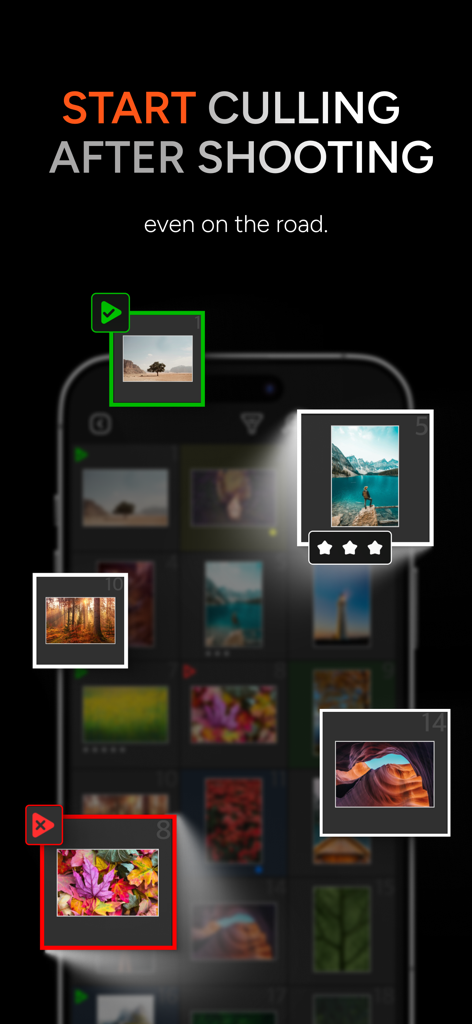
Interfaccia dell'app mobile per la selezione e la valutazione di foto AI in viaggio
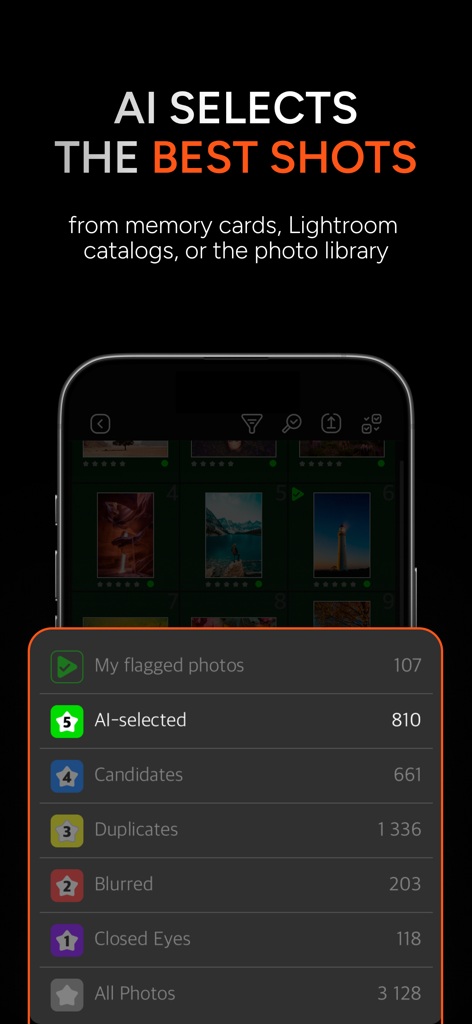
Interfaccia dell'app AI Photo Culling che mostra categorie come selezionate dall'IA, duplicate e foto sfocate per una rapida selezione.
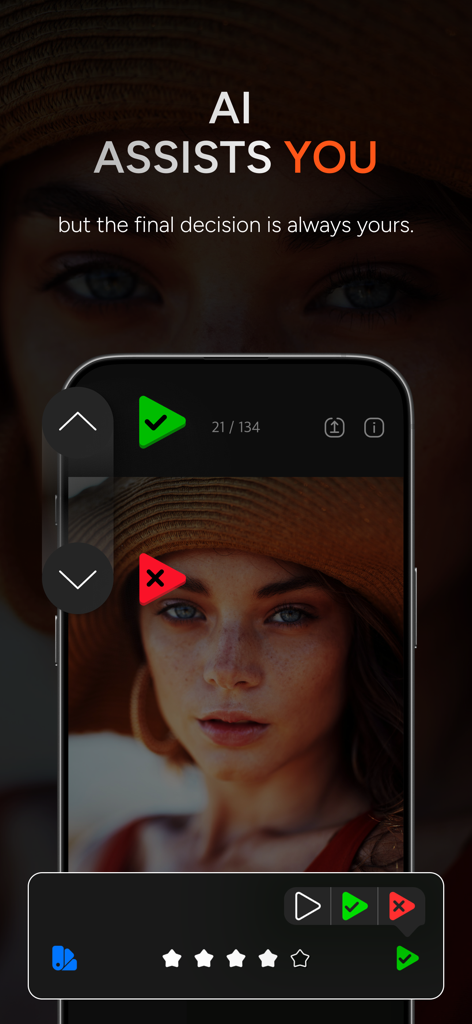
Interfaccia dell'app PhotoPicker che mostra l'ordinamento di foto assistito dall'IA e le opzioni di selezione manuale su uno schermo di smartphone
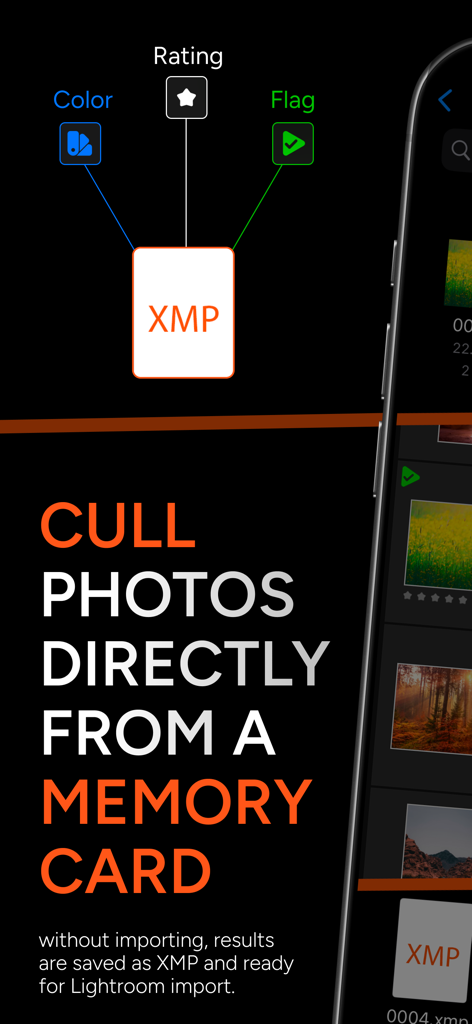
Uno screenshot dell'app PhotoPicker che spiega come selezionare foto direttamente da una scheda di memoria con integrazione XMP per Lightroom
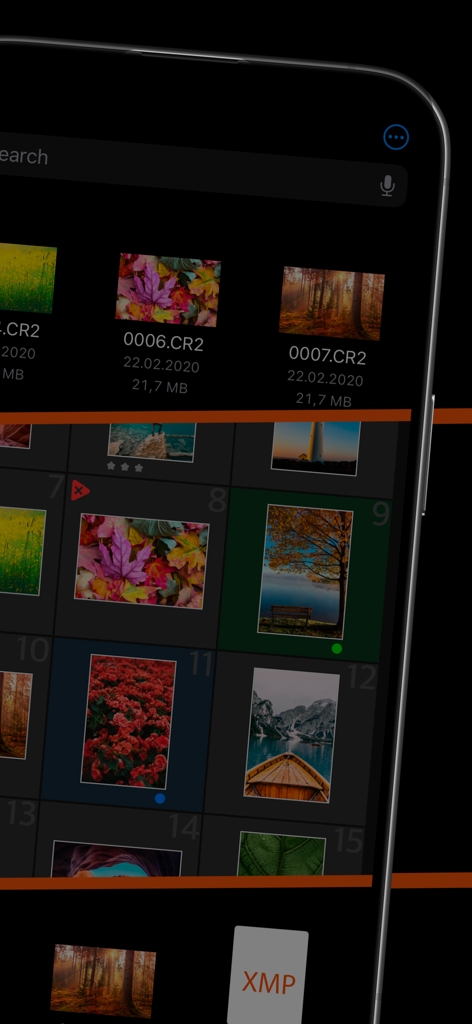
Interfaccia dell'app mobile PhotoPicker per la selezione di foto RAW con supporto per file XMP
Descrizione
Download
App Simili
App più classificate nella stessa categoria

CapCut: Photo & Video Editor
BYTEDANCE PTE. LTD.

Instagram, Inc.

YouTube
Google LLC

Canva: AI Photo & Video Editor
Canva Pty Ltd

Snapchat
Snap, Inc.

快手
Beijing Kwai Technology Co., Ltd.

Edits: Video Editor
Instagram, Inc.

Meitu- AI Photo & Video Editor
Xiamen Meitu Technology Co., Ltd.

Google Photos: Backup & Edit
Google LLC
Questa pagina non è una pagina ufficiale dell'app o del suo sviluppatore, ma una pubblicazione editoriale indipendente creata a scopo informativo e di commento. Salvo espressa indicazione contraria, né l'app né il suo sviluppatore sono affiliati, approvati, sponsorizzati, autorizzati o altrimenti ufficialmente collegati a MWM, Apple, Google Play, all'editore dell'app o allo sviluppatore dell'app, e nulla in questa pagina implica che l'app sia stata sviluppata utilizzando i servizi di MWM. Tutti i marchi, loghi, screenshot e altri contenuti rimangono di proprietà dei rispettivi proprietari.