
Questa pagina non è una pagina ufficiale dell'app o del suo sviluppatore, ma una pubblicazione editoriale indipendente creata a scopo informativo e di commento. Salvo espressa indicazione contraria, né l'app né il suo sviluppatore sono affiliati, approvati, sponsorizzati, autorizzati o altrimenti ufficialmente collegati a MWM, Apple, Google Play, all'editore dell'app o allo sviluppatore dell'app, e nulla in questa pagina implica che l'app sia stata sviluppata utilizzando i servizi di MWM. Tutti i marchi, loghi, screenshot e altri contenuti rimangono di proprietà dei rispettivi proprietari.

All PDF Reader - PDF Viewer
Scansiona, unisci e proteggi con password i tuoi file senza sforzo. Il kit di strumenti completo e facile da usare, progettato per studenti, freelance e professionisti impegnati in movimento.
Download
600Valutazione
Valutazioni totali
0Editore
Categoria
BusinessLingue
1Ultima versione
1.3.2Dimensione
9.1 MBData di lancio
28 ago 2025Il Tuo Ufficio Digitale Tutto-in-Uno
Smetti di passare da un'app all'altra. Il nostro potente kit di strumenti ti offre tutto ciò di cui hai bisogno per scansionare, unire e proteggere i tuoi documenti direttamente dal tuo iPhone o iPad.
Scansione Mobile Istantanea
Trasforma ricevute fisiche, appunti di lezione o contratti in PDF di alta qualità utilizzando la fotocamera o le foto esistenti.
Gestione File Intelligente
Unisci facilmente più report in uno o dividi documenti di grandi dimensioni per estrarre esattamente le pagine di cui hai bisogno per la tua prossima riunione.
Gli screenshot e la descrizione seguenti provengono direttamente dall'elenco ufficiale dello store dell'app e sono di proprietà dello sviluppatore.
App Store
Screenshot
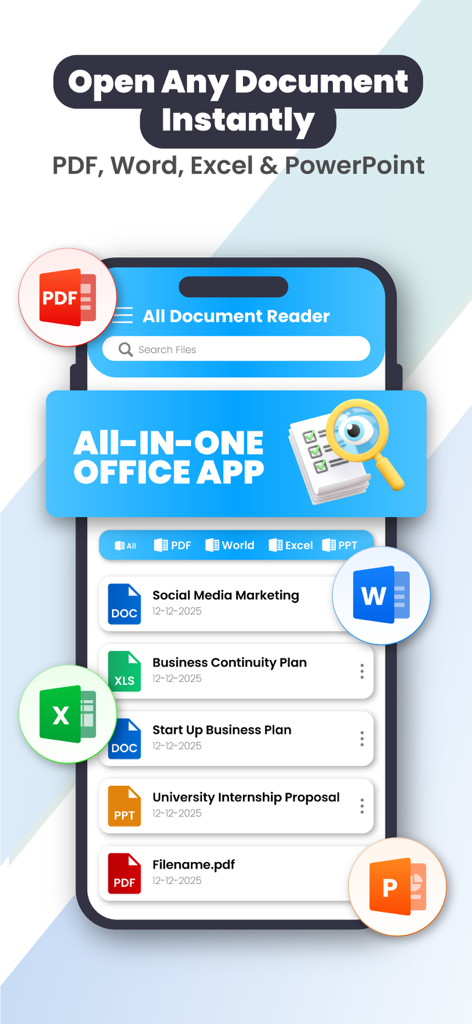
Uno smartphone che mostra l'interfaccia dell'app All PDF Reader con un elenco di documenti PDF, Word, Excel e PowerPoint
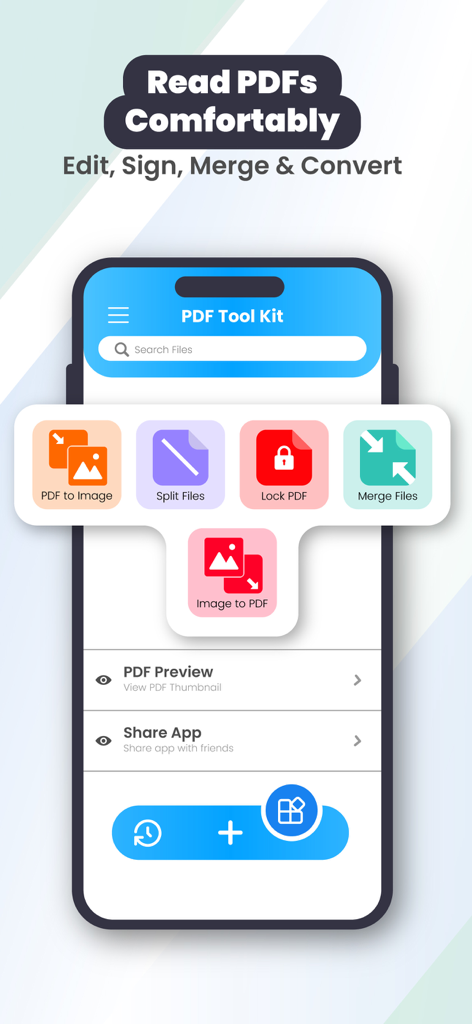
App All PDF Reader che mostra le funzionalità del kit di strumenti PDF, inclusi divisione, unione e blocco file su uno smartphone
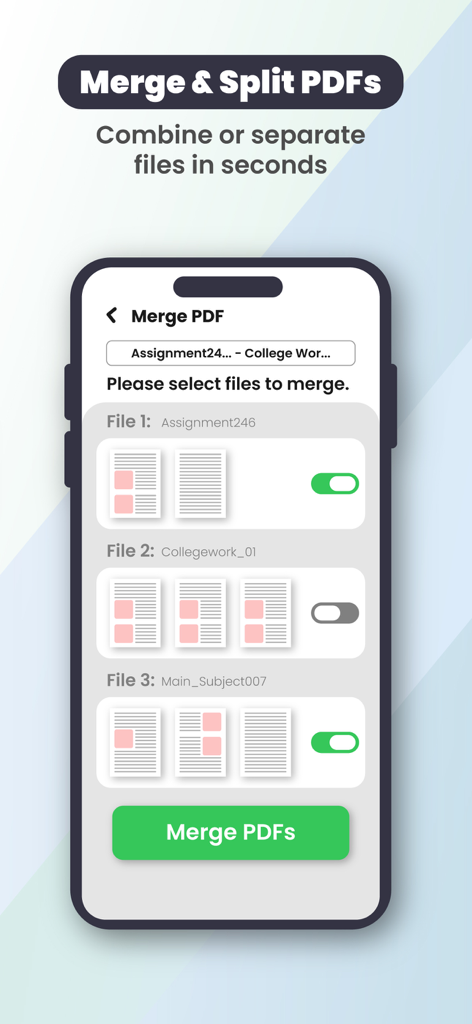
Interfaccia dell'app All PDF Reader che mostra la funzione di unione e divisione PDF per combinare più documenti su un iPhone.
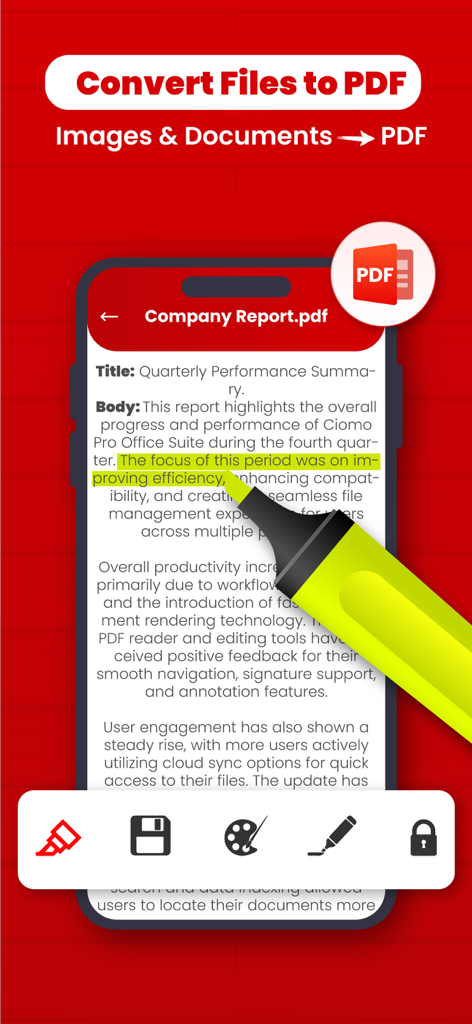
Schermata dell'iPhone che mostra un report aziendale PDF con evidenziazione del testo e strumenti di conversione documenti
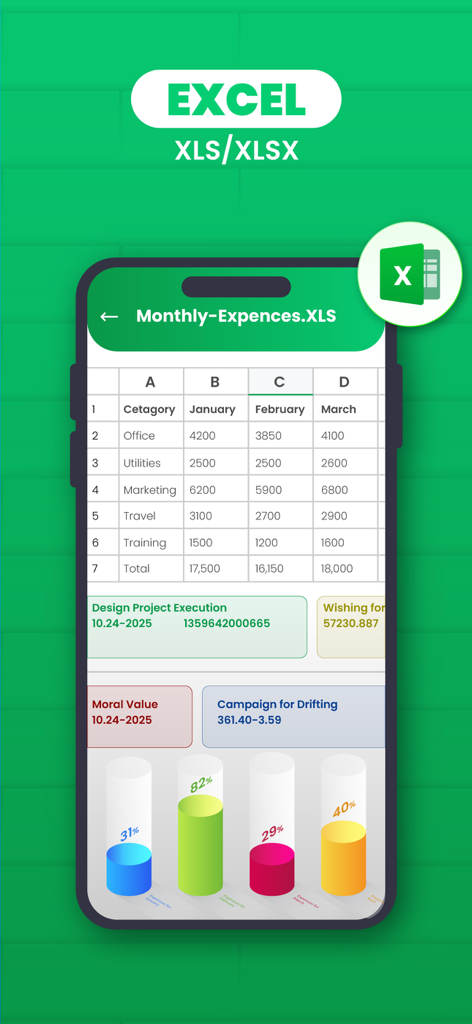
Interfaccia dell'app mobile che mostra un foglio di calcolo Excel con spese mensili e grafici di dati
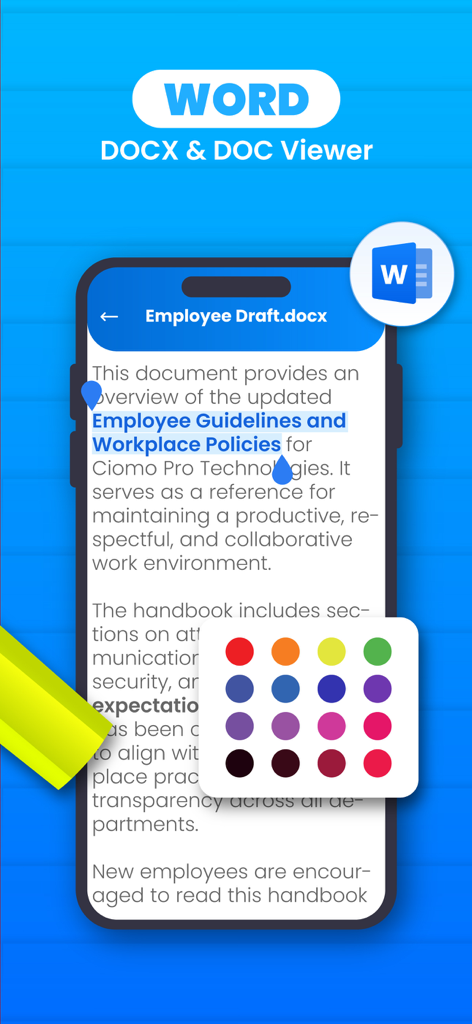
Visualizzatore di documenti Word con evidenziazioni a colori su dispositivo mobile
Descrizione
Download
App Simili
App più classificate nella stessa categoria

Microsoft Teams
Microsoft Corporation

Zoom Workplace
Zoom Communications, Inc.

WhatsApp Business
WhatsApp Inc.

Indeed Job Search
Indeed Inc.

LinkedIn: Network & Job Finder
LinkedIn Corporation

Adobe Acrobat Reader: Sign PDF
Adobe Inc.

WeCom-Work Communication&Tools
Tencent Technology (Shenzhen) Company Limited

BOSS直聘-招聘求职找工作神器
Beijing China Product Bo Farce Network Technology Co., Ltd.

DingDing - Redefine Work in AI
DingTalk Technology Co., Ltd.
Questa pagina non è una pagina ufficiale dell'app o del suo sviluppatore, ma una pubblicazione editoriale indipendente creata a scopo informativo e di commento. Salvo espressa indicazione contraria, né l'app né il suo sviluppatore sono affiliati, approvati, sponsorizzati, autorizzati o altrimenti ufficialmente collegati a MWM, Apple, Google Play, all'editore dell'app o allo sviluppatore dell'app, e nulla in questa pagina implica che l'app sia stata sviluppata utilizzando i servizi di MWM. Tutti i marchi, loghi, screenshot e altri contenuti rimangono di proprietà dei rispettivi proprietari.