
Questa pagina non è una pagina ufficiale dell'app o del suo sviluppatore, ma una pubblicazione editoriale indipendente creata a scopo informativo e di commento. Salvo espressa indicazione contraria, né l'app né il suo sviluppatore sono affiliati, approvati, sponsorizzati, autorizzati o altrimenti ufficialmente collegati a MWM, Apple, Google Play, all'editore dell'app o allo sviluppatore dell'app, e nulla in questa pagina implica che l'app sia stata sviluppata utilizzando i servizi di MWM. Tutti i marchi, loghi, screenshot e altri contenuti rimangono di proprietà dei rispettivi proprietari.
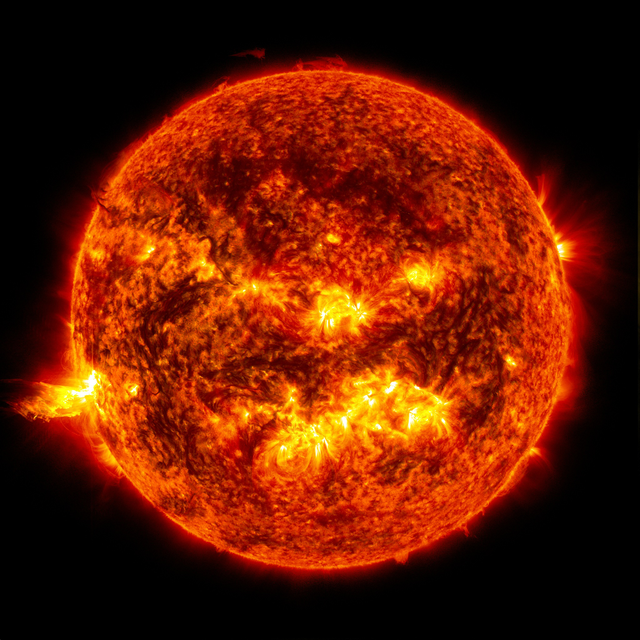

AR Solar System PRO
Trasforma la tua casa in un osservatorio personale. Cammina tra i pianeti, osserva le rotazioni in tempo reale ed esplora le meraviglie del cosmo con questa esperienza spaziale premium e scientificamente accurata.
Download
10K+Valutazione
Valutazioni totali
0Editore
Categoria
EntertainmentLingue
1Ultima versione
1.2Dimensione
62.8 MBData di lancio
21 dic 2017Un Planetario Portatile in Tasca
Trasforma la tua casa in un laboratorio galattico. AR Solar System PRO utilizza la realtà aumentata ad alta fedeltà per portare le meraviglie dell'universo a studenti e appassionati di spazio.
Passeggiata Immersiva in AR
Cammina fisicamente tra i pianeti e osservali da qualsiasi angolazione, simulando una vera missione spaziale proprio nel tuo soggiorno o giardino.
Autentici Dati Astronomici
Accedi alle velocità di rotazione in tempo reale e a fatti dettagliati su gravità, atmosfera e composizione per 15 diversi corpi celesti.
Gli screenshot e la descrizione seguenti provengono direttamente dall'elenco ufficiale dello store dell'app e sono di proprietà dello sviluppatore.
App Store
Screenshot
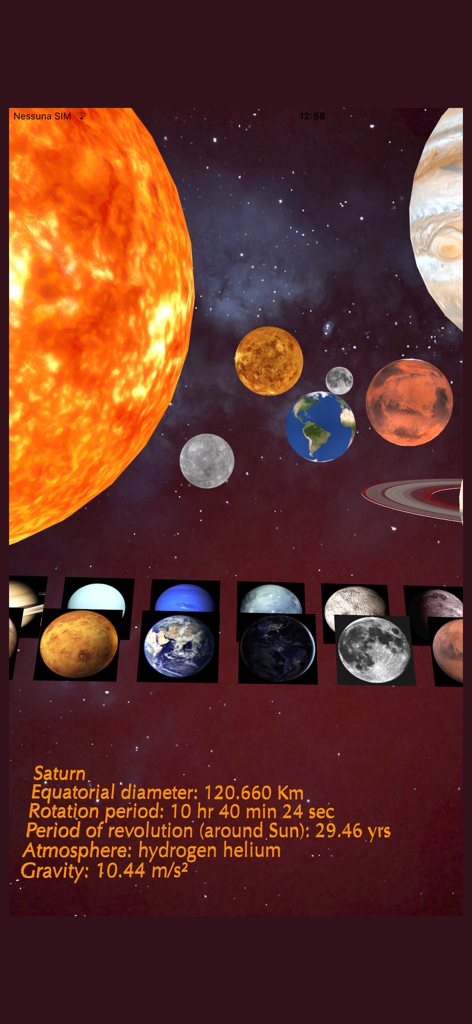
Interfaccia dell'app AR Solar System PRO che mostra pianeti 3D e fatti scientifici per Saturno
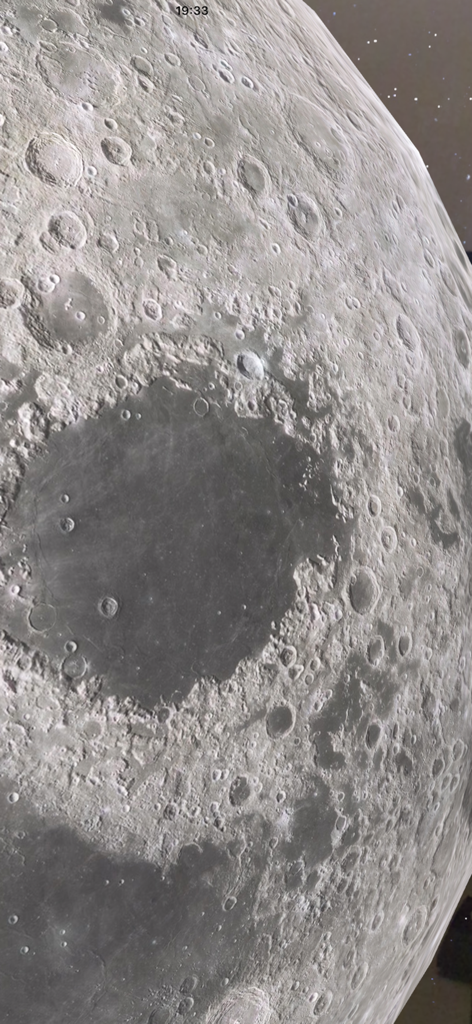
Primo piano ad alto dettaglio della superficie lunare che mostra crateri in realtà aumentata
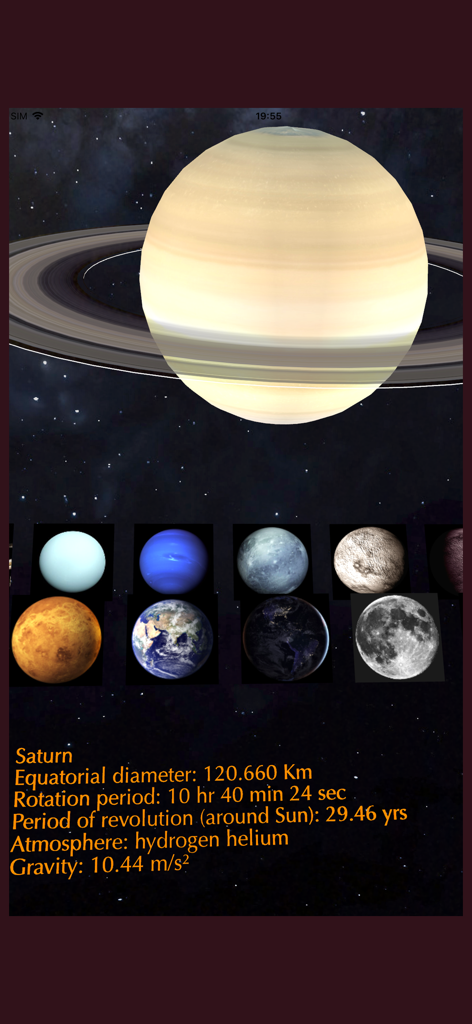
Vista in realtà aumentata di Saturno con dati planetari e una selezione di altri corpi celesti
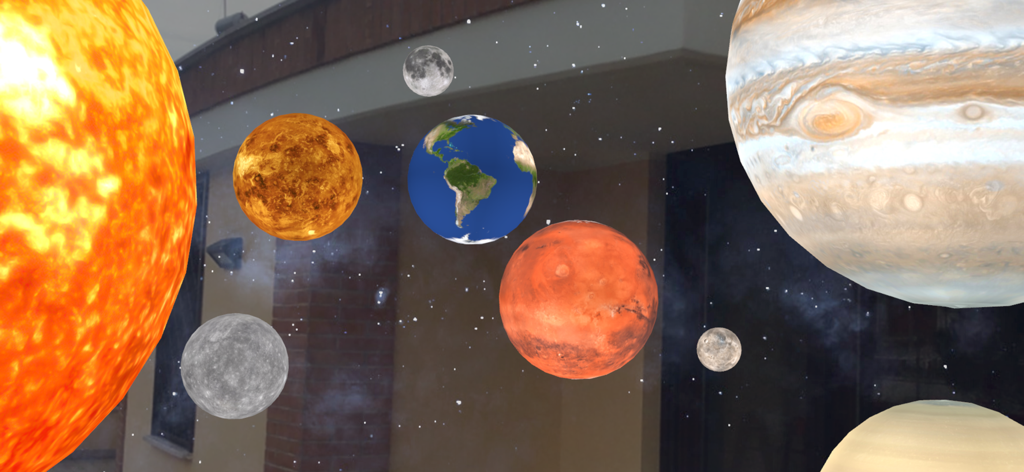
Vista in realtà aumentata di vari pianeti e del Sole dall'app AR Solar System PRO sovrapposta a un ambiente reale
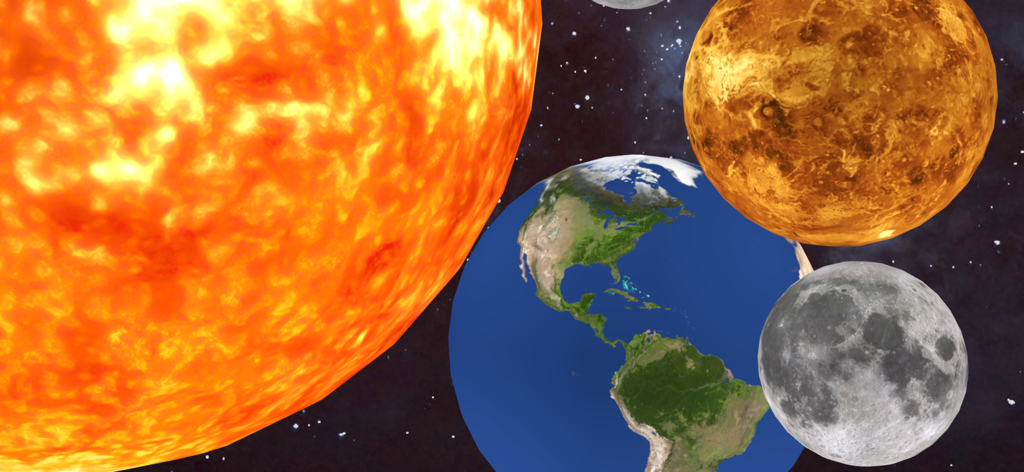
Visualizzazione dettagliata in realtà aumentata che mostra il Sole, la Terra e la Luna nello spazio profondo
Descrizione
Download
App Simili
App più classificate nella stessa categoria

TikTok - Videos, Shop & LIVE
TIKTOK PTE. LTD.

Netflix
Netflix, Inc.

Freecash - Get Paid Real Money
256 REWARDS LTD

DramaBox - Stream Drama Shorts
STORYMATRIX PTE. LTD

HBO Max: Stream Movies & TV
WarnerMedia Global Digital Services, LLC

Amazon Prime Video
AMZN Mobile LLC

NetShort - Popular Dramas & TV
NETSTORY PTE. LTD.

ReelShort - Stream Drama & TV
New Leaf Publishing, Inc.

Disney+
Disney Electronic Content, Inc.
Questa pagina non è una pagina ufficiale dell'app o del suo sviluppatore, ma una pubblicazione editoriale indipendente creata a scopo informativo e di commento. Salvo espressa indicazione contraria, né l'app né il suo sviluppatore sono affiliati, approvati, sponsorizzati, autorizzati o altrimenti ufficialmente collegati a MWM, Apple, Google Play, all'editore dell'app o allo sviluppatore dell'app, e nulla in questa pagina implica che l'app sia stata sviluppata utilizzando i servizi di MWM. Tutti i marchi, loghi, screenshot e altri contenuti rimangono di proprietà dei rispettivi proprietari.