
Questa pagina non è una pagina ufficiale dell'app o del suo sviluppatore, ma una pubblicazione editoriale indipendente creata a scopo informativo e di commento. Salvo espressa indicazione contraria, né l'app né il suo sviluppatore sono affiliati, approvati, sponsorizzati, autorizzati o altrimenti ufficialmente collegati a MWM, Apple, Google Play, all'editore dell'app o allo sviluppatore dell'app, e nulla in questa pagina implica che l'app sia stata sviluppata utilizzando i servizi di MWM. Tutti i marchi, loghi, screenshot e altri contenuti rimangono di proprietà dei rispettivi proprietari.


ArtRage
Sperimenta la simulazione più avanzata al mondo di oli, acquerelli e matite del mondo reale. Padroneggia il flusso e la texture dei media tradizionali sulla tua tela digitale, senza disordine o spese.
Download
439K+Valutazione
Valutazioni totali
3K+Editore
Categoria
EntertainmentLingue
7Ultima versione
2.4.0Dimensione
62.1 MBData di lancio
27 set 2010Padroneggia l'arte della pittura del mondo reale
Sperimenta la simulazione digitale più autentica di oli, acquerelli e texture mai creata per dispositivi mobili, progettata per artisti che apprezzano la sensazione tattile dei media tradizionali.
Fisica della pittura iper-realistica
A differenza degli strumenti digitali piatti, ArtRage traccia l'umidità e lo spessore della vernice. Spalma, sfuma e mescola i colori sulla tela esattamente come faresti con tubetti fisici di olio o acquerello.
Progettato per hardware di precisione
Sfrutta al massimo la tua Apple Pencil e iPad Pro. Con supporto di livello professionale per pressione, inclinazione e 3D touch, ogni tratto risponde al tuo tocco artistico unico.
Gli screenshot e la descrizione seguenti provengono direttamente dall'elenco ufficiale dello store dell'app e sono di proprietà dello sviluppatore.
App Store
Screenshot
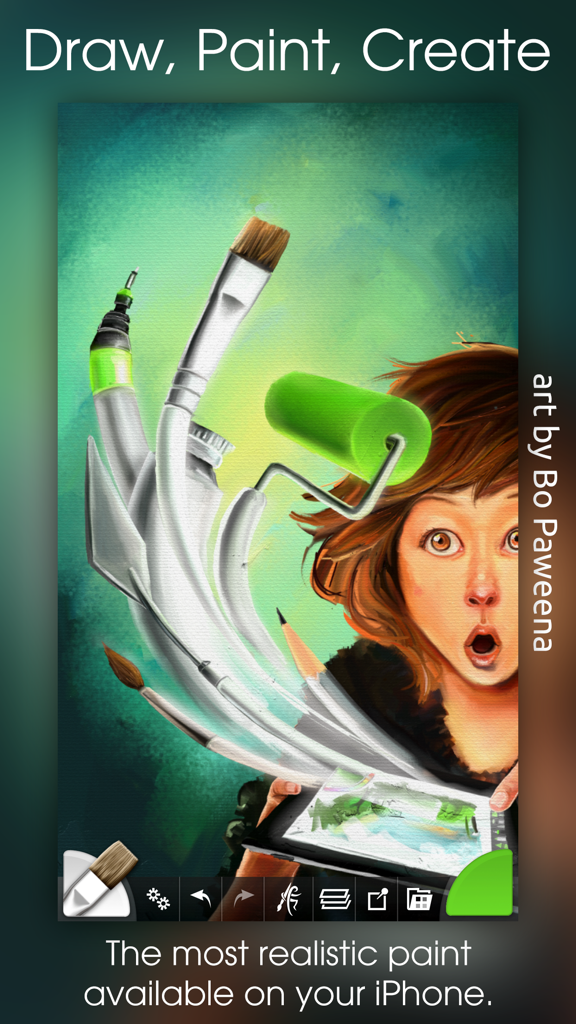
Illustrazione digitale di una ragazza con strumenti artistici fluttuanti che mostrano la simulazione di pittura realistica dell'app ArtRage
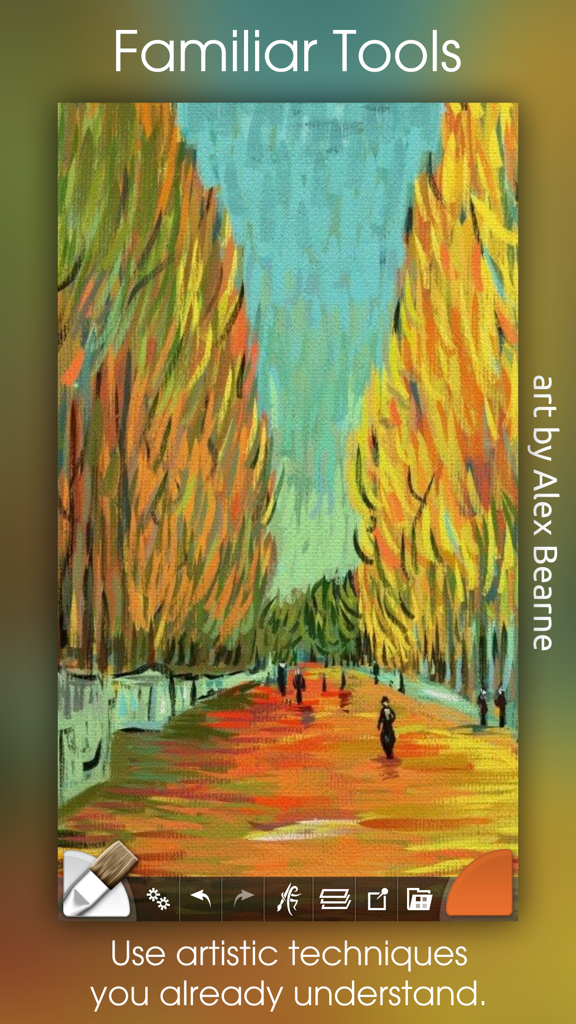
Un dipinto a olio impressionista colorato di un sentiero alberato creato all'interno dell'app d'arte digitale ArtRage.
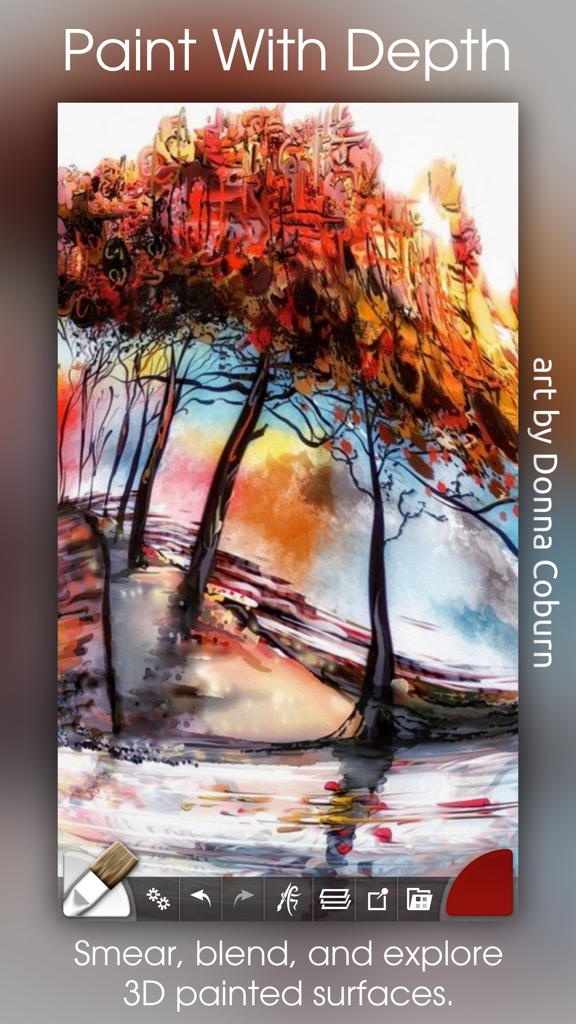
Dipinto a olio digitale di alberi colorati con effetti di pittura spessa e materica nell'app ArtRage
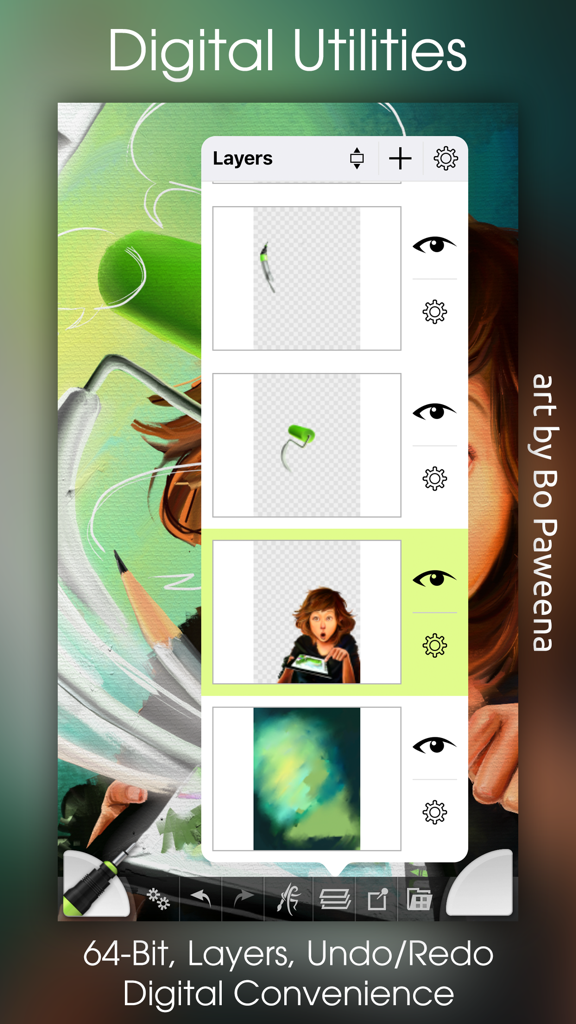
Uno screenshot dell'app ArtRage che mostra il pannello di gestione dei livelli su un dipinto digitale colorato.
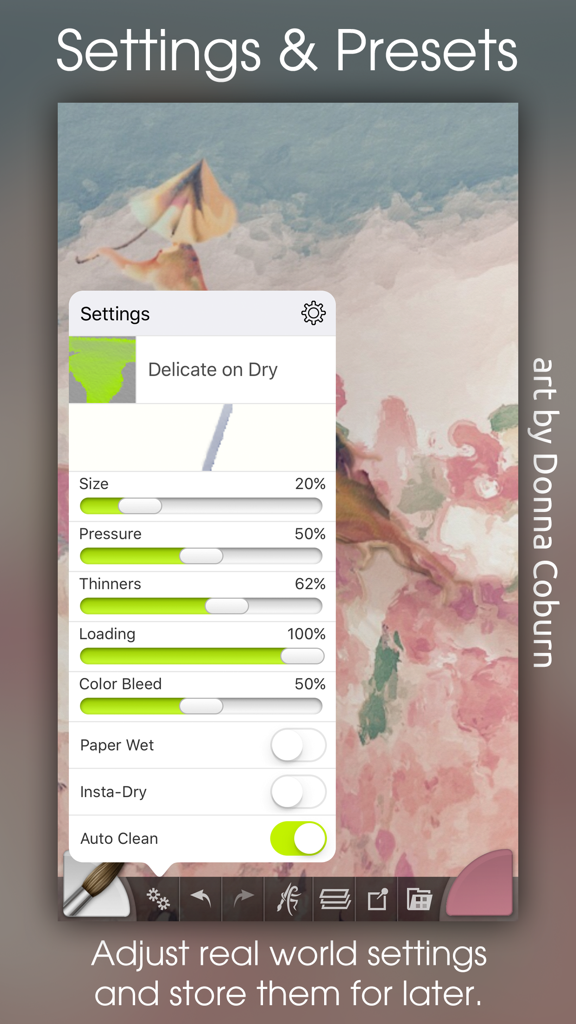
Interfaccia dell'app mobile ArtRage che mostra impostazioni dettagliate dei pennelli e preset per la pittura digitale
Descrizione
Download
App Simili
App con funzionalità ed esperienza simili

Sketchbook®
Sketchbook, Inc.

Mental Canvas Draw
Mental Canvas, Inc.

ibis Paint
ibis inc.

ibis Paint X
ibis inc.

Paper: Sketch, Draw & Create
Evernote Corporation

Adobe Fresco: Draw & Paint App
Adobe Inc.

Art Set 4
Lofopi Ltd

MediBang Paint – Drawing & Art
MediBang inc.

Tayasui Sketches
SKETCHES SRL
Questa pagina non è una pagina ufficiale dell'app o del suo sviluppatore, ma una pubblicazione editoriale indipendente creata a scopo informativo e di commento. Salvo espressa indicazione contraria, né l'app né il suo sviluppatore sono affiliati, approvati, sponsorizzati, autorizzati o altrimenti ufficialmente collegati a MWM, Apple, Google Play, all'editore dell'app o allo sviluppatore dell'app, e nulla in questa pagina implica che l'app sia stata sviluppata utilizzando i servizi di MWM. Tutti i marchi, loghi, screenshot e altri contenuti rimangono di proprietà dei rispettivi proprietari.