
Questa pagina non è una pagina ufficiale dell'app o del suo sviluppatore, ma una pubblicazione editoriale indipendente creata a scopo informativo e di commento. Salvo espressa indicazione contraria, né l'app né il suo sviluppatore sono affiliati, approvati, sponsorizzati, autorizzati o altrimenti ufficialmente collegati a MWM, Apple, Google Play, all'editore dell'app o allo sviluppatore dell'app, e nulla in questa pagina implica che l'app sia stata sviluppata utilizzando i servizi di MWM. Tutti i marchi, loghi, screenshot e altri contenuti rimangono di proprietà dei rispettivi proprietari.


Audio Recorder & Voice Editor
Cattura registrazioni ad alta fedeltà, pianifica sessioni ed edita con precisione. Progettato per giornalisti, studenti e professionisti che richiedono una gestione audio di livello professionale e sicura in movimento.
Download
468K+Valutazione
Valutazioni totali
1K+Editore
Categoria
BusinessLingue
26Ultima versione
12.0.1Dimensione
58.2 MBData di lancio
8 nov 2013Strumenti Professionali per Flussi di Lavoro ad Alta Produttività
Supera i semplici memo vocali con uno studio di livello professionale progettato per giornalisti, studenti e professionisti aziendali che richiedono precisione e affidabilità.
Cattura Audio di Livello Pro
Registra in formati ad alta fedeltà (WAV, M4A) con profondità fino a 32 bit e supporto per microfoni esterni Bluetooth o Tascam.
Automazione Intelligente del Flusso di Lavoro
Massimizza l'efficienza con il rilevamento del silenzio, la ripresa automatica dopo le chiamate e promemoria di registrazione programmati per riunioni o lezioni ricorrenti.
Gli screenshot e la descrizione seguenti provengono direttamente dall'elenco ufficiale dello store dell'app e sono di proprietà dello sviluppatore.
App Store
Screenshot
Microfono da studio professionale e logo dell'app per Registratore Audio e Editor Vocale
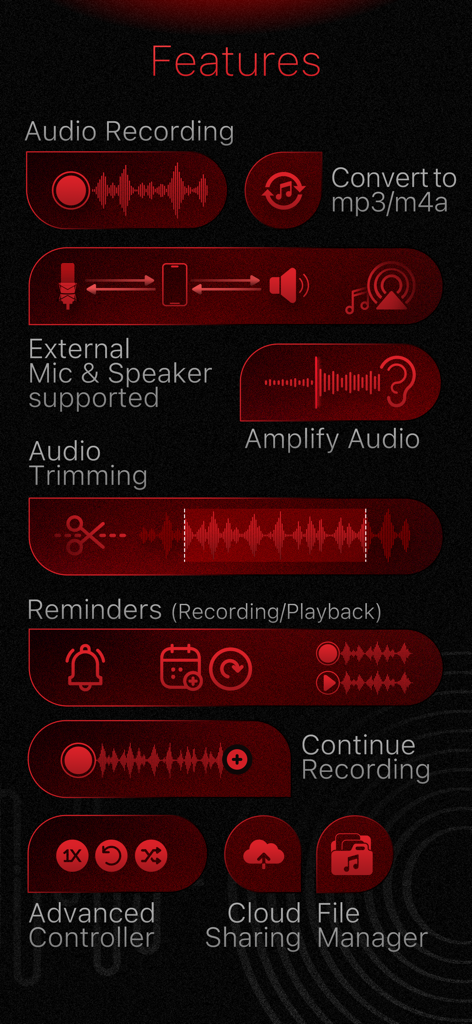
Un elenco visivo di funzionalità professionali per l'app Registratore Audio e Editor Vocale, inclusi taglio e condivisione cloud
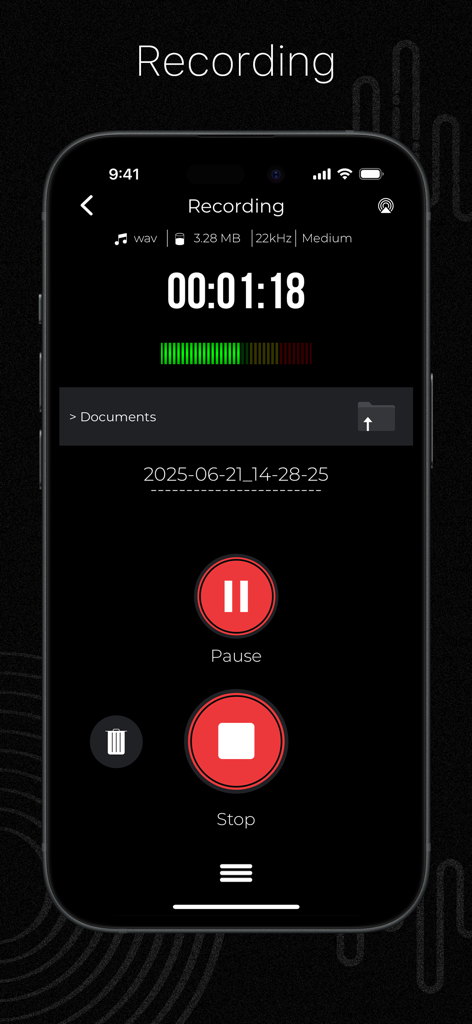
Interfaccia dell'app Registratore Audio che mostra una sessione di registrazione attiva con timer e pulsanti di controllo
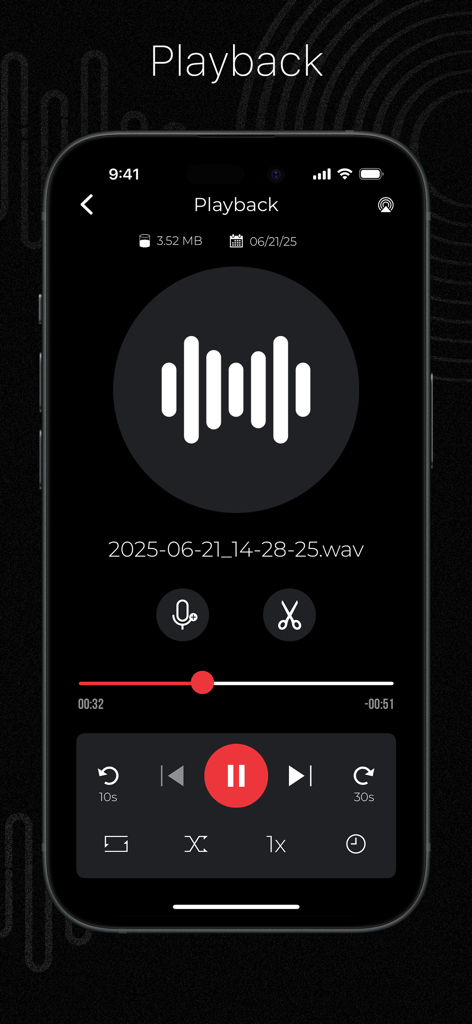
Interfaccia dell'app Registratore Audio e Editor Vocale che mostra controlli professionali di riproduzione e taglio per un file WAV registrato
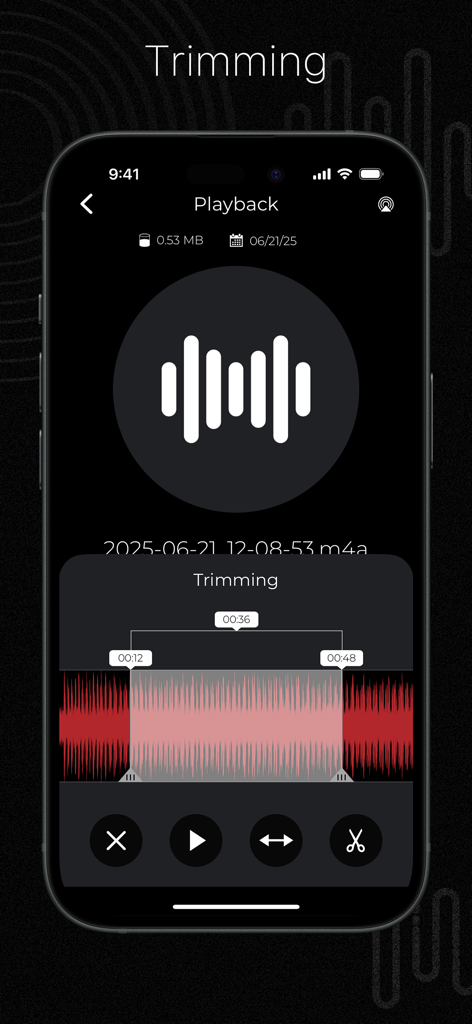
Schermata dell'iPhone che mostra la funzione di taglio dell'app Registratore Audio e Editor Vocale
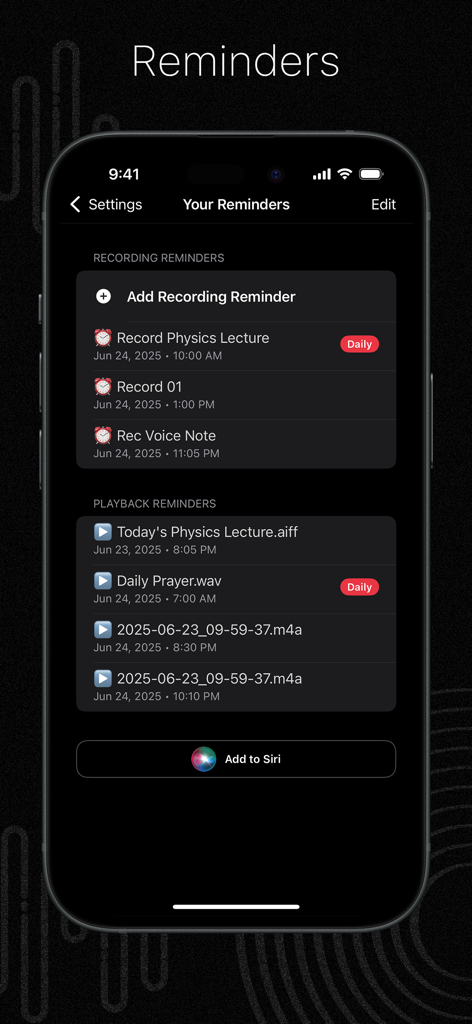
Schermata di uno smartphone dall'app Registratore Audio che mostra promemoria di registrazione e riproduzione programmati per lezioni e note vocali.
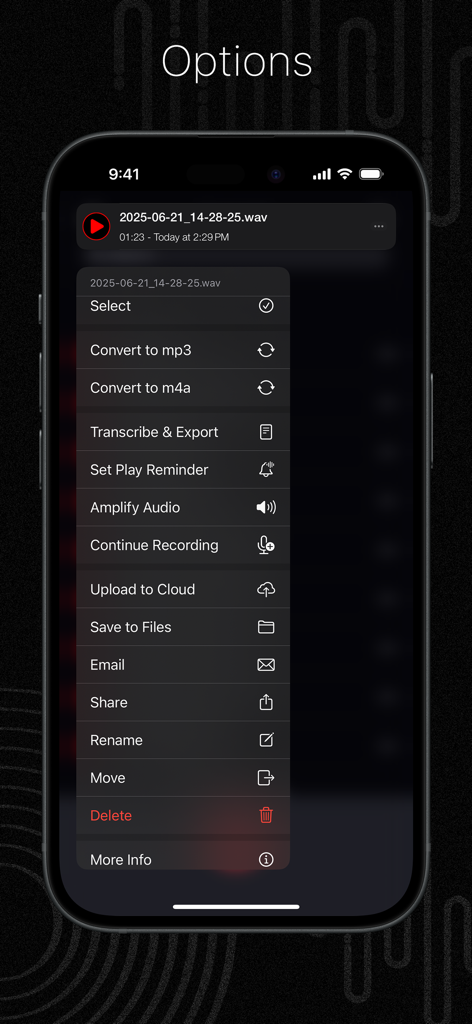
Schermata mobile che mostra opzioni di file audio come conversione, trascrizione e caricamento cloud nell'app Registratore Audio
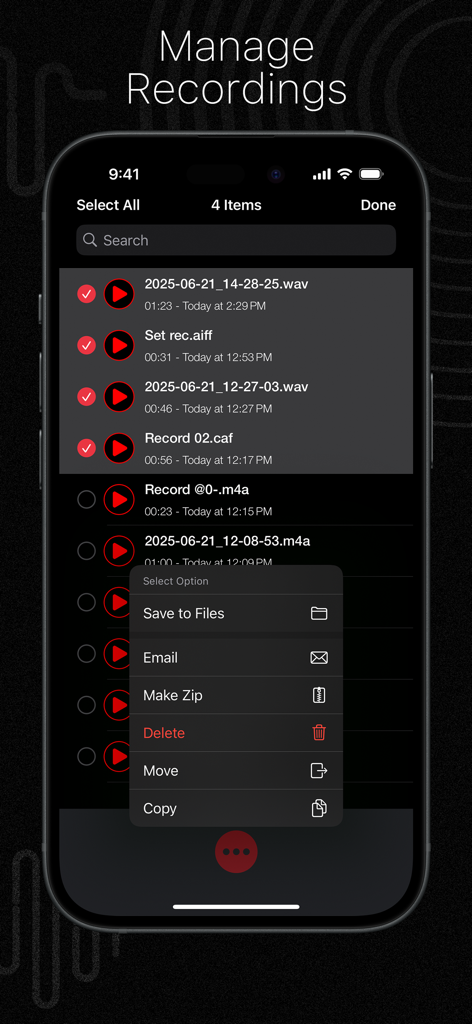
Schermata di gestione delle registrazioni che mostra opzioni di selezione e organizzazione dei file nell'app Registratore Audio e Editor Vocale
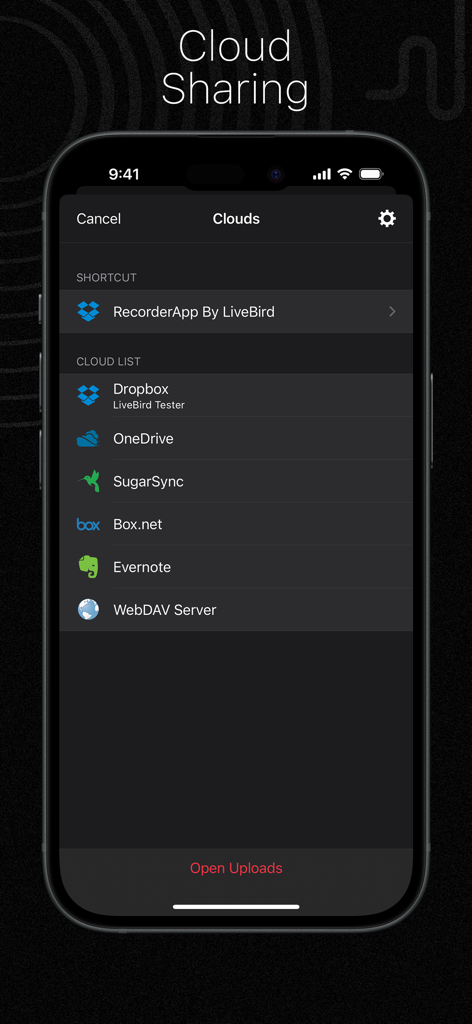
Interfaccia di condivisione cloud nell'app Registratore Audio che elenca i servizi supportati come Dropbox e OneDrive.
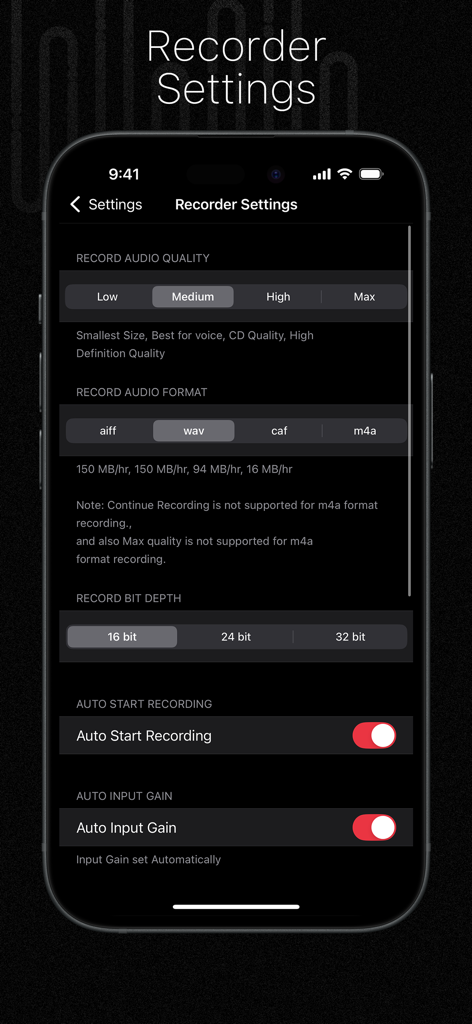
Schermata dell'iPhone che mostra le impostazioni professionali del registratore audio per qualità, formato e profondità di bit
Descrizione
Download
App Simili
App con funzionalità ed esperienza simili

Voice Recorder Lite: Record HD
LiveBird Technologies Private Limited

PCM Recorder Lite
Kohei Yasui

Voice recorder - Voz
Hieu Nguyen

MOTIV Audio
Shure Incorporated

Voice recorder: Audio editor
Hieu Nguyen

Voice Recorder - Audio Record
LiveBird Technologies Private Limited

Awesome Voice Recorder PRO AVR
Newkline Co., Ltd.

Voice Memos & Sound Recorder
Protection & Security App LLC

Voice Recorder & Memos
SMM service, s.r.o.
Questa pagina non è una pagina ufficiale dell'app o del suo sviluppatore, ma una pubblicazione editoriale indipendente creata a scopo informativo e di commento. Salvo espressa indicazione contraria, né l'app né il suo sviluppatore sono affiliati, approvati, sponsorizzati, autorizzati o altrimenti ufficialmente collegati a MWM, Apple, Google Play, all'editore dell'app o allo sviluppatore dell'app, e nulla in questa pagina implica che l'app sia stata sviluppata utilizzando i servizi di MWM. Tutti i marchi, loghi, screenshot e altri contenuti rimangono di proprietà dei rispettivi proprietari.