
Questa pagina non è una pagina ufficiale dell'app o del suo sviluppatore, ma una pubblicazione editoriale indipendente creata a scopo informativo e di commento. Salvo espressa indicazione contraria, né l'app né il suo sviluppatore sono affiliati, approvati, sponsorizzati, autorizzati o altrimenti ufficialmente collegati a MWM, Apple, Google Play, all'editore dell'app o allo sviluppatore dell'app, e nulla in questa pagina implica che l'app sia stata sviluppata utilizzando i servizi di MWM. Tutti i marchi, loghi, screenshot e altri contenuti rimangono di proprietà dei rispettivi proprietari.


Background Editor: Blur App
Crea contenuti di alta gamma in secondi con strumenti a un tocco per rimuovere sfondi, sfocare imperfezioni e padroneggiare il look di Instagram. Unisciti a oltre 1 milione di creatori che trasformano le loro foto in opere d'arte.
Download
1M+Valutazione
Valutazioni totali
8K+Editore
Categoria
Photo & VideoLingue
12Ultima versione
2.0.46Dimensione
153.6 MBData di lancio
26 ott 2015Crea il Tuo Feed Perfetto
Trasforma ogni scatto in un capolavoro con strumenti intuitivi che rimuovono le distrazioni e mettono in risalto il tuo io migliore.
Magia Istantanea dello Sfondo
Scambia sfondi disordinati con sfondi puliti ed estetici per far risaltare istantaneamente i tuoi ritratti e le tue foto di prodotti.
Strumenti di Ritocco Professionali
Correggi le imperfezioni della pelle, uniforma le texture e applica una sfocatura professionale per ottenere quel look Instagram di alta gamma.
Gli screenshot e la descrizione seguenti provengono direttamente dall'elenco ufficiale dello store dell'app e sono di proprietà dello sviluppatore.
App Store
Screenshot
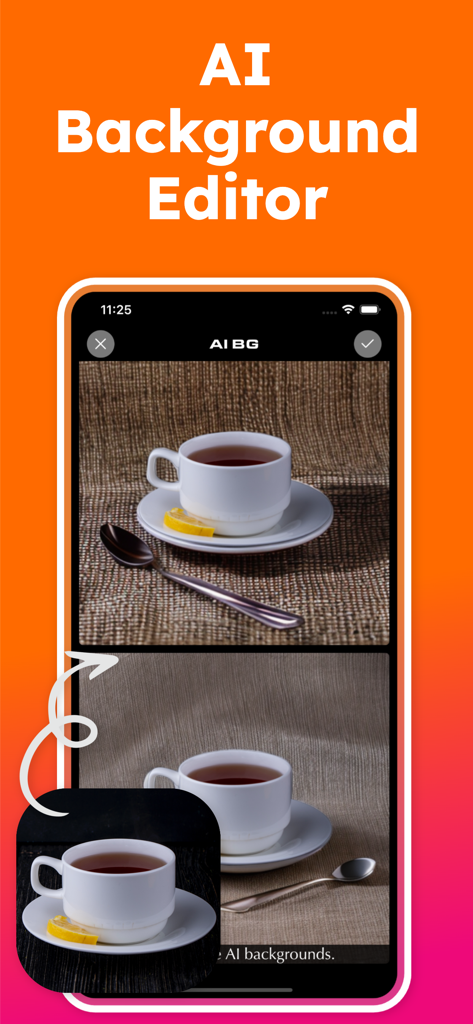
Interfaccia dell'app mobile editor di sfondi AI che mostra una tazza di tè in fase di modifica con sfondi diversi
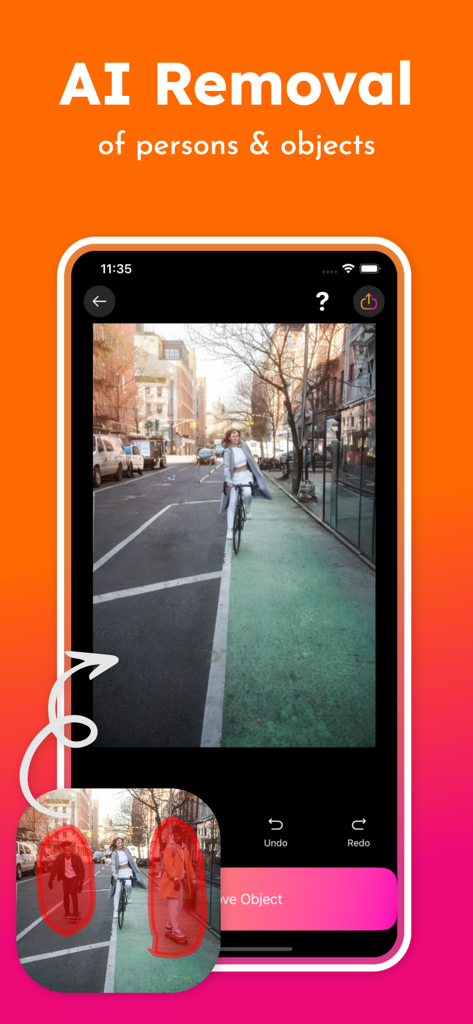
Funzione di rimozione AI per eliminare persone e oggetti indesiderati dalle foto
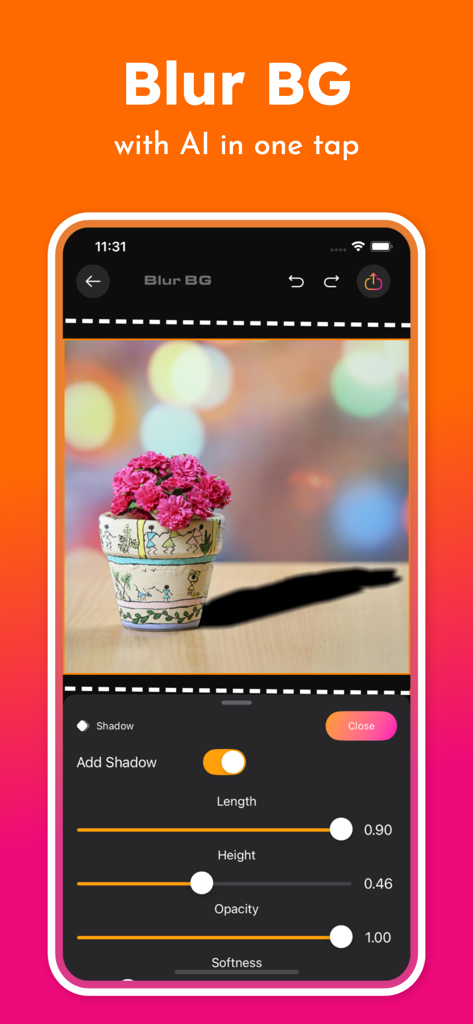
Interfaccia dell'app Background Editor che mostra strumenti AI per sfocare sfondi e personalizzare le ombre sulle foto
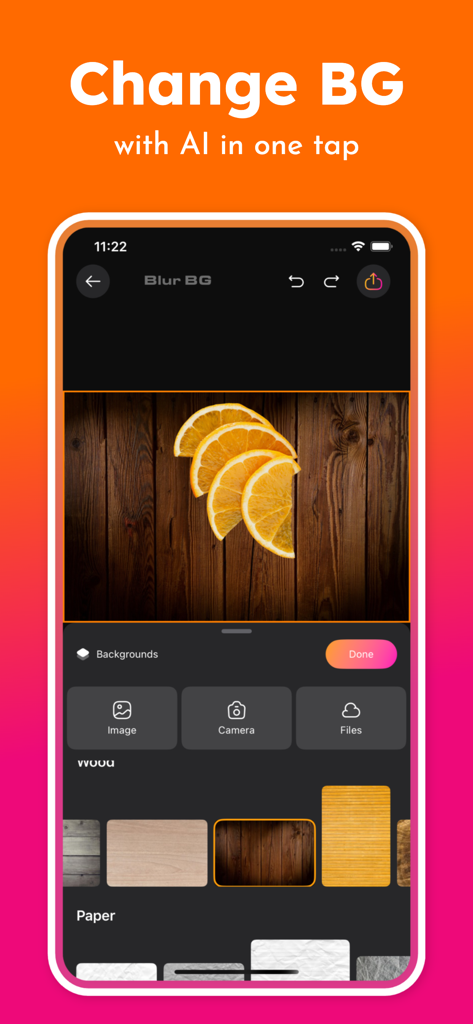
Schermata dello smartphone che mostra l'interfaccia dell'app Background Editor con opzioni per cambiare sfondi delle foto usando l'IA
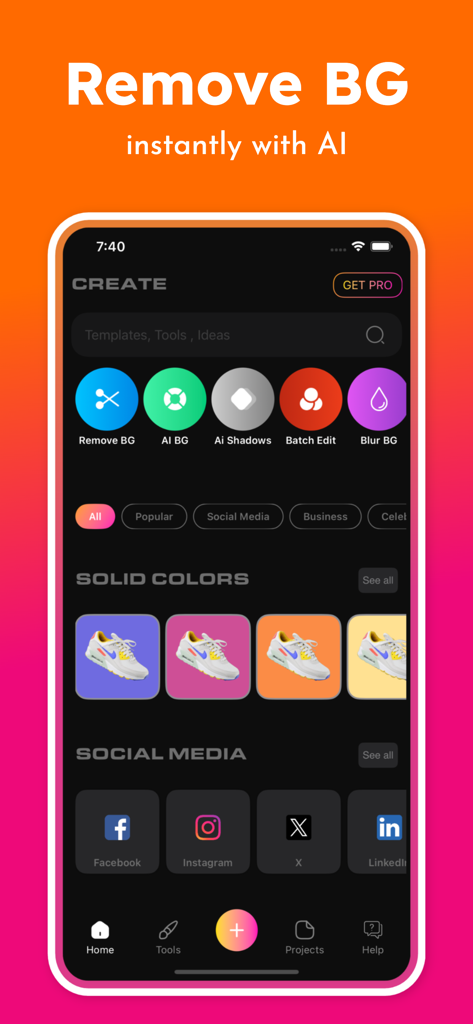
Interfaccia dell'app mobile che mostra strumenti AI per la rimozione dello sfondo e opzioni di sfondo a tinta unita per foto di prodotti.
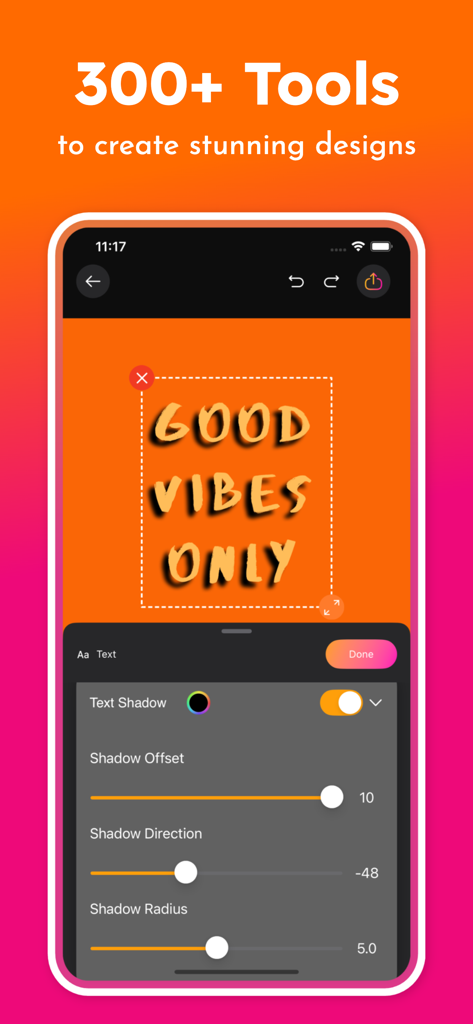
Interfaccia dell'app Background Editor che mostra strumenti di regolazione dell'ombra del testo per la progettazione grafica.
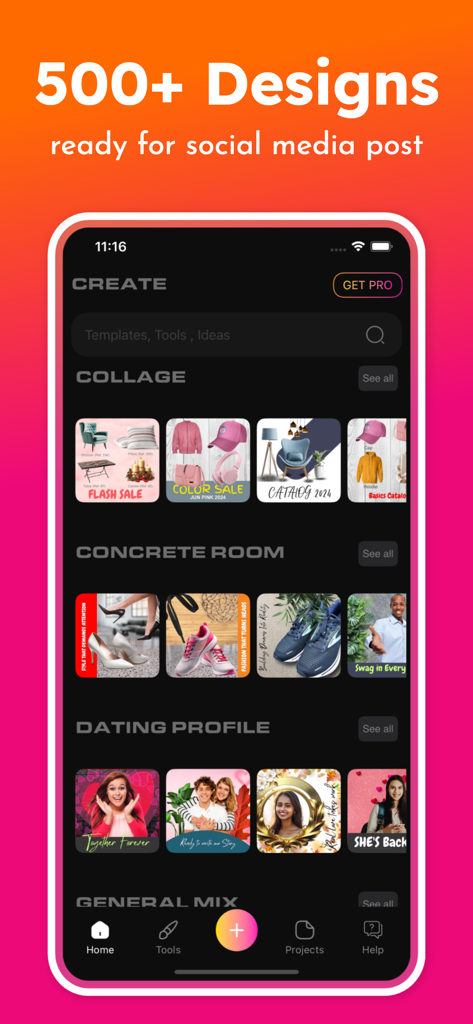
Una visualizzazione di oltre 500 modelli di design per post sui social media e opzioni di collage all'interno dell'interfaccia dell'app Background Editor.
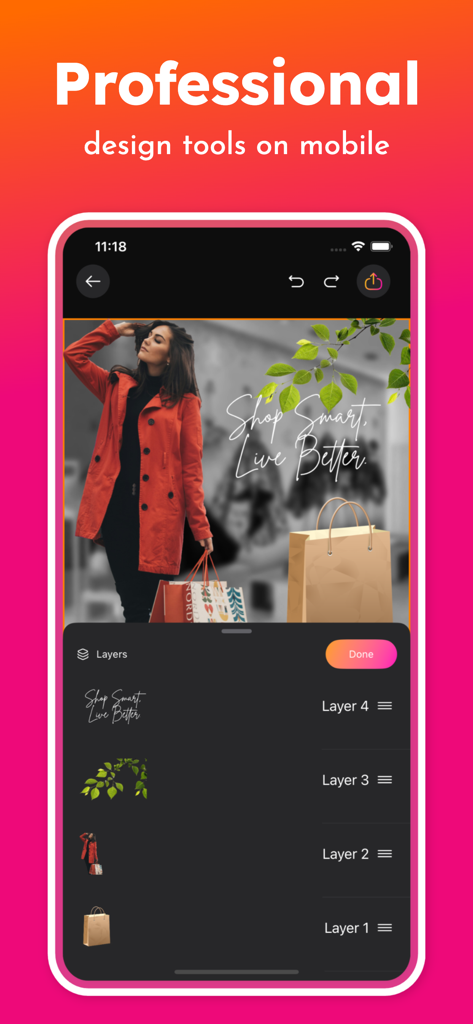
Interfaccia dell'app mobile che mostra strumenti di progettazione professionali con più livelli per l'editing di foto
Descrizione
Download
App Simili
App più classificate nella stessa categoria

CapCut: Photo & Video Editor
BYTEDANCE PTE. LTD.

Instagram, Inc.

YouTube
Google LLC

Canva: AI Photo & Video Editor
Canva Pty Ltd

快手
Beijing Kwai Technology Co., Ltd.

Snapchat
Snap, Inc.

Edits: Video Editor
Instagram, Inc.

Google Photos: Backup & Edit
Google LLC

Meta AI - Vibes & AI Glasses
Meta Platforms, Inc.
Questa pagina non è una pagina ufficiale dell'app o del suo sviluppatore, ma una pubblicazione editoriale indipendente creata a scopo informativo e di commento. Salvo espressa indicazione contraria, né l'app né il suo sviluppatore sono affiliati, approvati, sponsorizzati, autorizzati o altrimenti ufficialmente collegati a MWM, Apple, Google Play, all'editore dell'app o allo sviluppatore dell'app, e nulla in questa pagina implica che l'app sia stata sviluppata utilizzando i servizi di MWM. Tutti i marchi, loghi, screenshot e altri contenuti rimangono di proprietà dei rispettivi proprietari.