
Questa pagina non è una pagina ufficiale dell'app o del suo sviluppatore, ma una pubblicazione editoriale indipendente creata a scopo informativo e di commento. Salvo espressa indicazione contraria, né l'app né il suo sviluppatore sono affiliati, approvati, sponsorizzati, autorizzati o altrimenti ufficialmente collegati a MWM, Apple, Google Play, all'editore dell'app o allo sviluppatore dell'app, e nulla in questa pagina implica che l'app sia stata sviluppata utilizzando i servizi di MWM. Tutti i marchi, loghi, screenshot e altri contenuti rimangono di proprietà dei rispettivi proprietari.


Beastcam - Pro Camera
Libera tutto il potenziale del tuo iPhone con ProRes a 10 bit, registrazione ad alto bitrate e strumenti di ripresa avanzati, progettati per i flussi di lavoro prosumer più esigenti.
Download
231K+Valutazione
Valutazioni totali
600Editore
Categoria
Photo & VideoLingue
1Ultima versione
1.23Dimensione
25.8 MBData di lancio
17 giu 2020Cinematografia Senza Compromessi
L'app fotocamera più avanzata per creator che richiedono controlli manuali di livello professionale, bitrate ad alta fedeltà e integrazione hardware senza interruzioni.
Precisione Manuale Completa
Padroneggia ogni inquadratura con un controllo granulare su ISO, velocità dell'otturatore e focus peaking, utilizzando un'interfaccia intuitiva progettata per filmmaker mobile professionali.
Qualità d'Immagine Cinematografica
Sblocca la registrazione ProRes a 10 bit e Apple Log con supporto completo per obiettivi anamorfici e registrazione diretta su SSD per la massima flessibilità di produzione.
Gli screenshot e la descrizione seguenti provengono direttamente dall'elenco ufficiale dello store dell'app e sono di proprietà dello sviluppatore.
App Store
Screenshot
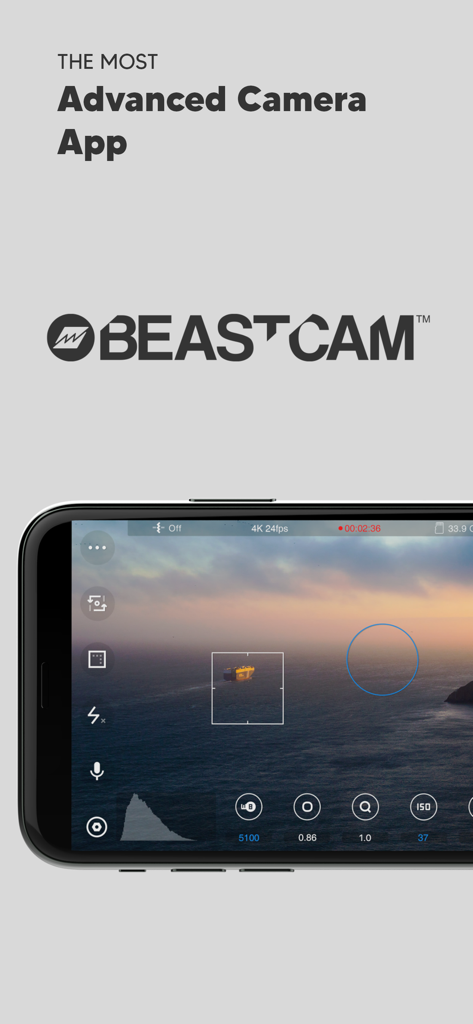
Interfaccia dell'app Beastcam Pro Camera su iPhone che mostra controlli manuali di cinematografia e vista panoramica cinematografica al tramonto
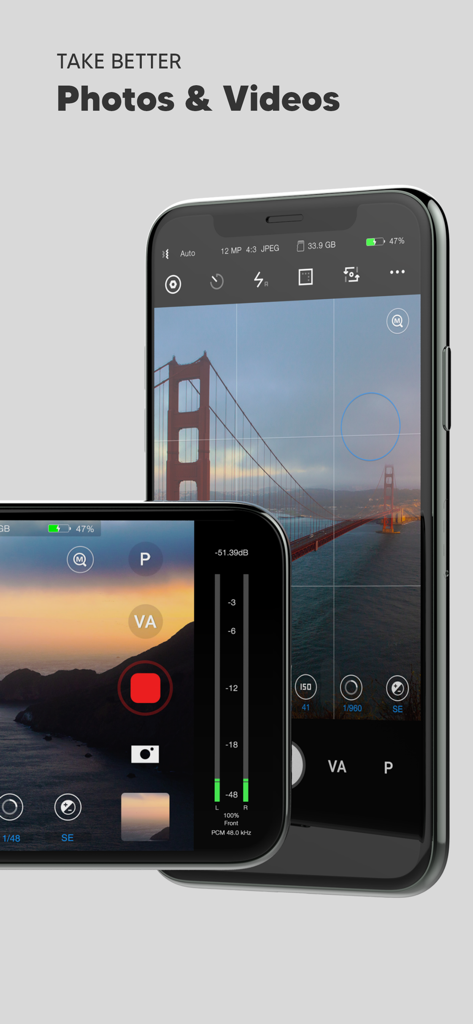
Interfaccia dell'app Beastcam Pro Camera su iPhone che mostra controlli manuali per fotografia e videografia professionali
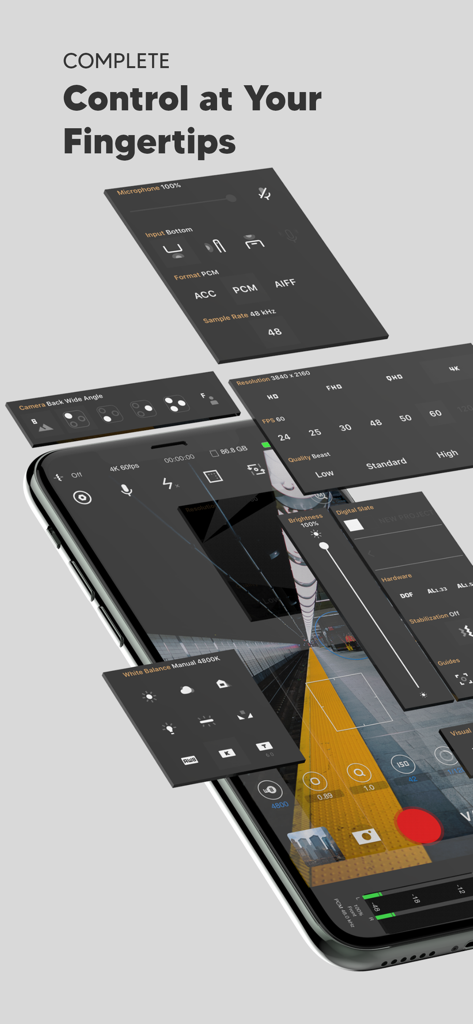
Vista isometrica dell'interfaccia dell'app Beastcam che mostra pannelli di controllo manuali professionali per fotocamera e audio
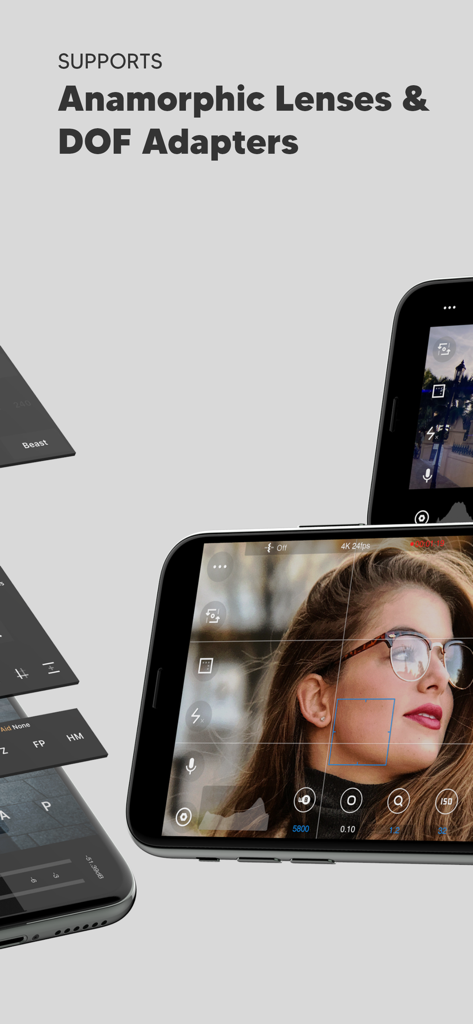
Schermata dell'app Beastcam che evidenzia il supporto per obiettivi anamorfici e adattatori DOF con controlli manuali della fotocamera
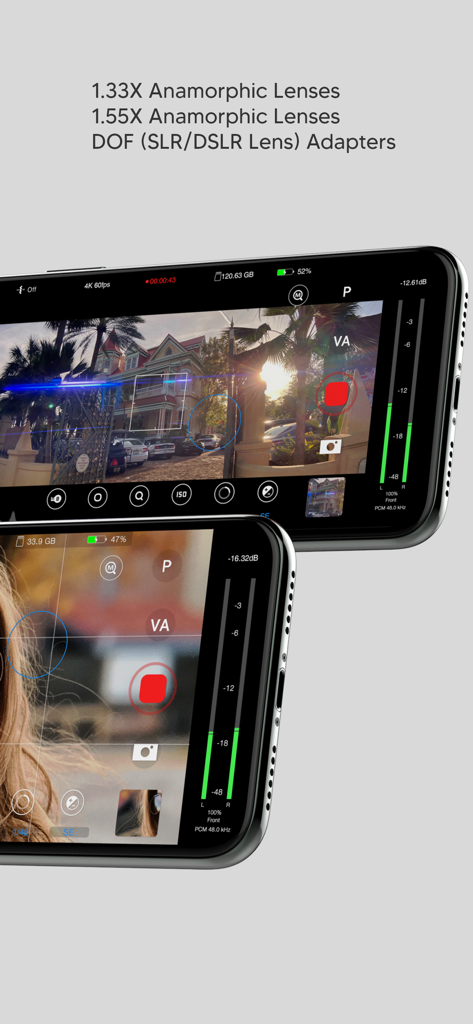
Interfaccia dell'app Beastcam che evidenzia il supporto per obiettivi anamorfici e adattatori DOF con controlli manuali professionali della fotocamera
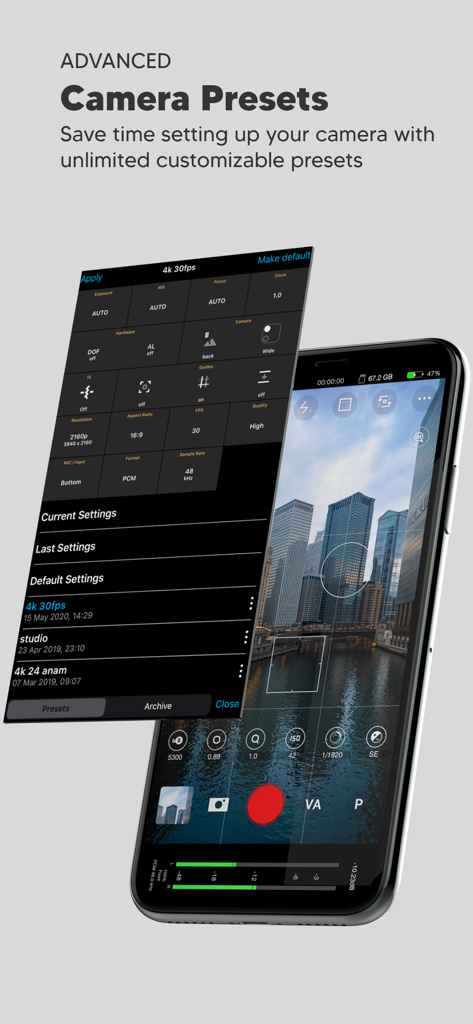
Schermata di uno smartphone che mostra l'interfaccia dell'app Beastcam con un menu personalizzabile di preset della fotocamera sovrapposto a una vista dello skyline della città
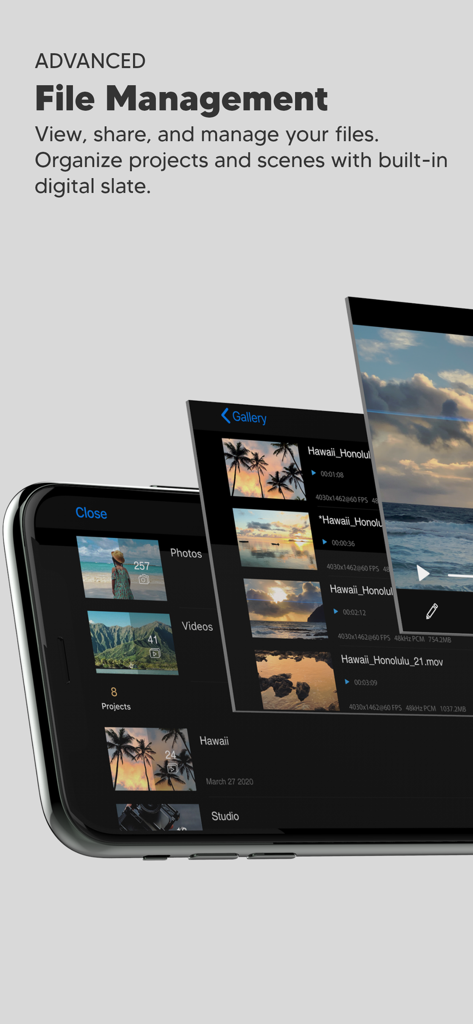
Interfaccia dell'app Beastcam Pro Camera che mostra la galleria di gestione file avanzata per progetti video e scene organizzate.
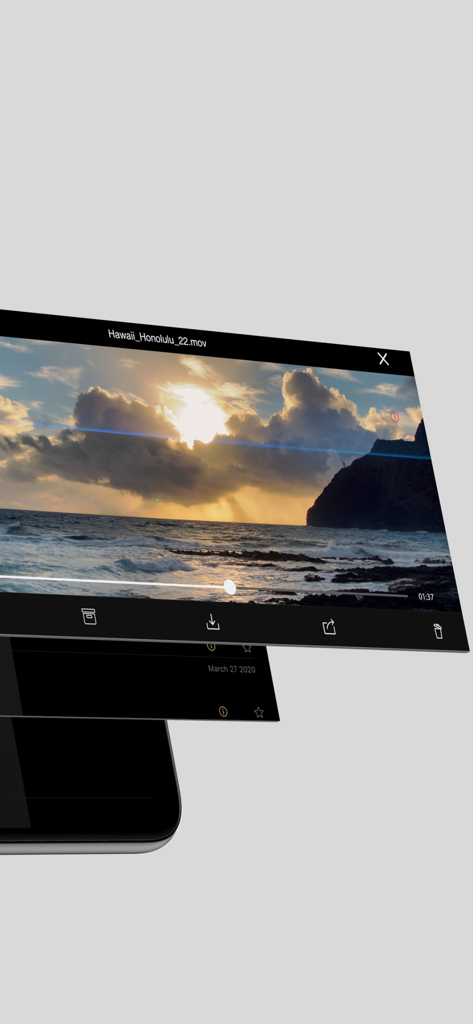
Interfaccia dell'app Beastcam che mostra la riproduzione video e le opzioni di gestione file per flussi di lavoro di ripresa organizzati
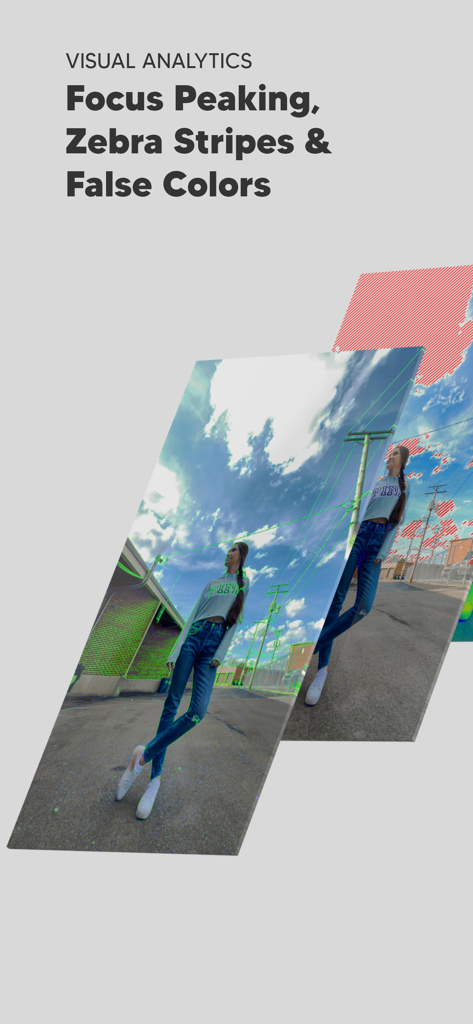
Strumenti professionali di analisi visiva come focus peaking e zebra stripes nell'app Beastcam
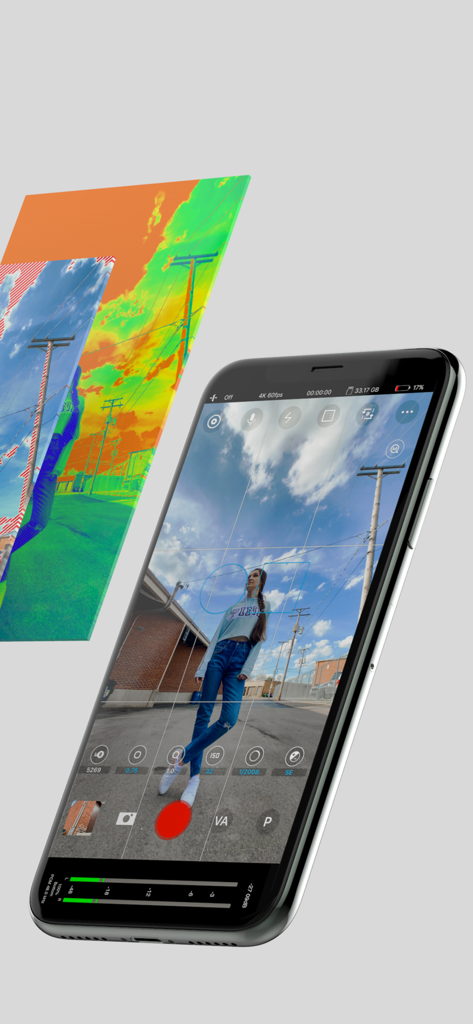
Interfaccia dell'app Beastcam su iPhone che mostra controlli manuali della fotocamera e strumenti di esposizione professionali come il falso colore
Descrizione
Download
App Simili
App più classificate nella stessa categoria

CapCut: Photo & Video Editor
BYTEDANCE PTE. LTD.

Instagram, Inc.

YouTube
Google LLC

Canva: AI Photo & Video Editor
Canva Pty Ltd

Snapchat
Snap, Inc.

快手
Beijing Kwai Technology Co., Ltd.

Edits: Video Editor
Instagram, Inc.

Meitu- AI Photo & Video Editor
Xiamen Meitu Technology Co., Ltd.

Google Photos: Backup & Edit
Google LLC
Questa pagina non è una pagina ufficiale dell'app o del suo sviluppatore, ma una pubblicazione editoriale indipendente creata a scopo informativo e di commento. Salvo espressa indicazione contraria, né l'app né il suo sviluppatore sono affiliati, approvati, sponsorizzati, autorizzati o altrimenti ufficialmente collegati a MWM, Apple, Google Play, all'editore dell'app o allo sviluppatore dell'app, e nulla in questa pagina implica che l'app sia stata sviluppata utilizzando i servizi di MWM. Tutti i marchi, loghi, screenshot e altri contenuti rimangono di proprietà dei rispettivi proprietari.