BeatCutter
BeatCutter
Scarica su App Store

Questa pagina non è una pagina ufficiale dell'app o del suo sviluppatore, ma una pubblicazione editoriale indipendente creata a scopo informativo e di commento. Salvo espressa indicazione contraria, né l'app né il suo sviluppatore sono affiliati, approvati, sponsorizzati, autorizzati o altrimenti ufficialmente collegati a MWM, Apple, Google Play, all'editore dell'app o allo sviluppatore dell'app, e nulla in questa pagina implica che l'app sia stata sviluppata utilizzando i servizi di MWM. Tutti i marchi, loghi, screenshot e altri contenuti rimangono di proprietà dei rispettivi proprietari.


Logo di BeatCutter
Scarica su App Store

BeatCutter

Trasforma qualsiasi audio in frattali caotici e astrazioni sonore in evoluzione. Progettato per l'esploratore sonoro, BeatCutter porta glitch industriali, texture cyberpunk e feedback frattale sul tuo iPad e Mac come un potente plugin AUv3.

Numeri Chiave

Download

5K+

Valutazione

4.6/5

Valutazioni totali

100

Editore

Igor Vasiliev

Categoria

Music

Lingue

1

Ultima versione

1.9.2

Dimensione

13.7 MB

Data di lancio

2 apr 2021
Funzioni

Scatena il Caos Sonoro

Trasforma qualsiasi sorgente audio in paesaggi sonori futuristici e ritmi complessi con una matrice multi-canale sperimentale progettata per l'esploratore sonoro moderno.

Matrice di Slicing Multi-Canale

Supera il blocco del produttore affettando e ricombinando istantaneamente l'audio in pattern unici guidati dal ritmo usando 8 bus riconfigurabili.

Feedback Frattale Generativo

Progetta strutture sonore viventi e auto-evolventi che vanno oltre i semplici loop in astrazioni cinematiche complesse e texture industriali.

Gli screenshot e la descrizione seguenti provengono direttamente dall'elenco ufficiale dello store dell'app e sono di proprietà dello sviluppatore.

App Store

Screenshot
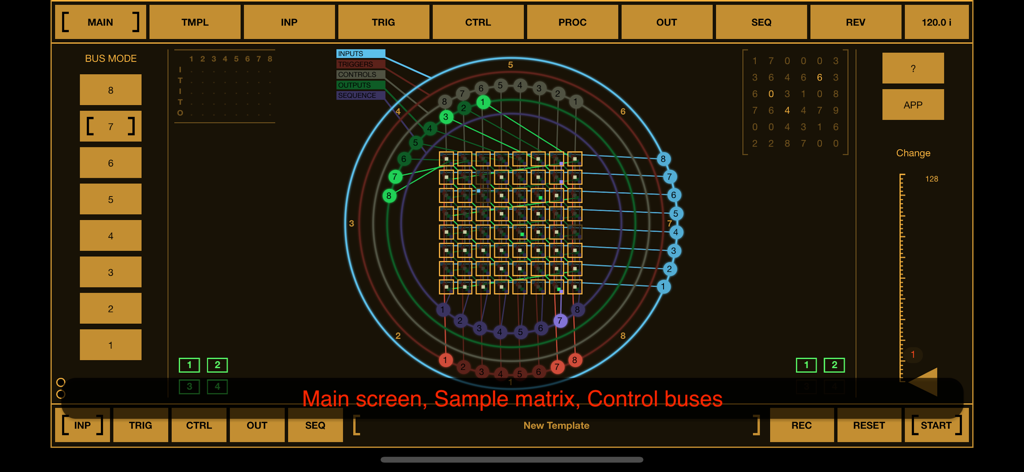
BeatCutter - Interfaccia dell'app BeatCutter che mostra la matrice principale dei campioni e i bus di controllo circolari in stile cyberpunk
Interfaccia dell'app BeatCutter che mostra la matrice principale dei campioni e i bus di controllo circolari in stile cyberpunk

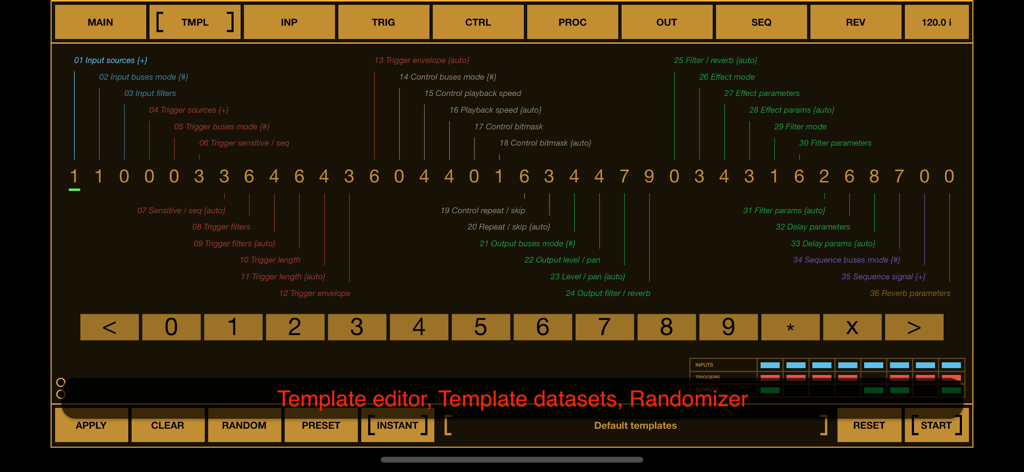
BeatCutter - Interfaccia dell'editor di template dell'app BeatCutter che mostra parametri numerici e controlli randomizer per il sound design.
Interfaccia dell'editor di template dell'app BeatCutter che mostra parametri numerici e controlli randomizer per il sound design.

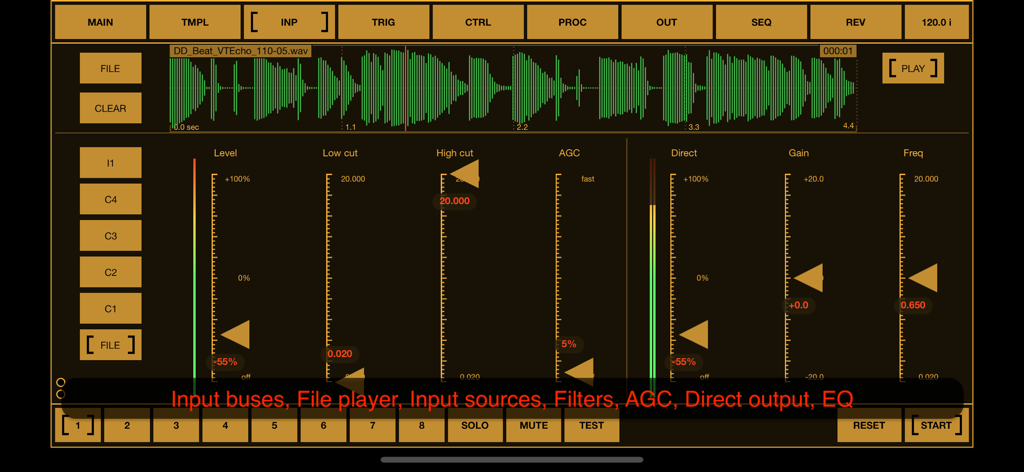
BeatCutter - Interfaccia dell'app BeatCutter che mostra la scheda di input con display della forma d'onda e controlli di elaborazione audio
Interfaccia dell'app BeatCutter che mostra la scheda di input con display della forma d'onda e controlli di elaborazione audio

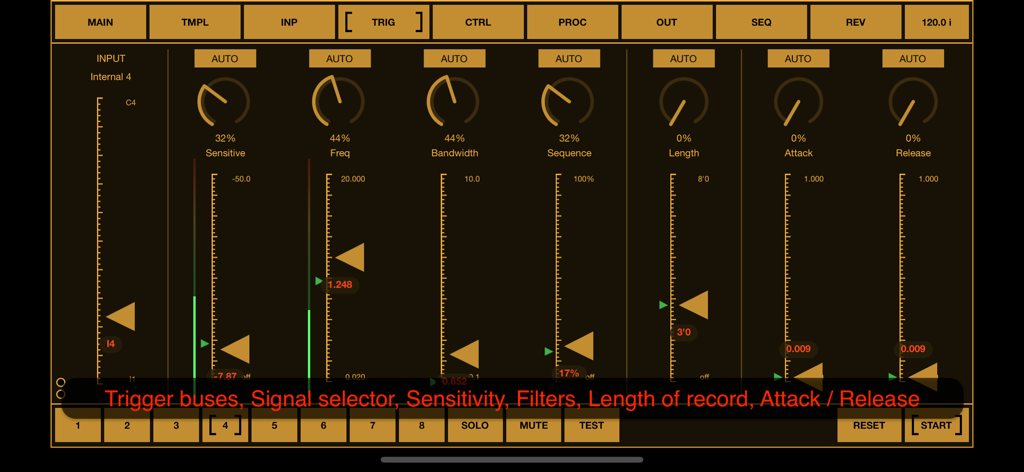
BeatCutter - La schermata delle impostazioni di trigger dell'app BeatCutter che mostra parametri di controllo audio come sensibilità e frequenza in un'interfaccia industriale arancione.
La schermata delle impostazioni di trigger dell'app BeatCutter che mostra parametri di controllo audio come sensibilità e frequenza in un'interfaccia industriale arancione.

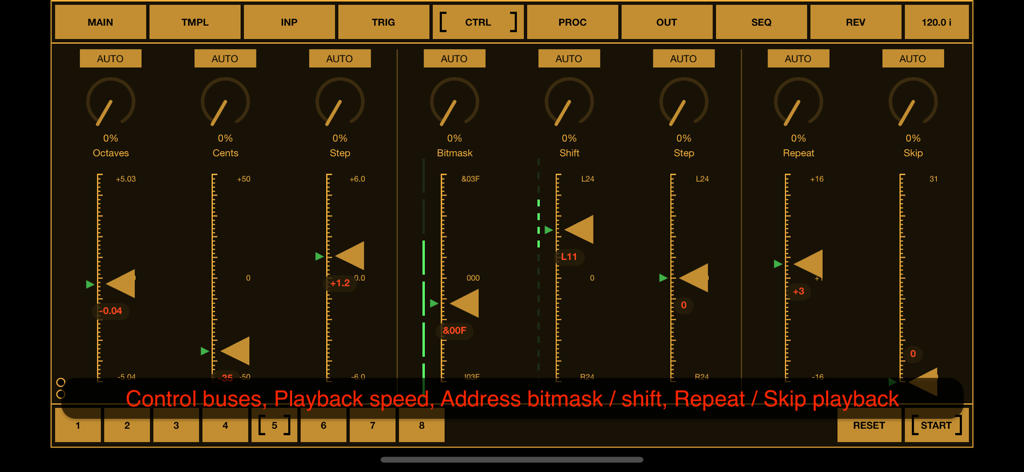
BeatCutter - Schermata dell'app BeatCutter che mostra slider di controllo per bitmask di ottava e parametri di riproduzione
Schermata dell'app BeatCutter che mostra slider di controllo per bitmask di ottava e parametri di riproduzione

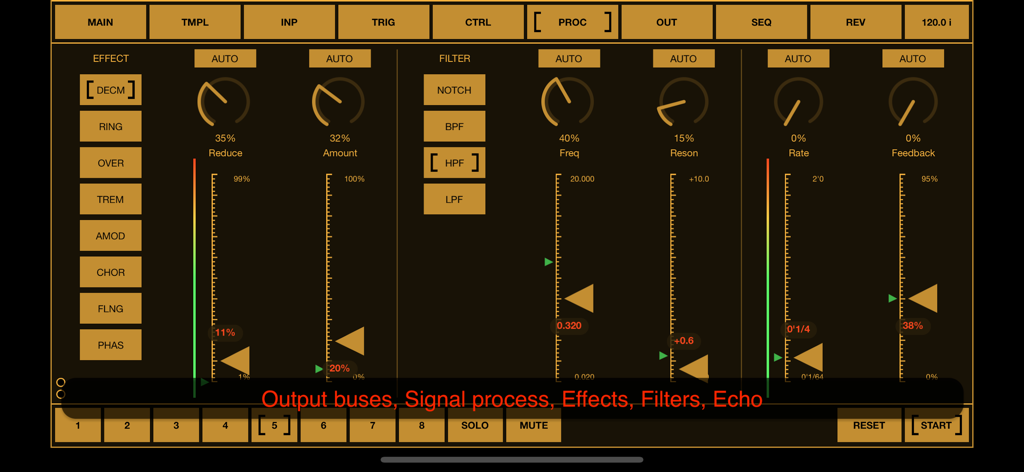
BeatCutter - Schermata di elaborazione del segnale dell'app BeatCutter con effetti audio e controlli del filtro in un'interfaccia cyberpunk color ambra.
Schermata di elaborazione del segnale dell'app BeatCutter con effetti audio e controlli del filtro in un'interfaccia cyberpunk color ambra.

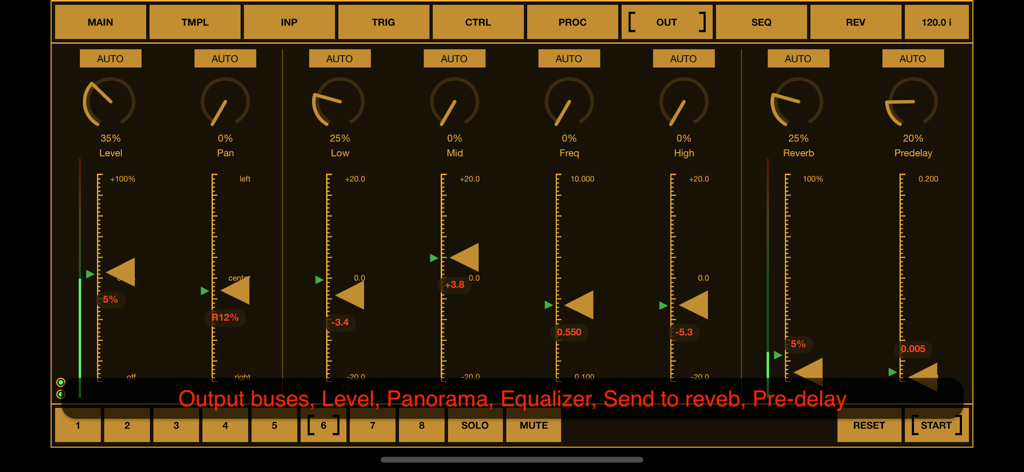
BeatCutter - Interfaccia dell'app BeatCutter che mostra i controlli di uscita per livello, panorama, equalizzatore e riverbero
Interfaccia dell'app BeatCutter che mostra i controlli di uscita per livello, panorama, equalizzatore e riverbero

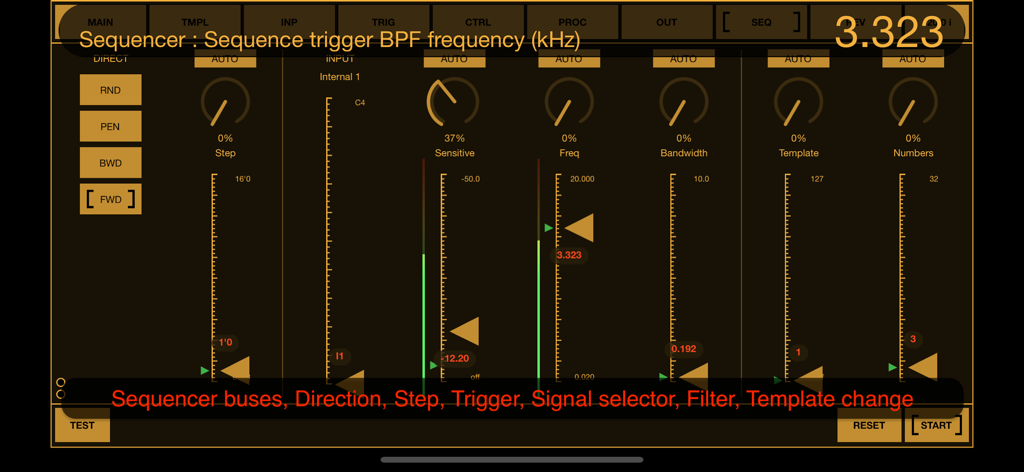
BeatCutter - Interfaccia del sequencer dell'app BeatCutter che mostra filtro di frequenza e controlli di template con fader arancioni su sfondo scuro
Interfaccia del sequencer dell'app BeatCutter che mostra filtro di frequenza e controlli di template con fader arancioni su sfondo scuro

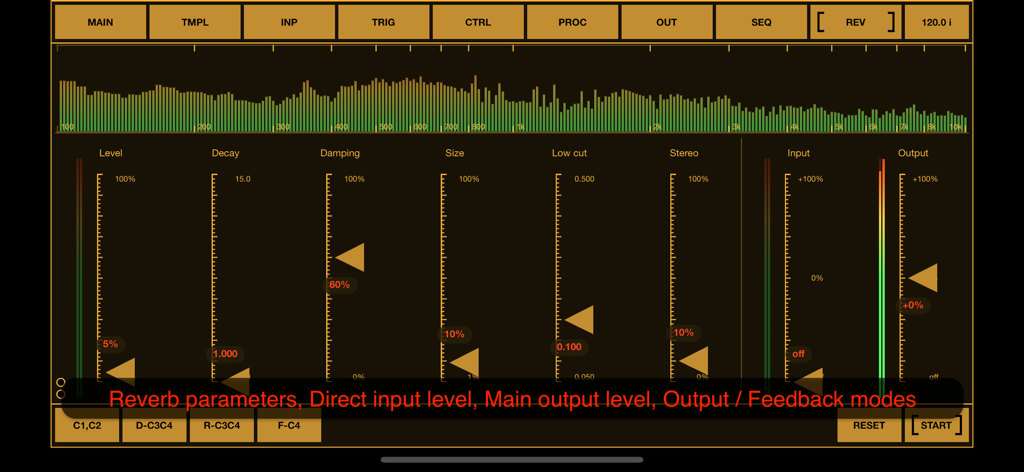
BeatCutter - Interfaccia dell'app BeatCutter che mostra parametri di riverbero, slider per decadimento e smorzamento, e un visualizzatore dello spettro audio in tempo reale.

Interfaccia dell'app BeatCutter che mostra parametri di riverbero, slider per decadimento e smorzamento, e un visualizzatore dello spettro audio in tempo reale.

Descrizione

BeatCutter is an experimental multi-channel application for slicing and recombining sound based on rhythm. In the center of the application is a matrix of sample cells with smoothly reconfigurable recording, playback and control busses. This application is best for those who would like to experiment with large audio files or live instruments, creating chaotic constructions and patterns from sliced rhythm-driven samples. With BeatCutter you can create sound textures and abstractions with the atmosphere of cyberpunk, industrial ambience or alien jungle. This application has an almost unlimited range of options for transformation of source audio. The kind of original sound does not really matter. It can be any tracks, external musical instruments or sound from other applications. The content of the source material and your settings will define the final result, which can range from futuristic IDM to abstract music for fill the living space and soundscapes for relaxation and meditation. Please note that BeatCutter does not contain exact presets for a specific result. It has a large set of parameters that are adjusted by experiment depending on the source material. But for a quick start and search for ideas, this application has a convenient template editor, which consists of a set of numbers, where each number defines values for a group of parameters. You can change numbers in the template and listen to the result, or use the randomizer for the entire template, then change some specific parameters and save the current state as a preset. One of the most interesting and experimental features of this application is the feedback mode. This is not like analog feedback when positive loop gain occurs at some more or less stable resonant frequency. It looks more like fractals when the next level is similar to the whole structure, but in this case with constantly changes. We can say that it works like a sound structure that evolves and changes itself. This is an incredible ability to create perfect sound abstractions, unrelated to any external samples or signals and it opens up a huge potential for experimentation and inspiration. BeatCutter supports up to 4 external input and output channels, playback up to 8 files at once, works as a multi-channel audio unit. With DAWs and hosts, you can use this application as an effect plugin. The application interface is designed for convenient work with the most common MIDI controllers containing 8 faders and 8 knobs. BeatCutter is a universal application for iOS and macOS. It can work on iPhone and iPad as well as Mac / MacBook with M1 chip (and later). BeatCutter works on iPhone and iPad standalone, as an Audio Unit or Inter-App Audio module, and supports Audiobus and Ableton Link. On macOS, BeatCutter can works both as a standalone application and as an Audio unit with DAWs and audio unit hosts like Ableton Live, Logic Pro, GarageBand, MainStage, Cockos Reaper, Plogue Bidule, Hosting AU, and other hosts that support AUv3 plugins. All application features are available on iOS and macOS, including MIDI support (with a midi learn option), audio unit parameters and importing samples from any directory on device. BeatCutter has a built-in detailed description of all parameters also available as PDF file on application site. Quick start demo: https://youtu.be/nhwOK4tXFvQ https://youtu.be/_OekZzgAmCw https://youtu.be/Kt5rb8KtNs4 https://youtu.be/89H4l-0Es70 You can find more information on BeatCutter and other experimental and audio processing applications at: https://motion-soundscape.blogspot.com

Download

Scarica su App Store

Questa pagina non è una pagina ufficiale dell'app o del suo sviluppatore, ma una pubblicazione editoriale indipendente creata a scopo informativo e di commento. Salvo espressa indicazione contraria, né l'app né il suo sviluppatore sono affiliati, approvati, sponsorizzati, autorizzati o altrimenti ufficialmente collegati a MWM, Apple, Google Play, all'editore dell'app o allo sviluppatore dell'app, e nulla in questa pagina implica che l'app sia stata sviluppata utilizzando i servizi di MWM. Tutti i marchi, loghi, screenshot e altri contenuti rimangono di proprietà dei rispettivi proprietari.







