
Questa pagina non è una pagina ufficiale dell'app o del suo sviluppatore, ma una pubblicazione editoriale indipendente creata a scopo informativo e di commento. Salvo espressa indicazione contraria, né l'app né il suo sviluppatore sono affiliati, approvati, sponsorizzati, autorizzati o altrimenti ufficialmente collegati a MWM, Apple, Google Play, all'editore dell'app o allo sviluppatore dell'app, e nulla in questa pagina implica che l'app sia stata sviluppata utilizzando i servizi di MWM. Tutti i marchi, loghi, screenshot e altri contenuti rimangono di proprietà dei rispettivi proprietari.

Chromecast TV Streamer #1
Trasmetti qualsiasi video web, sport in diretta e media personali dal tuo iPhone o iPad direttamente al tuo TV Chromecast, Sony o Vizio. Sperimenta la vera libertà dal cavo e trasmetti ciò che vuoi, quando vuoi.
Download
954K+Valutazione
Valutazioni totali
9K+Editore
Categoria
Photo & VideoLingue
1Ultima versione
3.8Dimensione
34.3 MBData di lancio
3 mag 2015Porta Ogni Angolo del Web sul Tuo Grande Schermo
Sperimenta la totale libertà dal piccolo schermo. Trasmetti senza sforzo video web, sport in diretta e i tuoi media personali a qualsiasi dispositivo Google Cast con un solo tocco.
Trasmetti Qualsiasi Video Web
Liberati dai limiti delle app. Se lo trovi in un browser, dallo sport di nicchia alle notizie internazionali, puoi guardarlo sulla tua TV.
Visualizzazione Pulita, Senza Pubblicità
Elimina il disordine delle pubblicità e dei pop-up del web mobile. Il nostro Ad-Blocker integrato assicura che la tua serata cinema si concentri sul contenuto, non sulle interruzioni.
Domande Frequenti
Tutto quello che devi sapere su Chromecast TV Streamer #1
Cos'è Chromecast TV Streamer #1?
Chromecast TV Streamer #1 consente agli utenti di trasmettere video web, film online, live stream e media personali a dispositivi abilitati a Google Cast come varie smart TV e Chromecast.
Chromecast TV Streamer #1 può specchiare lo schermo del mio dispositivo sulla TV?
No, Chromecast TV Streamer #1 trasmette solo la parte video di un sito web. Non fornisce funzionalità di mirroring dello schermo o delle schede.
Quali dispositivi sono compatibili con Chromecast TV Streamer #1?
Chromecast TV Streamer #1 è compatibile con dispositivi Google Cast o Chromecast built-in, inclusi TV TCL, Sony, Hisense, Vizio, Philips, Sharp, Toshiba, Chromecast, Nexus Player e Nvidia Shield.
Chromecast TV Streamer #1 supporta lo streaming da servizi come Netflix o Amazon Prime?
No, Chromecast TV Streamer #1 non supporta video protetti da DRM da servizi come Netflix, Amazon Prime, Hulu, Vudu, DirecTV, Xfinity o HBO now.
Chromecast TV Streamer #1 richiede un abbonamento?
No, Chromecast TV Streamer #1 non richiede abbonamenti. Le funzionalità premium sono disponibili come acquisti in-app una tantum.
Chromecast TV Streamer #1 può trasmettere foto, video o musica personali?
Sì, Chromecast TV Streamer #1 supporta la trasmissione illimitata di foto, video e musica personali direttamente dal tuo dispositivo o da servizi cloud come iCloud e Dropbox con l'aggiornamento Personal Media.
Come posso bloccare gli annunci quando uso Chromecast TV Streamer #1?
Chromecast TV Streamer #1 offre una funzione Ad-Blocker come acquisto in-app. Questo blocca annunci e popup sulla maggior parte dei siti web e rimuove gli annunci sponsorizzati dall'app.
Cosa è incluso nell'edizione Premium di Chromecast TV Streamer #1?
L'edizione Premium di Chromecast TV Streamer #1 sblocca tutte le funzionalità di aggiornamento elencate, comprese le funzionalità future, garantendo nessun pagamento aggiuntivo per le versioni successive.
Chromecast TV Streamer #1 fornisce sottotitoli per i contenuti trasmessi?
Sì, Chromecast TV Streamer #1 supporta la visualizzazione di sottotitoli e closed caption sulla tua TV con la funzionalità di acquisto in-app Subtitles.
Gli screenshot e la descrizione seguenti provengono direttamente dall'elenco ufficiale dello store dell'app e sono di proprietà dello sviluppatore.
App Store
Screenshot
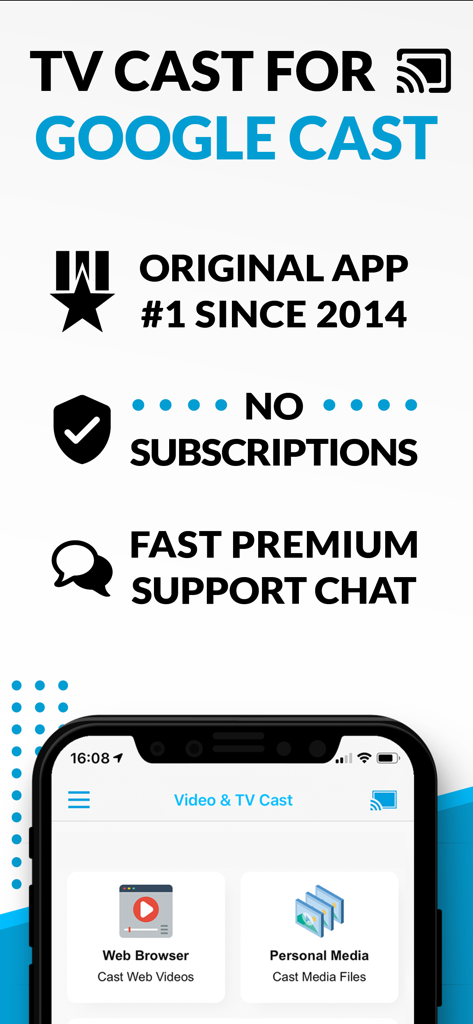
Screenshot dell'app TV Cast for Google Cast che mostra le opzioni di trasmissione del browser web e dei media personali senza messaggi di abbonamento
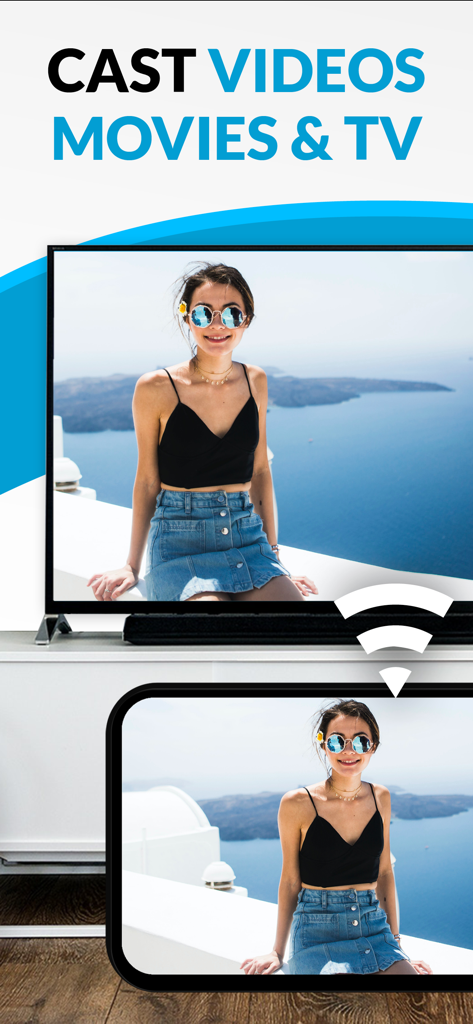
Uno smartphone che trasmette una foto personale di una donna a un grande schermo televisivo.
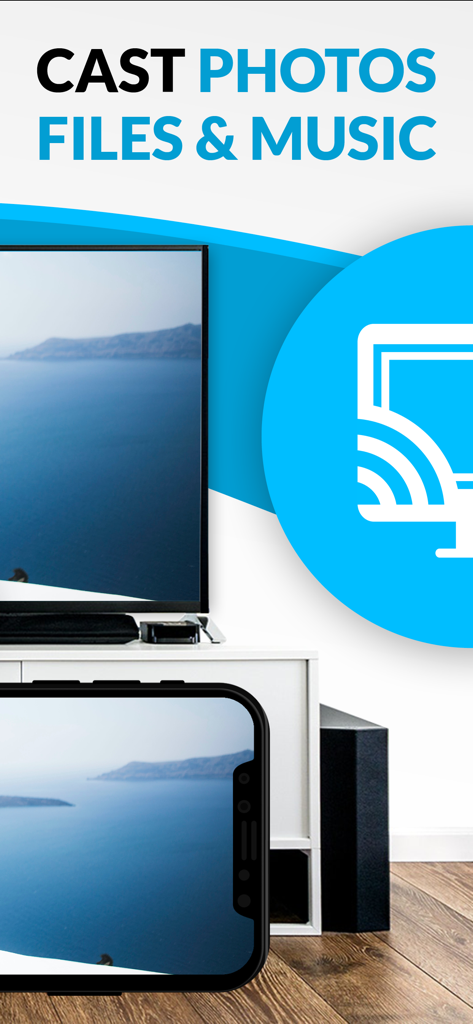
Uno schermo di iPhone che trasmette una foto di paesaggio a un grande schermo televisivo utilizzando l'app Chromecast TV Streamer.
Descrizione
Download
App Simili
App più classificate nella stessa categoria

CapCut: Photo & Video Editor
BYTEDANCE PTE. LTD.

Instagram, Inc.

YouTube
Google LLC

Canva: AI Photo & Video Editor
Canva Pty Ltd

Snapchat
Snap, Inc.

快手
Beijing Kwai Technology Co., Ltd.

Edits: Video Editor
Instagram, Inc.

Meitu- AI Photo & Video Editor
Xiamen Meitu Technology Co., Ltd.

Google Photos: Backup & Edit
Google LLC
Questa pagina non è una pagina ufficiale dell'app o del suo sviluppatore, ma una pubblicazione editoriale indipendente creata a scopo informativo e di commento. Salvo espressa indicazione contraria, né l'app né il suo sviluppatore sono affiliati, approvati, sponsorizzati, autorizzati o altrimenti ufficialmente collegati a MWM, Apple, Google Play, all'editore dell'app o allo sviluppatore dell'app, e nulla in questa pagina implica che l'app sia stata sviluppata utilizzando i servizi di MWM. Tutti i marchi, loghi, screenshot e altri contenuti rimangono di proprietà dei rispettivi proprietari.