
Questa pagina non è una pagina ufficiale dell'app o del suo sviluppatore, ma una pubblicazione editoriale indipendente creata a scopo informativo e di commento. Salvo espressa indicazione contraria, né l'app né il suo sviluppatore sono affiliati, approvati, sponsorizzati, autorizzati o altrimenti ufficialmente collegati a MWM, Apple, Google Play, all'editore dell'app o allo sviluppatore dell'app, e nulla in questa pagina implica che l'app sia stata sviluppata utilizzando i servizi di MWM. Tutti i marchi, loghi, screenshot e altri contenuti rimangono di proprietà dei rispettivi proprietari.


COMO Widgets - Adorable Widget
Unisciti a Boss Cat e amici per trasformare il tuo iPhone in un santuario accogliente con widget disegnati a mano, GIF dinamiche e temi personalizzati progettati per portare gioia nella tua vita digitale.
Download
85K+Valutazione
Valutazioni totali
1K+Editore
Categoria
LifestyleLingue
15Ultima versione
2.1.8Dimensione
373.4 MBData di lancio
29 mar 2022Porta un Tocco di Gioia nella Tua Routine Quotidiana
Trasforma il tuo iPhone in un santuario accogliente ed estetico con la nostra collezione di widget all-in-one per la guarigione. Da personaggi disegnati a mano a layout personalizzati, esprimi la tua personalità unica in ogni tocco.
Compagni Personaggi Rigeneranti
Dì addio alla tecnologia sterile. Lascia che 'Boss Cat' e 'Papa Bear' tengano traccia della tua batteria, del meteo e degli impegni con adorabili animazioni progettate per scatenare micro-gioie durante la giornata.
Il Tuo Schermo, Il Tuo Capolavoro
Crea facilmente una schermata Home perfetta come su Pinterest. Usa sfondi trasparenti, cornici personalizzate e font disegnati a mano per creare uno spazio digitale che sia unicamente tuo.
Gli screenshot e la descrizione seguenti provengono direttamente dall'elenco ufficiale dello store dell'app e sono di proprietà dello sviluppatore.
App Store
Screenshot
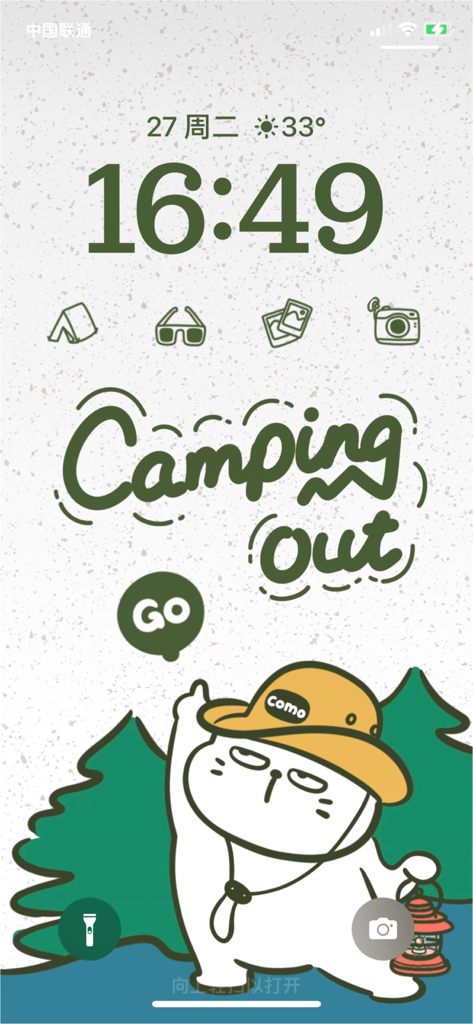
Tema disegnato a mano di Boss Cat in campeggio per la schermata di blocco dell'iPhone con widget personalizzati
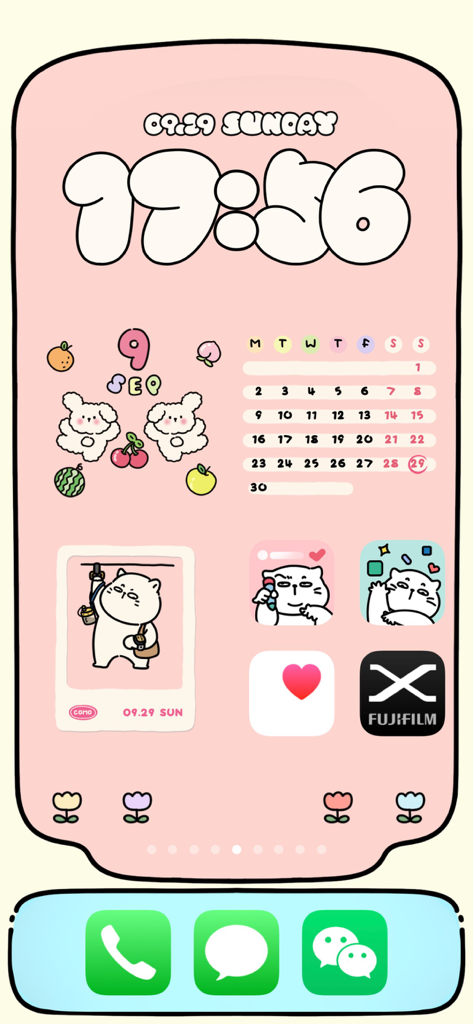
Schermata Home personalizzata dell'iPhone in rosa con adorabili widget di gatti e orologio disegnato a mano
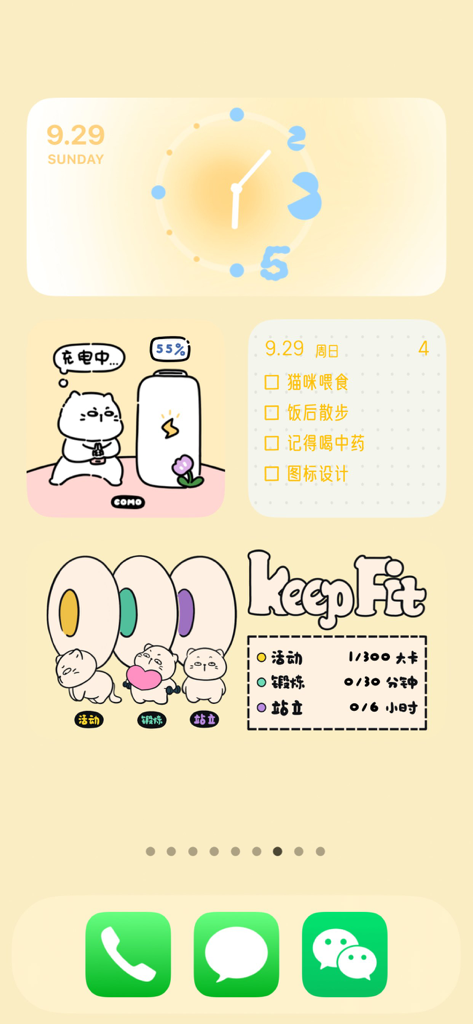
Schermata Home estetica dell'iPhone con adorabili widget disegnati a mano per orologio, batteria, lista cose da fare e monitoraggio fitness
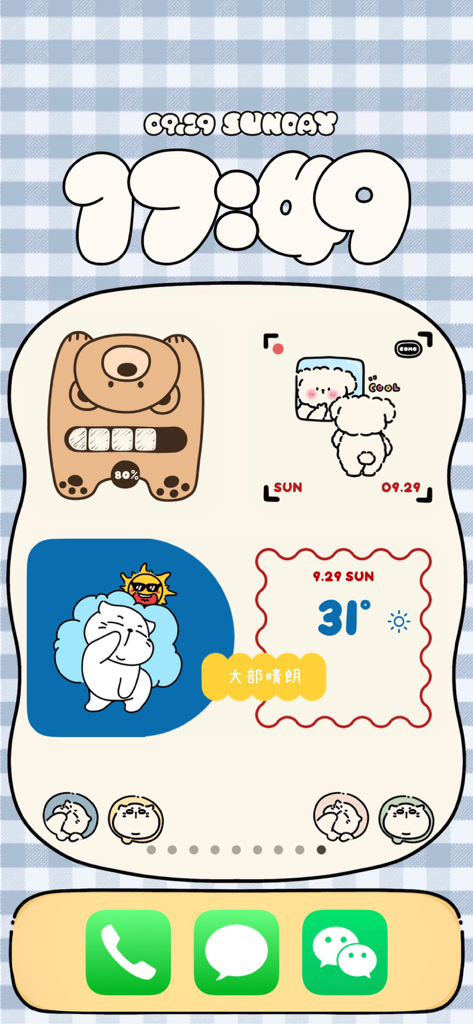
Una schermata Home dell'iPhone personalizzata con widget estetici COMO con adorabili personaggi disegnati a mano e un orologio stilizzato.
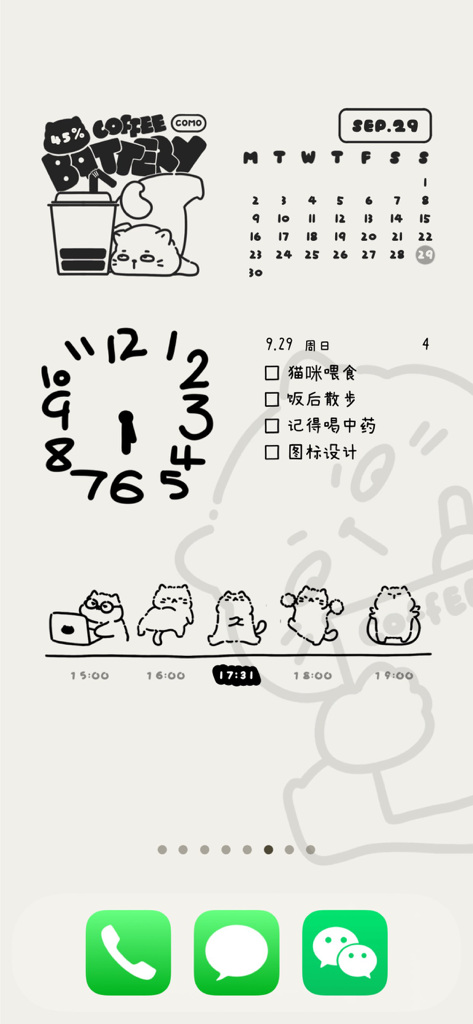
Schermata Home estetica dell'iPhone disegnata a mano con adorabili widget di gatti di COMO Widgets
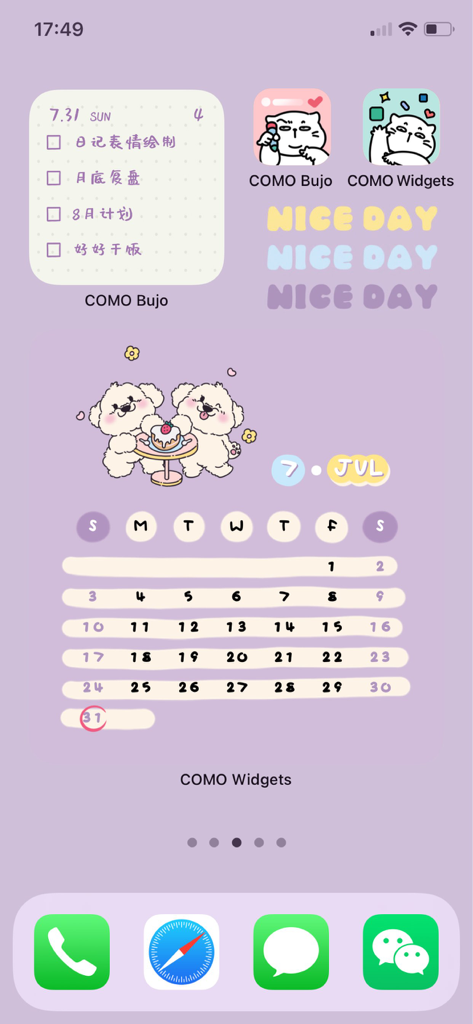
Schermata Home dell'iPhone a tema lavanda estetica con adorabili widget calendario e lista di controllo di un cane
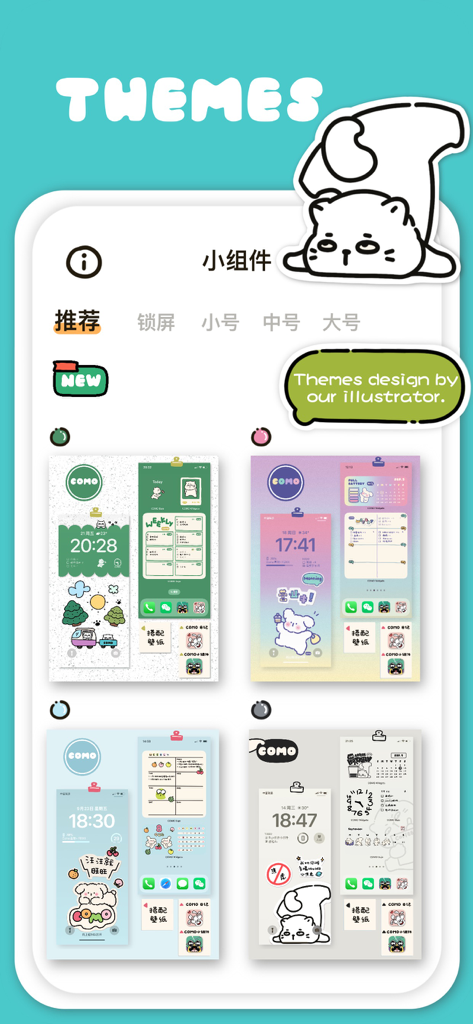
Una selezione di temi mobili adorabili e disegnati a mano che presentano varie palette di colori e personaggi kawaii come Boss Cat.
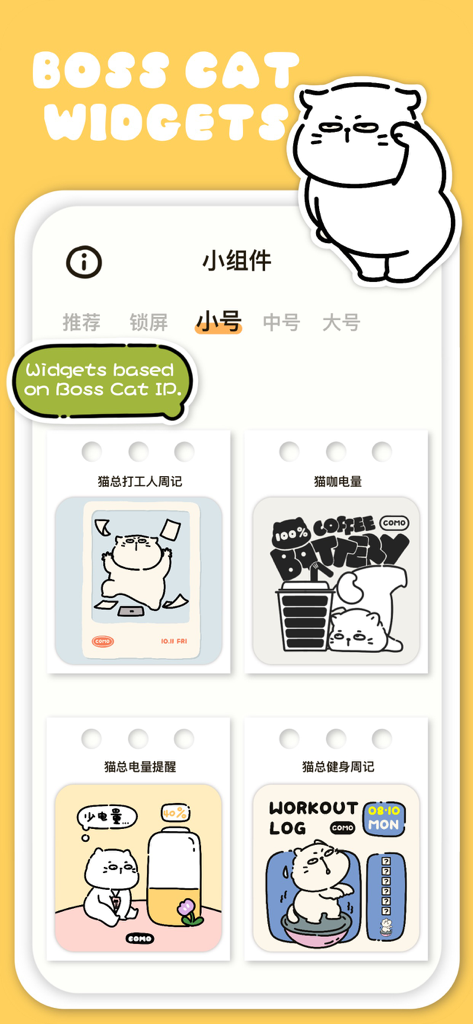
Interfaccia dell'app COMO Widgets che mostra diversi adorabili widget a tema Boss Cat per le schermate Home dell'iPhone
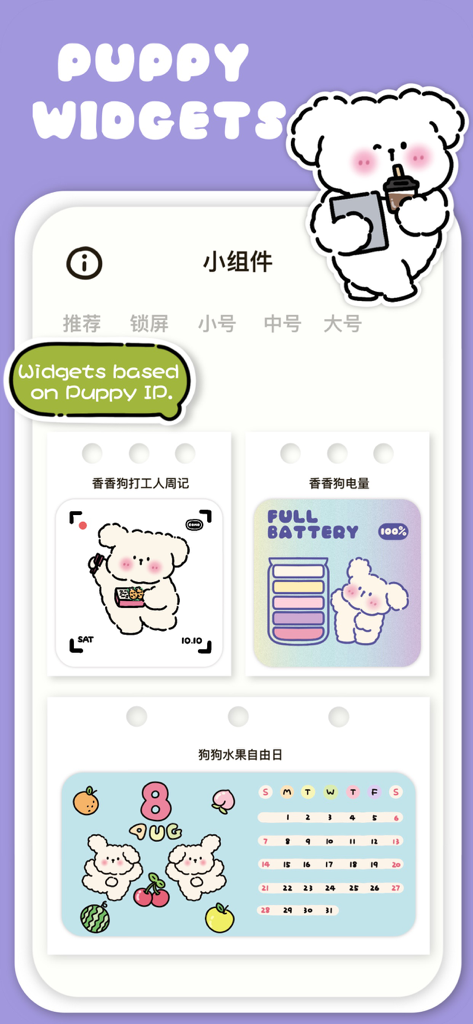
Una vetrina di adorabili widget a tema cucciolo dall'app COMO Widgets, inclusi i design della batteria e del calendario
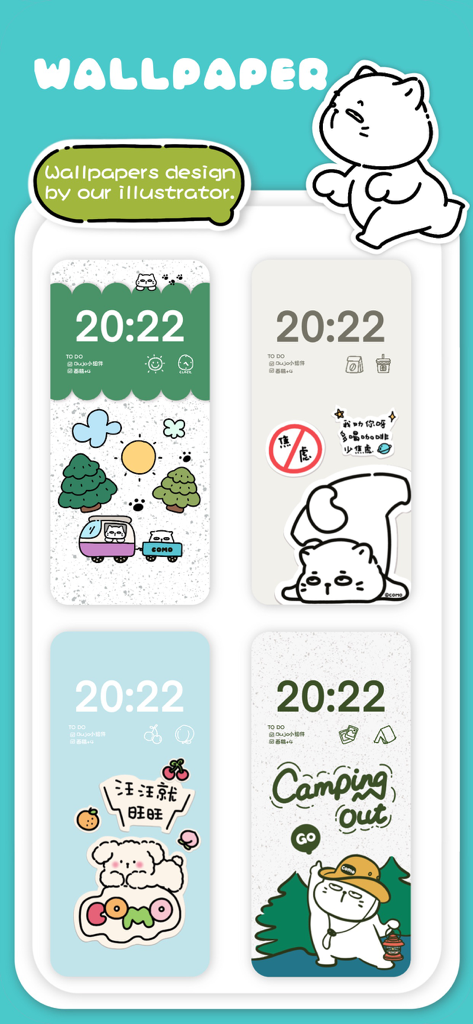
Una esposizione di quattro adorabili sfondi e widget estetici disegnati a mano dall'app COMO Widgets
Descrizione
Download
App Simili
App più classificate nella stessa categoria

Pinterest, Inc.

Alipay - Simplify Your Life
Alipay (Hangzhou) Technology Co., Ltd.

Dianping: Discover Good Places
Hanhai Information Technology (Shanghai) Co.Ltd

美团-美好生活小帮手
Sankuai Technology Co., Ltd.

Lemon8 - Lifestyle Community
TIKTOK PTE. LTD.

Xiaomi Home
Beijing Xiaomi Co., Ltd

Tinder Dating App: Date & Chat
Tinder LLC

SmartThings
Samsung Electronics Co., Ltd.

VNeTraffic
GLOBAL TECHNOLOGY - TELECOMMUNICATIONS CORPORATION
Questa pagina non è una pagina ufficiale dell'app o del suo sviluppatore, ma una pubblicazione editoriale indipendente creata a scopo informativo e di commento. Salvo espressa indicazione contraria, né l'app né il suo sviluppatore sono affiliati, approvati, sponsorizzati, autorizzati o altrimenti ufficialmente collegati a MWM, Apple, Google Play, all'editore dell'app o allo sviluppatore dell'app, e nulla in questa pagina implica che l'app sia stata sviluppata utilizzando i servizi di MWM. Tutti i marchi, loghi, screenshot e altri contenuti rimangono di proprietà dei rispettivi proprietari.