
Questa pagina non è una pagina ufficiale dell'app o del suo sviluppatore, ma una pubblicazione editoriale indipendente creata a scopo informativo e di commento. Salvo espressa indicazione contraria, né l'app né il suo sviluppatore sono affiliati, approvati, sponsorizzati, autorizzati o altrimenti ufficialmente collegati a MWM, Apple, Google Play, all'editore dell'app o allo sviluppatore dell'app, e nulla in questa pagina implica che l'app sia stata sviluppata utilizzando i servizi di MWM. Tutti i marchi, loghi, screenshot e altri contenuti rimangono di proprietà dei rispettivi proprietari.


Compress Photos & Pictures
La vostra galleria è un relitto digitale. Quest'app non vi ripulisce, vi rende i padroni della dimensione dei vostri file.
Download
2.5M+Valutazione
Valutazioni totali
63.9KEditore
Categoria
Photo & VideoLingue
1Ultima versione
3.3Dimensione
9.5 MBData di lancio
16 feb 2019Valutazione delle capacità principali per la gestione dello spazio e la qualità delle immagini su iOS.
Analisi Funzionale: 'Compress Photos & Pictures'
Riduzione Intelligente dello Spazio di Archiviazione
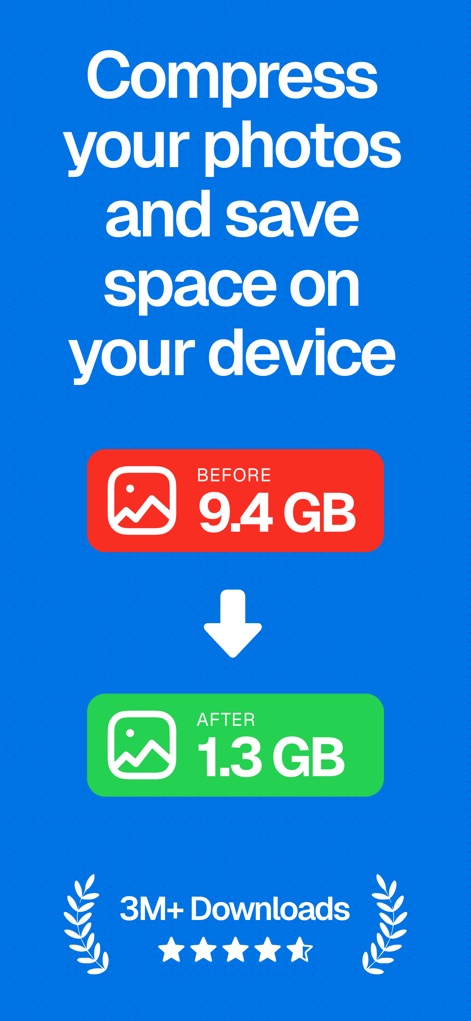
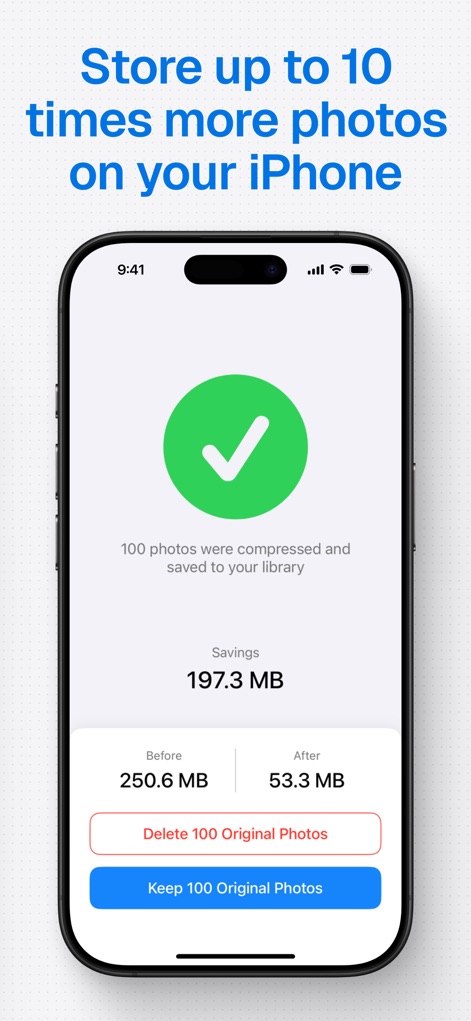
L'app fornisce una compressione delle foto che consente di ridurre significativamente le dimensioni dei file, liberando spazio prezioso su iPhone e iPad e permettendo di archiviare fino a 10 volte più immagini.
Mantenimento della Qualità dell'Immagine
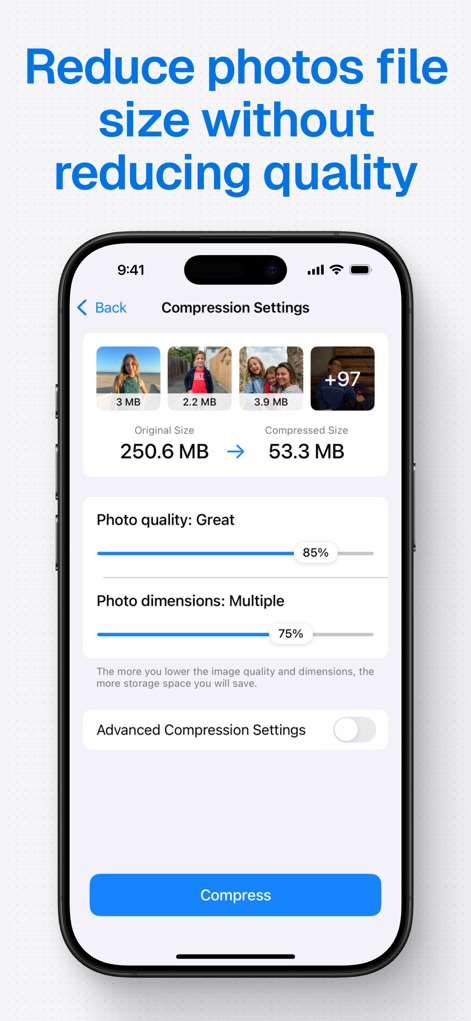
Questo strumento presenta un motore di compressione intelligente che riduce le dimensioni dei file senza compromettere la qualità visiva delle immagini, garantendo che le foto mantengano la loro nitidezza originale.
Condivisione Rapida e Ottimizzazione Social Media
L'app consente agli utenti di rimpicciolire le foto per facilitarne la condivisione con amici e familiari e accelerare il caricamento sui social media, migliorando l'esperienza online.
Strumenti di Compressione Avanzati per Controllo e Privacy
Questo strumento offre controlli avanzati, inclusa la possibilità di rimuovere metadati e dettagli di localizzazione per una migliore privacy, scegliere il formato di esportazione e stimare il risparmio di spazio prima della compressione.
Facilità d'Uso
L'interfaccia dell'applicazione è intuitiva e semplice da utilizzare, rendendo il processo di compressione accessibile a tutti gli utenti senza richiedere competenze tecniche avanzate.
Compatibilità con Diversi Formati di Immagine
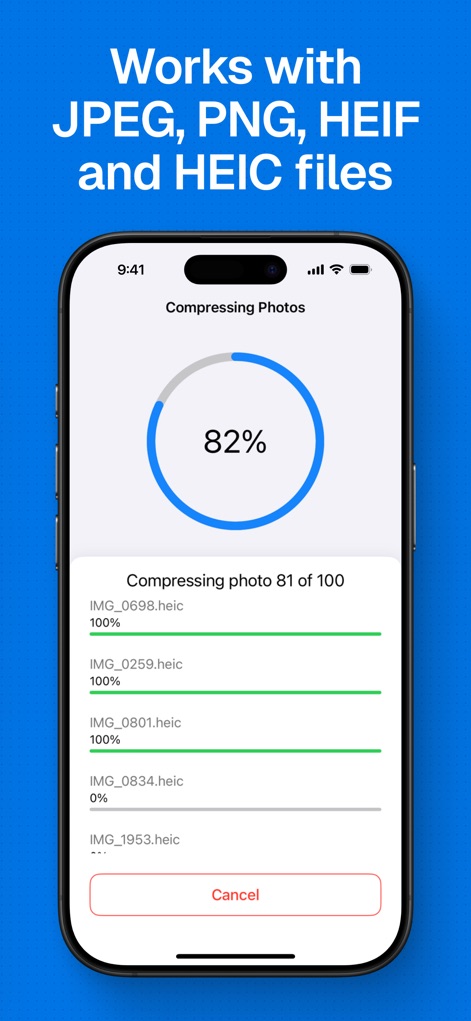
L'app supporta un'ampia gamma di formati di immagine comuni, inclusi PNG, JPEG, HEIF e HEIC, garantendo la compatibilità con la maggior parte delle foto scattate su dispositivi iOS.
Domande Frequenti
Tutto quello che devi sapere su Compress Photos & Pictures
What is the main function of Compress Photos & Pictures?
Compress Photos & Pictures compresses images to reduce their file size, saving storage space on your iPhone or iPad. It does this without reducing photo quality.
Does Compress Photos & Pictures preserve original image quality?
Yes, Compress Photos & Pictures preserves image quality. Its intelligent compression engine significantly reduces file sizes by 90% or more without a noticeable difference to the naked eye.
What types of image files does Compress Photos & Pictures support?
Compress Photos & Pictures supports PNG, JPEG, HEIF, and HEIC image files. This ensures compatibility with common photo formats on Apple devices.
Does Compress Photos & Pictures offer advanced settings for compression?
Yes, Compress Photos & Pictures provides advanced compression tools. Users can control metadata, location details, select export formats, and utilize smart file size estimation for flexibility.
Are photos uploaded to a server when using Compress Photos & Pictures?
No, Compress Photos & Pictures processes photos directly on your device. Images are never uploaded to a remote server, ensuring privacy and security for all user data.
What benefits does the Pro version of Compress Photos & Pictures offer?
The Pro version of Compress Photos & Pictures removes ads, unlocks advanced compression settings, and enables users to compress more than three photos at once.
How much storage space can I save using Compress Photos & Pictures?
Compress Photos & Pictures can help users save significant storage space, potentially allowing them to store up to 10 times more photos on their iPhone or iPad.
Gli screenshot e la descrizione seguenti provengono direttamente dall'elenco ufficiale dello store dell'app e sono di proprietà dello sviluppatore.
App Store
Screenshot

Descrizione
Download
App Simili
App con funzionalità ed esperienza simili

Square Fit Photo Video Editor
Honk Honk Punch Pty Ltd

Image Size
Vitalij Schaefer

JPEG-PNG Image file converter
handyCloset Inc.

Compress Photos, Resize Image
SMDA GROUP SP. Z OO

Photo Resizer: resize image
Ryoichi Fukugawa

Photo Compress - Shrink Pics
Brachmann Online Marketing GmbH & Co. KG

Size Image
Abdullah Albalawi

Photo & Picture Resizer
Farluner Apps Grzegorz Balcerzak

Easy Photo Compressor
Osawa Shunsuke
Questa pagina non è una pagina ufficiale dell'app o del suo sviluppatore, ma una pubblicazione editoriale indipendente creata a scopo informativo e di commento. Salvo espressa indicazione contraria, né l'app né il suo sviluppatore sono affiliati, approvati, sponsorizzati, autorizzati o altrimenti ufficialmente collegati a MWM, Apple, Google Play, all'editore dell'app o allo sviluppatore dell'app, e nulla in questa pagina implica che l'app sia stata sviluppata utilizzando i servizi di MWM. Tutti i marchi, loghi, screenshot e altri contenuti rimangono di proprietà dei rispettivi proprietari.