Connect My PC

Connect My PC

Scarica su App Store
Logo di Connect My PC

Connetti il mio PC: Desktop Remoto Professionale per Server e PC Windows

Gestisci in modo sicuro le tue workstation da qualsiasi luogo. Sperimenta il controllo completo del desktop sul tuo iPhone o iPad con un trackpad virtuale di precisione, tasti modificatori e supporto nativo per le edizioni Windows Professional e Server.

Editore

Hana Mobile LLC

Categoria

Business

Download

260K+

Valutazione

2.9/5

Valutazioni totali

100

Lingue

13

Comando Totale del Desktop

Scopri l'interfaccia usata da 260K+ utenti.
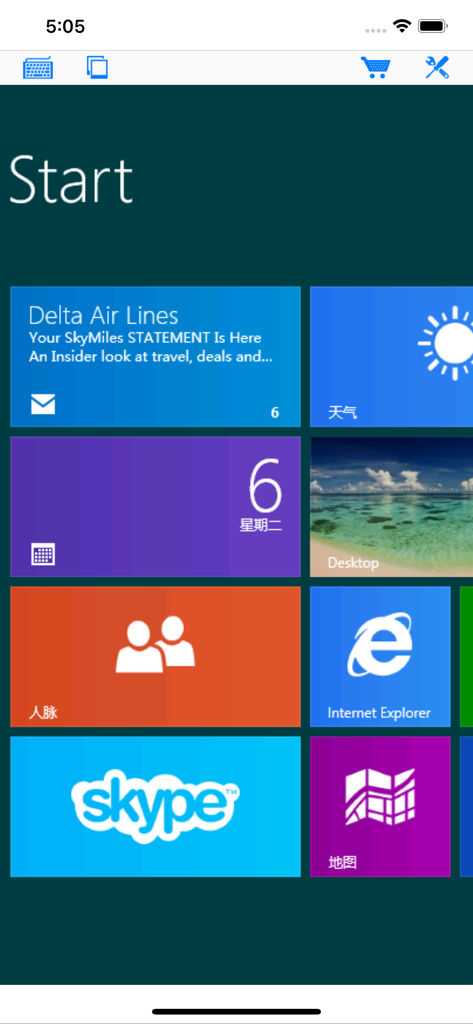
L'app Connetti il mio PC mostra una schermata iniziale di Windows remota con varie tile di app su un dispositivo mobile

L'app Connetti il mio PC mostra una schermata iniziale di Windows remota con varie tile di app su un dispositivo mobile

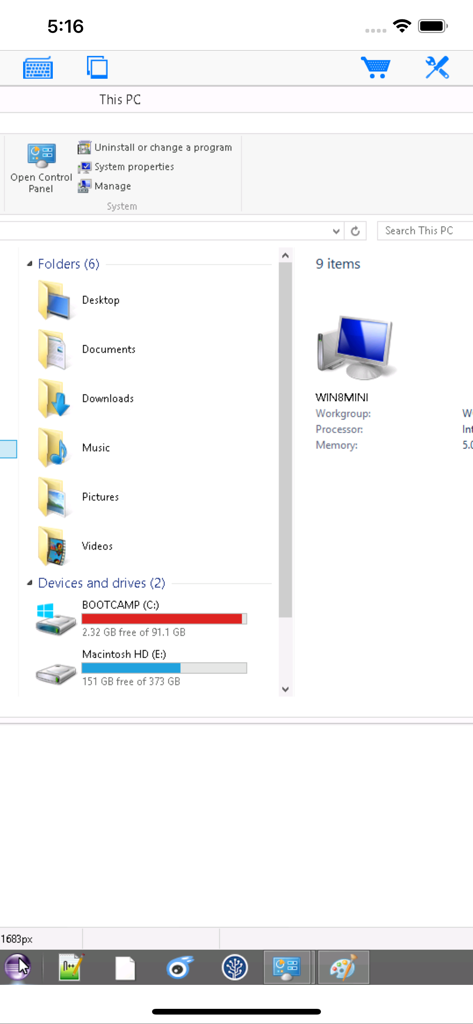
Visualizzazione di Esplora File di Windows nell'app desktop remoto Connetti il mio PC

Visualizzazione di Esplora File di Windows nell'app desktop remoto Connetti il mio PC

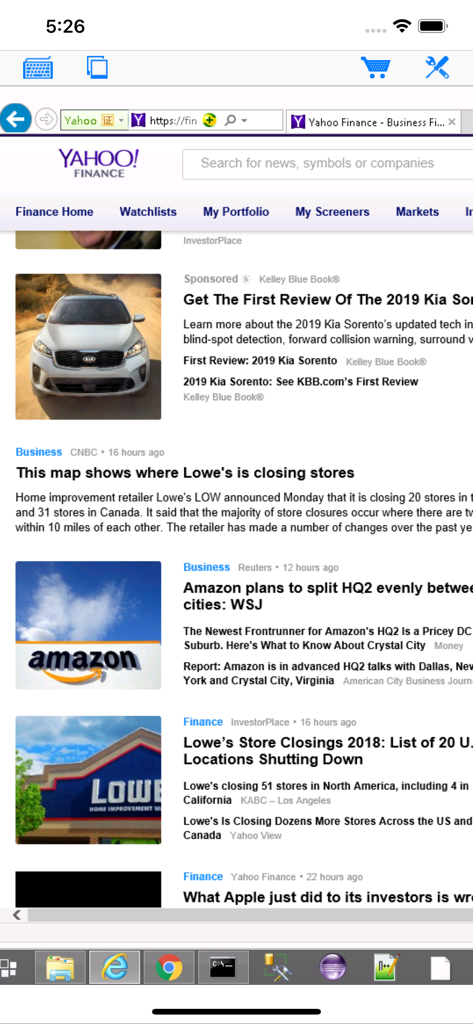
L'app Connetti il mio PC mostra una sessione desktop Windows remota su uno schermo di iPhone

L'app Connetti il mio PC mostra una sessione desktop Windows remota su uno schermo di iPhone

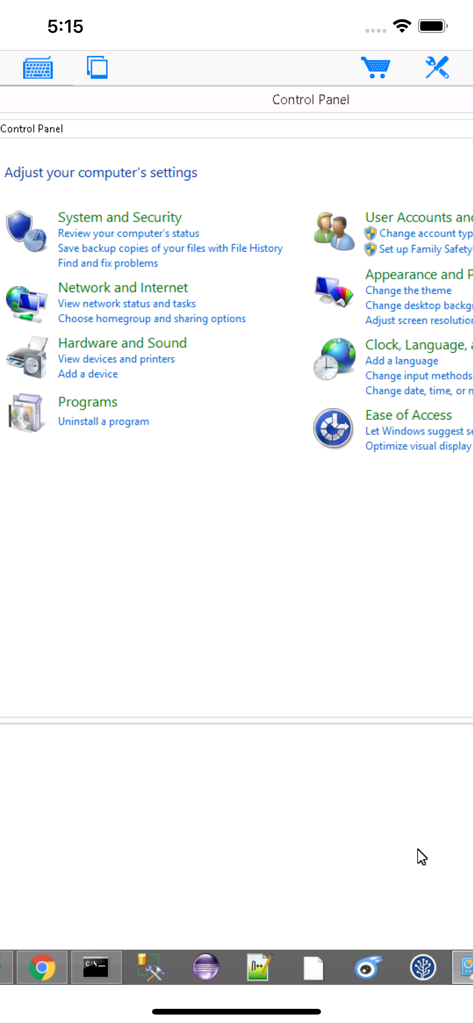
Accesso remoto al Pannello di Controllo di Windows tramite l'app mobile Connetti il mio PC

Accesso remoto al Pannello di Controllo di Windows tramite l'app mobile Connetti il mio PC

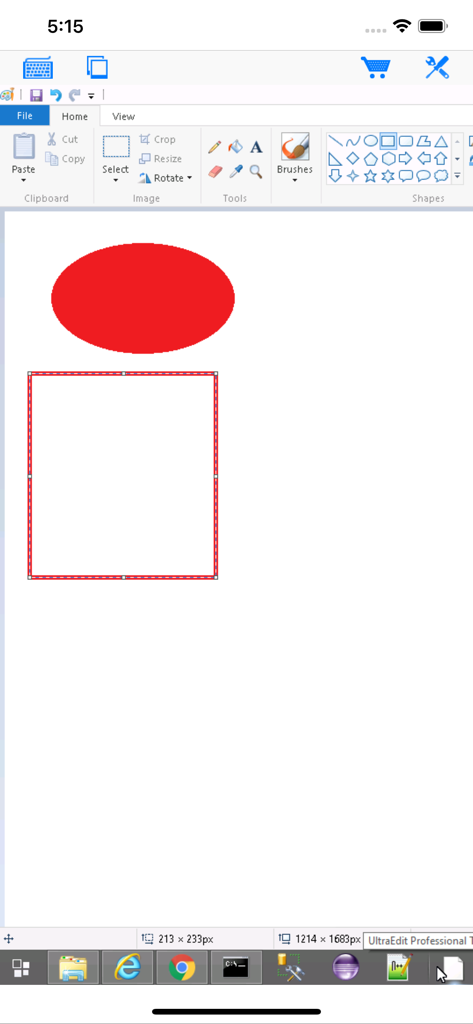
L'app Connetti il mio PC mostra un desktop Windows remoto con Paint aperto su uno schermo di iPhone.

L'app Connetti il mio PC mostra un desktop Windows remoto con Paint aperto su uno schermo di iPhone.

Prestazioni Professionali di Desktop Remoto

Gli strumenti che rendono questa app unica, scelti da 260K+ utenti.

🖱️

Controllo Preciso del Mouse

Naviga facilmente in software Windows complessi con un trackpad virtuale progettato per attività critiche e clic destro precisi.

⌨️

Tastierino Completo con Tasti Modificatori

Esegui scorciatoie essenziali come Ctrl+Alt+Canc e combinazioni di tasti complesse con una tastiera modificatrice dedicata per flussi di lavoro professionali.

🖥️

Supporto Enterprise e Server

Connettività RDP affidabile per le edizioni Windows Server, Professional ed Enterprise, incluso il supporto per infrastrutture legacy.

Info sull'app

Tutto quello che devi sapere su Connect My PC.

Descrizione

Optimized to use iPhone XS Max screen! Designed for both iPad and iPhone!! Connect My PC let you access Windows PC from anywhere at anytime! Note: Not all Windows support remote desktop. Check below for supported platforms or download the tool from http://www.hanamobiles.com/tools/HanaEasyConfig.exe Features: - Portrait and landscape mode - Multiple connections - Support various resolutions and colors - Modifier keypad including Shift, Ctrl and Alt which enables you to press almost any key combinations. - Cut, copy & paste and other shortcuts keypad, including HOME, END, PAGE UP, PAGE DOWN, Arrow keys, etc. - Virtual mouse pad for precise and easy mouse control - Better mouse pad with virtual left and right mouse button - Easy dragging and resizing using virtual mousepad - Startup password protection - International keyboard support for many languages, including French, German, Korean, Russian etc. - Video output (need iPad or iOS4 and output connector) - Easy to use design Supported Platform: - Windows XP Professional - Windows Vista Business/Enterprise/Ultimate - Windows 7 Professional/Enterprise/Ultimate - Windows Server 2000/2003/2008 Important: The following systems are NOT supported: - Windows XP Home - Windows Vista Home Basic/Premium - Windows 7 Home Starter/Basic/Premium - Others not listed in "Supported Platform" section Note: Others Windows versions not listed in "Supported Platform" section are NOT supported. Setup Instructions: http://www.hanajobs.com/mobile/posts/list/6960.page How to enable Windows Remote Desktop? - Windows XP: http://www.microsoft.com/windowsXp/using/mobility/getstarted/Remoteintro.mspx - Windows Vista/Windows 7: http://www.howtogeek.com/howto/windows-vista/turn-on-remote-desktop-in-windows-vista/ http://windows.microsoft.com/en-US/windows-vista/Remote-Desktop-Connection-frequently-asked-questions Send your comments/suggestions to hanamobiles@gmail.com or visit our website.

Ultima versione

1.3.2

Dimensione

12.6 MB

Data di lancio

20 mar 2010

Assumi il Controllo Completo delle Tue Workstation Ovunque

Sperimenta RDP di livello professionale con supporto per Windows Server e sistemi legacy. Scarica Connetti il mio PC oggi stesso per un accesso desktop preciso, sicuro e mobile.

Scarica su App Store

App information, icons, screenshots, and descriptions displayed on this page are sourced from the Apple App Store and are the property of their respective developers. Download estimates and rankings are based on MWM's proprietary models and may not reflect actual figures. This page is provided for informational and analytical purposes only.

Believe this page infringes your intellectual property? File a dispute