
Questa pagina non è una pagina ufficiale dell'app o del suo sviluppatore, ma una pubblicazione editoriale indipendente creata a scopo informativo e di commento. Salvo espressa indicazione contraria, né l'app né il suo sviluppatore sono affiliati, approvati, sponsorizzati, autorizzati o altrimenti ufficialmente collegati a MWM, Apple, Google Play, all'editore dell'app o allo sviluppatore dell'app, e nulla in questa pagina implica che l'app sia stata sviluppata utilizzando i servizi di MWM. Tutti i marchi, loghi, screenshot e altri contenuti rimangono di proprietà dei rispettivi proprietari.


Cross Stitch Pattern Creator
Lo strumento definitivo per tablet pensato per i creativi moderni. Converti immagini, utilizza i colori ufficiali dei filati DMC e crea schemi di livello professionale per il tuo prossimo progetto di famiglia.
Download
2K+Valutazione
Valutazioni totali
0Editore
Categoria
Graphics & DesignLingue
1Ultima versione
8Dimensione
12.2 MBData di lancio
18 gen 2024Crea i Tuoi Capolavori
Lo studio digitale definitivo per i creativi moderni. Dalle conversioni istantanee di foto alla corrispondenza precisa dei colori DMC, progetta schemi personalizzati che siano unicamente tuoi.
Trasforma i Ricordi in Schemi
Carica qualsiasi foto di un animale domestico, una persona cara o un paesaggio e convertila istantaneamente in una griglia professionale da ricamare.
Strumenti Professionali per la Precisione
Progetta con la libreria completa dei filati DMC, strumenti per il punto indietro e simboli chiari per garantire che la tua arte digitale appaia perfetta sul tessuto.
Gli screenshot e la descrizione seguenti provengono direttamente dall'elenco ufficiale dello store dell'app e sono di proprietà dello sviluppatore.
App Store
Screenshot
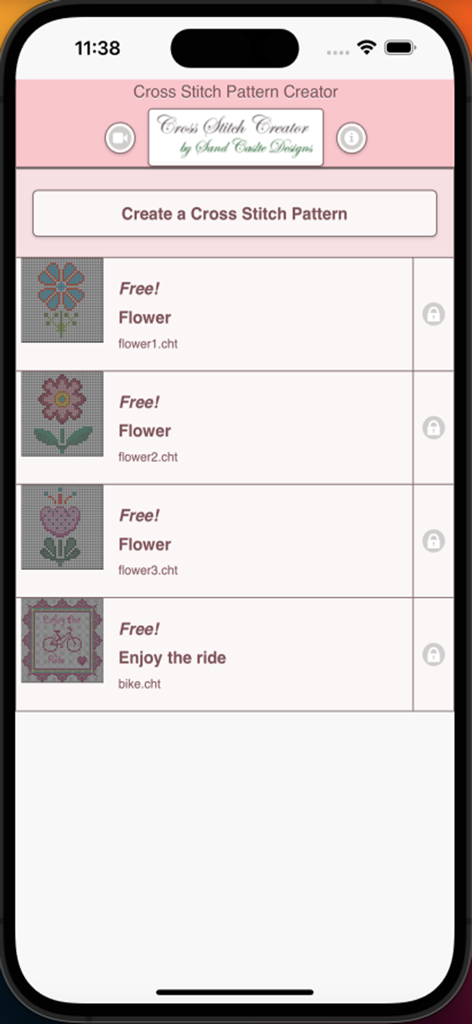
Schermata principale dell'app Creatore di Schemi per Punto Croce che mostra un elenco di schemi gratuiti di fiori e biciclette
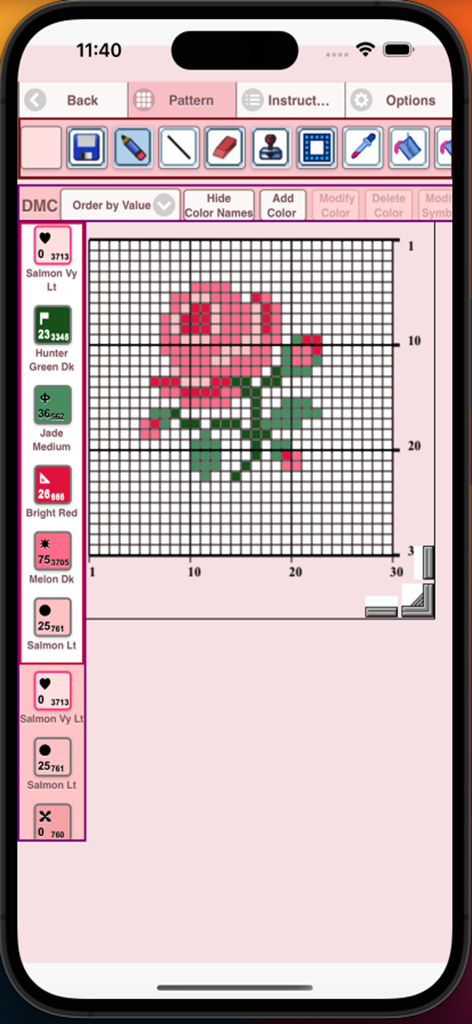
App Creatore di Schemi per Punto Croce che mostra un disegno di rosa su una griglia con codici colore dei filati DMC
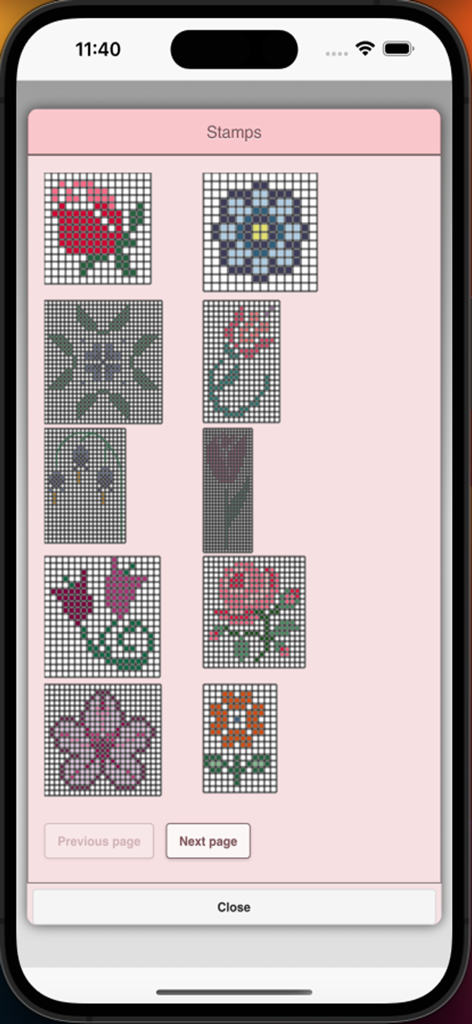
Una libreria di timbri floreali per creare schemi a punto croce su un'app mobile
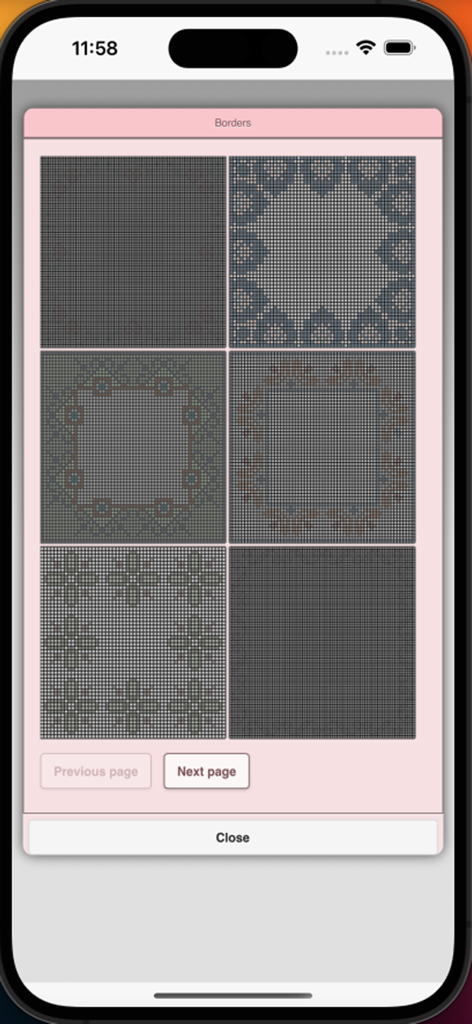
Selezione di bordi per schemi a punto croce nel menu dell'app
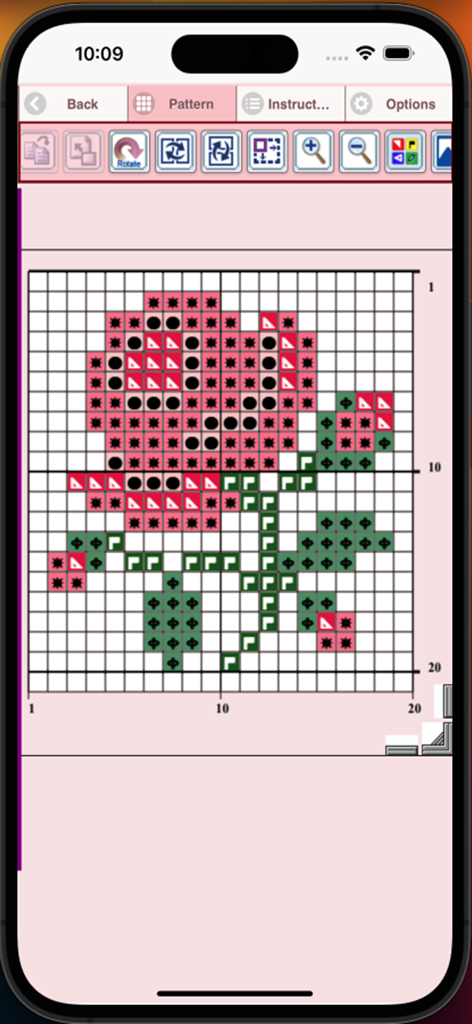
Interfaccia dell'app Creatore di Schemi per Punto Croce che mostra un disegno di rosa su una griglia numerata con simboli
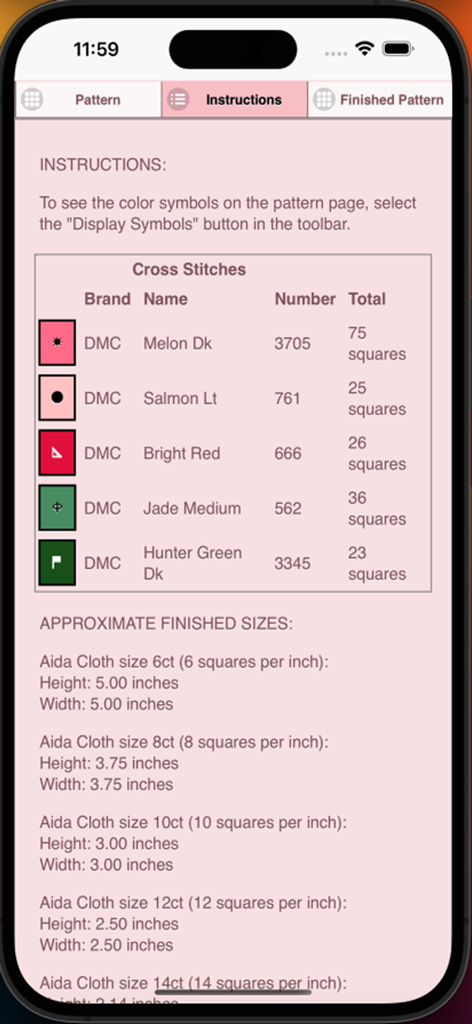
Istruzioni per lo schema a punto croce con colori dei filati DMC e dimensioni del tessuto Aida
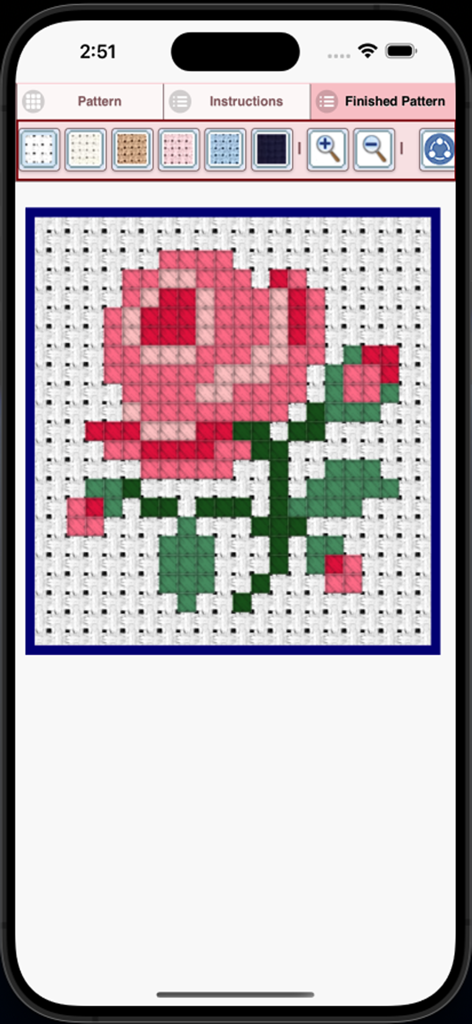
Anteprima di uno schema finito di rosa rosa in punto croce nell'app
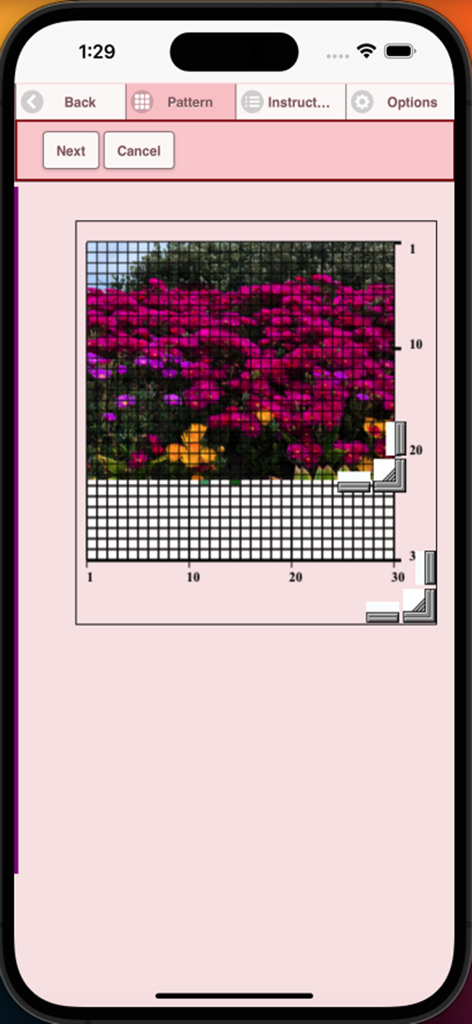
Un'interfaccia di app mobile che mostra una foto di fiori in fase di conversione in una griglia a punto croce
Descrizione
Download
App Simili
App più classificate nella stessa categoria

Kling AI: AI Image&Video Maker
LOHAS GAMES PTE. LTD.

iScreen - Widgets & Wallpaper
Xiamen ShenZhuo Information Technology Co., Ltd.

Dreamina AI: Image&Video Maker
BYTEDANCE PTE. LTD.

Home AI - AI Interior Design
HUBX YAZILIM HIZMETLERI ANONIM SIRKETI

ibis Paint X
ibis inc.

ThemeKit: Widget & Icon Themes
Woohoo Tech. Ltd.

Sketchbook®
Sketchbook, Inc.

Colorful Widget- Widget&Themes
Guangzhou ZHIFENG Information Technology Co.,Ltd.

ReRoom AI: Interior Design
GM UniverseApps Limited
Questa pagina non è una pagina ufficiale dell'app o del suo sviluppatore, ma una pubblicazione editoriale indipendente creata a scopo informativo e di commento. Salvo espressa indicazione contraria, né l'app né il suo sviluppatore sono affiliati, approvati, sponsorizzati, autorizzati o altrimenti ufficialmente collegati a MWM, Apple, Google Play, all'editore dell'app o allo sviluppatore dell'app, e nulla in questa pagina implica che l'app sia stata sviluppata utilizzando i servizi di MWM. Tutti i marchi, loghi, screenshot e altri contenuti rimangono di proprietà dei rispettivi proprietari.