
Questa pagina non è una pagina ufficiale dell'app o del suo sviluppatore, ma una pubblicazione editoriale indipendente creata a scopo informativo e di commento. Salvo espressa indicazione contraria, né l'app né il suo sviluppatore sono affiliati, approvati, sponsorizzati, autorizzati o altrimenti ufficialmente collegati a MWM, Apple, Google Play, all'editore dell'app o allo sviluppatore dell'app, e nulla in questa pagina implica che l'app sia stata sviluppata utilizzando i servizi di MWM. Tutti i marchi, loghi, screenshot e altri contenuti rimangono di proprietà dei rispettivi proprietari.


Cube Time & Expenses Pro
Unisciti a oltre 200.000 professionisti che utilizzano l'app consigliata da Forbes per tracciare tempo, spese e chilometraggio in meno di 15 secondi, ovunque e in qualsiasi momento.
Download
204K+Valutazione
Valutazioni totali
100Editore
Categoria
BusinessLingue
10Ultima versione
5.0.5Dimensione
6.0 MBData di lancio
18 ago 2010Massimizza ogni minuto fatturabile
Gestisci senza sforzo i tuoi progetti, traccia le spese e monitora l'utile lordo con lo strumento che Forbes definisce indispensabile per i professionisti.
Tracciamento del tempo istantaneo
Inizia a registrare ore e spese in meno di 15 secondi. Dedica meno tempo alla fatica amministrativa e più tempo al lavoro fatturabile ad alto valore.
Insight sui profitti in tempo reale
Vai oltre i semplici timer. Monitora il reddito totale e l'utile lordo del tuo progetto con splendidi grafici che visualizzano la salute della tua attività.
Gli screenshot e la descrizione seguenti provengono direttamente dall'elenco ufficiale dello store dell'app e sono di proprietà dello sviluppatore.
App Store
Screenshot
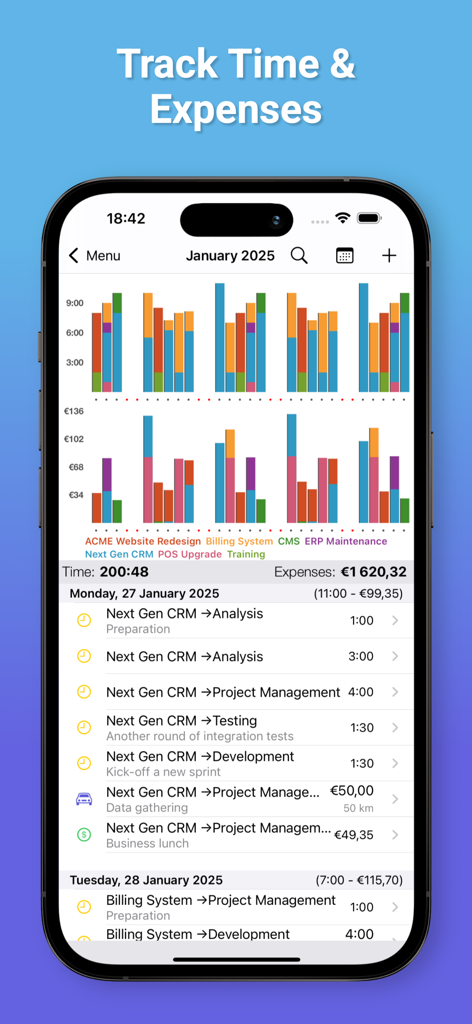
Dashboard dell'app Cube Time and Expenses Pro che mostra grafici a barre per tempo e costi accanto a un registro delle attività dettagliato di attività e chilometraggio
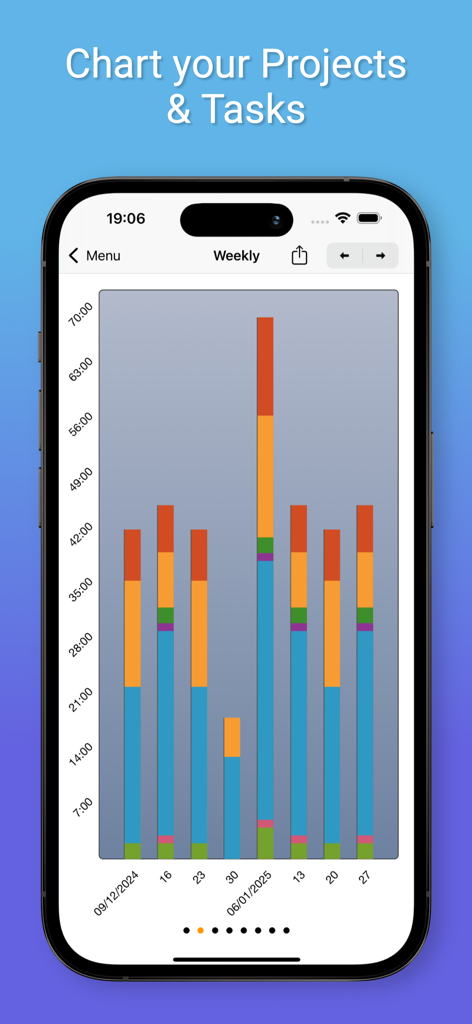
Grafico a barre impilate settimanale che mostra i dati di tracciamento di progetti e attività nell'app Cube
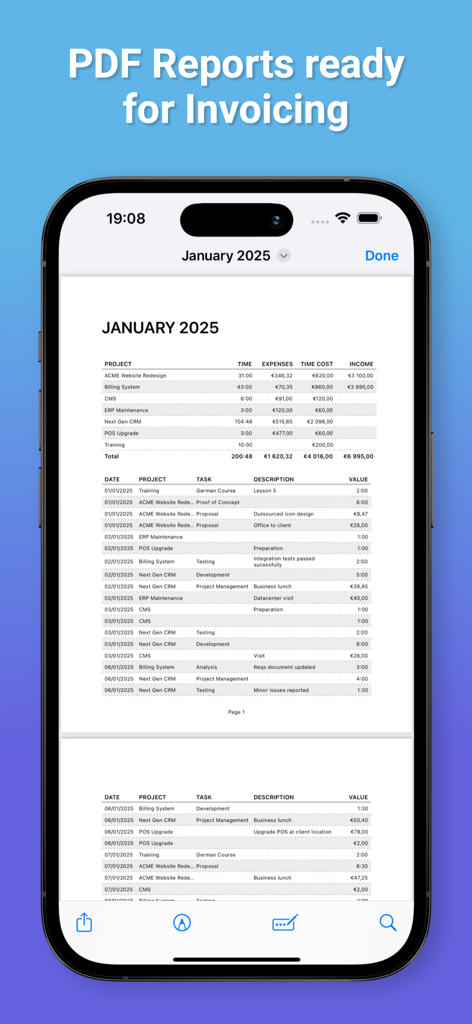
Report PDF professionale per la fatturazione che mostra il tracciamento di tempo e spese
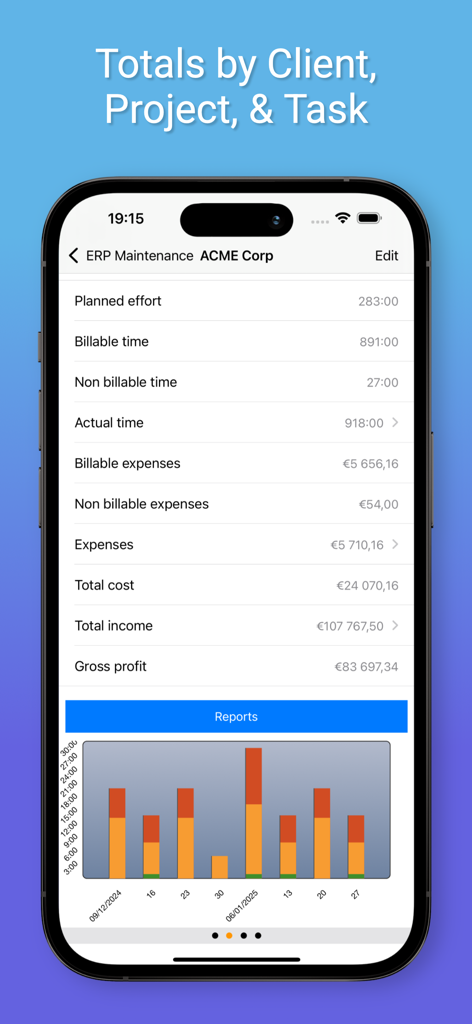
Screenshot dell'app Cube Time and Expenses Pro che mostra i totali di progetto per tempo fatturabile, spese, reddito totale e utile lordo con un grafico a barre
Descrizione
Download
App Simili
App più classificate nella stessa categoria

Microsoft Teams
Microsoft Corporation

Zoom Workplace
Zoom Communications, Inc.

WhatsApp Business
WhatsApp Inc.

Indeed Job Search
Indeed Inc.

LinkedIn: Network & Job Finder
LinkedIn Corporation

Adobe Acrobat Reader: Sign PDF
Adobe Inc.

WeCom-Work Communication&Tools
Tencent Technology (Shenzhen) Company Limited

BOSS直聘-招聘求职找工作神器
Beijing China Product Bo Farce Network Technology Co., Ltd.

DingDing - Redefine Work in AI
DingTalk Technology Co., Ltd.
Questa pagina non è una pagina ufficiale dell'app o del suo sviluppatore, ma una pubblicazione editoriale indipendente creata a scopo informativo e di commento. Salvo espressa indicazione contraria, né l'app né il suo sviluppatore sono affiliati, approvati, sponsorizzati, autorizzati o altrimenti ufficialmente collegati a MWM, Apple, Google Play, all'editore dell'app o allo sviluppatore dell'app, e nulla in questa pagina implica che l'app sia stata sviluppata utilizzando i servizi di MWM. Tutti i marchi, loghi, screenshot e altri contenuti rimangono di proprietà dei rispettivi proprietari.