
Questa pagina non è una pagina ufficiale dell'app o del suo sviluppatore, ma una pubblicazione editoriale indipendente creata a scopo informativo e di commento. Salvo espressa indicazione contraria, né l'app né il suo sviluppatore sono affiliati, approvati, sponsorizzati, autorizzati o altrimenti ufficialmente collegati a MWM, Apple, Google Play, all'editore dell'app o allo sviluppatore dell'app, e nulla in questa pagina implica che l'app sia stata sviluppata utilizzando i servizi di MWM. Tutti i marchi, loghi, screenshot e altri contenuti rimangono di proprietà dei rispettivi proprietari.


DEVONthink To Go 3
Raccogli, organizza e automatizza i tuoi documenti con strumenti professionali, OCR on-device e privacy totale per il tuo "Second Brain".
Download
5K+Valutazione
Valutazioni totali
5K+Editore
Categoria
ProductivityLingue
3Ultima versione
3.8.14Dimensione
134.5 MBData di lancio
10 feb 2021Gestione della Conoscenza di Livello Professionale
Il "Second Brain" definitivo per iPad e iPhone. Organizza, automatizza e proteggi i tuoi documenti più importanti con la potenza di livello desktop.
Intelligenza On-Device e OCR
Converti istantaneamente scansioni e immagini in PDF ricercabili. Elabora tutto localmente sul tuo dispositivo per garantire massima velocità e privacy totale.
Privacy e Sincronizzazione Blindate
Prendi il controllo dei tuoi dati con la crittografia end-to-end. Sincronizza tramite Wi-Fi locale o provider cloud senza mai esporre i tuoi file a terze parti.
Gli screenshot e la descrizione seguenti provengono direttamente dall'elenco ufficiale dello store dell'app e sono di proprietà dello sviluppatore.
App Store
Screenshot
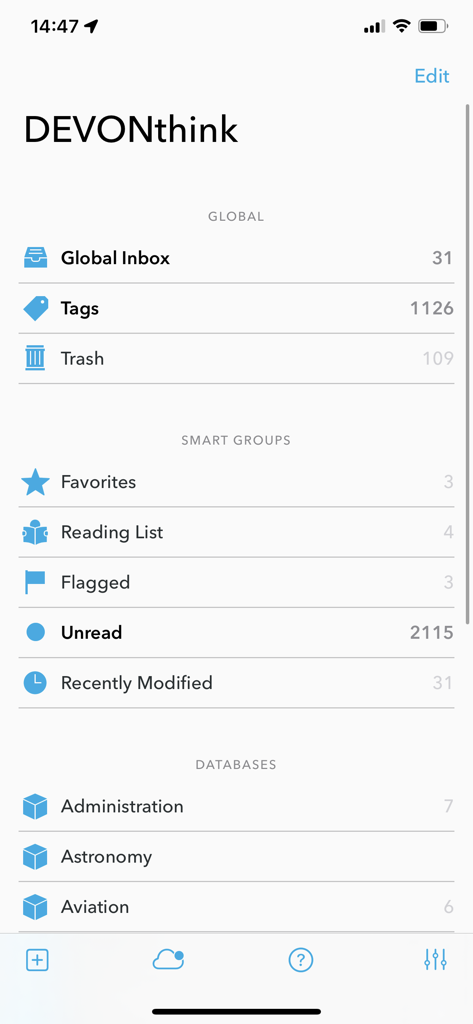
Interfaccia principale di DEVONthink To Go 3 che mostra database di documenti e gruppi intelligenti
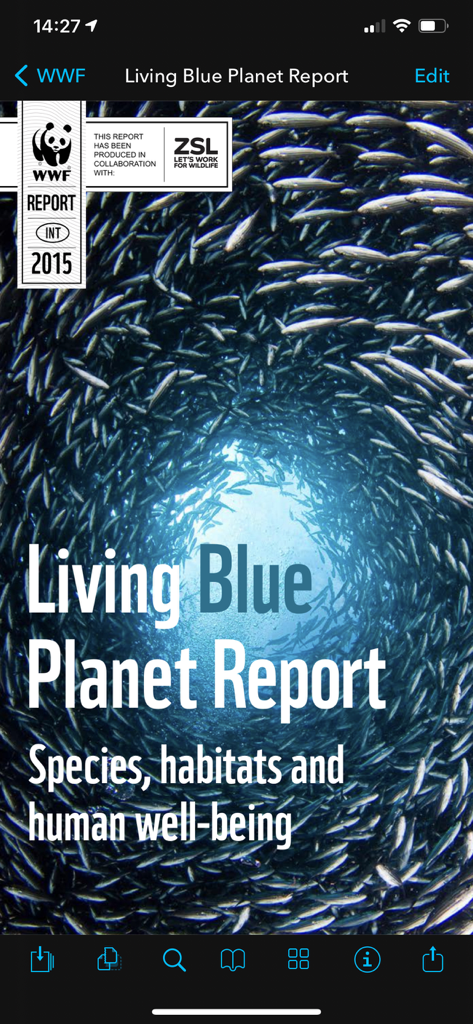
Un documento PDF aperto nell'app mobile DEVONthink To Go 3 che mostra la copertina del Living Blue Planet Report.
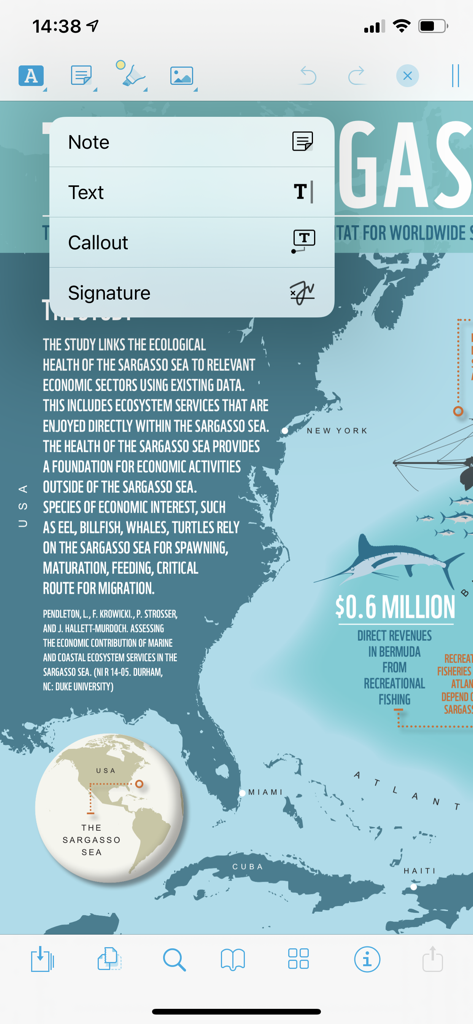
Interfaccia di annotazione PDF in DEVONthink To Go 3 che mostra le opzioni per note e callout
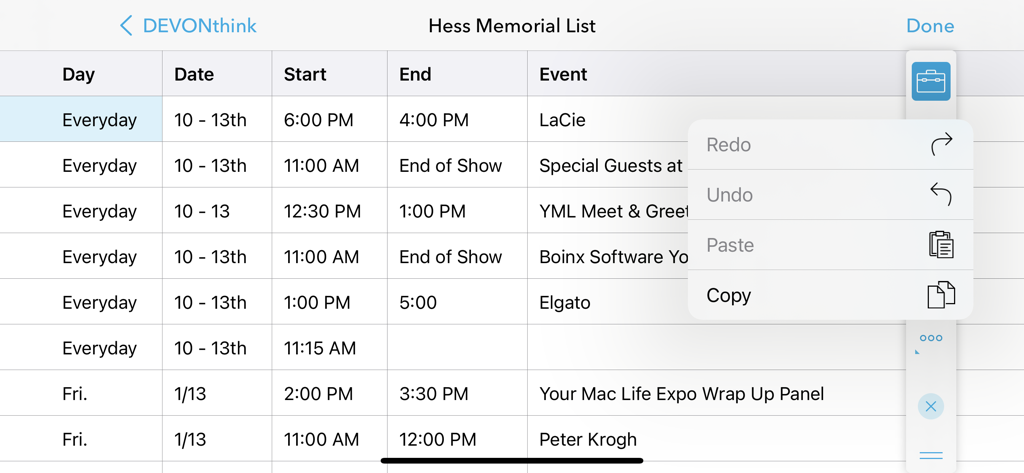
Vista foglio di calcolo in DEVONthink To Go 3 con un menu di modifica aperto per le funzioni di copia e incolla
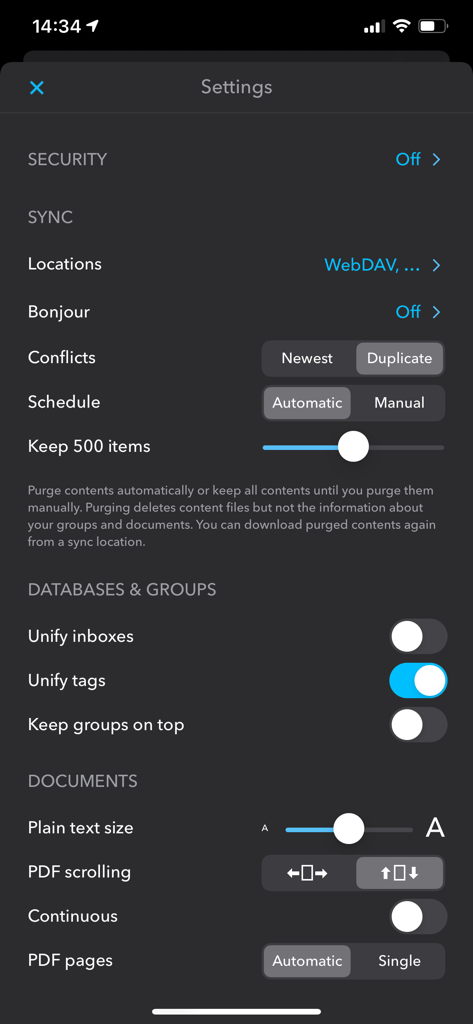
Schermata delle impostazioni di DEVONthink To Go 3 che mostra la configurazione della sincronizzazione e dei database.
Descrizione
Download
App Simili
App con funzionalità ed esperienza simili
Notebook: Note Taking
Christopher Martin

InstaWrite AI - Notes taker
Thundervolcano Limited

Get笔记 - 你只管说,AI 帮你记下来
Beijing logicreation Information & Technology Co., Ltd

话袋AI笔记-云端速记 备忘录
Shanghai Miaohua Information Technology Co., Ltd

Fabric: AI Notes, Files, Ideas
WFHLAND, Inc.

Book Notion|notes reviews memo
Sho Kosaka

Cubox: AI Read-It-Later App
Suzhou Guaiqi Information Technology Co., Ltd.

Fieldy - AI note taker
Field Labs Inc.

mymind – Extend your mind
mymind, Inc.
Questa pagina non è una pagina ufficiale dell'app o del suo sviluppatore, ma una pubblicazione editoriale indipendente creata a scopo informativo e di commento. Salvo espressa indicazione contraria, né l'app né il suo sviluppatore sono affiliati, approvati, sponsorizzati, autorizzati o altrimenti ufficialmente collegati a MWM, Apple, Google Play, all'editore dell'app o allo sviluppatore dell'app, e nulla in questa pagina implica che l'app sia stata sviluppata utilizzando i servizi di MWM. Tutti i marchi, loghi, screenshot e altri contenuti rimangono di proprietà dei rispettivi proprietari.