
Questa pagina non è una pagina ufficiale dell'app o del suo sviluppatore, ma una pubblicazione editoriale indipendente creata a scopo informativo e di commento. Salvo espressa indicazione contraria, né l'app né il suo sviluppatore sono affiliati, approvati, sponsorizzati, autorizzati o altrimenti ufficialmente collegati a MWM, Apple, Google Play, all'editore dell'app o allo sviluppatore dell'app, e nulla in questa pagina implica che l'app sia stata sviluppata utilizzando i servizi di MWM. Tutti i marchi, loghi, screenshot e altri contenuti rimangono di proprietà dei rispettivi proprietari.

DoCast: Screen Mirroring to TV
Trasmetti le tue foto, video e app preferite su Roku, Chromecast o Fire TV con latenza ultra-bassa. Il ponte universale perfetto dal tuo iPhone al grande schermo, senza bisogno di Apple TV.
Download
563K+Valutazione
Valutazioni totali
4K+Editore
Categoria
UtilitiesLingue
11Ultima versione
5.5Dimensione
47.0 MBData di lancio
1 giu 2023Colma il divario tra il tuo iPhone e la tua TV
Sperimenta la libertà della connettività universale. DoCast ti consente di specchiare il tuo schermo e trasmettere media personali su Roku, Fire TV, Chromecast e altro ancora, senza complicazioni e con qualità ad alta definizione.
Un'app per ogni schermo
Connettiti senza problemi a Roku, Fire TV, Chromecast e alle principali Smart TV. Indipendentemente dalla marca, DoCast colma il divario tra il tuo iPhone e l'hardware della tua casa.
Mirroring dello schermo in tempo reale
Goditi un mirroring a latenza ultra-bassa per la navigazione sui social media, presentazioni o la condivisione di app con una connessione ad alte prestazioni che mantiene i ritardi inferiori a un secondo.
Domande Frequenti
Tutto quello che devi sapere su DoCast: Screen Mirroring to TV
Cos'è DoCast: Screen Mirroring su TV?
DoCast è un'app di screen mirroring per iPhone e iPad. Esegue il mirroring dello schermo del tuo dispositivo su qualsiasi Smart TV o trasmette contenuti multimediali come musica, video e foto con alta qualità e basso ritardo.
Come si esegue il mirroring dello schermo del mio iPhone su una Smart TV con DoCast?
Innanzitutto, apri DoCast e seleziona la tua TV. Poi, premi il pulsante "Screen", configura le impostazioni e tocca "Start mirroring". Tocca "Stop mirroring" sullo schermo dell'app per terminare la sessione.
DoCast funziona con le Smart TV Samsung?
Sì, DoCast è compatibile con le Smart TV Samsung. L'app supporta un'ampia gamma di Smart TV, tra cui Samsung, LG, Sony, Hisense, Panasonic e altre TV abilitate DLNA.
Posso trasmettere foto e video gratuitamente con DoCast?
Sì, DoCast consente la trasmissione gratuita e illimitata di foto. Le sessioni video sono limitate a 3 minuti e quelle musicali a 15 minuti nella versione gratuita. Lo screen mirroring richiede la versione a pagamento.
Quali dispositivi sono compatibili con l'app DoCast?
DoCast si collega a Smart TV (Samsung, LG, Sony), Roku, Chromecast, dispositivi Fire TV, Xiaomi Mi Box, Nvidia Shield TV e altre Android TV box.
DoCast supporta la trasmissione di contenuti protetti da copyright da servizi come Netflix?
No, DoCast non supporta la trasmissione di contenuti protetti da copyright da piattaforme come Netflix, Apple TV+ o Amazon Prime. Queste restrizioni sono dovute alle limitazioni del servizio di streaming, non all'app stessa.
Lo screen mirroring è disponibile nella versione gratuita di DoCast?
No, la funzione di screen mirroring in DoCast è disponibile esclusivamente nella versione a pagamento dell'app. La versione gratuita offre la trasmissione limitata di foto, musica e video.
Qual è la latenza durante lo screen mirroring con DoCast?
DoCast offre uno screen mirroring a bassa latenza. I ritardi sono generalmente inferiori a un secondo quando si utilizza una connessione Wi-Fi robusta, garantendo un'interazione in tempo reale.
Come posso garantire una buona connessione per lo screen mirroring con DoCast?
Per prestazioni ottimali, assicurati che il tuo iPhone o iPad sia connesso allo stesso router e alla stessa rete Wi-Fi del dispositivo di trasmissione (Smart TV o dispositivo di streaming).
Gli screenshot e la descrizione seguenti provengono direttamente dall'elenco ufficiale dello store dell'app e sono di proprietà dello sviluppatore.
App Store
Screenshot
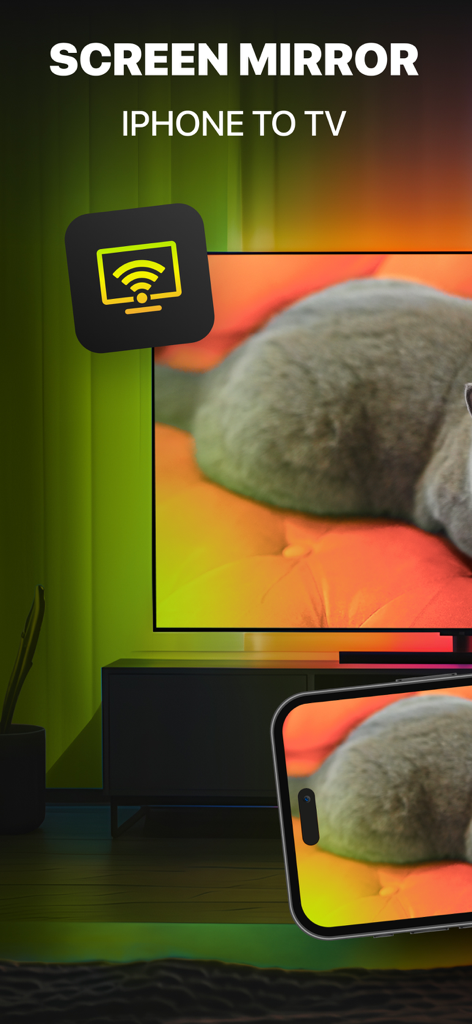
Schermo di un iPhone che effettua il mirroring di una foto di un gatto su una grande Smart TV utilizzando l'app DoCast
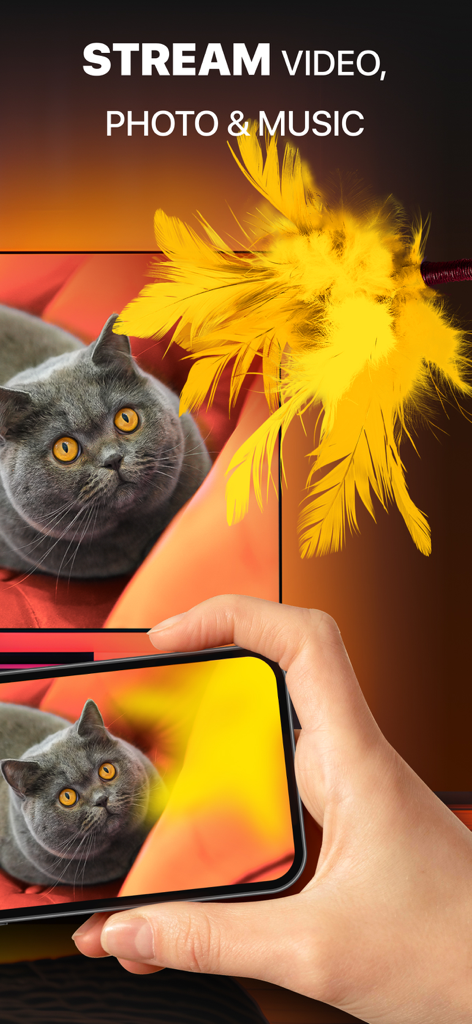
Una persona che usa DoCast per effettuare il mirroring di una foto di un gatto da un iPhone su un grande schermo TV
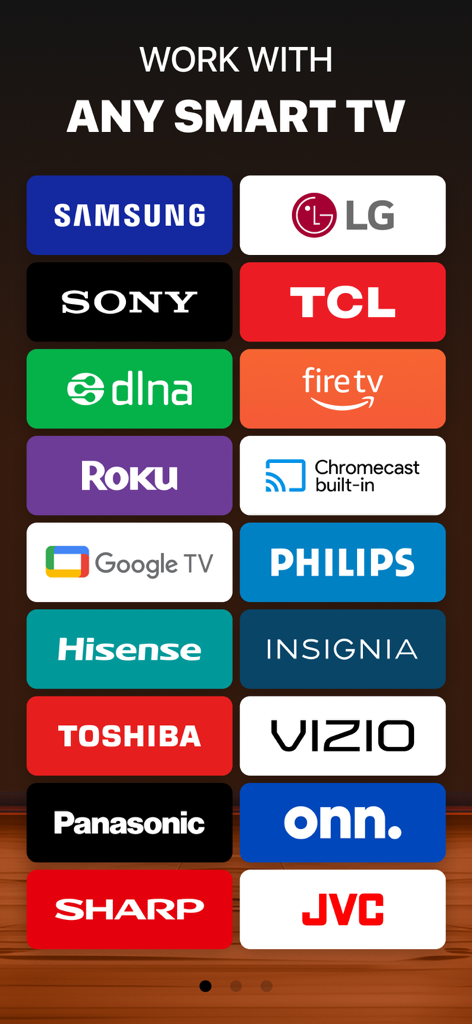
Elenco delle marche di Smart TV compatibili per il mirroring dello schermo DoCast, tra cui Samsung, LG, Roku e Fire TV
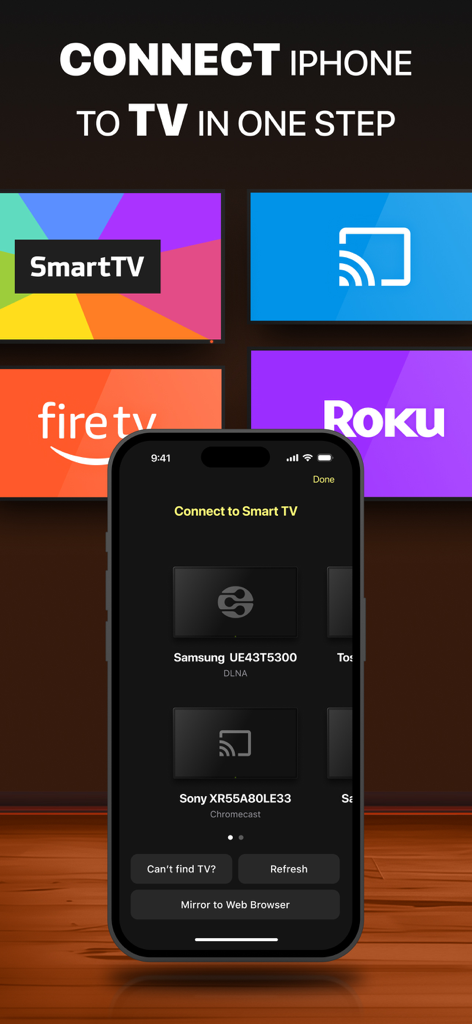
Interfaccia dell'app DoCast su un iPhone che mostra i dispositivi Smart TV disponibili per il mirroring dello schermo
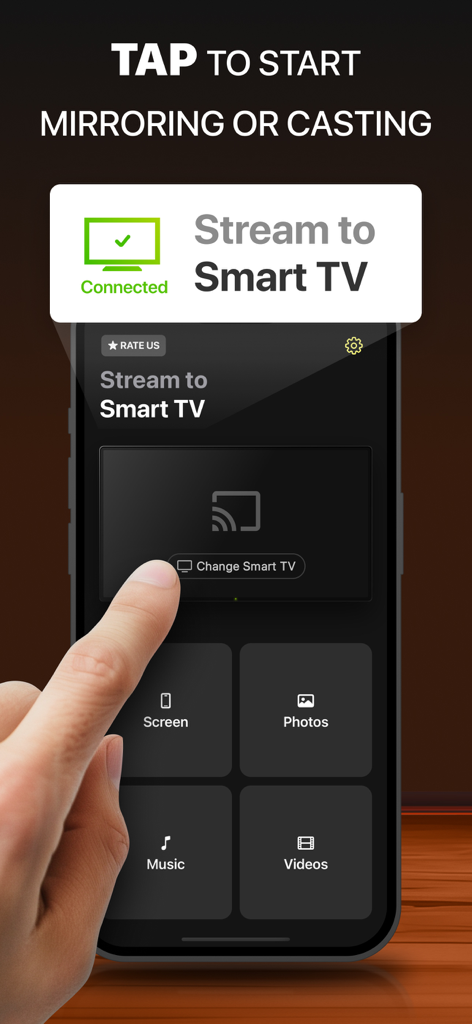
Interfaccia dell'app DoCast su iPhone che mostra le opzioni per specchiare lo schermo e trasmettere media a una Smart TV connessa
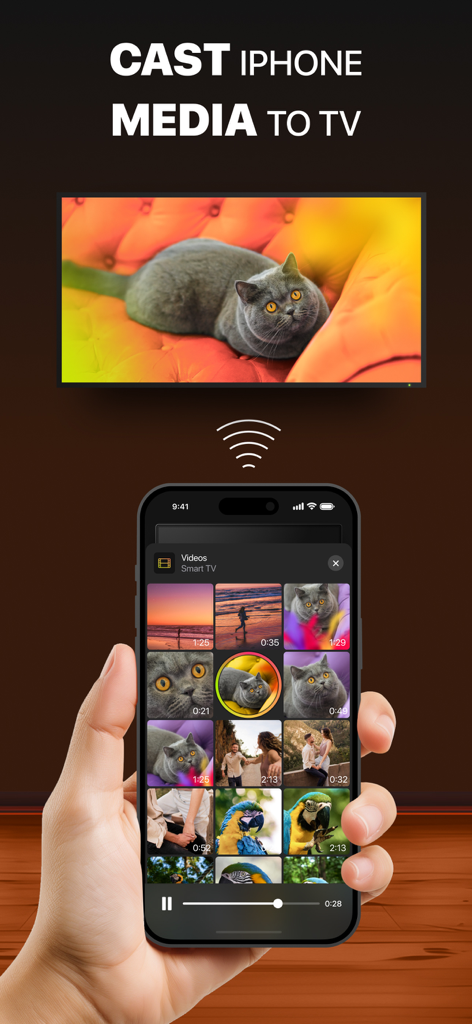
Un iPhone che trasmette un video di un gatto a una Smart TV
Descrizione
Download
App Simili
App con funzionalità ed esperienza simili

Web Video Cast | Browser to TV
InstantBits Inc

PigeonCast:Send by Google Cast
Sichuan FalconAI Technology Co., Ltd.

Screen Mirroring • Smart TV
Mihkel Pikk

Screen Mirroring | Cast to TV
Ozuna Limited

Screen Mirroring・Smart View TV
TOGGLE APPS SP Z O O

UbeCast: Music Streamer & PiP
AER SOFTWARE COMPANY LIMITED

AirDroid Cast-screen mirroring
SAND STUDIO CORPORATION LIMITED

Miracast: Screen Mirroring TV
Hainan Delta Software Co., Ltd

Screen Mirroring・Air Cast TV
Dalma Innovation Solutions d.o.o.
Questa pagina non è una pagina ufficiale dell'app o del suo sviluppatore, ma una pubblicazione editoriale indipendente creata a scopo informativo e di commento. Salvo espressa indicazione contraria, né l'app né il suo sviluppatore sono affiliati, approvati, sponsorizzati, autorizzati o altrimenti ufficialmente collegati a MWM, Apple, Google Play, all'editore dell'app o allo sviluppatore dell'app, e nulla in questa pagina implica che l'app sia stata sviluppata utilizzando i servizi di MWM. Tutti i marchi, loghi, screenshot e altri contenuti rimangono di proprietà dei rispettivi proprietari.