
Questa pagina non è una pagina ufficiale dell'app o del suo sviluppatore, ma una pubblicazione editoriale indipendente creata a scopo informativo e di commento. Salvo espressa indicazione contraria, né l'app né il suo sviluppatore sono affiliati, approvati, sponsorizzati, autorizzati o altrimenti ufficialmente collegati a MWM, Apple, Google Play, all'editore dell'app o allo sviluppatore dell'app, e nulla in questa pagina implica che l'app sia stata sviluppata utilizzando i servizi di MWM. Tutti i marchi, loghi, screenshot e altri contenuti rimangono di proprietà dei rispettivi proprietari.

DreamMapper
Unisciti a oltre 1 milione di utenti che trasformano la loro esperienza CPAP. Sincronizza il tuo dispositivo Philips per accedere a informazioni giornaliere sulla terapia, obiettivi personalizzati e risoluzione dei problemi da parte di esperti per garantire che ogni notte porti a un giorno migliore.
Download
1M+Valutazione
Valutazioni totali
120K+Editore
Categoria
MedicalLingue
23Ultima versione
3.2.0Dimensione
75.8 MBData di lancio
30 set 2012Gestisci la tua terapia del sonno con facilità
Rimani informato e motivato con approfondimenti giornalieri personalizzati che trasformano i tuoi dati CPAP in progressi concreti per un domani più energico.
Approfondimenti giornalieri sulla terapia
Svegliati con un riepilogo dettagliato della tua notte, inclusa l'aderenza della maschera e le ore di terapia, assicurandoti di sapere sempre esattamente come sta andando il tuo trattamento.
Impostazione di obiettivi personalizzati
Svolgi un ruolo attivo nella tua salute impostando traguardi terapeutici personalizzati e ricevendo notifiche che ti mantengono costante e conforme al piano del tuo medico.
Gli screenshot e la descrizione seguenti provengono direttamente dall'elenco ufficiale dello store dell'app e sono di proprietà dello sviluppatore.
App Store
Screenshot
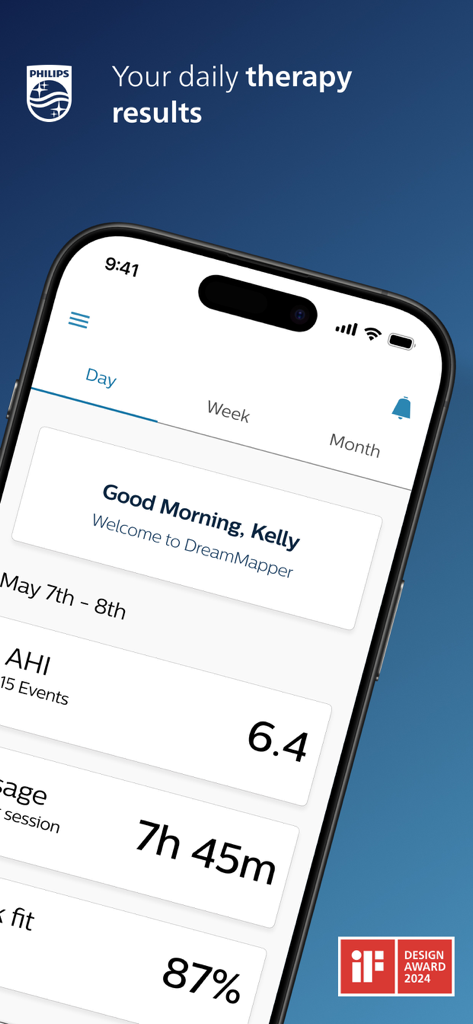
Dashboard dell'app DreamMapper su uno smartphone che mostra dati sulla terapia per l'apnea notturna inclusi AHI e ore di utilizzo.
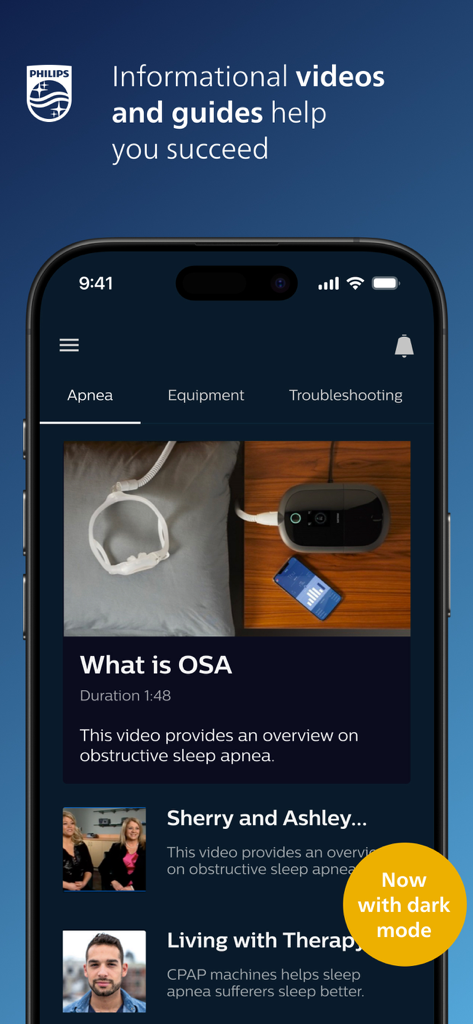
Interfaccia dell'app DreamMapper che mostra video informativi e guide sull'apnea notturna in modalità scura.
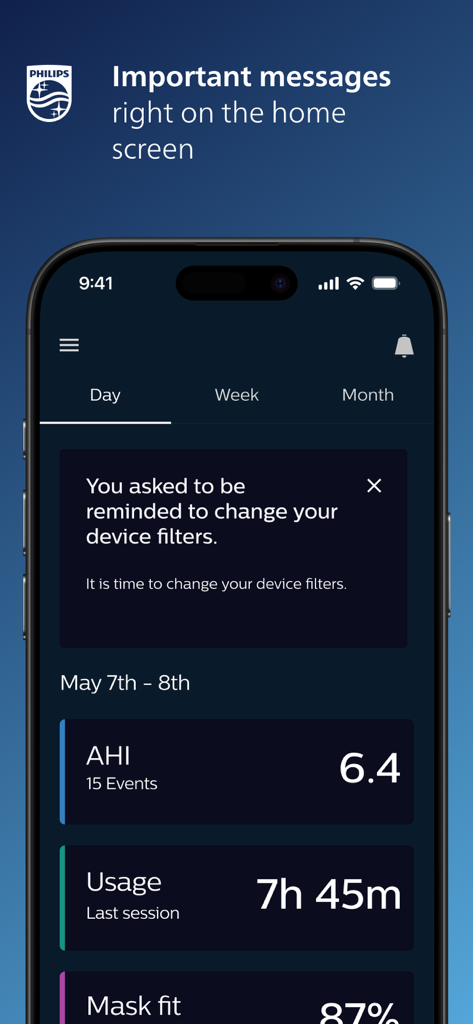
Schermata principale dell'app mobile DreamMapper che mostra metriche sulla terapia CPAP e un promemoria per cambiare i filtri del dispositivo.
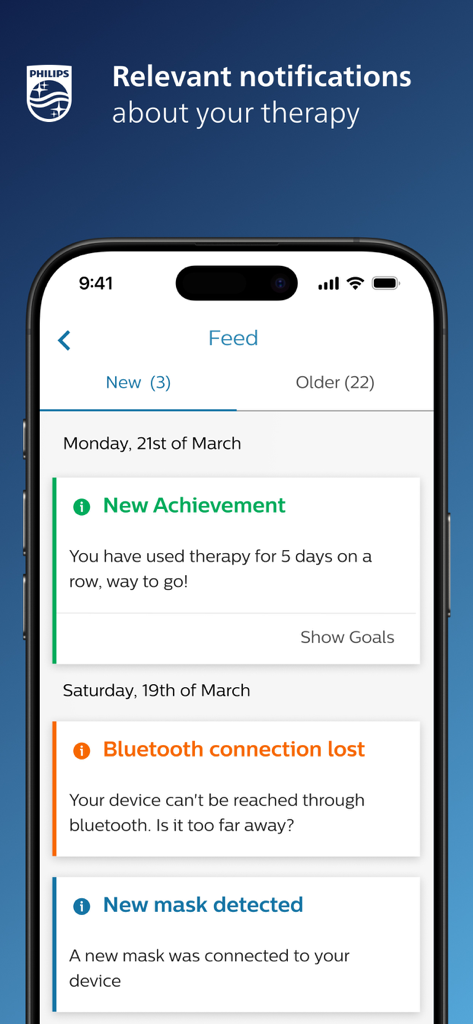
Interfaccia dell'app DreamMapper che mostra un feed di notifiche e risultati pertinenti sulla terapia su uno smartphone.
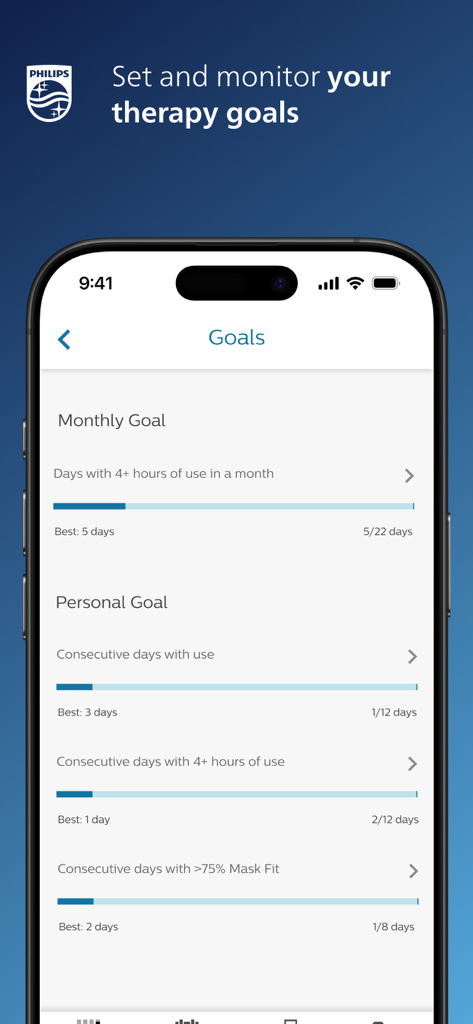
Schermata dell'app DreamMapper che mostra obiettivi di terapia CPAP mensili e personali con barre di monitoraggio dei progressi.
Descrizione
Download
App Simili
App più classificate nella stessa categoria

国家医保服务平台
National Healthcare Security Administration

MyChart
Epic Systems Corporation

Doctolib - Your health partner
Doctolib

Pregnancy + | Tracker App
Philips Digital UK Limited

CVS Health
CVS Pharmacy

江苏医保云
Jiangsu Healthcare Security Bureau

UnitedHealthcare
UNITED HEALTHCARE SERVICES, INC.

京东健康
BEIJING JINGDONG 360 DU E-COMMERCE LTD.

Meu SUS Digital
Servicos e Informacoes do Brasil
Questa pagina non è una pagina ufficiale dell'app o del suo sviluppatore, ma una pubblicazione editoriale indipendente creata a scopo informativo e di commento. Salvo espressa indicazione contraria, né l'app né il suo sviluppatore sono affiliati, approvati, sponsorizzati, autorizzati o altrimenti ufficialmente collegati a MWM, Apple, Google Play, all'editore dell'app o allo sviluppatore dell'app, e nulla in questa pagina implica che l'app sia stata sviluppata utilizzando i servizi di MWM. Tutti i marchi, loghi, screenshot e altri contenuti rimangono di proprietà dei rispettivi proprietari.