
Questa pagina non è una pagina ufficiale dell'app o del suo sviluppatore, ma una pubblicazione editoriale indipendente creata a scopo informativo e di commento. Salvo espressa indicazione contraria, né l'app né il suo sviluppatore sono affiliati, approvati, sponsorizzati, autorizzati o altrimenti ufficialmente collegati a MWM, Apple, Google Play, all'editore dell'app o allo sviluppatore dell'app, e nulla in questa pagina implica che l'app sia stata sviluppata utilizzando i servizi di MWM. Tutti i marchi, loghi, screenshot e altri contenuti rimangono di proprietà dei rispettivi proprietari.

Due - Reminders & Timers
Smetti di lasciare che le attività cadano nel vuoto. Imposta promemoria in pochi secondi con l'analisi del linguaggio naturale e rimani in linea con notifiche di posticipo automatico incessanti che non si fermano finché non lo fai tu.
Download
474K+Valutazione
Valutazioni totali
12K+Editore
Categoria
ProductivityLingue
17Ultima versione
26.1Dimensione
80.0 MBData di lancio
15 set 2010Il cervello esterno che non ti fa mai fallire
Costruito per professionisti sotto pressione e genitori impegnati, Due colma il divario tra 'da fare' e 'fatto' attraverso promemoria persistenti e impossibili da ignorare.
Posticipo automatico persistente
Smetti di scorrere le attività. Due continua a spingerti a intervalli da te scelti finché il lavoro non è effettivamente terminato, assicurando che nulla cada nel vuoto.
Inserimento fulmineo
Smetti di giocherellare con i selettori di data. Digita o detta 'Chiama il cliente domani alle 16:00' e Due analizza istantaneamente l'ora, permettendoti di impostare promemoria in pochi secondi.
Gli screenshot e la descrizione seguenti provengono direttamente dall'elenco ufficiale dello store dell'app e sono di proprietà dello sviluppatore.
App Store
Screenshot
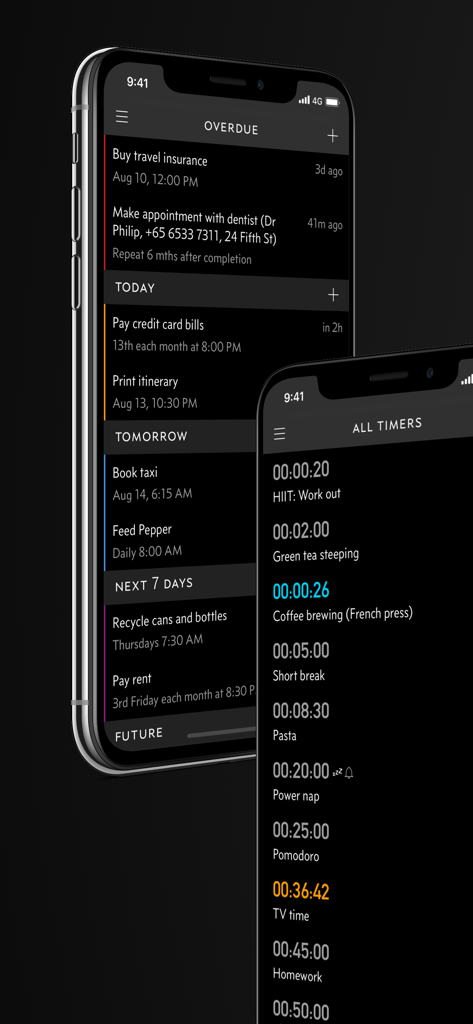
Interfaccia dell'app Due sull'iPhone che mostra promemoria in scadenza e timer di conto alla rovescia
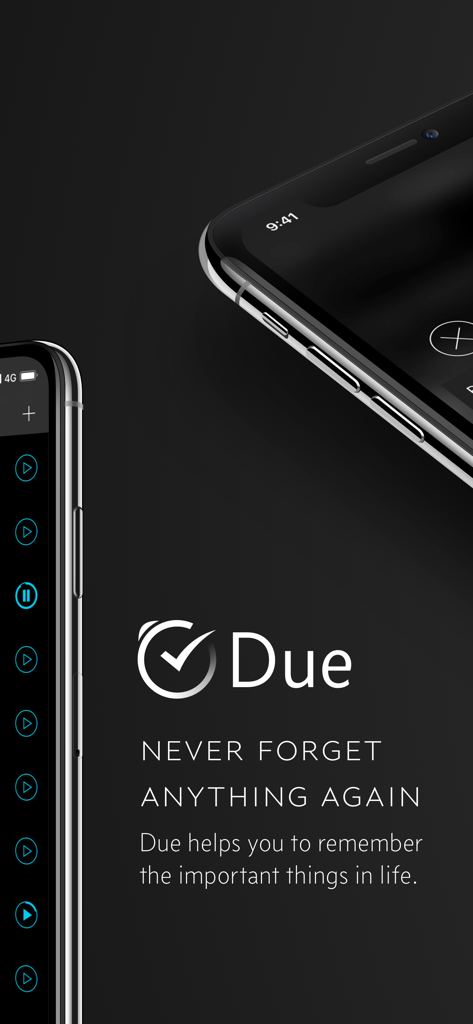
Logo dell'app Due e slogan Mai Più Dimenticare Nulla con screenshot per iPhone
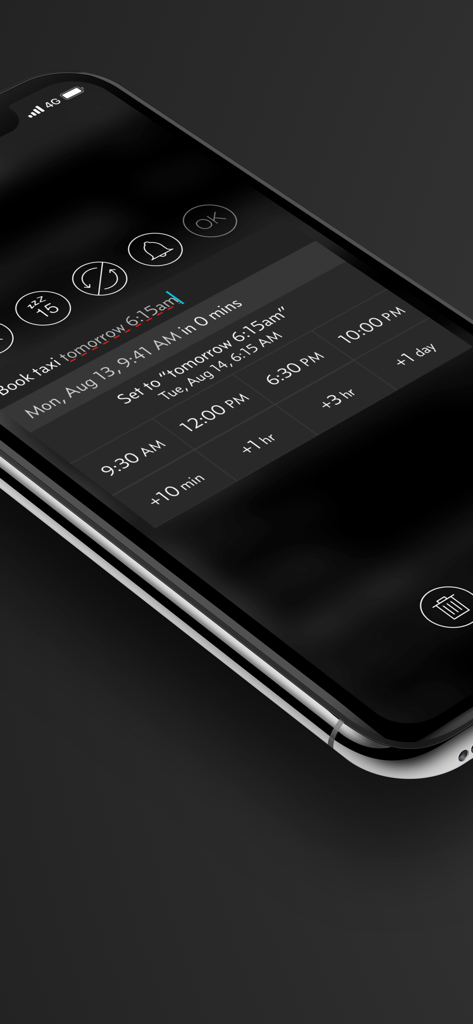
Interfaccia dell'app Due sull'iPhone che mostra l'input del linguaggio naturale e pulsanti di selezione rapida dell'ora per un promemoria taxi
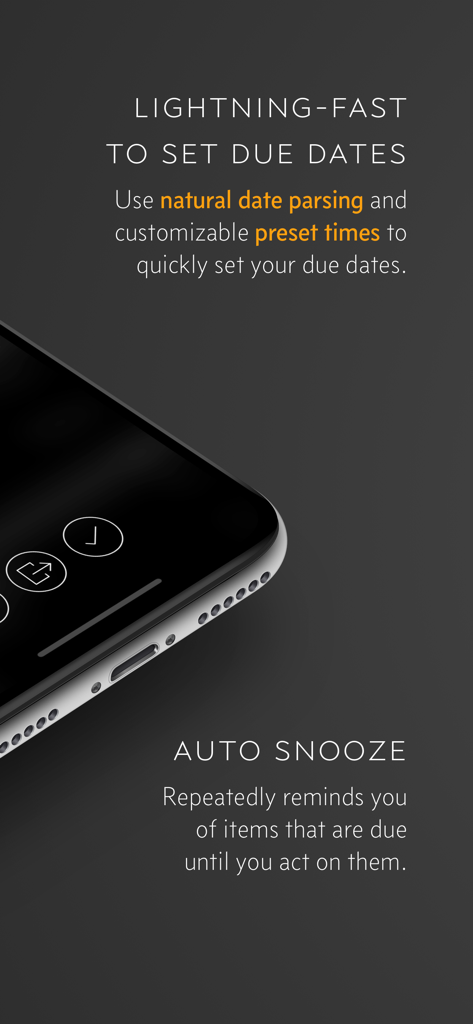
Funzionalità dell'app Due che evidenziano l'analisi naturale delle date e i promemoria persistenti di posticipo automatico.
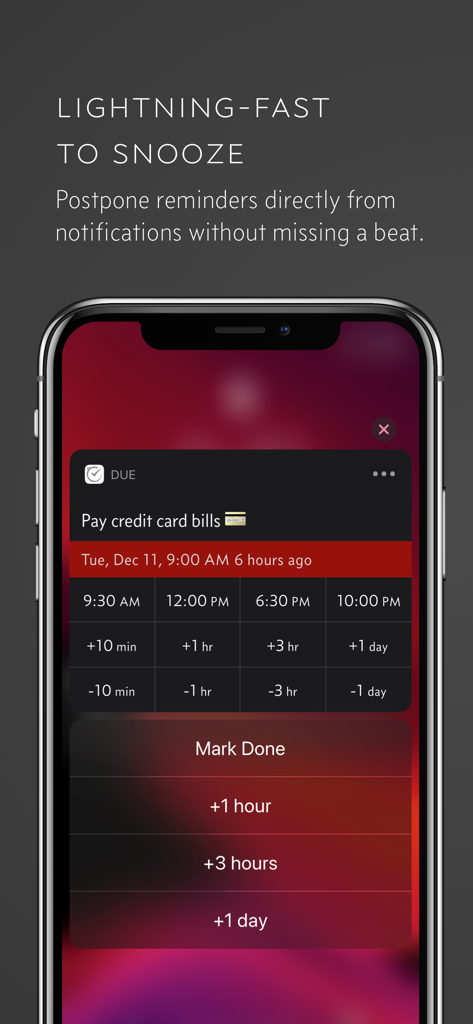
Schermata dell'iPhone che mostra opzioni di posticipo rapido e rimandare per un promemoria nell'app Due.
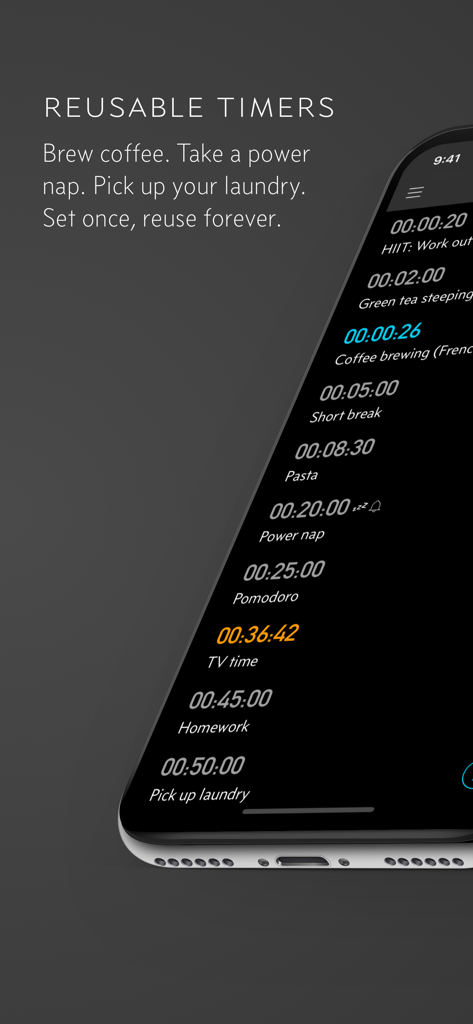
Timer di conto alla rovescia riutilizzabili nell'app Due per attività comuni come preparare il caffè e fare un pisolino.
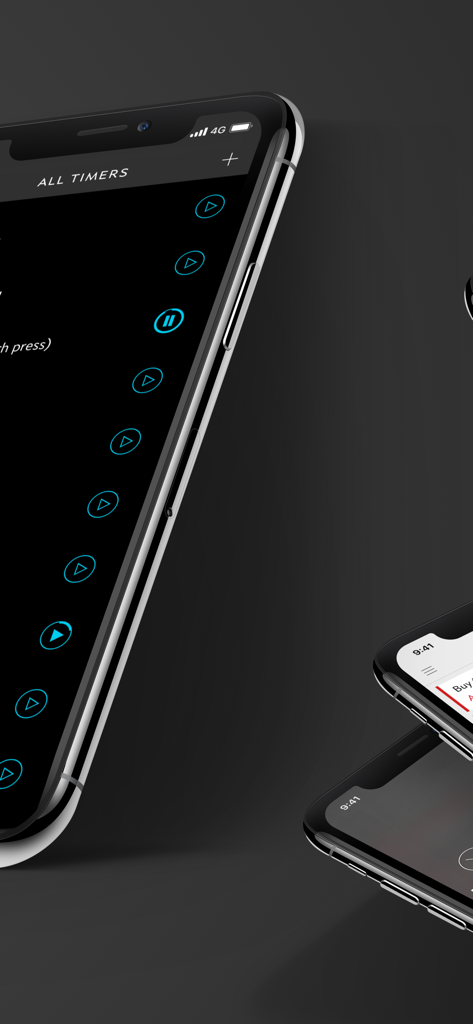
Interfaccia dell'app Due per la gestione di tutti i timer su un iPhone in modalità scura
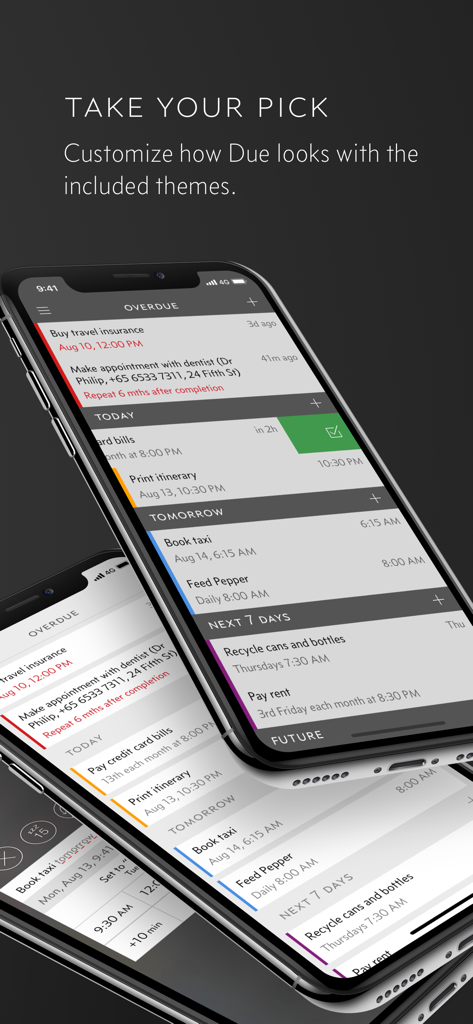
Tre iPhone che mostrano diversi temi di colore e promemoria categorizzati nell'app Due.
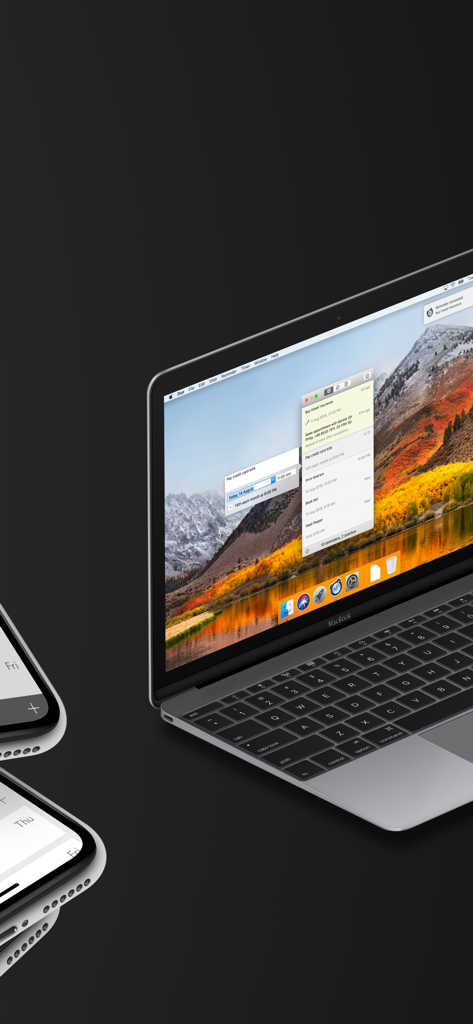
Interfaccia dell'app Promemoria e Timer Due visualizzata su un MacBook e un iPhone
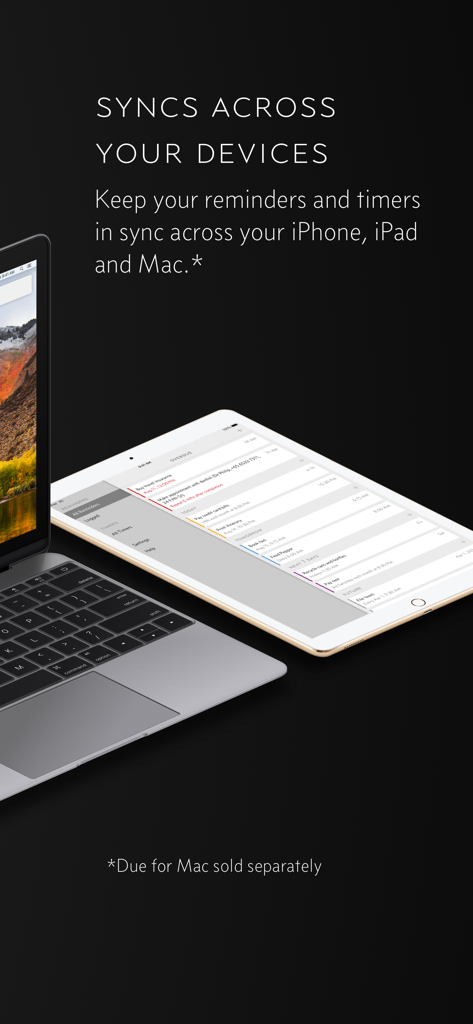
Promemoria e timer dell'app Due che si sincronizzano tra un MacBook e un iPad.
Descrizione
Download
App Simili
App con funzionalità ed esperienza simili

My PосkеtОptiоn : Smart list
Astrana LLC

Resolva - Guarda Roupa Virtual
RESOLVA CONSULTORIA DE ESTILO DE MODA LTDA
2Do - Todo List, Tasks & Notes
Beehive Innovations Services

eCalendar - Daily Planner
Shenzhen Fujia Technology Co., Ltd.

Task Manager Progress
Dylan Zaoui

Firetask 5
Elemental Tools GmbH

А-FriепdFindег: YourPresent
Abner Hoover

Planelo: Idea & Project Hub
David Tereba
Questa pagina non è una pagina ufficiale dell'app o del suo sviluppatore, ma una pubblicazione editoriale indipendente creata a scopo informativo e di commento. Salvo espressa indicazione contraria, né l'app né il suo sviluppatore sono affiliati, approvati, sponsorizzati, autorizzati o altrimenti ufficialmente collegati a MWM, Apple, Google Play, all'editore dell'app o allo sviluppatore dell'app, e nulla in questa pagina implica che l'app sia stata sviluppata utilizzando i servizi di MWM. Tutti i marchi, loghi, screenshot e altri contenuti rimangono di proprietà dei rispettivi proprietari.