Epsom Printer

Epsom Printer

Scarica su App Store
Logo di Epsom Printer

Epsom Printer: Il Modo Più Intelligente per Stampare Qualsiasi Cosa dal Tuo iPhone

Connettiti istantaneamente a oltre 1.200 modelli di stampanti. Stampa PDF, foto e file dal cloud con precisione professionale e zero complicazioni tecniche.

Editore

Petr Polasek

Categoria

Business

Download

86K+

Valutazione

4.5/5

Valutazioni totali

1K+

Lingue

1

Efficienza in Azione

Scopri l'interfaccia usata da 86K+ utenti.
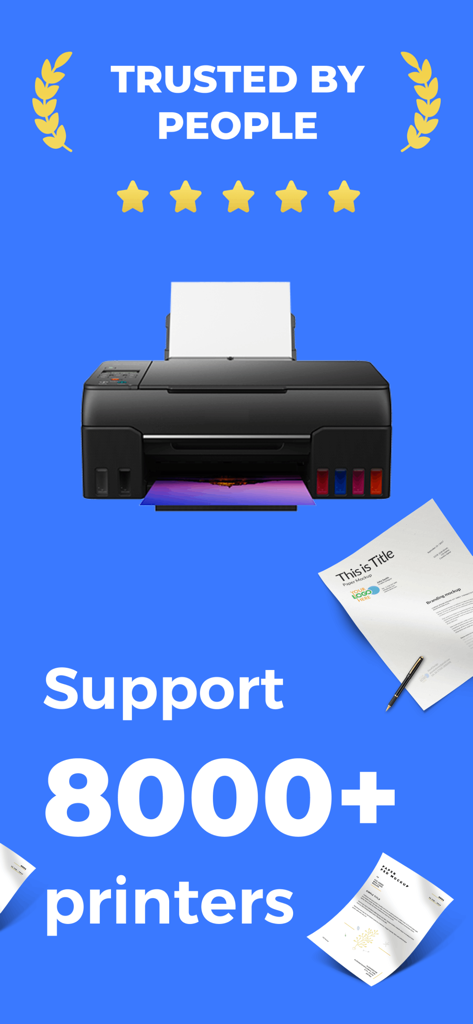
Screenshot dell'app Epsom Printer che mostra il supporto per oltre 8000 modelli di stampanti e un'elevata fiducia degli utenti con una valutazione a cinque stelle.

Screenshot dell'app Epsom Printer che mostra il supporto per oltre 8000 modelli di stampanti e un'elevata fiducia degli utenti con una valutazione a cinque stelle.

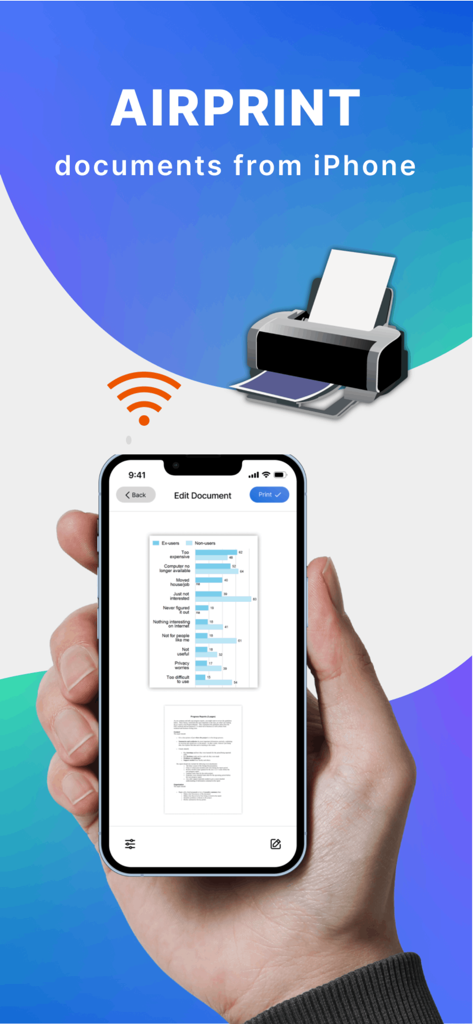
Una mano che tiene un iPhone che utilizza l'app Epsom Printer per stampare in modalità wireless un documento tramite AirPrint.

Una mano che tiene un iPhone che utilizza l'app Epsom Printer per stampare in modalità wireless un documento tramite AirPrint.

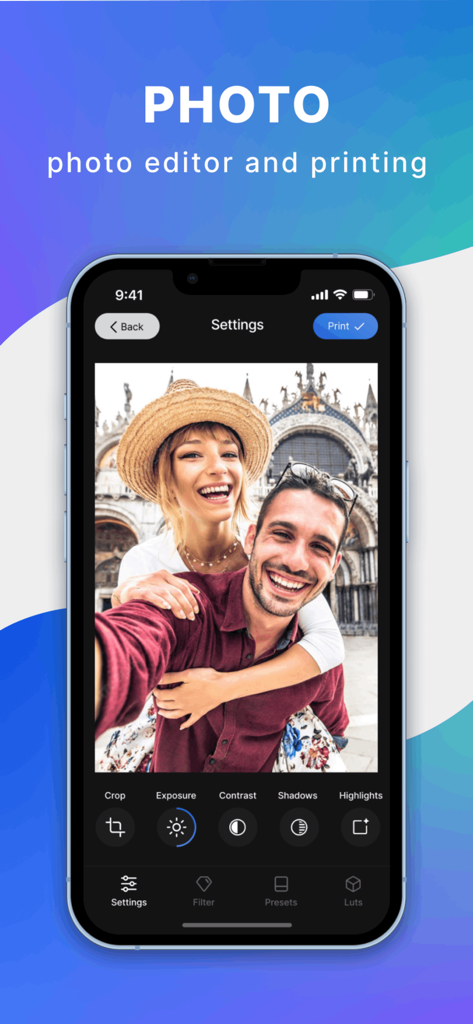
Interfaccia dell'app Epsom Printer che mostra gli strumenti di editing delle foto e un pulsante di stampa su un iPhone

Interfaccia dell'app Epsom Printer che mostra gli strumenti di editing delle foto e un pulsante di stampa su un iPhone

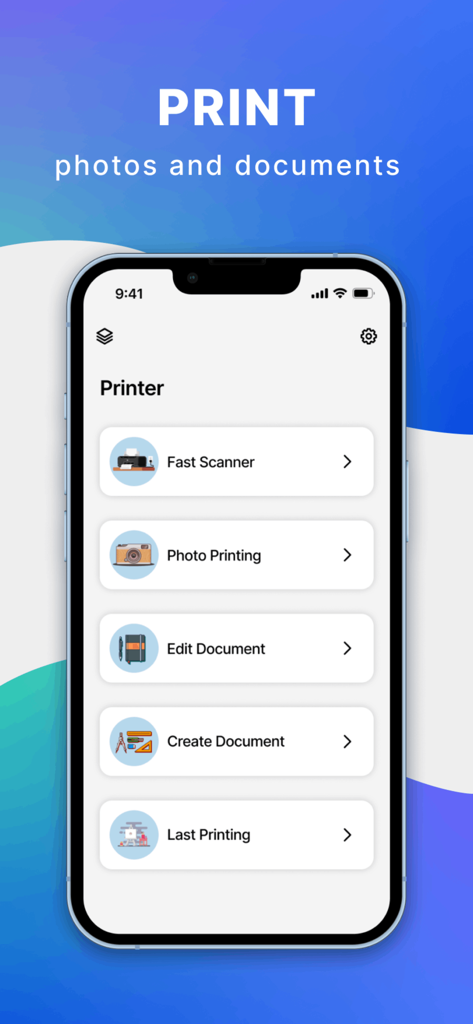
Menu principale dell'app Epsom Printer su un iPhone che mostra opzioni per la scansione rapida di foto e la modifica di documenti

Menu principale dell'app Epsom Printer su un iPhone che mostra opzioni per la scansione rapida di foto e la modifica di documenti

Stampa Senza Sforzo dalla Tua Tasca

Gli strumenti che rendono questa app unica, scelti da 86K+ utenti.

🔄

Connettività Universale

Evita la frustrazione dell'installazione. La nostra app agisce come un ponte universale per oltre 1.200 modelli di stampanti, garantendo che il tuo iPhone funzioni perfettamente con l'hardware della tua casa o ufficio.

📂

Accesso Diretto al Cloud

Non è necessario scaricare prima i file. Stampa PDF, fogli di calcolo e foto direttamente da iCloud, Google Drive o Dropbox con pochi tocchi.

Personalizzazione di Livello Pro

Assumi il pieno controllo della tua stampa. Attiva facilmente la stampa fronte-retro, regola le dimensioni della carta o passa al bianco e nero per risparmiare inchiostro, tutto dal tuo schermo mobile.

Info sull'app

Tutto quello che devi sapere su Epsom Printer.

Descrizione

Smart Printer makes printing documents and photos super simple and convenient. Just select a document, customize the print settings, and print your document in a matter of seconds! With Printer app, you only need an iPhone/iPad and printer! Smart Printer, you can print: - Any photos from your Camera Roll. - Any web pages, emails, and attachments. - Any information from your Clipboard. - Specific contacts or full Contact List. - Over 30 file types supported, including: PDF, DOC, XLS, and PPT. Smart Print Features: - Over 1,200 printer models supported. - iCloud, Google Drive, and Dropbox support. - Convert any high-quality, multi-page PDF documents. Extended printing settings: - Paper size - Paper type - Page orientation - Printing range - Number of copies - One- and two-sided printing - With and without borders - Color and grayscale documents - And many more customizable options! Printer app supports over 1,200 printer models, including Canon, Dell, Epson, Xerox, HP, Kyocera, Lenovo, Lexmark, Oki, Ricoh, Samsung, Sharp, Brother and other printer models that support AirPrint technology. And we add new printer models with each app update! Use the test print option on install to determine whether your printer model is supported. Printer app is free to use with limited functions. Unlimited access to all functions of the application is available with a subscription. Premium version provides unlimited access to all app’s features and offers regular reviews, news, and useful printing tech tips. Payment will be charged to iTunes Account at confirmation of purchase. Subscription automatically renews unless auto-renew is turned off at least 24-hours before the end of the current period. Account will be charged for renewal within 24-hours prior to the end of the current period, and identify the cost of the renewal. Subscriptions may be managed by the user and auto-renewal may be turned off by going to the user's Account Settings after purchase. Any unused portion of a free trial period, if offered, will be forfeited when the user purchases a subscription to that publication. Terms of service: https://www.code4flutter.in/com/terms-printer/ Privacy policy: https://www.code4flutter.in/privacy-printer/

Ultima versione

1.0.15

Dimensione

48.5 MB

Data di lancio

23 lug 2022

Inizia a Stampare in Modo Più Intelligente in Pochi Secondi

Unisciti a oltre 86.000 utenti che semplificano il loro lavoro e le attività quotidiane. Connettiti a oltre 1.200 modelli di stampanti e stampa da iCloud, Google Drive o dalla tua galleria fotografica istantaneamente.

Scarica su App Store

App information, icons, screenshots, and descriptions displayed on this page are sourced from the Apple App Store and are the property of their respective developers. Download estimates and rankings are based on MWM's proprietary models and may not reflect actual figures. This page is provided for informational and analytical purposes only.

Believe this page infringes your intellectual property? File a dispute