
Questa pagina non è una pagina ufficiale dell'app o del suo sviluppatore, ma una pubblicazione editoriale indipendente creata a scopo informativo e di commento. Salvo espressa indicazione contraria, né l'app né il suo sviluppatore sono affiliati, approvati, sponsorizzati, autorizzati o altrimenti ufficialmente collegati a MWM, Apple, Google Play, all'editore dell'app o allo sviluppatore dell'app, e nulla in questa pagina implica che l'app sia stata sviluppata utilizzando i servizi di MWM. Tutti i marchi, loghi, screenshot e altri contenuti rimangono di proprietà dei rispettivi proprietari.

EXIF Viewer by Fluntro
Approfondisci i dettagli tecnici come ISO e velocità dell'otturatore, modifica in blocco i dati GPS e salvaguarda la tua privacy con un acquisto singolo per accesso illimitato. Nessun abbonamento, solo potenti strumenti per il fotografo serio.
Download
482K+Valutazione
Valutazioni totali
10K+Editore
Categoria
Photo & VideoLingue
20Ultima versione
6.4Dimensione
46.0 MBData di lancio
11 gen 2015Padronanza Professionale dei Metadati
Ottieni approfondimenti tecnici sulla tua fotografia e proteggi la tua privacy digitale con strumenti progettati per il moderno prosumer.
Approfondimenti Tecnici Dettagliati
Analizza ogni scatto con accesso istantaneo a ISO, velocità dell'otturatore, lunghezza focale e specifiche dell'obiettivo per perfezionare la tua tecnica fotografica.
Controllo Totale della Privacy
Salvaguarda la tua posizione fisica rimuovendo le coordinate GPS e i metadati sensibili dalle tue immagini prima di condividerle online.
Gli screenshot e la descrizione seguenti provengono direttamente dall'elenco ufficiale dello store dell'app e sono di proprietà dello sviluppatore.
App Store
Screenshot
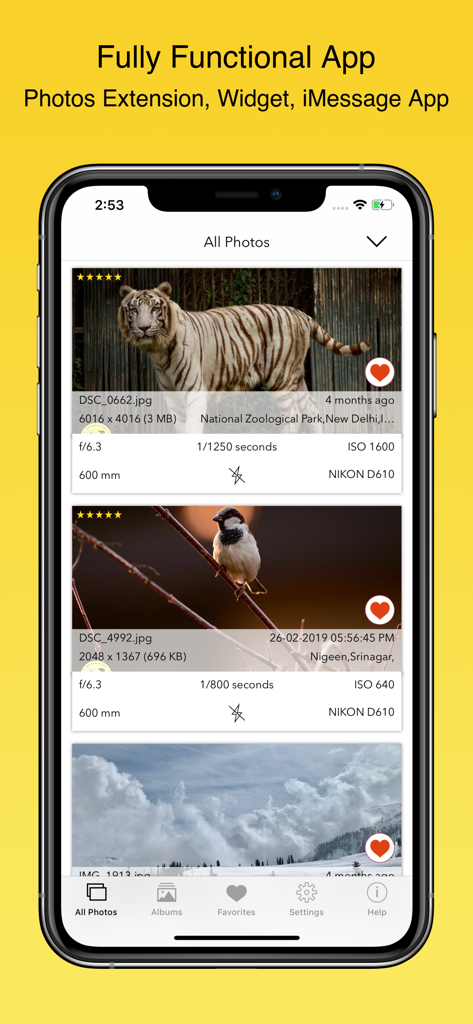
Interfaccia dell'app EXIF Viewer by Fluntro che mostra metadati dettagliati della foto e impostazioni tecniche della fotocamera su un iPhone
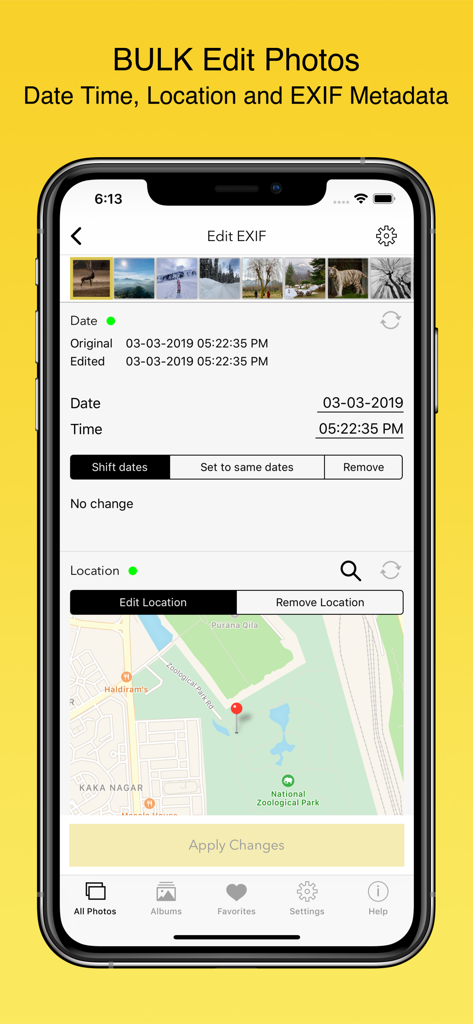
Interfaccia di modifica metadati in blocco nell'app EXIF Viewer che mostra strumenti di modifica data/ora e posizione
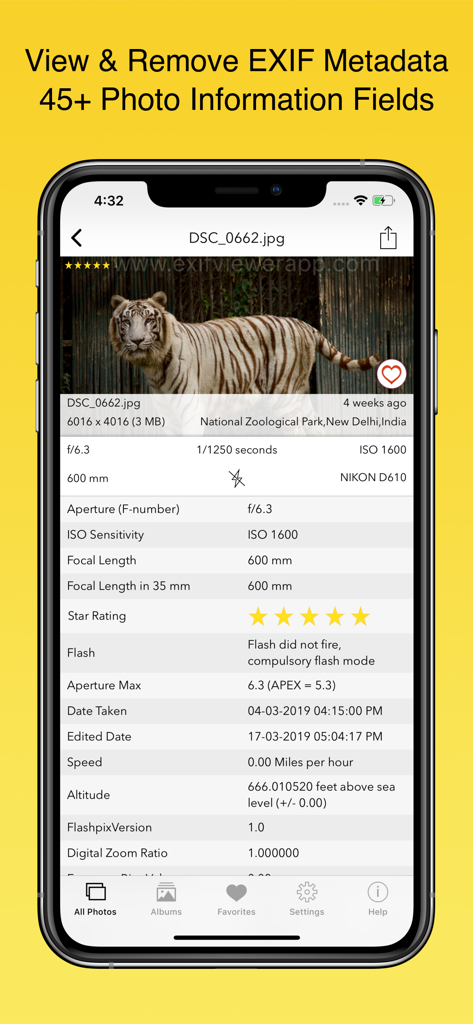
Screenshot iPhone dell'app EXIF Viewer che mostra metadati tecnici come ISO e velocità dell'otturatore per una foto di una tigre
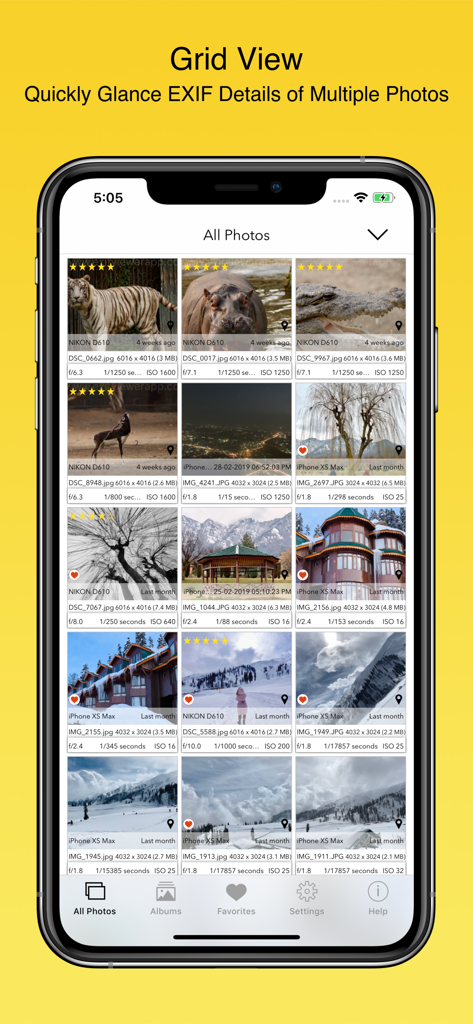
Visualizzazione a griglia di più foto che mostrano metadati EXIF dettagliati, inclusi ISO e velocità dell'otturatore
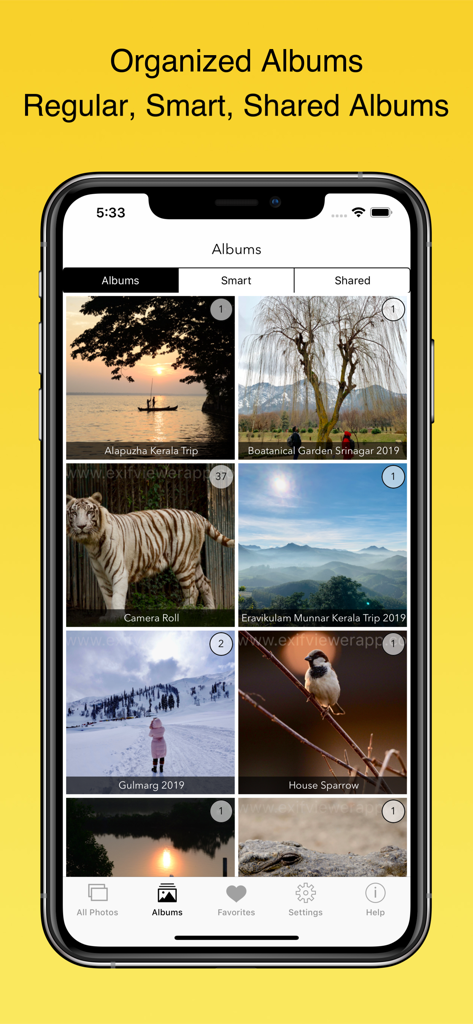
Interfaccia dell'app EXIF Viewer che mostra album fotografici organizzati su un iPhone
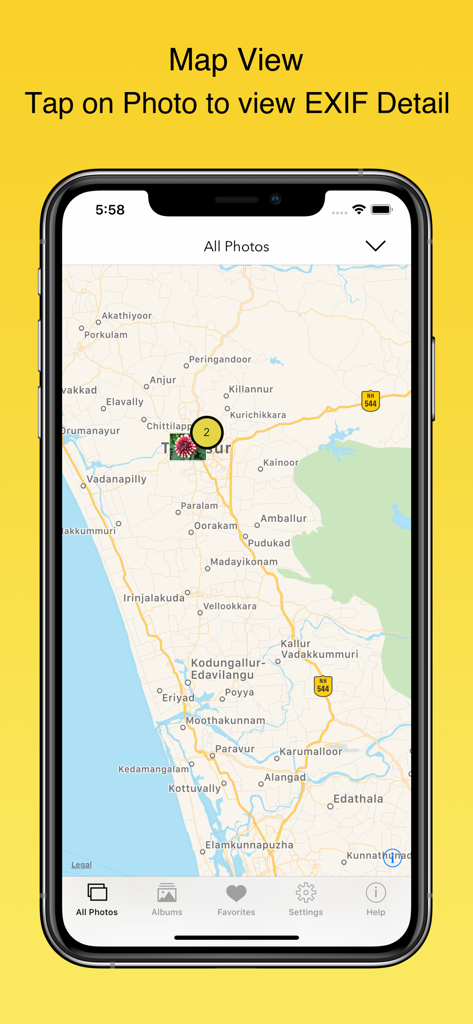
iPhone che mostra la vista Mappa nell'app EXIF Viewer in cui le foto sono fissate alle loro posizioni geografiche
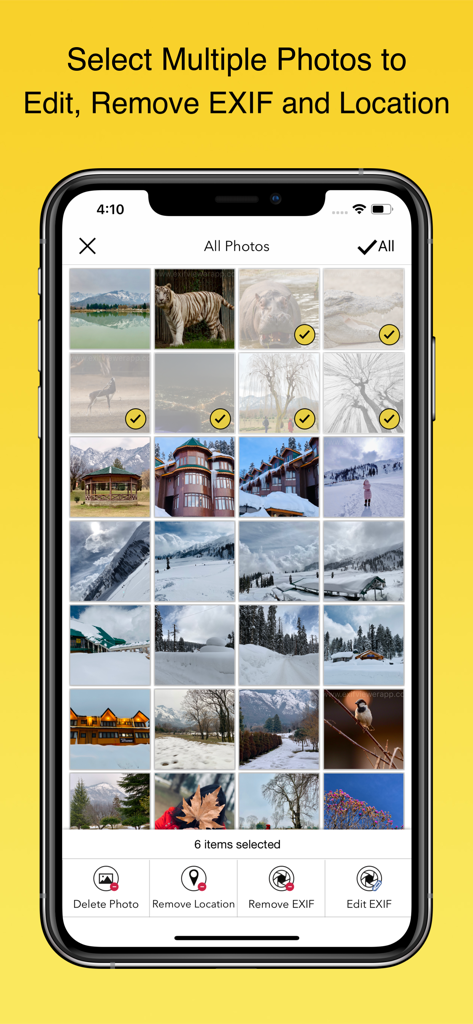
Interfaccia dell'app EXIF Viewer che mostra più foto selezionate per la rimozione o modifica dei metadati in blocco
Descrizione
Download
App Simili
App con funzionalità ed esperienza simili



Questa pagina non è una pagina ufficiale dell'app o del suo sviluppatore, ma una pubblicazione editoriale indipendente creata a scopo informativo e di commento. Salvo espressa indicazione contraria, né l'app né il suo sviluppatore sono affiliati, approvati, sponsorizzati, autorizzati o altrimenti ufficialmente collegati a MWM, Apple, Google Play, all'editore dell'app o allo sviluppatore dell'app, e nulla in questa pagina implica che l'app sia stata sviluppata utilizzando i servizi di MWM. Tutti i marchi, loghi, screenshot e altri contenuti rimangono di proprietà dei rispettivi proprietari.