Fax.Plus - Receive & Send Fax

Fax.Plus - Receive & Send Fax


Scarica su App StoreScarica su Google Play
Logo di Fax.Plus - Receive & Send Fax

Fax.Plus: Il Tuo Fax Mobile Sicuro e Tutto-in-Uno

Trasforma il tuo iPhone o iPad in un hub fax professionale. Scansiona, firma e invia documenti in modo sicuro con la crittografia conforme a HIPAA, sempre e ovunque.

Editore

Alohi SA

Categoria

Business

Download

781K+

Valutazione

4.7/5

Valutazioni totali

10K+

Lingue

20

Il tuo ufficio mobile in azione

Scopri l'interfaccia usata da 781K+ utenti.

Interfaccia dell'app Fax.Plus per l'invio e la ricezione di fax su iPhone con conformità HIPAA e marchio Swiss made

Interfaccia dell'app Fax.Plus per l'invio e la ricezione di fax su iPhone con conformità HIPAA e marchio Swiss made

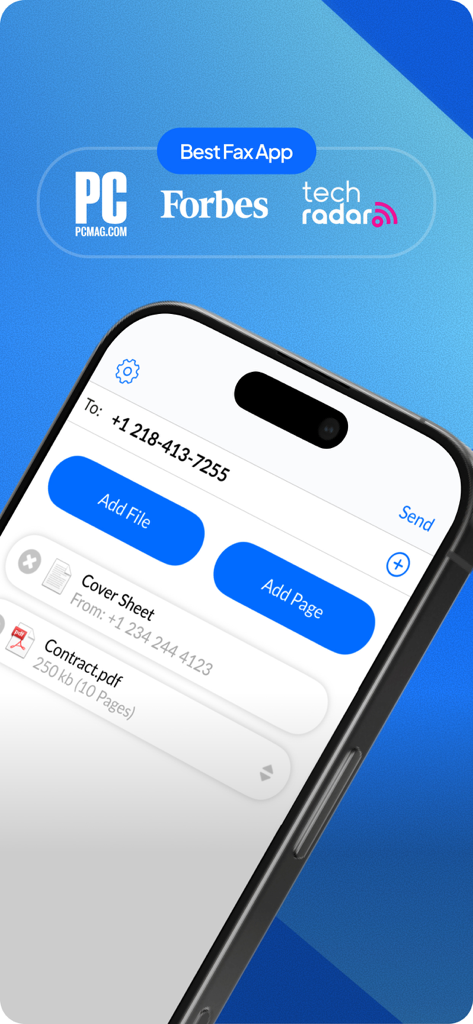
Interfaccia dell'app mobile Fax.Plus su un iPhone che mostra un messaggio fax pronto per essere inviato con allegati e menzioni dai media Forbes e PCMag.

Interfaccia dell'app mobile Fax.Plus su un iPhone che mostra un messaggio fax pronto per essere inviato con allegati e menzioni dai media Forbes e PCMag.

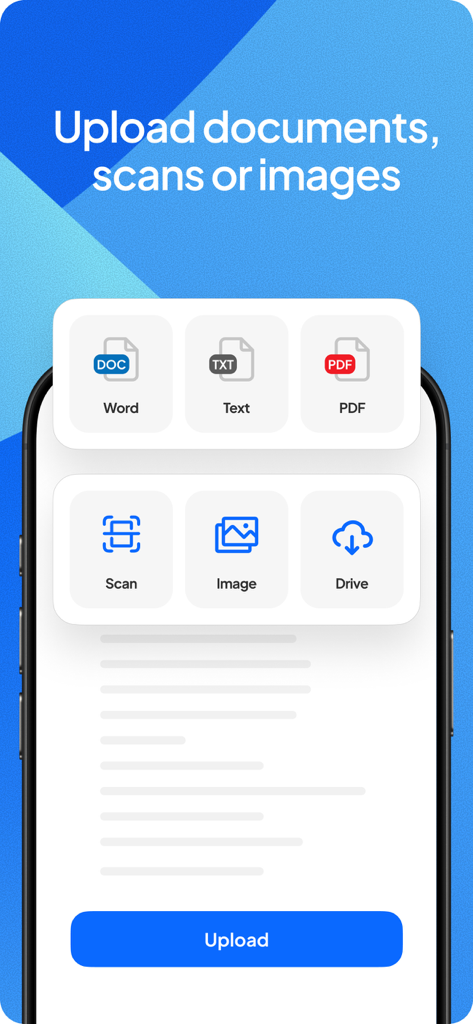
Interfaccia dell'app Fax.Plus che mostra le opzioni per caricare Word, PDF, file di testo, immagini o scansionare documenti per l'invio via fax.

Interfaccia dell'app Fax.Plus che mostra le opzioni per caricare Word, PDF, file di testo, immagini o scansionare documenti per l'invio via fax.

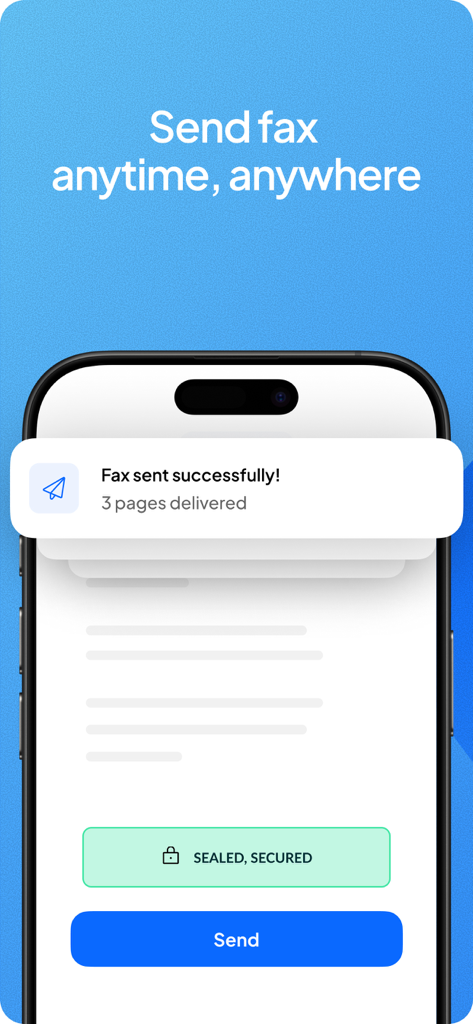
Schermo dello smartphone che mostra una notifica di fax inviato con successo nell'app Fax.Plus

Schermo dello smartphone che mostra una notifica di fax inviato con successo nell'app Fax.Plus

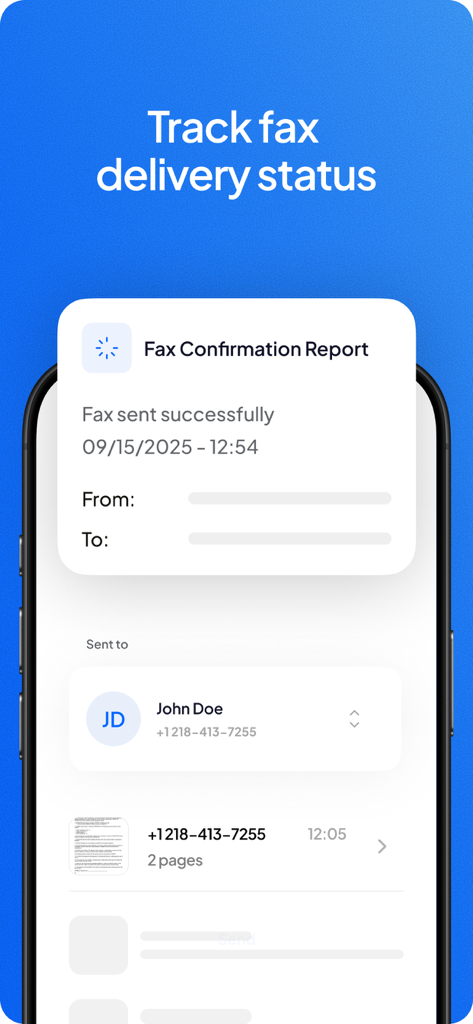
Rapporto di conferma della consegna del fax e tracciamento dello stato sull'app Fax Plus

Rapporto di conferma della consegna del fax e tracciamento dello stato sull'app Fax Plus

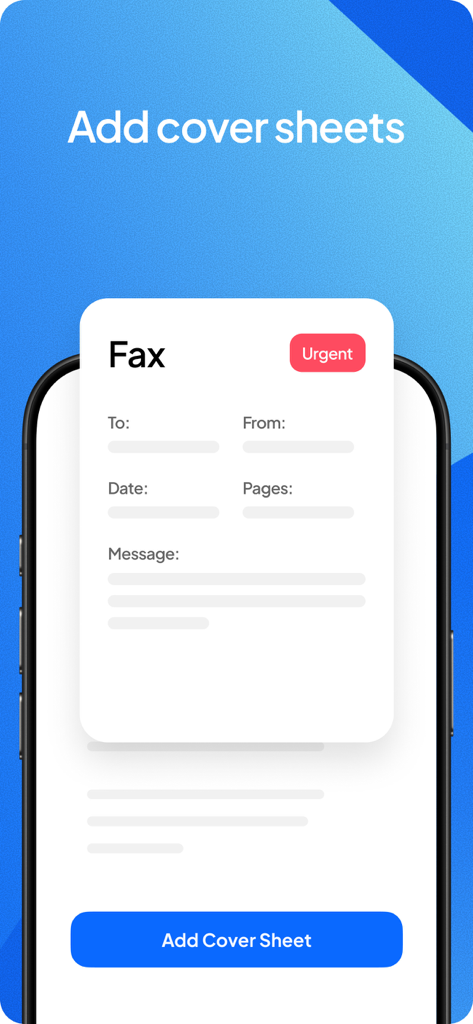
Interfaccia dell'app mobile che mostra come aggiungere un frontespizio fax professionale con un tag urgente.

Interfaccia dell'app mobile che mostra come aggiungere un frontespizio fax professionale con un tag urgente.

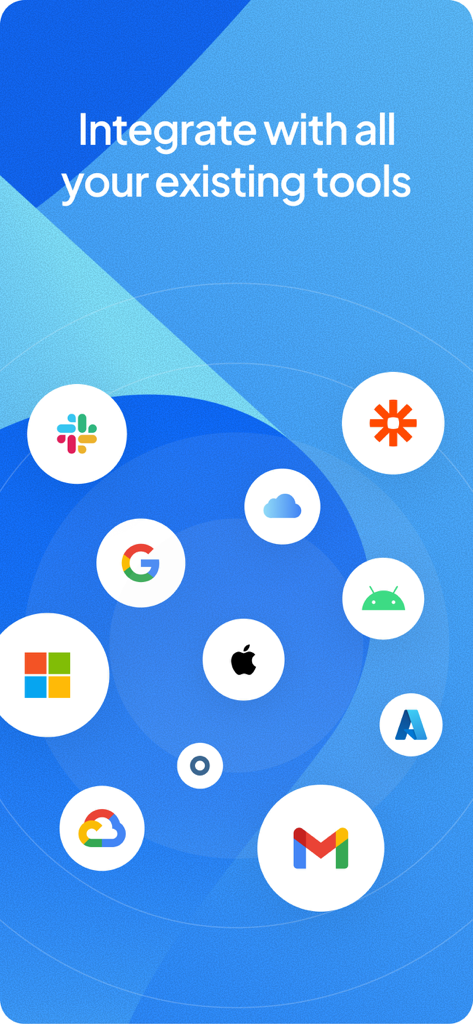
Integrazione dell'app Fax.Plus con Slack, Google, Microsoft e altri strumenti professionali

Integrazione dell'app Fax.Plus con Slack, Google, Microsoft e altri strumenti professionali

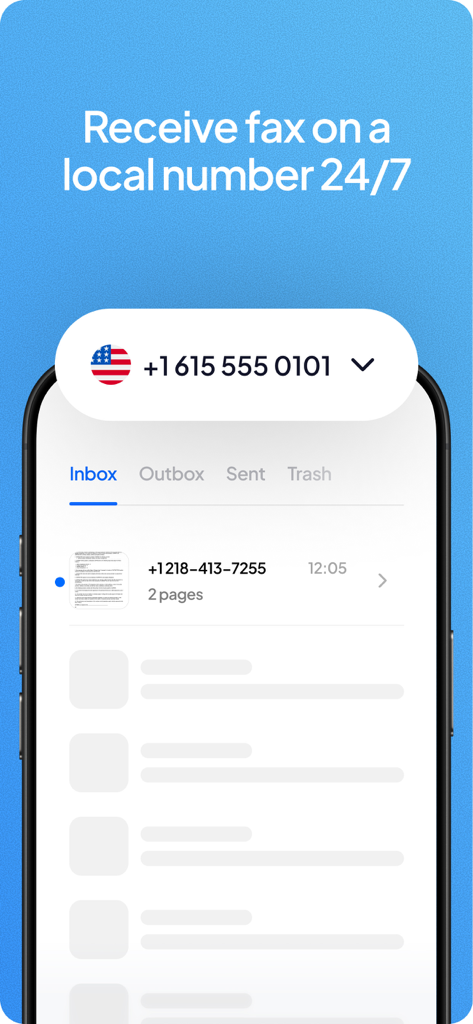
Interfaccia dell'app mobile Fax.Plus che mostra un fax ricevuto su un numero locale degli Stati Uniti

Interfaccia dell'app mobile Fax.Plus che mostra un fax ricevuto su un numero locale degli Stati Uniti

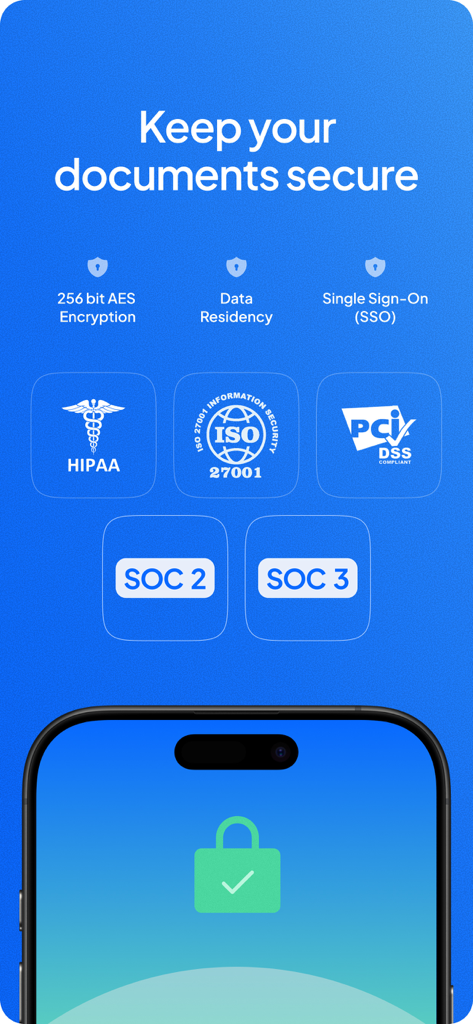
Funzionalità di sicurezza e certificazioni di conformità dell'app mobile Fax.Plus, incluse HIPAA e ISO 27001

Funzionalità di sicurezza e certificazioni di conformità dell'app mobile Fax.Plus, incluse HIPAA e ISO 27001

Invio fax senza sforzo per i professionisti moderni

Gli strumenti che rendono questa app unica, scelti da 781K+ utenti.

🛡️

Sicurezza conforme a HIPAA

Invia cartelle cliniche e contratti legali in sicurezza utilizzando la crittografia di livello aziendale e archivi digitali sicuri progettati per settori altamente regolamentati.

✍️

Scansione e firma integrata

Trasforma la tua fotocamera in uno scanner di alta qualità. Aggiungi la tua firma e un frontespizio professionale con un solo tocco, senza bisogno di stampante.

📱

Numero locale, portata globale

Ottieni un numero di fax locale dedicato in oltre 40 paesi e ricevi notifiche push in tempo reale nel momento in cui un documento arriva nella tua casella di posta crittografata.

Info sull'app

Tutto quello che devi sapere su Fax.Plus - Receive & Send Fax.

Descrizione

Recognized as the best online fax service, Fax.Plus allows you to receive and send fax from iPhone or iPad. Using this secure and reliable online efax service, you can turn your iPhone or iPad into a powerful fax machine and send free fax from your device. You can get an online fax number and receive faxes on your phone as well. Send fax from iPhone or iPad: On your iPhone or iPad device, you just need to use the built-in scanner to scan the document you wish to fax, add the recipient's fax number and send your fax right away. There is also the option to attach documents from your local storage or iCloud Drive. Receive fax on your iPhone or iPad: You can get an online fax number from supported countries worldwide, and be notified via push notification as soon as there is a new fax in your inbox. Encrypted archive: All sent and received faxes are stored in a fully encrypted archive for your future reference. Scan documents: If you only have access to the physical document you wish to fax, you can use the built-in scanner and create a digital copy of your documents. The fax-ready documents can be adjusted and customized to increase the quality of your sent faxes. Sign documents on the go: The electronic signature feature makes it easier than ever to sign documents and fax them back without even printing a single page. HIPAA compliance: Activate advanced security controls and start faxing online with ease while staying fully compliant with HIPAA. Features and advantages: • Send and receive faxes anytime and anywhere • Send fax from email (email to fax) • Programmable fax API • Scan documents with your mobile camera (automatic document detection, border cropping, perspective correctness) • Upload and attach your documents (Supported formats: Microsoft Office Documents, PDF, JPG, PNG, TIFF) from your device or your cloud storage (Google Drive and Dropbox) • Add a cover page to your fax with our ‘Add Text’ feature • Sign your documents or faxes and send them back without printing them! • Forward, reply or resend your faxes to any fax machine • Send fax to your contacts stored in your mobile phonebook • Organize your fax archive by adding notes to your sent and received faxes • Schedule your fax to be sent at a defined date and time • To ensure maximum delivery rate, enable the Retry for failed faxes feature available in the options of the Send Fax page. All failed to send faxes will be re-sent at an interval you define. • Receive notification of your sent and received faxes to your email address. Need to notify more people? Configure up to 5 email addresses! • Send fax to a Human Operated Fax Machine: By enabling this feature, your destination contact will hear a prerecorded message stating: "This is fax call, to receive please press start." • HIPAA Compliant faxing* A Wide range of plans for different needs Entrepreneur, Professional or Company? Take a look at our range of plans to find the one that fits you best! Our range of plans start at $6.99 per month and allows you to get a local fax number from over 40 countries from which you can receive and send faxes to over 180 countries. If you need to send a couple of faxes per month or per year, the free plan (also known as the pay as you go plan) enables you to buy credit to be used for sending faxes. * Fax.Plus is HIPAA compliant, provided the user has advanced security controls activated and enters into a business associate agreement (BAA) with Fax.Plus. Advanced security controls are available on the Enterprise plan tier. Any questions while using this secure and reliable online fax service? Do not hesitate to reach us on our website, app or by email at support@fax.plus. Our customer support team will be pleased to help you! • Subscriptions - Renews automatically unless canceled at least 24 hours before the period ends. - Privacy Policy: https://www.alohi.com/privacy-policy - Apple Terms of Use: https://www.apple.com/legal/internet-services/itunes/dev/stdeula/

Ultima versione

19.7

Dimensione

142.2 MB

Data di lancio

1 nov 2016

Pronto a modernizzare il tuo flusso di lavoro professionale?

Unisciti agli oltre 781.000 utenti che si affidano a Fax.Plus per l'invio di fax sicuri e conformi a HIPAA. Scaricala ora e invia il tuo primo documento in pochi secondi.

Scarica su App StoreScarica su Google Play
FAQ

Domande Frequenti

Tutto quello che devi sapere su Fax.Plus - Receive & Send Fax

Fax.Plus può inviare fax direttamente da un iPhone o iPad?

Sì, Fax.Plus consente agli utenti di inviare fax direttamente dal proprio iPhone o iPad. Include uno scanner integrato per documenti fisici e supporta l'allegato di file dalla memoria locale o da iCloud Drive.

Fax.Plus è un servizio gratuito per l'invio di fax?

Fax.Plus offre un piano gratuito, noto anche come piano pay-as-you-go. Questo consente agli utenti di acquistare credito specificamente per l'invio di fax, adatto per un uso infrequente.

Come garantisce Fax.Plus la sicurezza dei documenti faxati?

Fax.Plus mantiene i documenti sicuri tramite crittografia AES a 256 bit, residenza dei dati e Single Sign-On (SSO). È inoltre conforme HIPAA, ISO 27001, PCI DSS, SOC 2 e SOC 3.

Posso ricevere fax utilizzando l'app Fax.Plus?

Sì, gli utenti possono ricevere fax sul proprio iPhone o iPad con Fax.Plus. È possibile ottenere un numero di fax online dai paesi supportati e ricevere notifiche push per i nuovi fax.

Quali tipi di documenti Fax.Plus può scansionare e inviare?

Fax.Plus può scansionare documenti fisici utilizzando la fotocamera mobile. Supporta il caricamento e l'allegato di vari formati, inclusi documenti Microsoft Office, PDF, JPG, PNG e file TIFF.

Fax.Plus supporta le firme elettroniche per i documenti?

Sì, Fax.Plus include una funzione di firma elettronica. Ciò consente agli utenti di firmare i documenti direttamente all'interno dell'app e di inviarli via fax senza doverli stampare.

Fax.Plus è conforme alle normative HIPAA?

Sì, Fax.Plus è conforme HIPAA, a condizione che l'utente attivi i controlli di sicurezza avanzati e stipuli un Business Associate Agreement (BAA). Questi controlli avanzati fanno parte del piano Enterprise.

Quanto costa un abbonamento Fax.Plus?

I piani Fax.Plus partono da $6,99 al mese. Questi piani includono un numero di fax locale da oltre 40 paesi e consentono l'invio di fax in oltre 180 paesi.

Posso aggiungere una pagina di copertina quando invio un fax con Fax.Plus?

Sì, Fax.Plus consente agli utenti di aggiungere una pagina di copertina ai propri fax utilizzando la funzione 'Aggiungi testo'. Questa fornisce opzioni per includere dettagli sul mittente, destinatario, data e messaggio.

Quali servizi di cloud storage si integrano con Fax.Plus?

Fax.Plus si integra con popolari servizi di cloud storage come Google Drive e Dropbox, consentendo agli utenti di caricare e allegare documenti direttamente da queste piattaforme.

App information, icons, screenshots, and descriptions displayed on this page are sourced from the Apple App Store and are the property of their respective developers. Download estimates and rankings are based on MWM's proprietary models and may not reflect actual figures. This page is provided for informational and analytical purposes only.

Believe this page infringes your intellectual property? File a dispute