
Questa pagina non è una pagina ufficiale dell'app o del suo sviluppatore, ma una pubblicazione editoriale indipendente creata a scopo informativo e di commento. Salvo espressa indicazione contraria, né l'app né il suo sviluppatore sono affiliati, approvati, sponsorizzati, autorizzati o altrimenti ufficialmente collegati a MWM, Apple, Google Play, all'editore dell'app o allo sviluppatore dell'app, e nulla in questa pagina implica che l'app sia stata sviluppata utilizzando i servizi di MWM. Tutti i marchi, loghi, screenshot e altri contenuti rimangono di proprietà dei rispettivi proprietari.


Feed Preview: Ig Grid Layout
L'ultimo pianificatore di griglie per creatori e brand. Cura il tuo feed Instagram da sogno con facilità drag-and-drop e senza login.
Download
5M+Valutazione
Valutazioni totali
51K+Editore
Categoria
Photo & VideoLingue
20Ultima versione
3.12.3Dimensione
187.1 MBData di lancio
2 mar 2019Progetta la Tua Estetica Perfetta
Pianifica, visualizza in anteprima e perfeziona il tuo feed Instagram con un intuitivo pianificatore visivo. Nessun login richiesto, solo puro controllo creativo sul tuo portfolio digitale.
Accesso Sicuro "Senza Login"
Visualizza in anteprima qualsiasi profilo pubblico senza mai condividere la tua password. Mantieni il tuo account sicuro al 100% da ban e hack mentre pianifichi.
Trascinamento e Rilascio Senza Interruzioni
Riorganizza senza sforzo i tuoi post per trovare il flusso visivo perfetto. Sperimenta con layout e mosaici prima di impegnarti al post.
Domande Frequenti
Tutto quello che devi sapere su Feed Preview: Ig Grid Layout
Come può Feed Preview aiutarmi a pianificare il mio feed di Instagram?
Feed Preview: Ig Grid Layout pianifica visivamente il tuo feed di Instagram aggiungendo, eliminando e riorganizzando foto e video. Mostra esattamente come apparirà il tuo profilo, aiutando a creare l'estetica perfetta.
Feed Preview: Ig Grid Layout richiede l'accesso a Instagram?
No, Feed Preview: Ig Grid Layout consente agli utenti di pianificare visivamente il proprio feed di Instagram senza mai accedere al proprio account Instagram, garantendo privacy e facilità d'uso.
Posso gestire più account Instagram con Feed Preview?
Sì, Feed Preview: Ig Grid Layout consente agli utenti di gestire più account Instagram senza sforzo. Questa funzione semplifica il processo di pianificazione dei contenuti su diversi profili.
Quali funzioni di editing sono disponibili in Feed Preview: Ig Grid Layout?
Feed Preview: Ig Grid Layout offre l'editing di foto con filtri eleganti e bordi. Gli utenti possono anche regolare luminosità, contrasto, saturazione e chiarezza per le proprie immagini all'interno dell'app.
Posso programmare post utilizzando Feed Preview: Ig Grid Layout?
Sì, Feed Preview: Ig Grid Layout consente agli utenti di creare e programmare i propri post di Instagram in anticipo. Questo aiuta a organizzare i contenuti per la pubblicazione futura e a mantenere la coerenza.
Feed Preview supporta la pianificazione dei carousel di Instagram?
Sì, Feed Preview: Ig Grid Layout supporta la creazione e la pianificazione dei carousel di Instagram. Gli utenti possono aggiungere più immagini per progettare post completi con più immagini per il proprio feed.
Come salva Feed Preview i miei post pianificati di Instagram?
Le immagini aggiunte all'anteprima del feed in Feed Preview: Ig Grid Layout vengono salvate automaticamente localmente sul tuo dispositivo. Sono pronte per essere pubblicate su Instagram quando scegli.
Posso visualizzare in anteprima qualsiasi feed di Instagram con Feed Preview: Ig Grid Layout?
Sì, Feed Preview: Ig Grid Layout consente agli utenti di visualizzare in anteprima qualsiasi feed di Instagram. Questa funzione aiuta a visualizzare varie estetiche del profilo e a perfezionare le strategie di pianificazione.
Feed Preview offre modelli di griglia per Instagram?
Sì, Feed Preview: Ig Grid Layout fornisce modelli di griglia per personalizzare il tuo feed di Instagram. Questo aiuta gli utenti a progettare e disporre le proprie foto per un layout visivo unico.
Posso reimpostare l'anteprima del mio feed in Feed Preview: Ig Grid Layout?
Sì, Feed Preview: Ig Grid Layout consente agli utenti di reimpostare l'anteprima per corrispondere al loro feed Instagram attuale. Questa funzione aggiorna istantaneamente il layout dell'app per riflettere le modifiche in tempo reale.
Gli screenshot e la descrizione seguenti provengono direttamente dall'elenco ufficiale dello store dell'app e sono di proprietà dello sviluppatore.
App Store
Screenshot
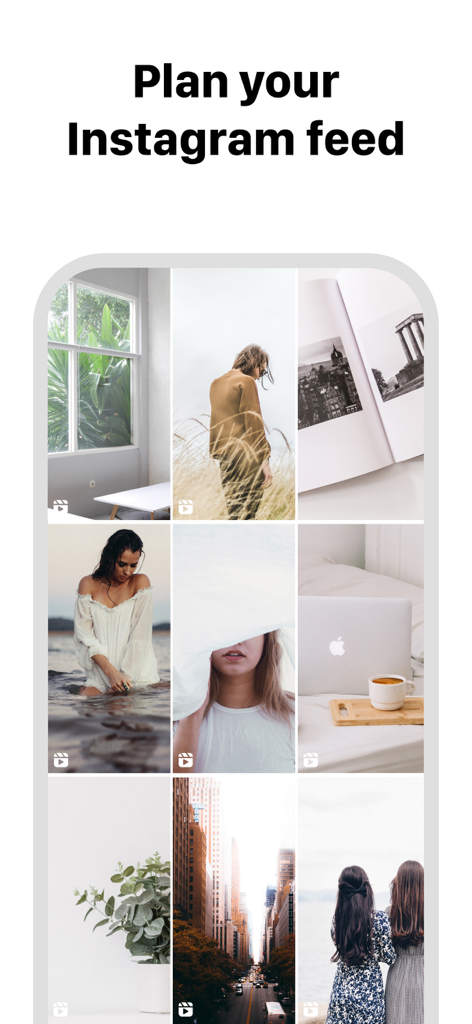
Un'interfaccia mobile che mostra un layout di griglia Instagram curato per la pianificazione del feed
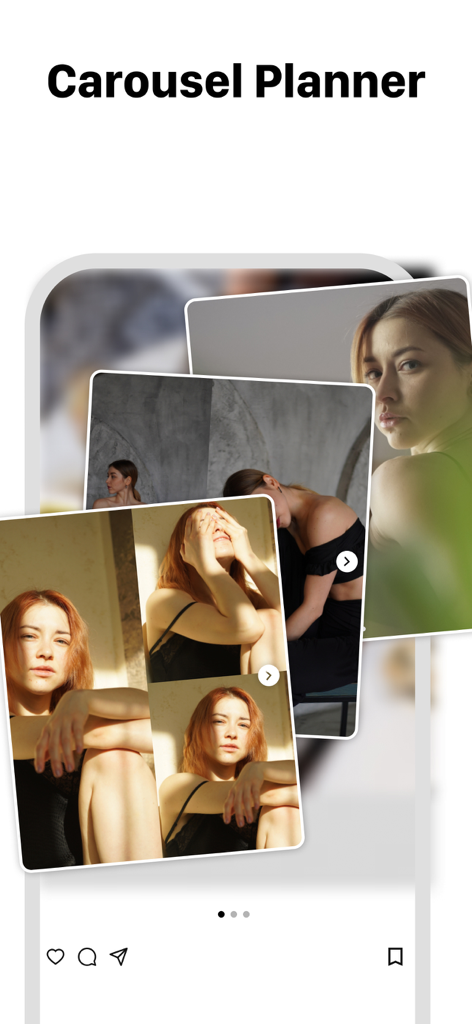
Un'interfaccia di un'app mobile che mostra un pianificatore di post carosello per Instagram con più foto sovrapposte.
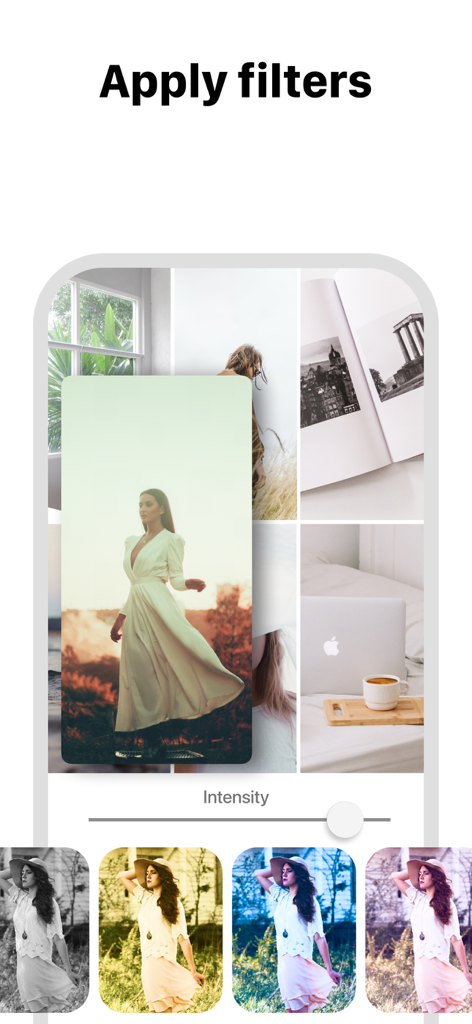
Applicazione di filtri fotografici a un'anteprima del layout della griglia di Instagram.
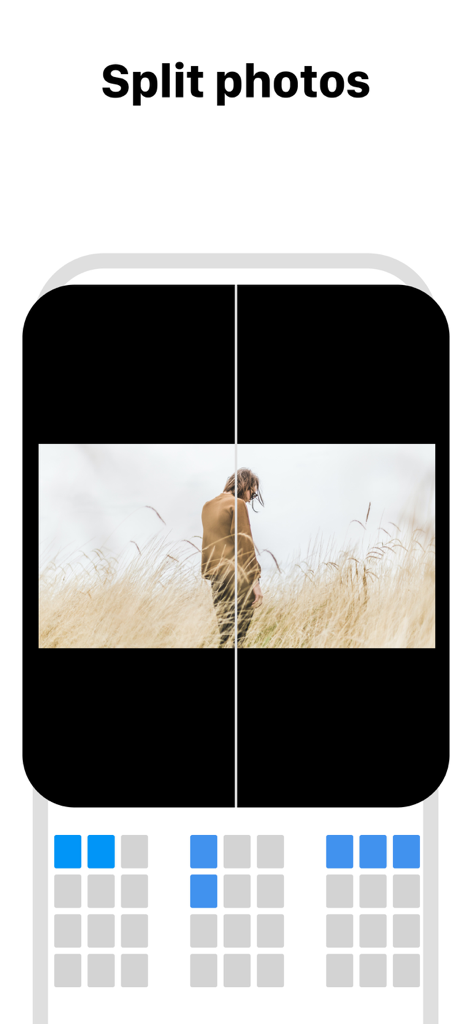
Interfaccia che mostra come dividere le foto in più tessere per un layout di griglia Instagram a mosaico
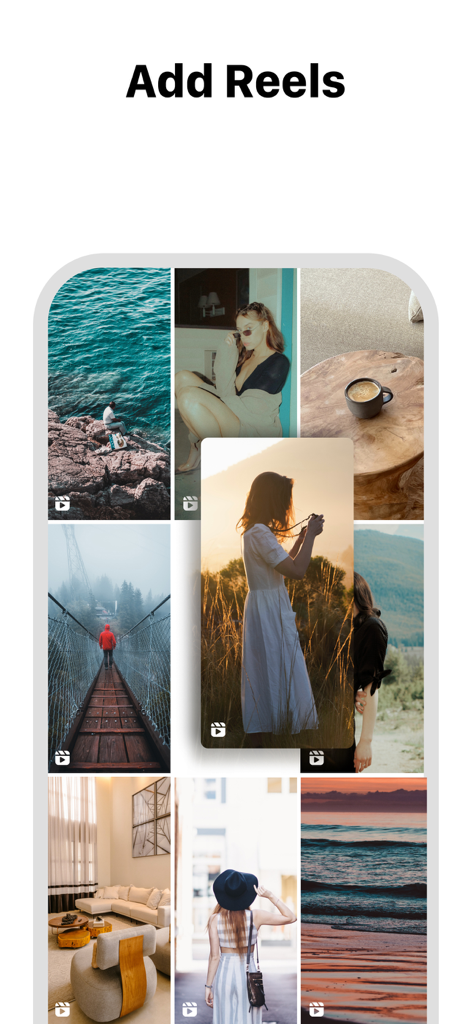
Interfaccia dell'app Anteprima Feed che mostra come aggiungere reel a un layout di griglia Instagram.
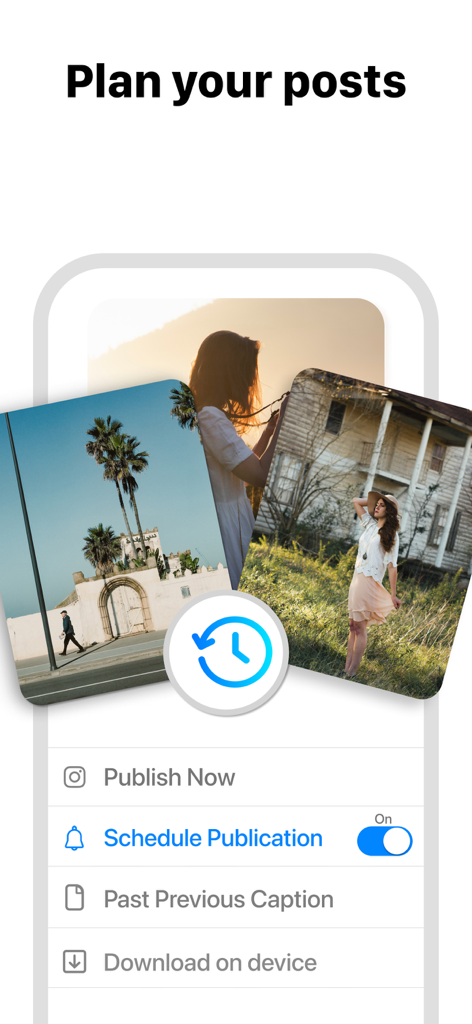
Interfaccia dell'app Anteprima Feed che mostra opzioni di pianificazione e programmazione dei post per Instagram.
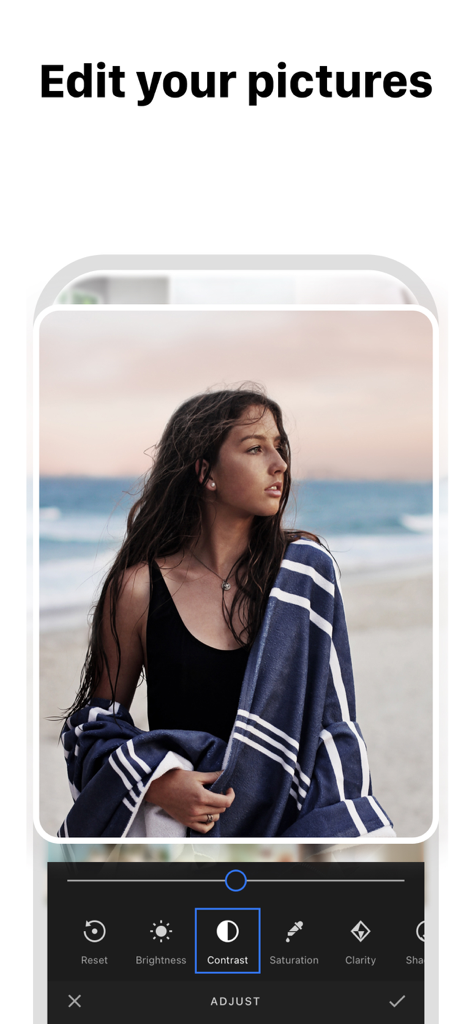
Uno screenshot dell'app Anteprima Feed che mostra un'interfaccia di editing fotografico con opzioni come contrasto, luminosità e saturazione.
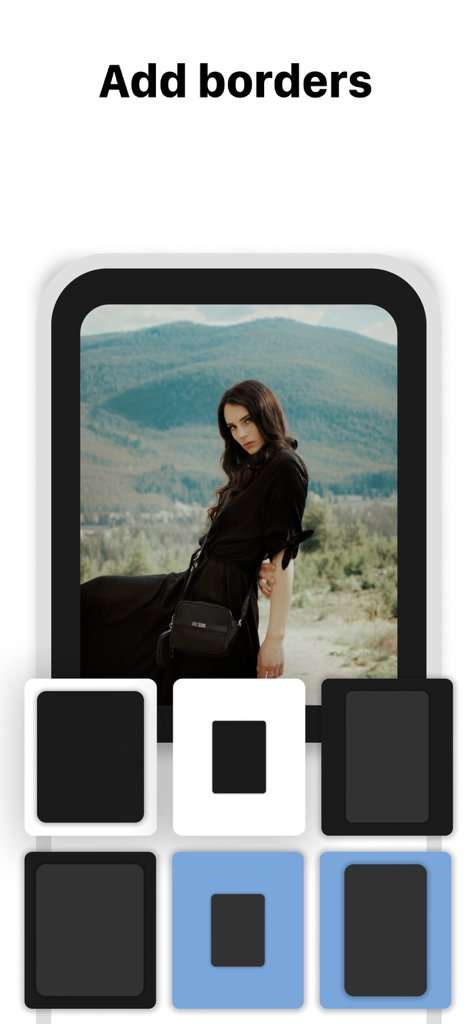
Un'interfaccia per smartphone che mostra diverse opzioni di bordo per una foto in formato verticale nell'app di pianificazione del feed di Instagram
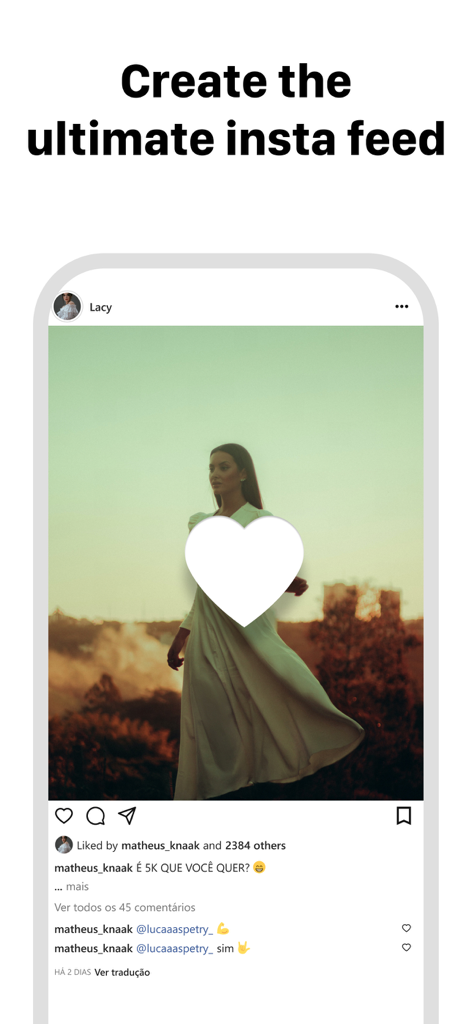
Un display per smartphone che mostra una mockup di post Instagram estetico con l'intestazione Crea il tuo feed insta definitivo
Descrizione
Download
App Simili
App con funzionalità ed esperienza simili

Crsel: Carousel & Story Maker
Georgy Romelashvili

Layout for Instagram・Inpreview
Onelight Apps CY Ltd

Carousel Layout Maker・SwipeMix
Onelight Apps CY Ltd

PanoCut: Panorama Scroll Maker
Hashone Tech LLP

PhotoSplit for Instagram
Tech Positive Inc.

Setty: Photo Filters & Presets
A Color Story LLC

Preview Feed for Insta・Layout
Appslead Ltd

Feed Preview Planner IG・InPlan
Cubetix Ltd.

Feeds: Post & Template Maker
WNDR11 LTD
Questa pagina non è una pagina ufficiale dell'app o del suo sviluppatore, ma una pubblicazione editoriale indipendente creata a scopo informativo e di commento. Salvo espressa indicazione contraria, né l'app né il suo sviluppatore sono affiliati, approvati, sponsorizzati, autorizzati o altrimenti ufficialmente collegati a MWM, Apple, Google Play, all'editore dell'app o allo sviluppatore dell'app, e nulla in questa pagina implica che l'app sia stata sviluppata utilizzando i servizi di MWM. Tutti i marchi, loghi, screenshot e altri contenuti rimangono di proprietà dei rispettivi proprietari.