Files HD Pro

Files HD Pro

Scarica su App Store
Logo di Files HD Pro

Files HD Pro: La Massima Potenza di Produttività per il Tuo iPad

Sblocca la gestione di file di livello desktop con un downloader ad alta velocità, un lettore PDF avanzato e un browser con schede sicuro progettato per professionisti e utenti esperti.

Editore

Hian Zin Jong

Categoria

Utilities

Download

226K+

Valutazione

4.0/5

Valutazioni totali

9K+

Lingue

1

L'iPad, Sbloccato

Scopri l'interfaccia usata da 226K+ utenti.

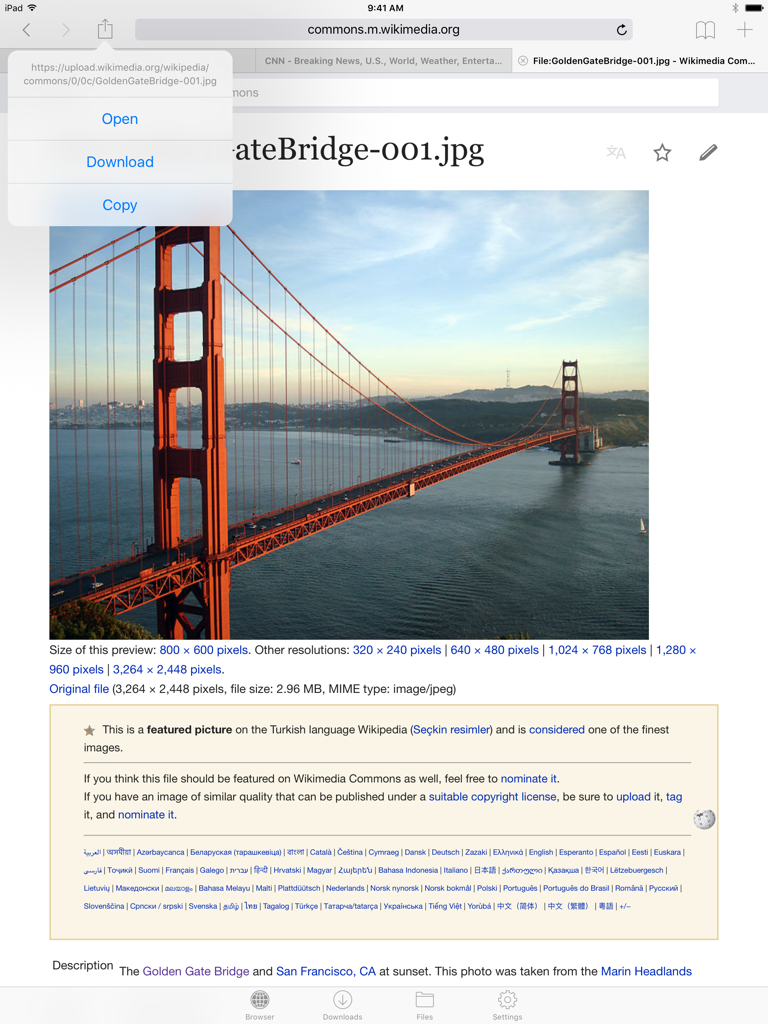
L'interfaccia del browser web di Files HD Pro su iPad che mostra un menu di download di immagini.
L'interfaccia del browser web di Files HD Pro su iPad che mostra un menu di download di immagini.

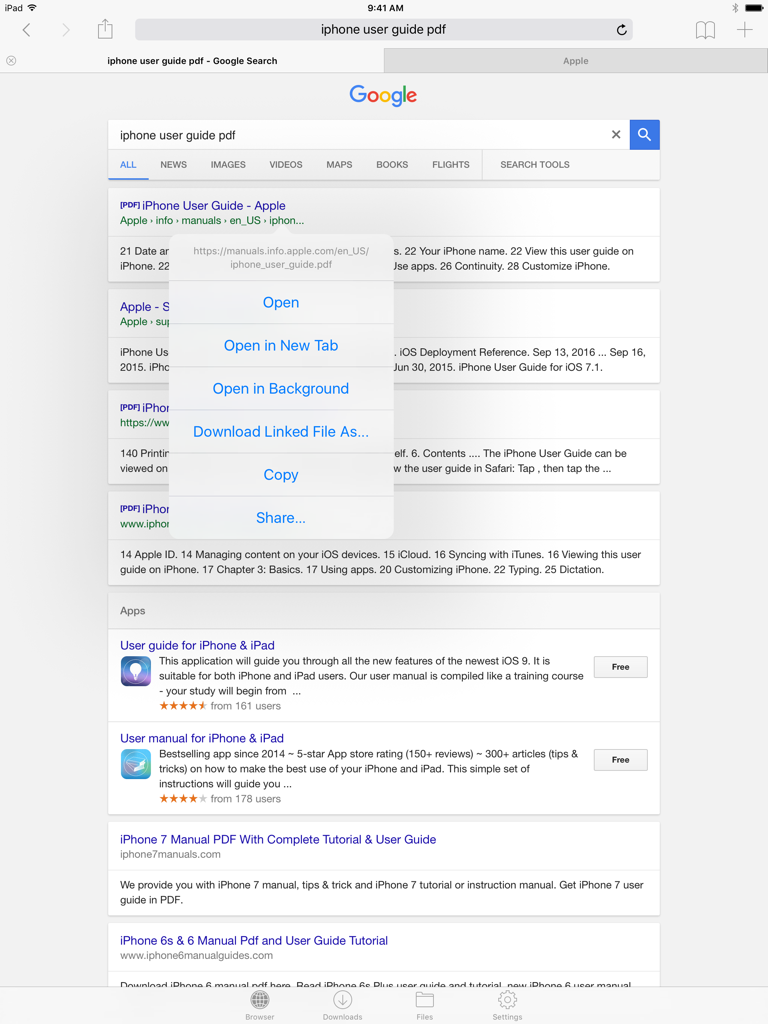
Interfaccia del browser web in Files HD Pro su iPad che mostra un menu di opzioni di download per un risultato di ricerca PDF
Interfaccia del browser web in Files HD Pro su iPad che mostra un menu di opzioni di download per un risultato di ricerca PDF

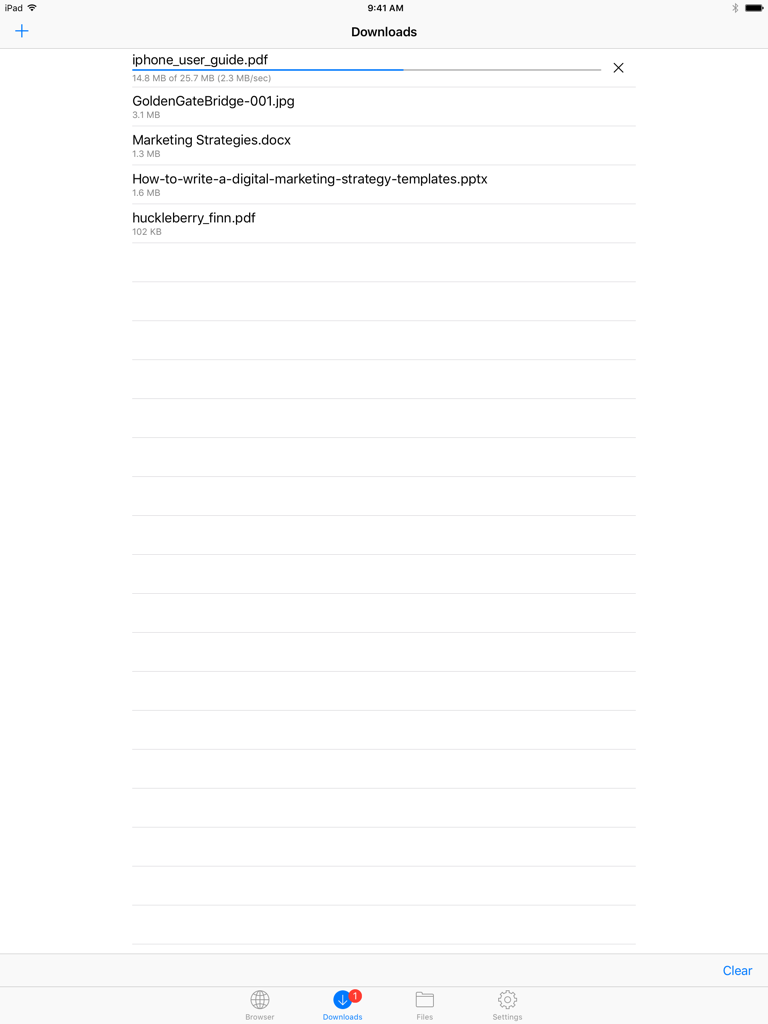
Schermata dei download in Files HD Pro che mostra un elenco di file e una barra di avanzamento del download attiva.
Schermata dei download in Files HD Pro che mostra un elenco di file e una barra di avanzamento del download attiva.

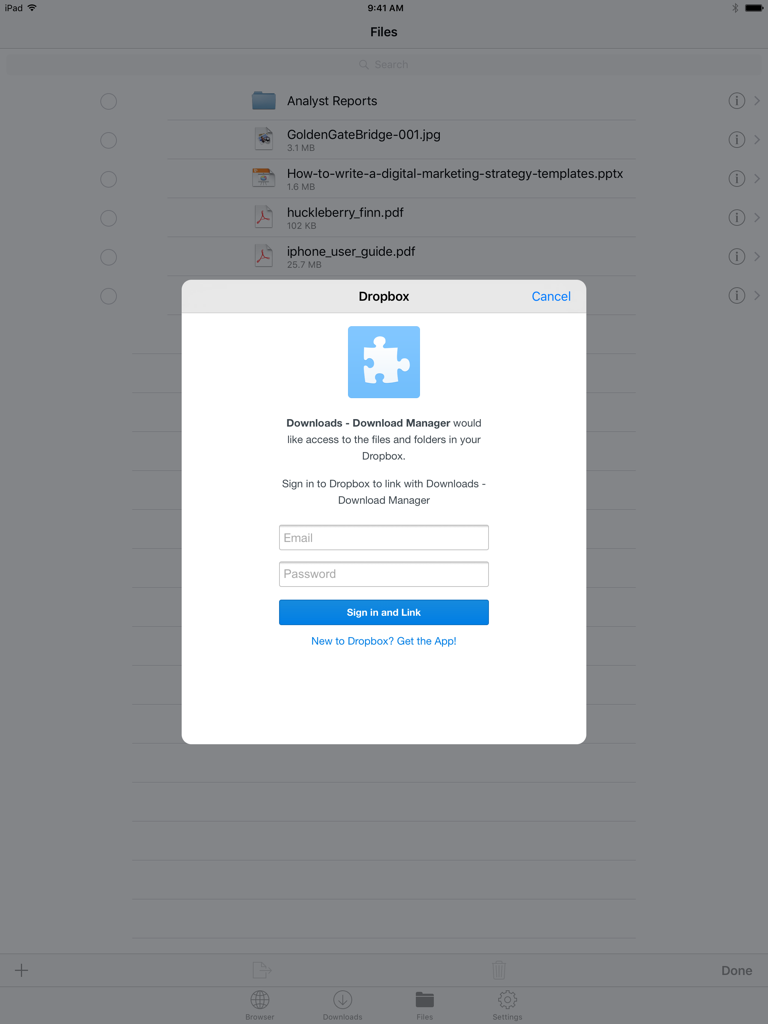
Finestra di accesso Dropbox nell'app Files HD Pro su iPad che mostra l'elenco dei file in background
Finestra di accesso Dropbox nell'app Files HD Pro su iPad che mostra l'elenco dei file in background

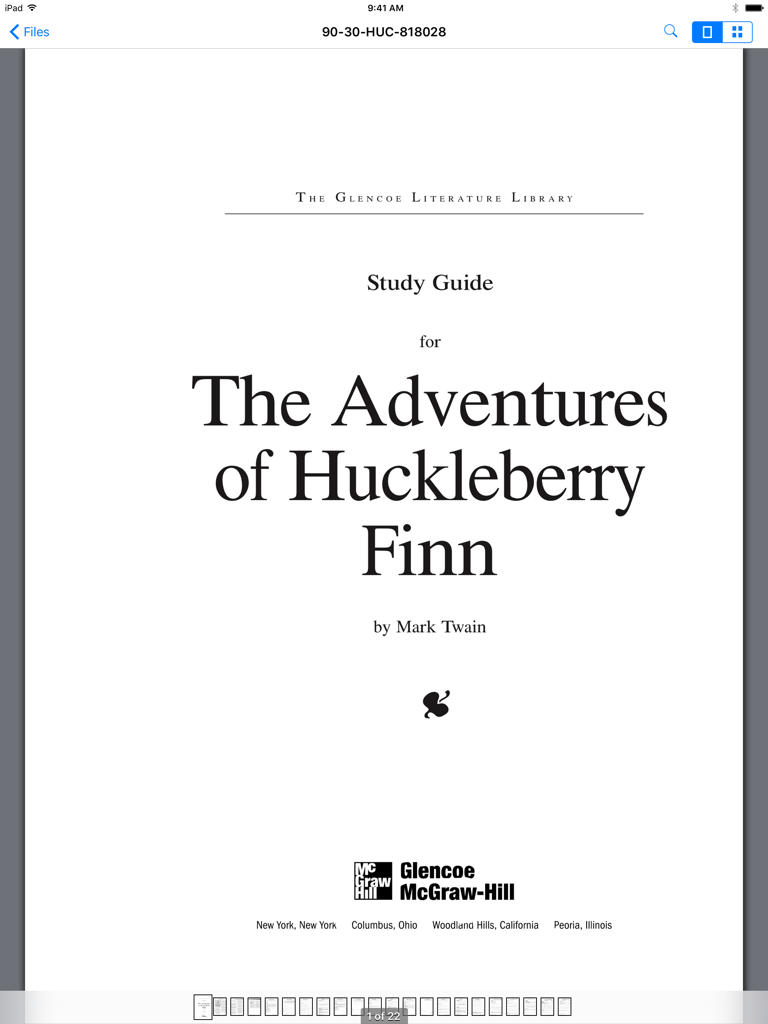
Interfaccia dell'app Files HD Pro su iPad che visualizza una guida di studio PDF per Le avventure di Huckleberry Finn

Interfaccia dell'app Files HD Pro su iPad che visualizza una guida di studio PDF per Le avventure di Huckleberry Finn

Potenzia la Tua Produttività su iPad

Gli strumenti che rendono questa app unica, scelti da 226K+ utenti.

📥

Downloader di Livello Desktop

Scarica qualsiasi file dal web con un potente gestore che supporta attività in background, download riprendibili e visualizzazione offline completa.

📂

Gestione Universale dei File

Prendi il controllo totale con organizzazione di cartelle, estrazione ZIP/RAR e integrazione Dropbox senza interruzioni per mantenere sincronizzato il tuo spazio di lavoro.

🔒

Visualizzatore Pro e Vault Sicuro

Annota PDF di grandi dimensioni e visualizza documenti professionali con facilità, mantenendo i tuoi dati sensibili protetti dietro un blocco di passcode sicuro.

Analisi recensioni

Approfondimenti dalle recensioni degli utenti.

Punteggio sentimento

34%
Negativo

Riepilogo

The app receives mixed feedback, with users often praising its core utility for file management and downloading when it operates as expected. However, a substantial number of reviews indicate critical issues, particularly regarding consistent compatibility problems with various iOS versions, notably iOS 13, 13.3.1, and 15. These compatibility issues frequently lead to app crashes, loss of crucial downloading functionality (especially for videos and images), and difficulties with specific file management features like multi-selection and integration with the "Open With" menu. Furthermore, users express significant dissatisfaction over a problematic pricing model that shifted from one-time purchases to subscriptions, often without resolving persistent pop-up advertisements.

Temi comuni

iOS Compatibility(4)
Stability & Crashes(4)
Updates & Developer Responsiveness(4)
Downloading Capability(3)
File Management(2)
Video & Media Playback(2)
Pricing & Subscription Model(1)

Info sull'app

Tutto quello che devi sapere su Files HD Pro.

Descrizione

Files HD (formerly known as Downloads HD - Download Manager for iPad) features a Web browser that lets you save documents to your iPad so that you can work with them offline. It has a built-in file manager, with robust viewer for all iOS supported document types, powerful photo browser, advanced PDF reader, full Dropbox support, and more. FEATURES √ Tabbed browser - Provides a user experience very similar to Safari - Supports unlimited tabs - Tap and hold on a link to open it in new tab or download it - Fully featured bookmark manager - History support - Address bar auto-completion - HTTP basic authentication - Form-based authentication - Integrated Google or Yahoo! search - Ability to spoof browser's User-Agent string to display web pages like Firefox - Unified smart search field. Type a URL or search term in the unified smart search field, the browser automatically suggests the closest match to what you’re looking for. √ Download manager - Fast downloading speed - Save pages with images for offline viewing - Supports resuming of interrupted downloads reliably - Live download progress bar and speed indicator - Active downloads badge number - Add arbitrary download link - Always download with correct filename - Ability to download file of unknown size √ File manager - Folders support - Move, rename and delete files - Search by file name - Document viewer that supports .pdf, .doc, .xls, .ppt, .txt, .html, .webarchive and .rtf file formats - Extract ZIP and RAR archives - Import photos from camera roll √ Dropbox integration - Upload, download and manage files - Sync what you want, keep files on your device √ Advanced PDF viewer - Huge PDF files work flawlessly - Text search - Tap PDF links to jump across the file √ Photo viewer - Swipe to move between images in a folder - Zoom in and out with pinch gesture - Thumbnails view of all images in a folder - Ability to save images to photo album √ File transfer - iTunes USB File Sharing lets you drag and drop files between your iPad and computer - Supports HTTP and FTP protocols - Transfer files to and from computer that is in the same Wi-Fi network - Send files as email attachments √ Passcode lock √ Mobile Safari integration - Bookmarklet that lets you send links from Mobile Safari to Files HD √ Multitasking - Background downloading √ Inter-app document interchange - Other apps can save their files to Files HD (e.g. Email app can save attachments to Files HD) √ Recovery Mode - If the browser caught in an endless loop of pop-up alerts, go to the iOS built-in "Settings" app, find "Files HD Pro", turn on "Recovery Mode", then force-quit and relaunch the app. Terms of Use: https://downloadsapp.info/terms Privacy Policy: https://downloadsapp.info/privacy

Ultima versione

8.3.1

Dimensione

33.9 MB

Data di lancio

13 lug 2010

Trasforma il Tuo iPad in una Workstation di Livello Desktop

Unisciti a oltre 226.000 utenti esperti che hanno eliminato le restrizioni sui file. Scarica, organizza e gestisci il tuo flusso di lavoro professionale interamente offline con il gestore di file più affidabile su iPad.

Scarica su App Store

App information, icons, screenshots, and descriptions displayed on this page are sourced from the Apple App Store and are the property of their respective developers. Download estimates and rankings are based on MWM's proprietary models and may not reflect actual figures. This page is provided for informational and analytical purposes only.

Believe this page infringes your intellectual property? File a dispute