
Questa pagina non è una pagina ufficiale dell'app o del suo sviluppatore, ma una pubblicazione editoriale indipendente creata a scopo informativo e di commento. Salvo espressa indicazione contraria, né l'app né il suo sviluppatore sono affiliati, approvati, sponsorizzati, autorizzati o altrimenti ufficialmente collegati a MWM, Apple, Google Play, all'editore dell'app o allo sviluppatore dell'app, e nulla in questa pagina implica che l'app sia stata sviluppata utilizzando i servizi di MWM. Tutti i marchi, loghi, screenshot e altri contenuti rimangono di proprietà dei rispettivi proprietari.

FlashText
Che tu stia catturando l'attenzione in un festival affollato, esprimendo il tuo stile sui social media o migliorando la tua lettura veloce, FlashText trasforma i tuoi messaggi in esperienze visive accattivanti a schermo intero con un solo tocco.
Download
7K+Valutazione
Valutazioni totali
0Editore
Categoria
Social NetworkingLingue
1Ultima versione
2.0.1Dimensione
26.0 MBData di lancio
30 apr 2024Dillo più forte senza fare rumore
FlashText trasforma i tuoi messaggi in display animati vibranti che tagliano il rumore degli eventi affollati o ti aiutano a padroneggiare l'arte della lettura veloce.
Impatto visivo inarrestabile
Trasforma il tuo iPhone in un cartellone pubblicitario dinamico. Usa animazioni come Stretch e Swoosh per attirare l'attenzione a concerti, festival o in una stanza affollata.
Atmosfera e stile personalizzati
Esprimiti con 11 font premium e uno spettro completo di colori. Randomizza gli sfondi per un tocco in più e salva i tuoi preferiti nella cronologia.
Gli screenshot e la descrizione seguenti provengono direttamente dall'elenco ufficiale dello store dell'app e sono di proprietà dello sviluppatore.
App Store
Screenshot
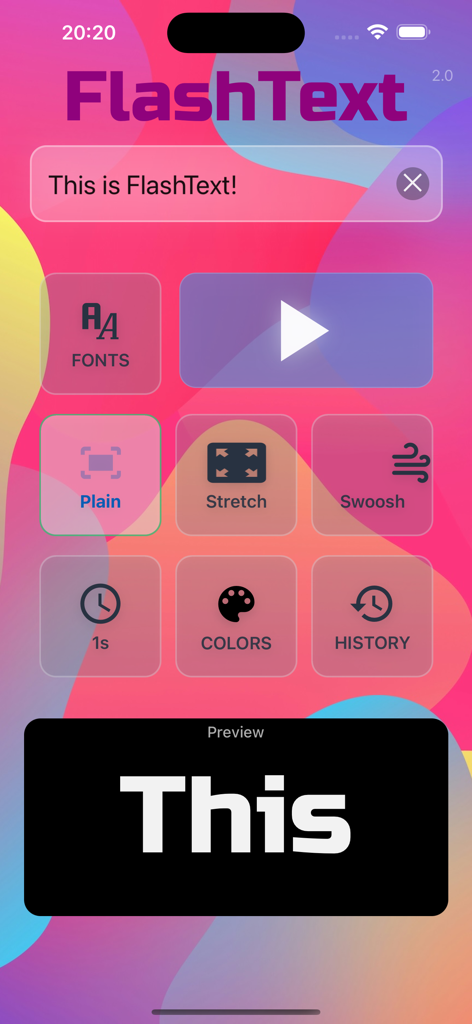
Schermata principale dell'app FlashText con immissione testo e impostazioni animazione
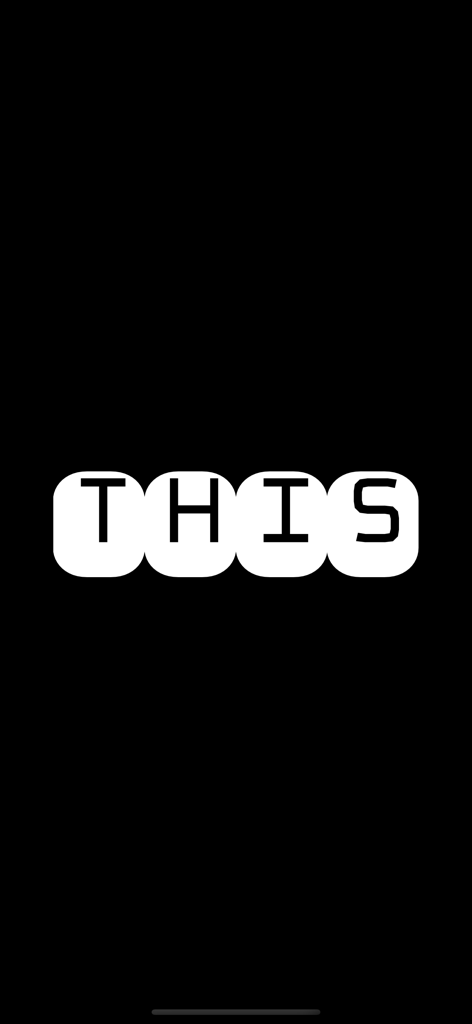
Vista a schermo intero dell'app FlashText che mostra la parola THIS in lettere bianche su sfondo nero

Display a schermo intero della parola IS in un font bianco stilizzato su sfondo blu dall'app FlashText

Testo animato a schermo intero FlashText in grassetto nero su sfondo giallo vibrante.

Testo gotico bianco a schermo intero che dice This su sfondo nero
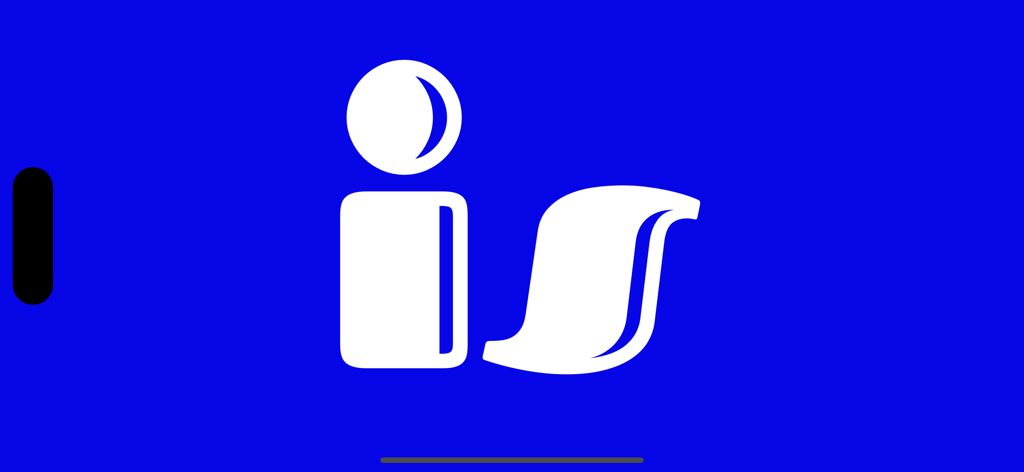
Testo bianco in grassetto che mostra la parola is su sfondo blu vibrante nell'app FlashText.
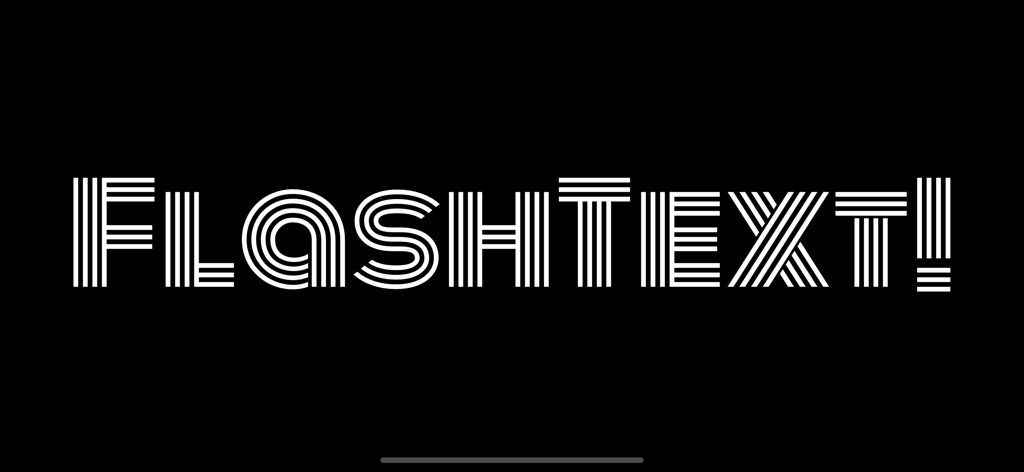
La parola FLASHTEXT in un font decorativo bianco a righe su sfondo nero.
Descrizione
Download
App Simili
App più classificate nella stessa categoria

Threads
Instagram, Inc.

Telegram Messenger
Telegram FZ-LLC

WhatsApp Messenger
WhatsApp Inc.

Meta Platforms, Inc.

Discord - Talk, Play, Hang Out
Discord Inc.

Messenger
Meta Platforms, Inc.

Google Meet
Google LLC

rednote
Xingin Information Technology (Shanghai) Co., Ltd

Tencent Technology (Shenzhen) Company Limited
Questa pagina non è una pagina ufficiale dell'app o del suo sviluppatore, ma una pubblicazione editoriale indipendente creata a scopo informativo e di commento. Salvo espressa indicazione contraria, né l'app né il suo sviluppatore sono affiliati, approvati, sponsorizzati, autorizzati o altrimenti ufficialmente collegati a MWM, Apple, Google Play, all'editore dell'app o allo sviluppatore dell'app, e nulla in questa pagina implica che l'app sia stata sviluppata utilizzando i servizi di MWM. Tutti i marchi, loghi, screenshot e altri contenuti rimangono di proprietà dei rispettivi proprietari.