
Questa pagina non è una pagina ufficiale dell'app o del suo sviluppatore, ma una pubblicazione editoriale indipendente creata a scopo informativo e di commento. Salvo espressa indicazione contraria, né l'app né il suo sviluppatore sono affiliati, approvati, sponsorizzati, autorizzati o altrimenti ufficialmente collegati a MWM, Apple, Google Play, all'editore dell'app o allo sviluppatore dell'app, e nulla in questa pagina implica che l'app sia stata sviluppata utilizzando i servizi di MWM. Tutti i marchi, loghi, screenshot e altri contenuti rimangono di proprietà dei rispettivi proprietari.


Freenotes: AI Notes Taking
Supera i tuoi esami e obiettivi professionali con riassunti basati sull'IA, scrittura a mano naturale e annotazione PDF interattiva, tutto in un unico spazio di lavoro estetico e senza carta.
Download
8M+Valutazione
Valutazioni totali
553K+Editore
Categoria
ProductivityLingue
27Ultima versione
3.18.0Dimensione
481.5 MBData di lancio
5 set 2023Potenzia la Tua Produttività con l'IA
Sperimenta lo spazio di lavoro digitale definitivo progettato per studenti e professionisti. Dagli appunti scritti a mano alle intuizioni basate sull'IA, Freenotes è progettato per aiutarti a eccellere.
Intelligenza Potenziata dall'IA
Trasforma documenti lunghi in riassunti istantanei e ottieni risposte in tempo reale alle tue domande utilizzando il nostro assistente AI avanzato.
Apprendimento Video Integrato
Guarda le lezioni in modalità Picture-in-Picture mentre prendi appunti. Acquisisci screenshot e costruisci la tua base di conoscenza senza cambiare app.
Domande Frequenti
Tutto quello che devi sapere su Freenotes: AI Notes Taking
Cos'è Freenotes®: AI Notes Taking?
Freenotes®: AI Notes Taking è una soluzione digitale per prendere appunti che combina la scrittura a mano realistica con funzionalità AI per lo studio e il lavoro. Offre annotazione di PDF, organizzazione e strumenti di apprendimento efficienti su più dispositivi.
Freenotes AI può riassumere appunti?
Sì, Freenotes AI fornisce riassunti istantanei dei contenuti. Gli utenti possono acquisire uno screenshot o caricare documenti come PDF o foto per ricevere riassunti generati dall'AI e risposte alle domande.
Freenotes converte appunti scritti a mano in testo ricercabile?
Sì, Freenotes converte appunti scritti a mano in testo ricercabile. Il suo OCR avanzato per la scrittura a mano (Optical Character Recognition) consente agli utenti di trovare rapidamente note o parole chiave specifiche all'interno dei loro contenuti manoscritti.
Posso annotare PDF in Freenotes?
Sì, Freenotes supporta l'annotazione di file PDF. Gli utenti possono annotare, evidenziare e contrassegnare file PDF di grandi dimensioni, e selezionare testo per la traduzione o la ricerca di parole direttamente nell'app.
Posso prendere appunti mentre guardo video con Freenotes?
Sì, Freenotes consente agli utenti di prendere appunti mentre guardano video. Utilizza la modalità Picture-in-Picture (PiP) per i video online come YouTube, permettendo agli utenti di acquisire screenshot pertinenti direttamente nei loro appunti.
Freenotes ha una modalità scura?
Sì, Freenotes offre una funzionalità di modalità scura. Questa modalità offre comfort visivo agli utenti ottimizzando l'interfaccia per ambienti con scarsa illuminazione.
Come aiuta Freenotes nel richiamo attivo?
Freenotes assiste nel richiamo attivo utilizzando il suo strumento nastro. Questo strumento consente agli utenti di contrassegnare le informazioni chiave per la memorizzazione e quindi di testarsi attivando/disattivando la visibilità del contenuto contrassegnato.
Gli screenshot e la descrizione seguenti provengono direttamente dall'elenco ufficiale dello store dell'app e sono di proprietà dello sviluppatore.
App Store
Screenshot
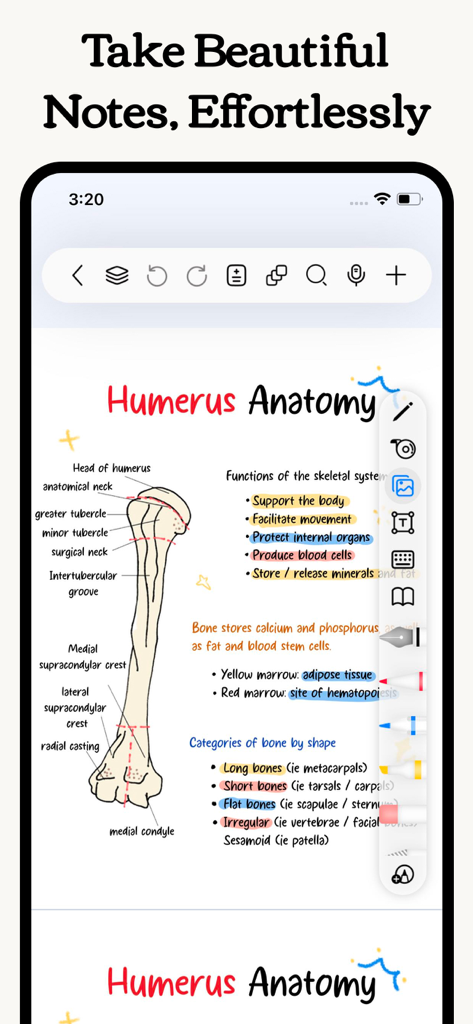
Appunti estetici di anatomia medica scritti a mano di un osso omerale con evidenziazioni e diagrammi colorati
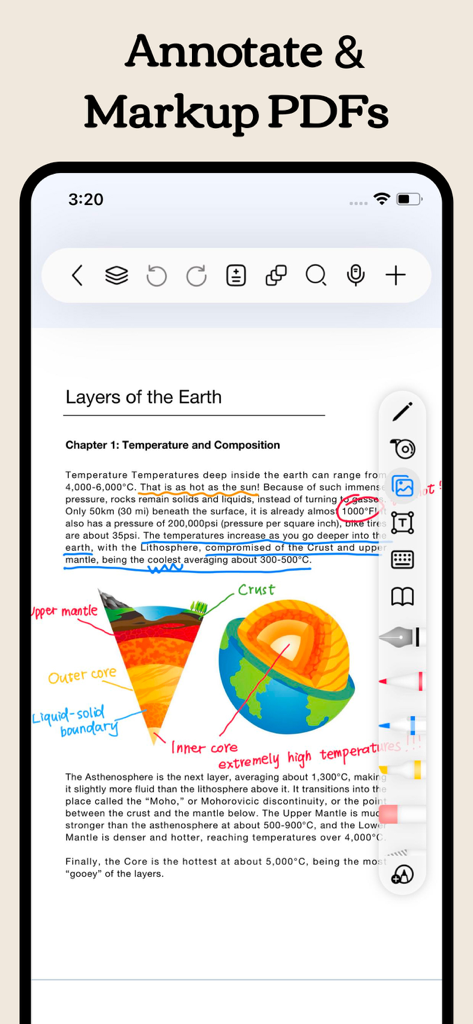
Uno screenshot dell'app Freenotes che mostra un PDF scientifico annotato con note e evidenziazioni scritte a mano
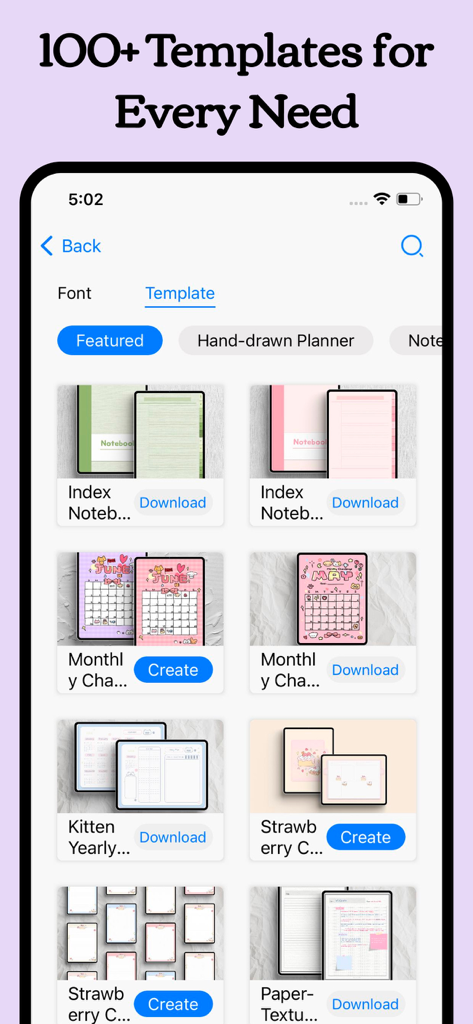
Una libreria che mostra vari modelli estetici di planner digitali e quaderni nell'interfaccia dell'app Freenotes.
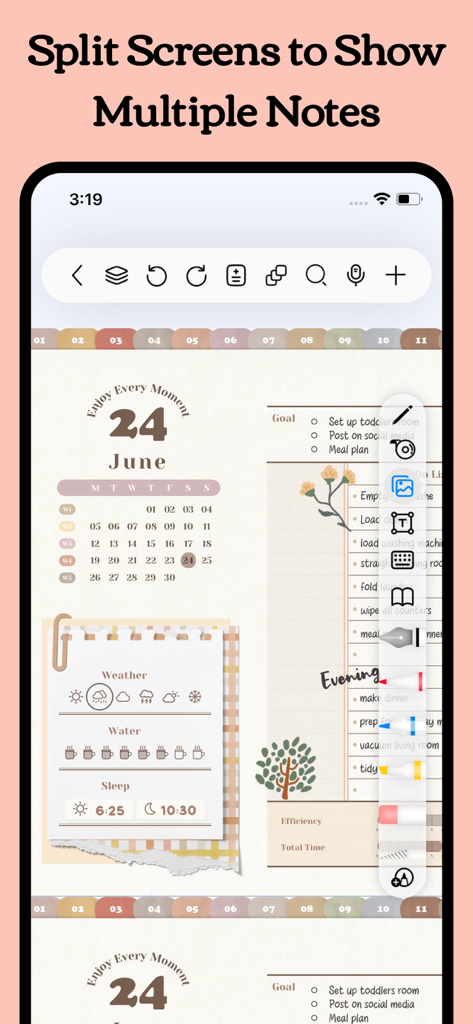
Interfaccia dell'app Freenotes che mostra la funzionalità split screen con un pianificatore digitale e un elenco di attività
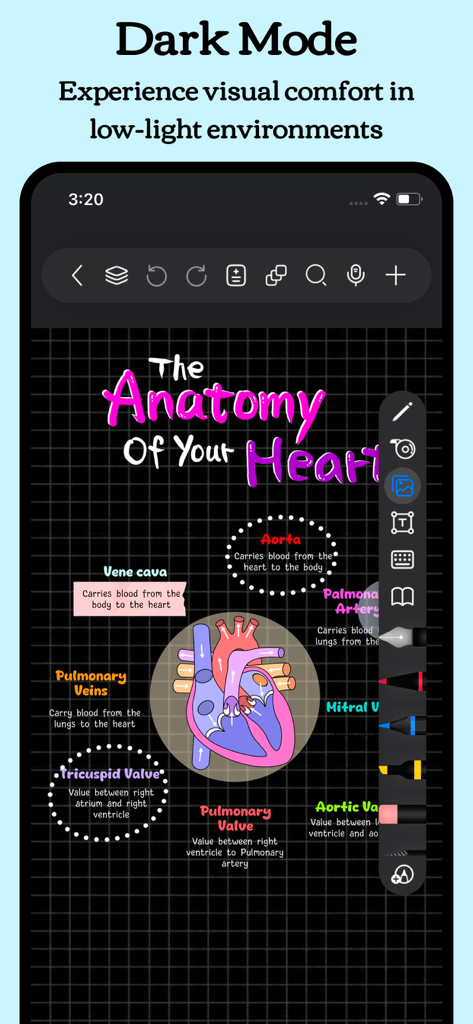
App Freenotes in modalità scura che mostra un diagramma colorato scritto a mano dell'anatomia del cuore su uno sfondo a griglia scura
Descrizione
Download
App Simili
App con funzionalità ed esperienza simili

Notion: Notes, Tasks, AI
Notion Labs, Incorporated

Structured - Daily Planner
unorderly GmbH

Google Tasks: Get Things Done
Google LLC

TickTick:To-Do List & Calendar
Appest Limited

Noteful: Notes & PDF Markup
Noteful Technologies Ltd

Todoist: To Do List & Calendar
Doist Inc.

To do list MinimaList & Widget
Inner Grow Limited

monday.com - Work Platform
monday.com Ltd.

Prodrafts - Infinite Notes
EMMO Corp.
Questa pagina non è una pagina ufficiale dell'app o del suo sviluppatore, ma una pubblicazione editoriale indipendente creata a scopo informativo e di commento. Salvo espressa indicazione contraria, né l'app né il suo sviluppatore sono affiliati, approvati, sponsorizzati, autorizzati o altrimenti ufficialmente collegati a MWM, Apple, Google Play, all'editore dell'app o allo sviluppatore dell'app, e nulla in questa pagina implica che l'app sia stata sviluppata utilizzando i servizi di MWM. Tutti i marchi, loghi, screenshot e altri contenuti rimangono di proprietà dei rispettivi proprietari.