
Questa pagina non è una pagina ufficiale dell'app o del suo sviluppatore, ma una pubblicazione editoriale indipendente creata a scopo informativo e di commento. Salvo espressa indicazione contraria, né l'app né il suo sviluppatore sono affiliati, approvati, sponsorizzati, autorizzati o altrimenti ufficialmente collegati a MWM, Apple, Google Play, all'editore dell'app o allo sviluppatore dell'app, e nulla in questa pagina implica che l'app sia stata sviluppata utilizzando i servizi di MWM. Tutti i marchi, loghi, screenshot e altri contenuti rimangono di proprietà dei rispettivi proprietari.

FUJIFILM Camera Remote
Trasferisci senza problemi le tue iconiche simulazioni pellicola, controlla la tua fotocamera da remoto e condividi istantaneamente la tua visione creativa con il mondo.
Download
6M+Valutazione
Valutazioni totali
10K+Editore
Categoria
Photo & VideoLingue
12Ultima versione
4.9.6Dimensione
55.1 MBData di lancio
23 gen 2014Qualità Pro Incontra Velocità Mobile
Colma il divario tra le tue ottiche Fujifilm e il tuo stile di vita digitale. Il toolkit essenziale per il creatore moderno per scattare, condividere e rimanere sincronizzato in pochi secondi.
Condivisione Social Istantanea
Trasferisci le tue simulazioni pellicola di alta qualità direttamente sul tuo iPhone o iPad per una pubblicazione immediata su Instagram, TikTok o Threads.
Controllo Creativo Remoto
Inquadra lo scatto perfetto e aziona l'otturatore dal tuo telefono. Ideale per viaggi in solitaria, autoritratti e per ottenere l'estetica perfetta.
Domande Frequenti
Tutto quello che devi sapere su FUJIFILM Camera Remote
Cos'è l'app FUJIFILM Camera Remote?
L'app FUJIFILM Camera Remote consente agli utenti di controllare in remoto le fotocamere digitali FUJIFILM dotate di funzionalità wireless, visualizzare e trasferire immagini/filmati e aggiornare il firmware da smartphone o tablet.
Posso controllare la mia fotocamera FUJIFILM da remoto con l'app FUJIFILM Camera Remote?
Sì, l'app FUJIFILM Camera Remote consente di scattare immagini tramite controllo remoto, inclusa la ripresa in live view e il rilascio remoto dell'otturatore wireless Bluetooth, per le fotocamere compatibili.
Come trasferisco le immagini dalla mia fotocamera FUJIFILM al mio smartphone?
L'app FUJIFILM Camera Remote consente di trasferire immagini e filmati su uno smartphone. Supporta il facile trasferimento per le fotocamere dotate di Bluetooth e l'importazione automatica quando "Trasferimento automatico" è attivo.
L'app FUJIFILM Camera Remote supporta gli aggiornamenti del firmware della fotocamera?
Sì, l'app FUJIFILM Camera Remote supporta gli aggiornamenti del firmware tramite smartphone o tablet per le fotocamere con funzionalità Bluetooth, eliminando la necessità di una scheda di memoria SD.
Quali fotocamere FUJIFILM sono compatibili con l'app FUJIFILM Camera Remote?
L'app FUJIFILM Camera Remote supporta un'ampia gamma di fotocamere, inclusi modelli delle serie GFX, X-H, X-Pro, X-T, X-S, X-E, X-M, X-A, X100 e serie FinePix.
L'app FUJIFILM Camera Remote può sincronizzare dati di ora e posizione?
Sì, l'app FUJIFILM Camera Remote sincronizza "data e ora" e/o "informazioni sulla posizione" dal tuo smartphone o tablet con le fotocamere che offrono la funzionalità Bluetooth.
Quali sono i requisiti di sistema iOS per l'app FUJIFILM Camera Remote?
L'app FUJIFILM Camera Remote richiede iOS da 11.0 a 17.1 per iPhone, iPad e iPod touch. I modelli iPad WiFi e iPod touch non possono utilizzare la funzionalità Geotagging.
L'app FUJIFILM Camera Remote offre una vista live per lo scatto da remoto?
Sì, l'app FUJIFILM Camera Remote fornisce lo scatto in live view, consentendo agli utenti di catturare immagini da remoto mentre visualizzano un feed in tempo reale dalla fotocamera sul proprio dispositivo.
Gli screenshot e la descrizione seguenti provengono direttamente dall'elenco ufficiale dello store dell'app e sono di proprietà dello sviluppatore.
App Store
Screenshot
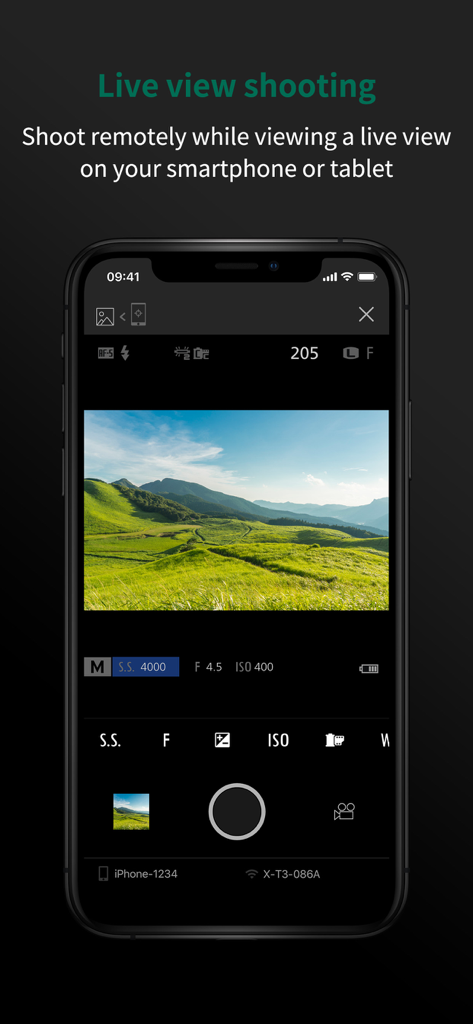
Schermata dello smartphone che mostra la funzione di ripresa live view dell'app Fujifilm Camera Remote con un paesaggio verde.
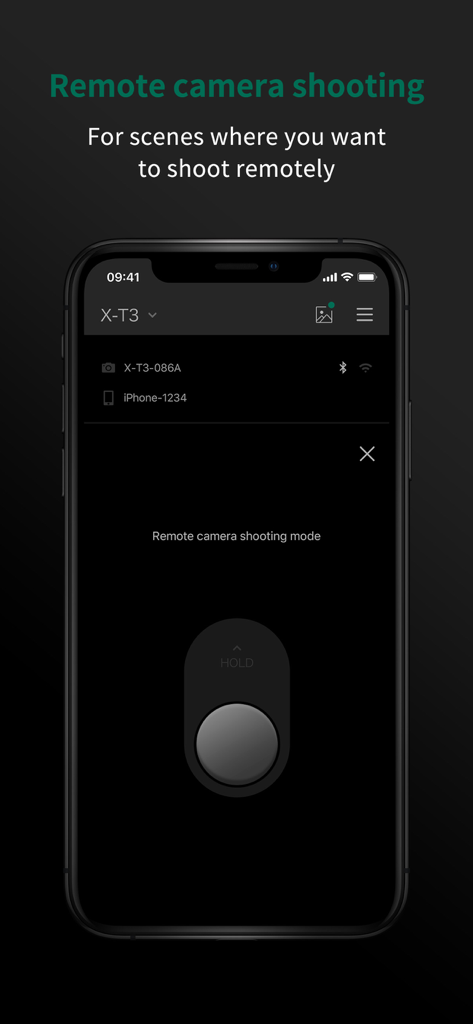
Uno smartphone che mostra l'interfaccia della modalità di ripresa remota dell'app FUJIFILM Camera Remote con un grande pulsante di scatto.
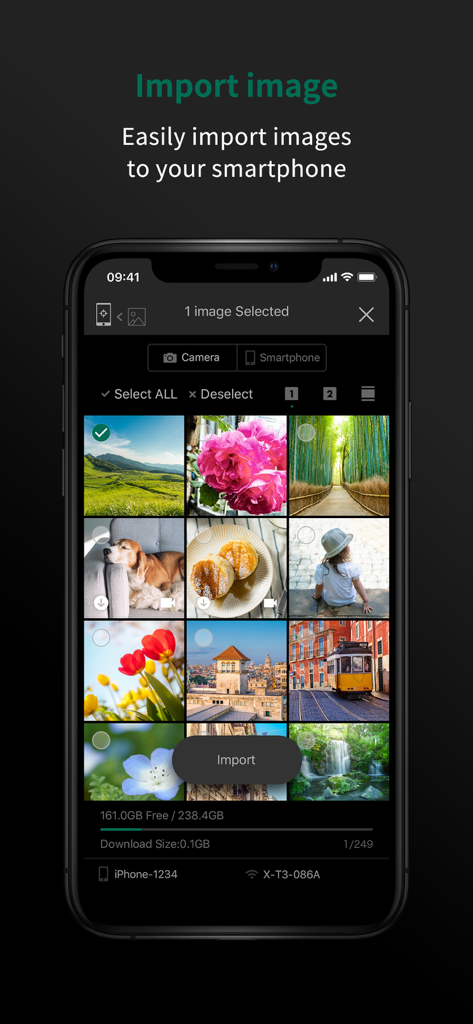
Interfaccia dell'app FUJIFILM Camera Remote che mostra una galleria di immagini e l'opzione per importare immagini su uno smartphone.
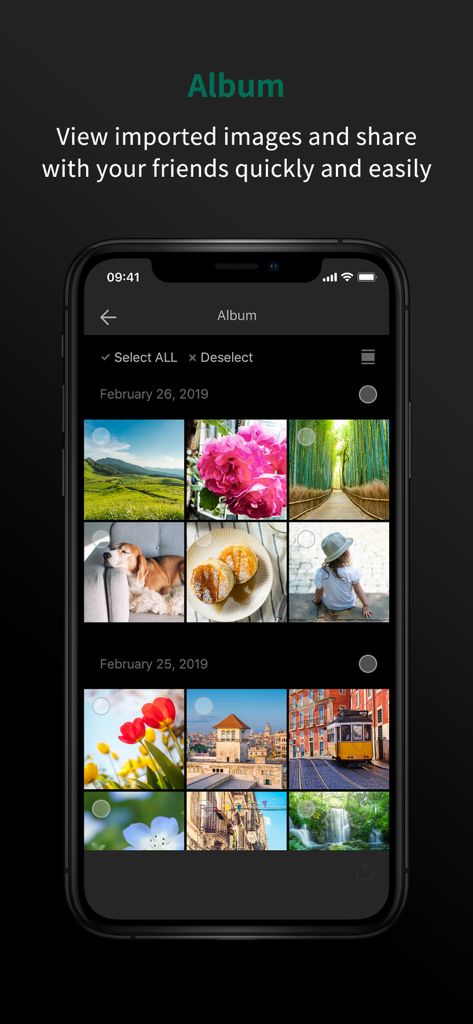
Schermata dell'album dell'app FUJIFILM Camera Remote che mostra una griglia di foto importate.
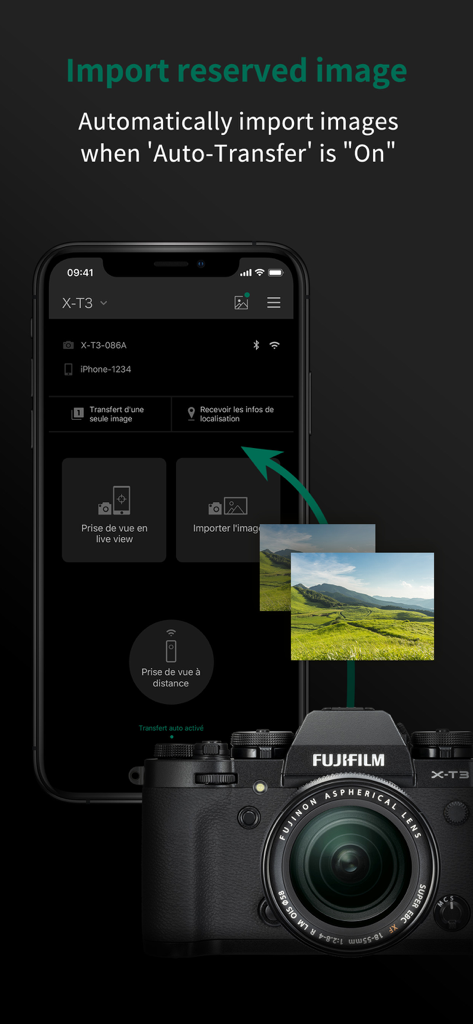
Interfaccia dell'app FUJIFILM Camera Remote che mostra il trasferimento automatico di immagini da una fotocamera Fujifilm X-T3 a uno smartphone.
Descrizione
Download
App Simili
App con funzionalità ed esperienza simili

DJI Mimo
SZ DJI TECHNOLOGY CO., LTD

DJI Ronin
SZ DJI TECHNOLOGY CO., LTD

Roku TV Remote Control & Cast
Aleh Piashkou

Remote for Hisense TV.
Duscov Stepan

Alpha Linker - Camera Transfer
恒茂 刘

MyCentsys Pro
Centurion Systems (Pty) Ltd

Roku TV Remote Control・
Artur Belov

Luminair
Synthe FX, LLC

FUJIFILM XApp
FUJIFILM Corporation
Questa pagina non è una pagina ufficiale dell'app o del suo sviluppatore, ma una pubblicazione editoriale indipendente creata a scopo informativo e di commento. Salvo espressa indicazione contraria, né l'app né il suo sviluppatore sono affiliati, approvati, sponsorizzati, autorizzati o altrimenti ufficialmente collegati a MWM, Apple, Google Play, all'editore dell'app o allo sviluppatore dell'app, e nulla in questa pagina implica che l'app sia stata sviluppata utilizzando i servizi di MWM. Tutti i marchi, loghi, screenshot e altri contenuti rimangono di proprietà dei rispettivi proprietari.