Genius PDF & Document Scanner

Genius PDF & Document Scanner

Scarica su App Store
Logo di Genius PDF & Document Scanner

Genius PDF e Scanner di Documenti: Scansiona, Firma e Proteggi Qualsiasi Documento

Trasforma il tuo iPhone in un potente ufficio tascabile senza pubblicità. Proteggi la tua privacy con Face ID e trasforma istantaneamente la carta in PDF professionali.

Scarica su App Store

Editore

Abdulla Yasin

Categoria

Business

Download

6K+

Valutazione

1.0/5

Valutazioni totali

0

Lingue

11

Precisione in Tasca

Scopri l'interfaccia usata da 6K+ utenti.

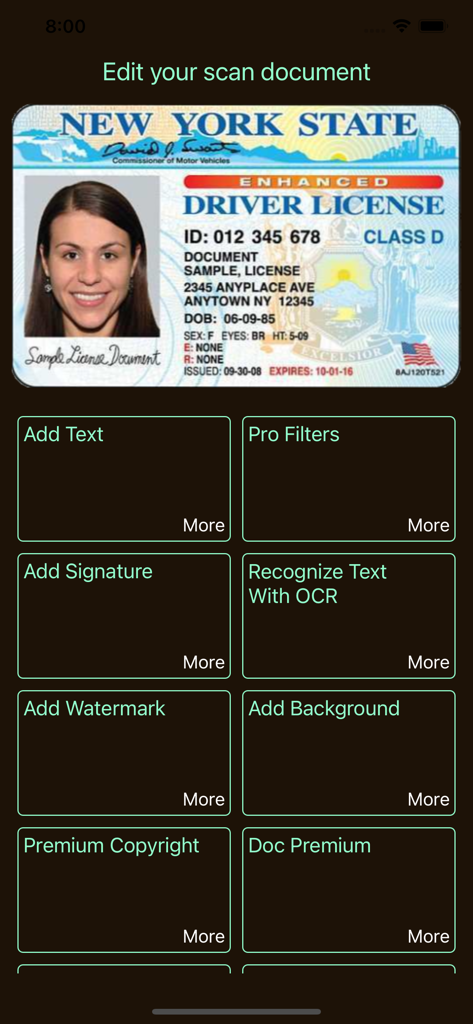
Interfaccia dell'app Genius PDF Scanner che mostra gli strumenti di modifica dei documenti per una patente di guida scansionata
Interfaccia dell'app Genius PDF Scanner che mostra gli strumenti di modifica dei documenti per una patente di guida scansionata

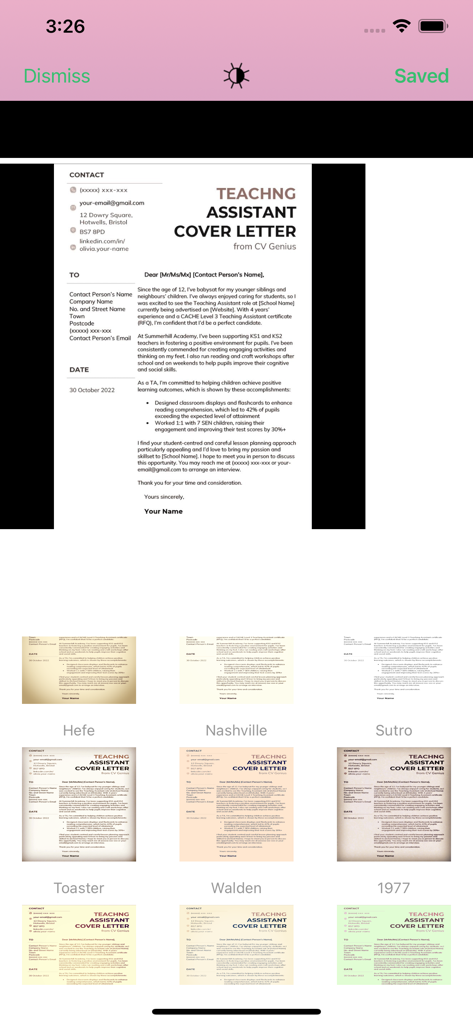
Interfaccia dell'app Genius PDF Scanner che visualizza vari filtri immagine per migliorare una lettera di presentazione scansionata.
Interfaccia dell'app Genius PDF Scanner che visualizza vari filtri immagine per migliorare una lettera di presentazione scansionata.

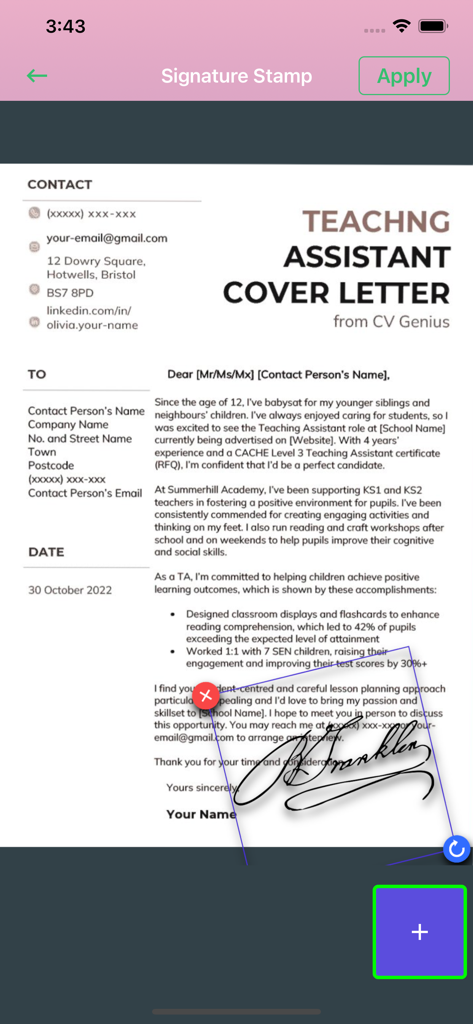
Un'interfaccia mobile che mostra una firma scritta a mano applicata a una lettera di presentazione utilizzando lo strumento timbro firma.
Un'interfaccia mobile che mostra una firma scritta a mano applicata a una lettera di presentazione utilizzando lo strumento timbro firma.

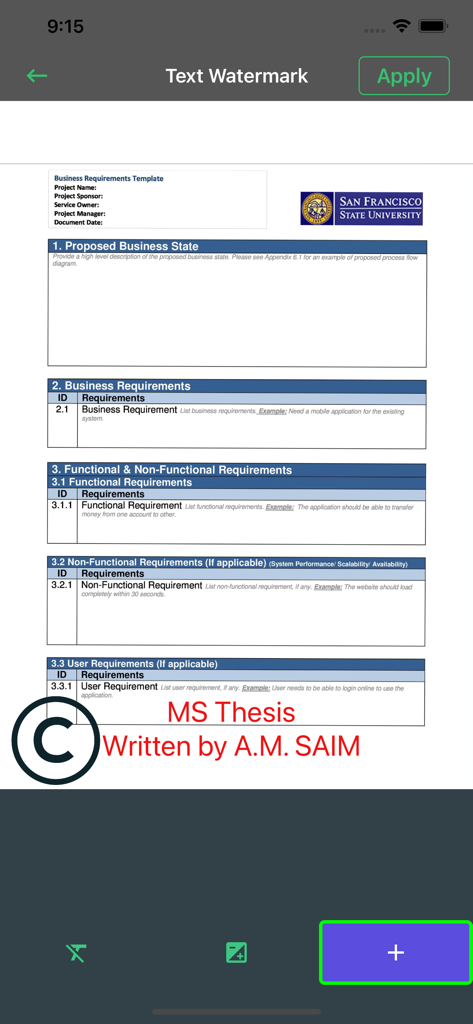
Interfaccia dell'app Genius PDF che mostra come aggiungere una filigrana di testo personalizzata a un documento
Interfaccia dell'app Genius PDF che mostra come aggiungere una filigrana di testo personalizzata a un documento

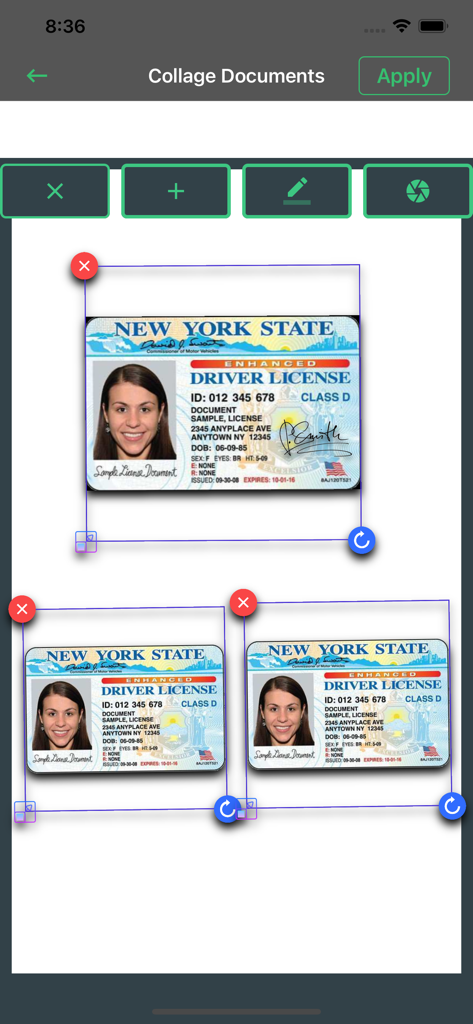
Interfaccia della funzione collage documenti che mostra più carte d'identità scansionate disposte su una singola pagina.
Interfaccia della funzione collage documenti che mostra più carte d'identità scansionate disposte su una singola pagina.

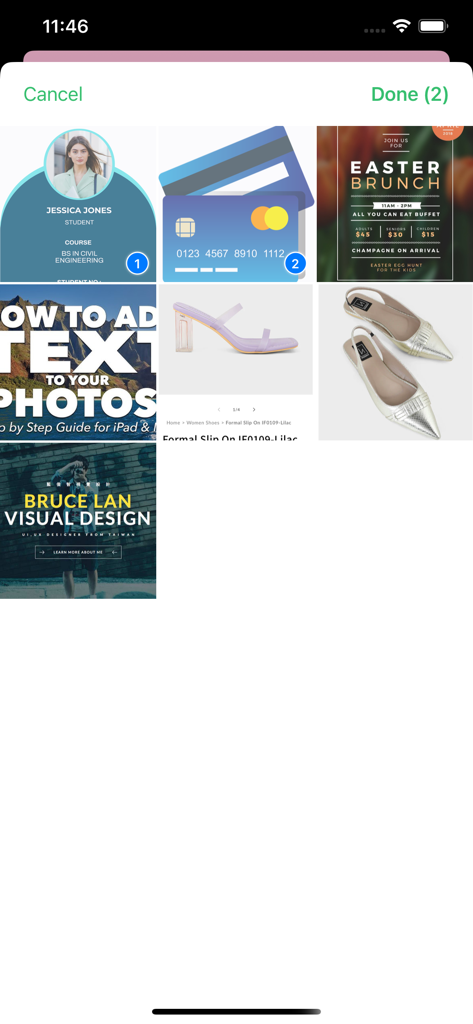
Interfaccia dell'app Genius PDF Scanner che mostra una griglia di documenti e foto con due elementi selezionati per l'elaborazione.
Interfaccia dell'app Genius PDF Scanner che mostra una griglia di documenti e foto con due elementi selezionati per l'elaborazione.

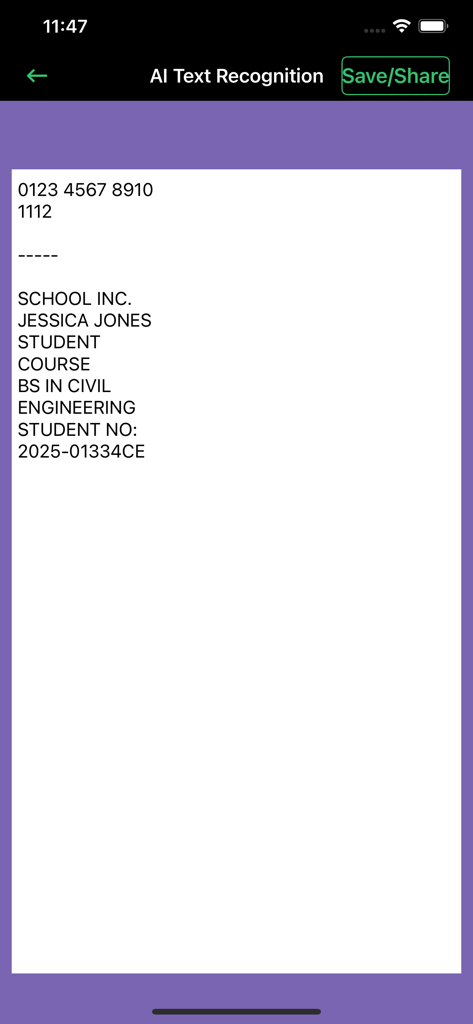
Interfaccia dell'app Genius PDF Scanner che visualizza il riconoscimento del testo AI e i risultati OCR per un documento studentesco
Interfaccia dell'app Genius PDF Scanner che visualizza il riconoscimento del testo AI e i risultati OCR per un documento studentesco

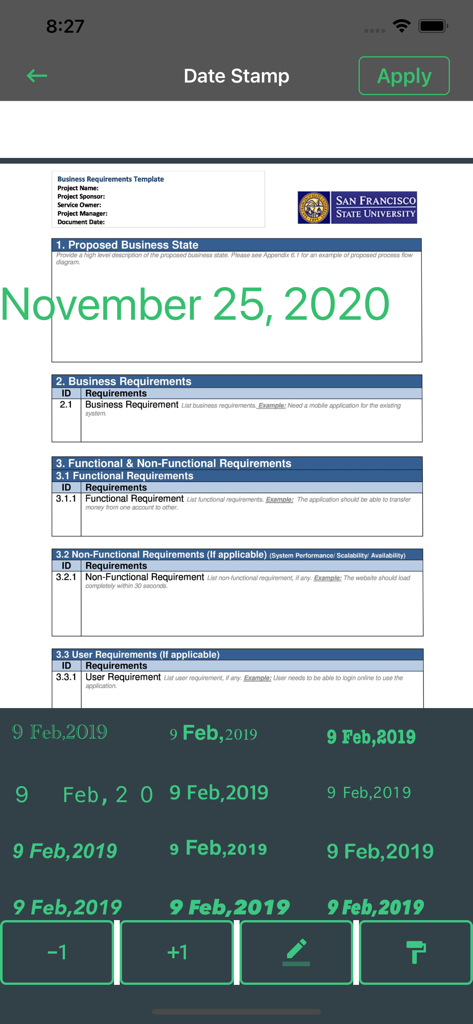
Un documento aziendale in fase di modifica con una funzione di timbro data nell'app scanner Genius PDF.
Un documento aziendale in fase di modifica con una funzione di timbro data nell'app scanner Genius PDF.

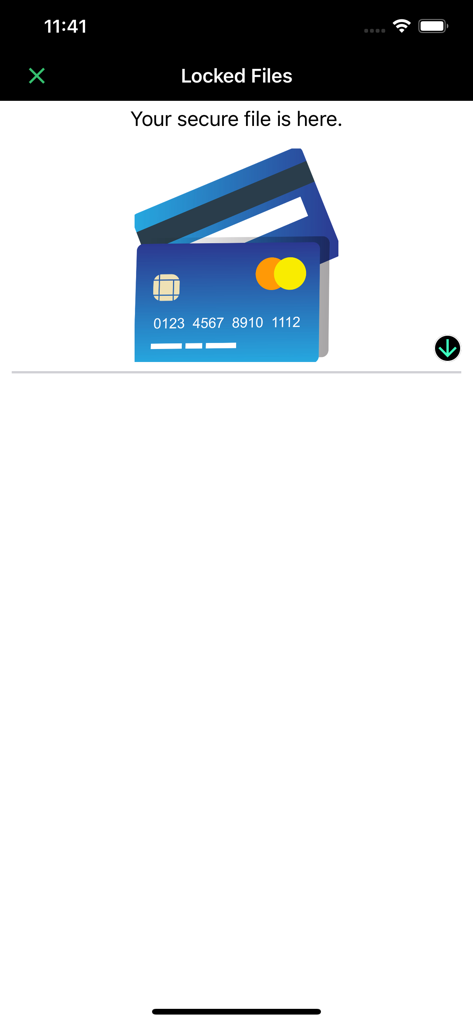
Screenshot della sezione File Bloccati nell'app scanner che mostra un'area di archiviazione sicura dei documenti con icone di carte di credito

Screenshot della sezione File Bloccati nell'app scanner che mostra un'area di archiviazione sicura dei documenti con icone di carte di credito

Potenzia il Tuo Flusso di Lavoro Digitale

Gli strumenti che rendono questa app unica, scelti da 6K+ utenti.

🛡️

Sicurezza Documentale Inattaccabile

Mantieni al sicuro contratti commerciali sensibili e documenti d'identità personali con Face ID integrato e protezione tramite password per i tuoi file locali.

📄

Scansioni Multi-Pagina ad Alta Definizione

Scansiona in blocco tutto, dalle ricevute ai biglietti da visita, con rilevamento automatico dei bordi e correzione colore di livello professionale.

✍️

Modifica Pro e Firme Istantanee

Annota, firma ed estrai testo utilizzando l'OCR, quindi converti i documenti in PDF e condividili su qualsiasi piattaforma senza pubblicità.

Info sull'app

Tutto quello che devi sapere su Genius PDF & Document Scanner.

Descrizione

Scan, edit, sign & secure documents with Face ID — fast, easy, and 100% ad-free! Are you in need of finding a good PDF and document scanner that works for free? Well, we bring you a unique 2 in 1 PDF & Document Scanner free of charge. It has a fantastic user interface that makes your way to scanned documents more manageable and more accessible. Welcome to a Dream document scanner where you can have your documents scanned in a matter of minutes. Just open the app and let the app do its magic. Our Dream document scanner is a social and mobile-friendly app through which you can easily access your scanned documents in a single touch. Scan documents, photos and save them on your phone entirely complimentary. Also, edit PDFs, documented, and images with the built-in document editor and iScanner. Features: Now it's time to scan your documents, pictures, and screenshots quickly and effortlessly with our app. Our scanner for the iPhone app is one of the best mobile scanners and PDF converters on the market, which is totally free of use. Browse through powerful editing features and use the PDF document scanner app in your own way. Now you can find both scanner and editor in one single fast scanner app without having to download many apps and suffocate your iPhone. Some features of this free PDF reader app are as follows: More Premium Genius Document Scanner Features: - Multiple Document scanning. - You can secure your documents using Face ID or password - Multipage Editing, OCR & More. - With one click, convert multiple documents into PDF & share with any platform. - More easy to manage, secure documents. Doc Scanner: Scan documents more accessible and faster with this free and offline app. Scanner for iPhone: Scan documents in grayscale, black, white, or colored as much as you desire. Photo Scanner: Operate this app with no hidden charges and advertisements. Document Scanner PDF Creator: Make documents in PDF and later send them to desired people. PDF Document Scanner: Scan documents with a powerful inbuilt scanner that detects high-class numbers and alphabets. iScanner: Scan pictures and images with a high-quality laser-cut scanner that works for free. Fast Scanner: Scan fast with automatic scan technology and free editing tools. Mobile Scanner: Easily scan your documents with your mobile and turn them into portable documents. Document Editor: Edit documents and share them on your social media handles for free. Photo Editing Tools: Remake photos with editing software and correct them using crop, blur control, and color correction features. PDF Editor Free: Make PDF and edit them without any troubles with our free and offline app. Free PDF Reader: Scan documents and read them before you pass them on to your professionals. Business Card Scanner: Easily scan business cards using high-quality scanning features made for you. PDF Expert: Become a master of PDF collectors and turn every receipt and written document into a portable PDF. All Document Reader: Engage with reading documents. Edit and read it as much as you want. PREMIUM SUBSCRIPTION We Offer only three auto-renewing subscription packages on either a 1, 3 or 12-month basis. Secondly, pay your payment through the iTunes account after confirmation of purchase. Terms of Use: https://www.privacypolicies.com/terms/view/68237bda8beeae140d2d63c47874716a What's unique? Why use another app when you can simply scan your ids, business cards, receipts, notes, taxes, faxes, photos, pictures, manuscripts in one single document editor. You can also keep all your data saved in this app and download it on your phone too.Save and share documents in JPEG or PDF formats with your desired people.

Ultima versione

1.8

Dimensione

24.3 MB

Data di lancio

16 set 2019

Pronto ad Avere un Genio in Tasca?

Unisciti a migliaia di professionisti che scansionano, firmano e proteggono i loro documenti con Face ID. Sperimenta l'ufficio mobile definitivo senza pubblicità sul tuo iPhone oggi stesso.

Scarica su App Store

App information, icons, screenshots, and descriptions displayed on this page are sourced from the Apple App Store and are the property of their respective developers. Download estimates and rankings are based on MWM's proprietary models and may not reflect actual figures. This page is provided for informational and analytical purposes only.

Believe this page infringes your intellectual property? File a dispute