
Questa pagina non è una pagina ufficiale dell'app o del suo sviluppatore, ma una pubblicazione editoriale indipendente creata a scopo informativo e di commento. Salvo espressa indicazione contraria, né l'app né il suo sviluppatore sono affiliati, approvati, sponsorizzati, autorizzati o altrimenti ufficialmente collegati a MWM, Apple, Google Play, all'editore dell'app o allo sviluppatore dell'app, e nulla in questa pagina implica che l'app sia stata sviluppata utilizzando i servizi di MWM. Tutti i marchi, loghi, screenshot e altri contenuti rimangono di proprietà dei rispettivi proprietari.


Hindenburg Field Recorder
Lo strumento essenziale per giornalisti radiofonici e podcaster. Registra audio ad alta fedeltà, imposta marcatori in tempo reale e modifica interviste pronte per la trasmissione direttamente dal tuo dispositivo.
Download
144K+Valutazione
Valutazioni totali
100Editore
Categoria
BusinessLingue
7Ultima versione
1.82Dimensione
2.9 MBData di lancio
10 gen 2010Cattura la Storia, Padroneggia l'Audio
Lo studio mobile definitivo per giornalisti e ricercatori. Trasforma interviste grezze in contenuti pronti per la trasmissione con strumenti professionali che stanno in tasca.
Registrazione Pro-Fidelity
Cattura ogni sfumatura con il supporto a 24 bit/48 kHz, garantendo che i tuoi nastri sul campo soddisfino i più alti standard radiofonici e per podcast.
Navigazione Istantanea dei Soundbite
Non perdere mai più una citazione. Imposta marcatori durante la registrazione per individuare i momenti chiave e accelerare il tuo flusso di lavoro di post-produzione.
Gli screenshot e la descrizione seguenti provengono direttamente dall'elenco ufficiale dello store dell'app e sono di proprietà dello sviluppatore.
App Store
Screenshot
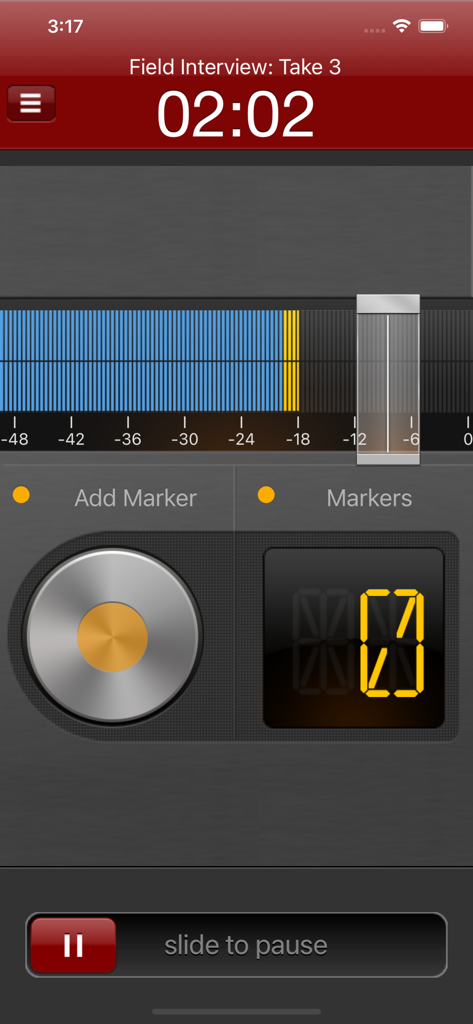
Interfaccia di Hindenburg Field Recorder che mostra una sessione di registrazione audio attiva con marcatori e livelli di volume
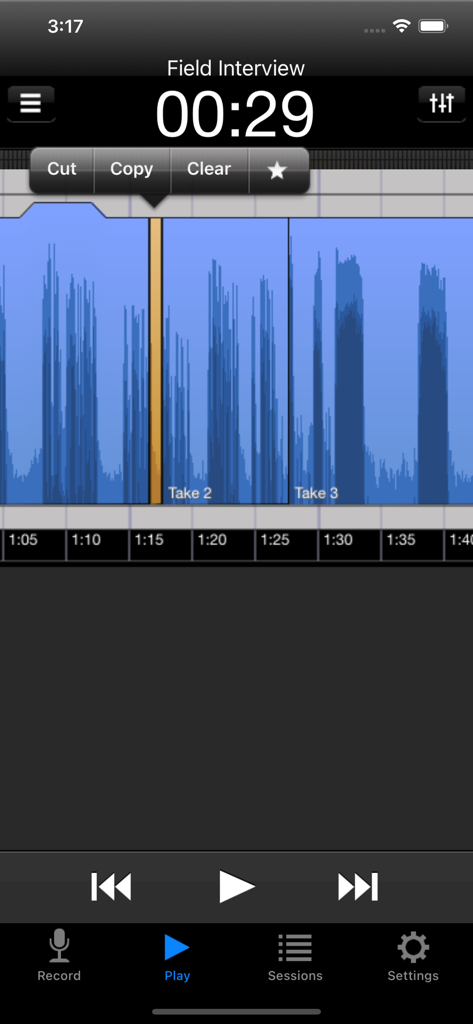
App Hindenburg Field Recorder che mostra l'editing della forma d'onda audio con opzioni di taglio e copia durante una sessione di intervista sul campo.
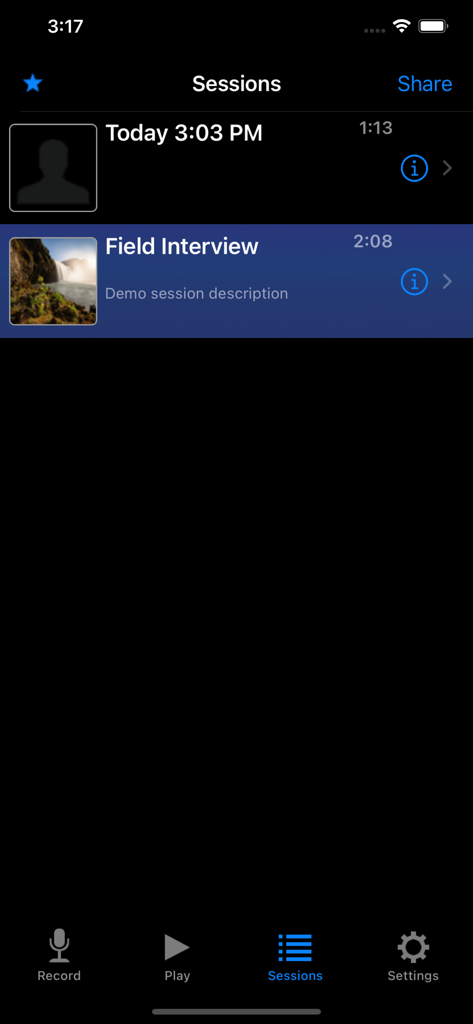
Un elenco di sessioni di registrazione audio nell'app Hindenburg Field Recorder che mostra timestamp e titoli come Intervista sul campo
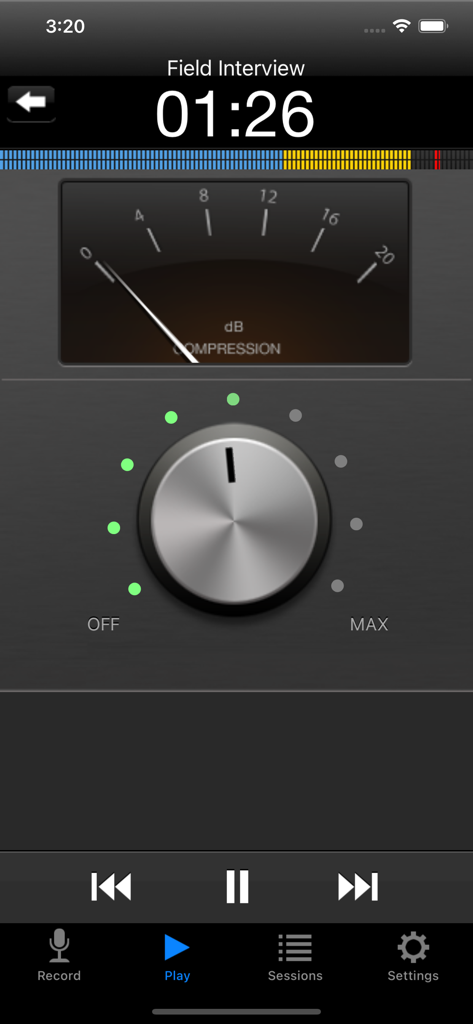
Schermata dell'app Hindenburg Field Recorder che mostra le impostazioni di compressione audio e il misuratore di dB
Descrizione
Download
App Simili
App più classificate nella stessa categoria

Microsoft Teams
Microsoft Corporation

Zoom Workplace
Zoom Communications, Inc.

WhatsApp Business
WhatsApp Inc.

Indeed Job Search
Indeed Inc.

LinkedIn: Network & Job Finder
LinkedIn Corporation

Adobe Acrobat Reader: Sign PDF
Adobe Inc.

WeCom-Work Communication&Tools
Tencent Technology (Shenzhen) Company Limited

BOSS直聘-招聘求职找工作神器
Beijing China Product Bo Farce Network Technology Co., Ltd.

DingDing - Redefine Work in AI
DingTalk Technology Co., Ltd.
Questa pagina non è una pagina ufficiale dell'app o del suo sviluppatore, ma una pubblicazione editoriale indipendente creata a scopo informativo e di commento. Salvo espressa indicazione contraria, né l'app né il suo sviluppatore sono affiliati, approvati, sponsorizzati, autorizzati o altrimenti ufficialmente collegati a MWM, Apple, Google Play, all'editore dell'app o allo sviluppatore dell'app, e nulla in questa pagina implica che l'app sia stata sviluppata utilizzando i servizi di MWM. Tutti i marchi, loghi, screenshot e altri contenuti rimangono di proprietà dei rispettivi proprietari.