LYNX Whiteboard
LYNX Whiteboard
Scarica su App Store

Questa pagina non è una pagina ufficiale dell'app o del suo sviluppatore, ma una pubblicazione editoriale indipendente creata a scopo informativo e di commento. Salvo espressa indicazione contraria, né l'app né il suo sviluppatore sono affiliati, approvati, sponsorizzati, autorizzati o altrimenti ufficialmente collegati a MWM, Apple, Google Play, all'editore dell'app o allo sviluppatore dell'app, e nulla in questa pagina implica che l'app sia stata sviluppata utilizzando i servizi di MWM. Tutti i marchi, loghi, screenshot e altri contenuti rimangono di proprietà dei rispettivi proprietari.

Logo di LYNX Whiteboard
Scarica su App Store

LYNX Whiteboard

Trasforma i tuoi brainstorming e le tue lezioni in esperienze interattive. Che sia in classe o in sala riunioni, collabora in tempo reale con supporto multi-touch, sincronizzazione cloud e integrazione perfetta dei tuoi documenti esistenti, tutto in un ambiente professionale e senza pubblicità.

Numeri Chiave

Download

2K+

Valutazione

4.0/5

Valutazioni totali

0

Editore

SAHARA PRESENTATION SYSTEMS LTD

Categoria

Education

Lingue

-

Ultima versione

8.5.11

Dimensione

200.5 MB

Data di lancio

16 ott 2017
Funzioni

Trasforma le Tue Idee in Azione

Dalle aule interattive alle sale riunioni ibride, LYNX Whiteboard fornisce gli strumenti professionali di cui hai bisogno per visualizzare, collaborare e avere successo.

Integrazione Universale dei File

Smetti di iniziare da zero. Importa e modifica senza problemi i tuoi file SMART Notebook, PowerPoint e Google Docs esistenti con piena compatibilità.

Sinergia Multi-Touch in Tempo Reale

Incoraggia il coinvolgimento attivo permettendo fino a 10 utenti di fare brainstorming e disegnare contemporaneamente, rendendolo perfetto per progetti di gruppo e sessioni di discussione.

Gli screenshot e la descrizione seguenti provengono direttamente dall'elenco ufficiale dello store dell'app e sono di proprietà dello sviluppatore.

App Store

Screenshot
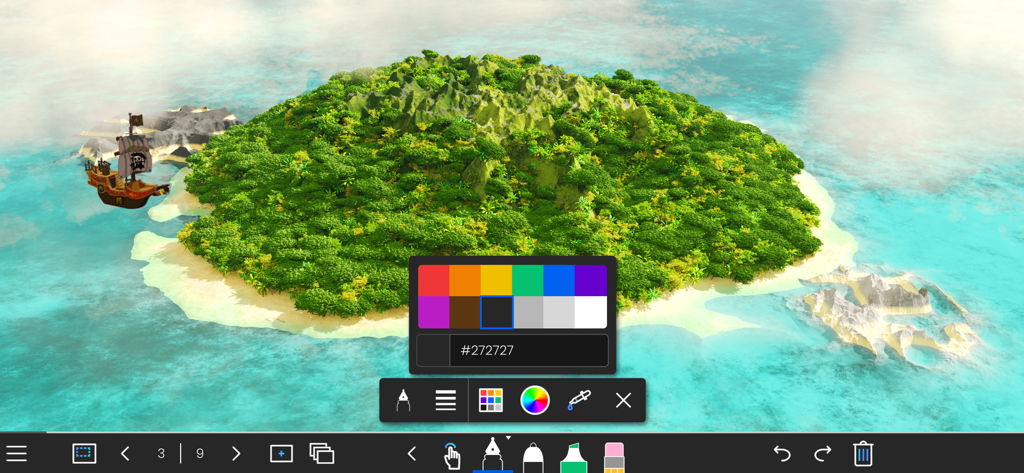
LYNX Whiteboard - Interfaccia dell'app LYNX Whiteboard con uno sfondo a isola 3D, un selettore di colori e strumenti di disegno
Interfaccia dell'app LYNX Whiteboard con uno sfondo a isola 3D, un selettore di colori e strumenti di disegno

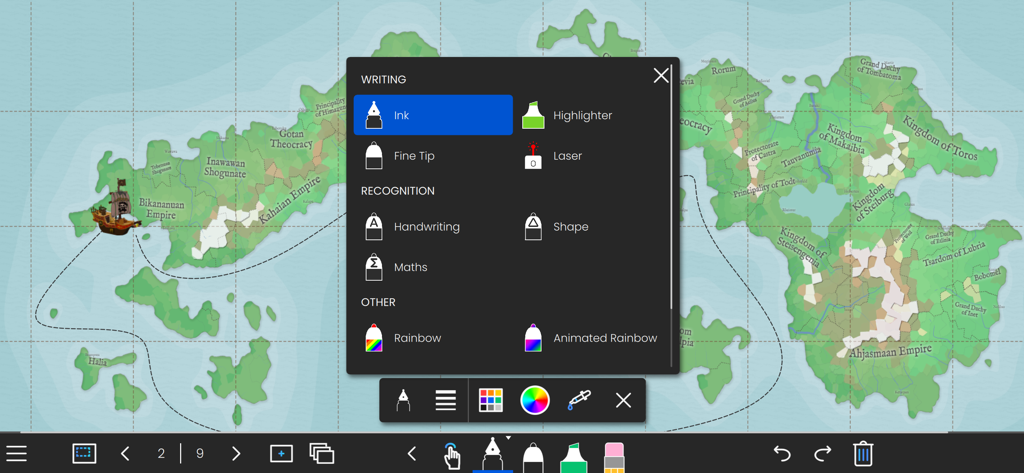
LYNX Whiteboard - Applicazione LYNX Whiteboard che mostra le opzioni degli strumenti di scrittura e riconoscimento su uno sfondo di mappa interattiva
Applicazione LYNX Whiteboard che mostra le opzioni degli strumenti di scrittura e riconoscimento su uno sfondo di mappa interattiva

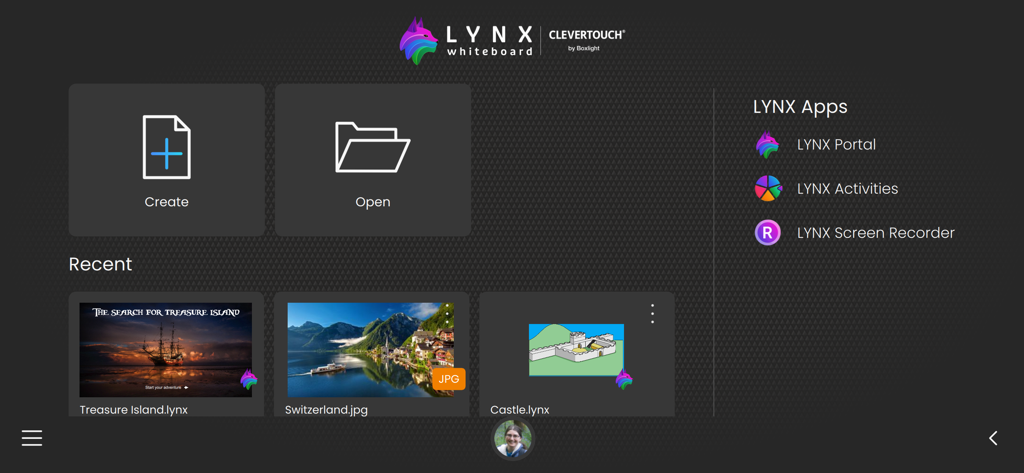
LYNX Whiteboard - Schermata iniziale dell'app LYNX Whiteboard che mostra i pulsanti per creare o aprire progetti e una sezione per i file recenti
Schermata iniziale dell'app LYNX Whiteboard che mostra i pulsanti per creare o aprire progetti e una sezione per i file recenti

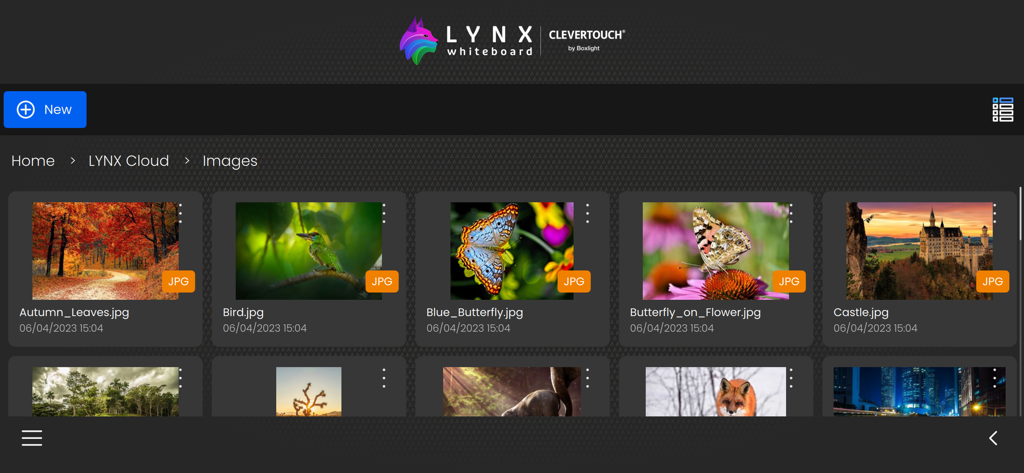
LYNX Whiteboard - L'interfaccia dell'app LYNX Whiteboard che mostra una raccolta di immagini archiviate nella galleria LYNX Cloud.

L'interfaccia dell'app LYNX Whiteboard che mostra una raccolta di immagini archiviate nella galleria LYNX Cloud.

Descrizione

Introducing LYNX Whiteboard, the ultimate tool for idea sharing and collaboration with your team or classmates. LYNX Whiteboard is designed to enhance your productivity and creativity by providing you with a virtual whiteboard that you can access from anywhere. With LYNX Whiteboard, you can easily sketch, draw, write, and erase just like you would on a physical whiteboard. Whether you’re working on a project, presenting an idea, or teaching a class, LYNX Whiteboard has everything you need to make your collaboration sessions more effective. -- LYNX for Business -- Brainstorming sessions: Collaborate with colleagues to generate new ideas and strategies, and capture them all on your virtual whiteboard. Presentations: Use LYNX Whiteboard to create engaging presentations that showcase your ideas and data, and share them with your team or clients. Project planning: Organize your thoughts, tasks, and timelines on a virtual whiteboard, and collaborate with your team to stay on track. -- LYNX for Education -- Lesson planning: Use LYNX Whiteboard to create interactive lessons that engage students with multimedia, diagrams, and games, and collaborate with other teachers to share your best practices. Group projects: Work with classmates to brainstorm, plan, and create projects using a virtual whiteboard, and collaborate in real-time from anywhere. Virtual tutoring: Use LYNX Whiteboard to provide virtual tutoring sessions, and collaborate with students to help them learn and solve problems. -- LYNX for Families -- Creative projects: Use LYNX Whiteboard to sketch out ideas for art, design, or writing projects, and collaborate with friends or family members to refine your vision. Organization: Keep track of schedules, grocery lists, and other important information by creating a shared whiteboard for your family to access from anywhere. Virtual game nights: Use LYNX Whiteboard to play charades and other drawing games with friends and family. FEATURES -- Easy to Use Interface -- LYNX Whiteboard has an intuitive interface that makes it easy to start using right away. You can create a new board with just a few taps, and start sketching, drawing, or writing immediately. -- Variety of Pen Styles and Sizes -- From ink pens, handwriting recognition and highlighters to rainbow pens and erasers, LYNX Whiteboard has everything you need to create a stylish and engaging presentation. -- Multi-touch -- LYNX Whiteboard supports up to 10 people all collaborating simultaneously on the board. -- Customizable Backgrounds -- You can choose from a range of backgrounds for your whiteboard, including plain white, gridlines, music score or an image from the media search. This makes it easy to tailor your whiteboard to your specific needs. -- Sharing and Collaboration -- LYNX Whiteboard makes it easy to share your whiteboard with others, whether you’re working on a project with colleagues, teaching a class, or presenting an idea. You can invite others to view your board, or share it as a PDF. -- LYNX Cloud Storage -- Whiteboards can be saved to LYNX Cloud, so you can access them from anywhere, anytime. This means you can pick up right where you left off, even if you switch devices or locations. -- Multi-Device Support -- LYNX Whiteboard works across multiple devices, including smartphones, tablets, and computers. This means you can start working on one device, and pick up where you left off on another. -- Extensive File Support -- Use all your existing presentation files and documents. LYNX Whiteboard supports PowerPoint, MS Word, Google Docs, SMART Notebook, PDF and more. -- No Ads -- LYNX Whiteboard is completely ad-free. LYNX Whiteboard is perfect for teams, students, teachers, and anyone who needs to collaborate and share ideas. With its intuitive interface, and comprehensive features, it’s the ultimate tool for boosting productivity and creativity. Try LYNX Whiteboard today, and take your collaboration sessions to the next level.

Download

Scarica su App Store

Questa pagina non è una pagina ufficiale dell'app o del suo sviluppatore, ma una pubblicazione editoriale indipendente creata a scopo informativo e di commento. Salvo espressa indicazione contraria, né l'app né il suo sviluppatore sono affiliati, approvati, sponsorizzati, autorizzati o altrimenti ufficialmente collegati a MWM, Apple, Google Play, all'editore dell'app o allo sviluppatore dell'app, e nulla in questa pagina implica che l'app sia stata sviluppata utilizzando i servizi di MWM. Tutti i marchi, loghi, screenshot e altri contenuti rimangono di proprietà dei rispettivi proprietari.








