
Questa pagina non è una pagina ufficiale dell'app o del suo sviluppatore, ma una pubblicazione editoriale indipendente creata a scopo informativo e di commento. Salvo espressa indicazione contraria, né l'app né il suo sviluppatore sono affiliati, approvati, sponsorizzati, autorizzati o altrimenti ufficialmente collegati a MWM, Apple, Google Play, all'editore dell'app o allo sviluppatore dell'app, e nulla in questa pagina implica che l'app sia stata sviluppata utilizzando i servizi di MWM. Tutti i marchi, loghi, screenshot e altri contenuti rimangono di proprietà dei rispettivi proprietari.

Miracast Screen Mirroring .
Goditi film sul grande schermo, sostituisci il telecomando smarrito e proteggi i tuoi occhi dallo sforzo. L'utility definitiva per i possessori di Roku e Smart TV per duplicare, controllare e proteggere i tuoi contenuti multimediali.
Download
345K+Valutazione
Valutazioni totali
300Editore
Categoria
Photo & VideoLingue
5Ultima versione
2.1.2Dimensione
90.2 MBData di lancio
4 apr 2023Migliora la tua esperienza visiva domestica
Lo strumento di utility definitivo per il tuo iPhone: trasmetti video ad alta definizione, controlla la tua TV e mantieni privati i tuoi media personali.
Mirroring dello schermo HD senza ritardi
Proteggi la tua vista trasmettendo video e foto dal tuo piccolo schermo alla tua Smart TV in splendida alta definizione.
Telecomando Smart Universale
Hai perso il telecomando fisico? Nessun problema. Controlla il tuo Roku o Smart TV direttamente dal tuo iPhone con un'interfaccia semplice e intuitiva.
Domande Frequenti
Tutto quello che devi sapere su Miracast Screen Mirroring .
Cos'è Miracast Screen Mirroring e cosa fa?
Miracast Screen Mirroring è uno strumento pratico per trasmettere contenuti da un iPhone o iPad a una TV. Ottimizza la fluidità della trasmissione dello schermo e supporta la proiezione video ad alta definizione, offrendo un'esperienza utente semplice.
Miracast Screen Mirroring può ingrandire i video per la visualizzazione su una Roku TV?
Sì, Miracast Screen Mirroring ingrandisce video o film per la visualizzazione sulla tua smart Roku TV. Questa funzione aiuta a proteggere gli occhi riducendo lo sforzo da piccoli schermi del telefono.
Miracast Screen Mirroring è compatibile con più marche di TV?
Sì, Miracast Screen Mirroring è compatibile con molte marche di TV. Queste includono Samsung, VIZIO, LG, TCL, Fire TV, Hisense, Sony, Chromecast, Android TV e Philips, come mostrato nell'app.
Quali sono le caratteristiche principali dell'applicazione Miracast Screen Mirroring?
L'app Miracast Screen Mirroring offre mirroring dello schermo in tempo reale, trasmissione video, IPTV, web, foto e trasmissione Ins. Include anche una funzione di album privato e un telecomando universale.
Miracast Screen Mirroring funziona come telecomando universale?
Sì, Miracast Screen Mirroring include un telecomando multifunzione per telefono. Questa funzione fornisce assistenza se il tuo telecomando fisico è perso, migliorando la comodità dell'utente.
Come posso annullare un abbonamento automatico per Miracast Screen Mirroring su iOS?
Per annullare, vai su Impostazioni Apple > 'iTunes Store e App Store' > ID Apple > 'Impostazioni account' > 'Abbonamento', quindi seleziona e annulla. La cancellazione deve avvenire almeno 24 ore prima del periodo di rinnovo.
Dove posso trovare l'Informativa sulla privacy per Miracast Screen Mirroring?
L'Informativa sulla privacy per Miracast Screen Mirroring si trova su https://lmiaoapp.github.io/ScreenMirror/ScreenMirror/PrivacyPolicy/index.html. Questo documento descrive come l'applicazione gestisce i dati dell'utente.
Miracast Screen Mirroring consente di scaricare video Ins o proteggere contenuti multimediali privati?
Sì, Miracast Screen Mirroring consente di scaricare video Ins. Fornisce anche la funzionalità per proteggere video o foto segreti in un album privato all'interno dell'applicazione.
Gli screenshot e la descrizione seguenti provengono direttamente dall'elenco ufficiale dello store dell'app e sono di proprietà dello sviluppatore.
App Store
Screenshot
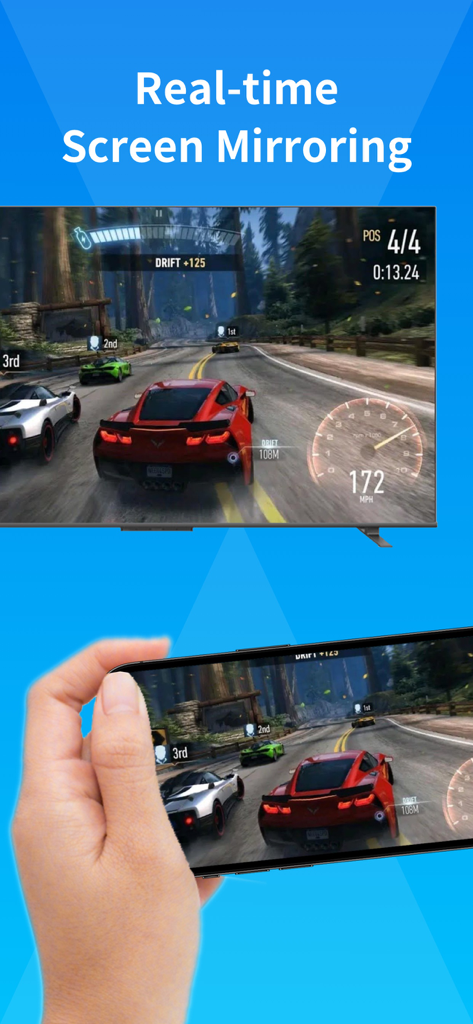
Smartphone che duplica uno gioco di corse su uno schermo televisivo
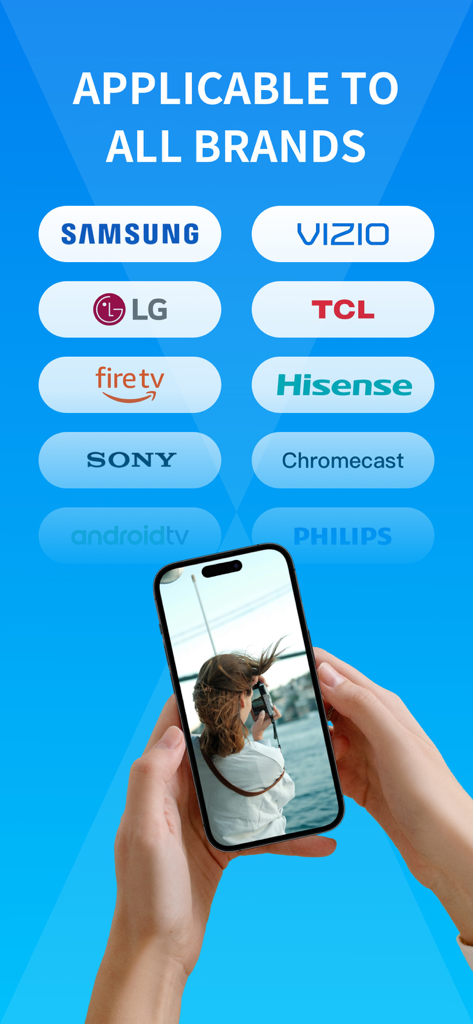
Interfaccia che mostra la compatibilità del mirroring dello schermo con i principali marchi TV tra cui Samsung LG e Sony
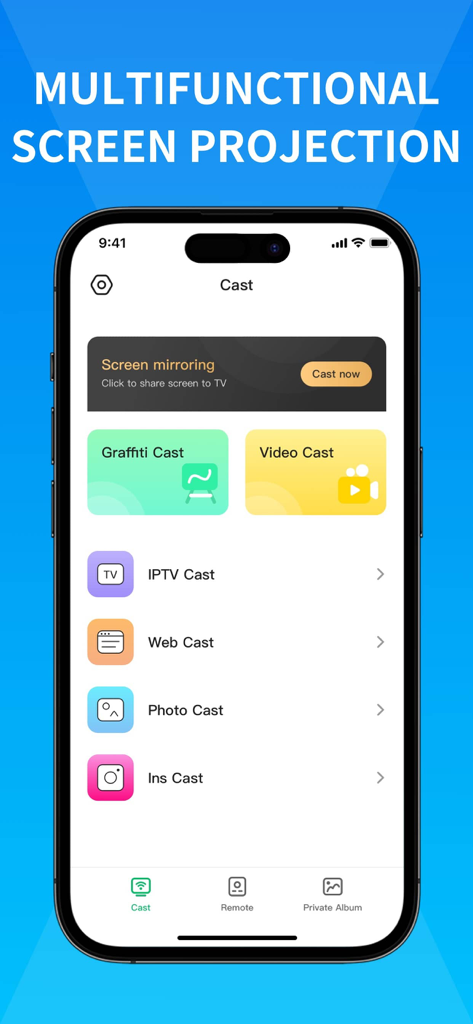
Interfaccia utente dell'app Miracast Screen Mirroring che mostra varie funzioni di proiezione come video cast, photo cast e web cast
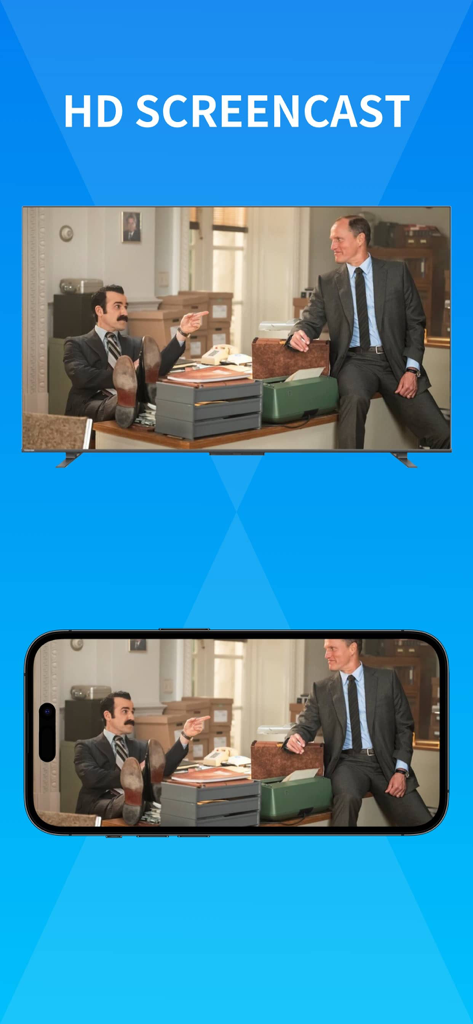
Mirroring dello schermo in alta definizione da un iPhone a una smart TV
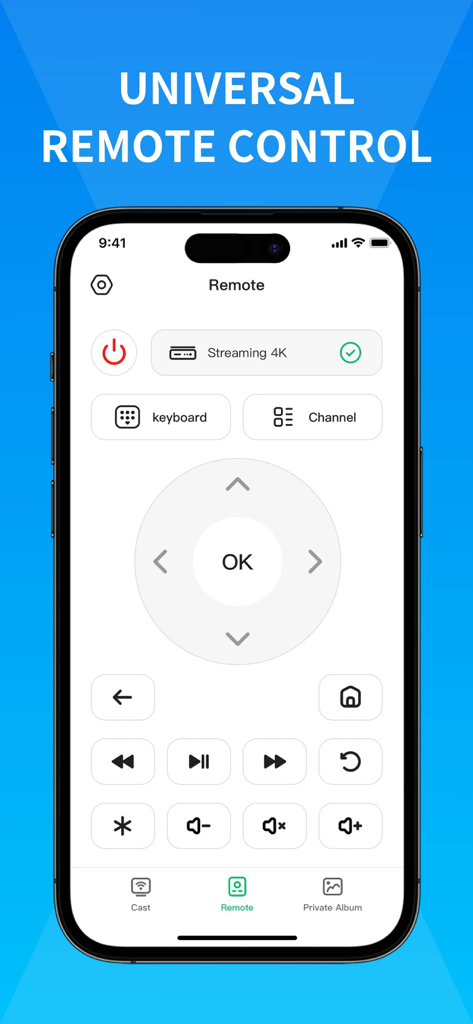
Uno smartphone che visualizza un'interfaccia di controllo remoto universale per smart TV con pulsanti di navigazione e riproduzione
Descrizione
Download
App Simili
App con funzionalità ed esperienza simili

Web Video Cast | Browser to TV
InstantBits Inc

PigeonCast:Send by Google Cast
Sichuan FalconAI Technology Co., Ltd.

Screen Mirroring • Smart TV
Mihkel Pikk

Screen Mirroring | Cast to TV
Ozuna Limited

Screen Mirroring・Smart View TV
TOGGLE APPS SP Z O O

UbeCast: Music Streamer & PiP
AER SOFTWARE COMPANY LIMITED

AirDroid Cast-screen mirroring
SAND STUDIO CORPORATION LIMITED

Miracast: Screen Mirroring TV
Hainan Delta Software Co., Ltd

Screen Mirroring・Air Cast TV
Dalma Innovation Solutions d.o.o.
Questa pagina non è una pagina ufficiale dell'app o del suo sviluppatore, ma una pubblicazione editoriale indipendente creata a scopo informativo e di commento. Salvo espressa indicazione contraria, né l'app né il suo sviluppatore sono affiliati, approvati, sponsorizzati, autorizzati o altrimenti ufficialmente collegati a MWM, Apple, Google Play, all'editore dell'app o allo sviluppatore dell'app, e nulla in questa pagina implica che l'app sia stata sviluppata utilizzando i servizi di MWM. Tutti i marchi, loghi, screenshot e altri contenuti rimangono di proprietà dei rispettivi proprietari.