
Questa pagina non è una pagina ufficiale dell'app o del suo sviluppatore, ma una pubblicazione editoriale indipendente creata a scopo informativo e di commento. Salvo espressa indicazione contraria, né l'app né il suo sviluppatore sono affiliati, approvati, sponsorizzati, autorizzati o altrimenti ufficialmente collegati a MWM, Apple, Google Play, all'editore dell'app o allo sviluppatore dell'app, e nulla in questa pagina implica che l'app sia stata sviluppata utilizzando i servizi di MWM. Tutti i marchi, loghi, screenshot e altri contenuti rimangono di proprietà dei rispettivi proprietari.

MirrorMeister Screen Mirroring
Dimentica cavi aggrovigliati e adattatori costosi. Trasmetti facilmente foto, video, sport e social media dal tuo iPhone o iPad sul grande schermo per un'esperienza visiva migliore e più confortevole.
Download
2M+Valutazione
Valutazioni totali
23K+Editore
Categoria
Photo & VideoLingue
17Ultima versione
2.2.10Dimensione
127.6 MBData di lancio
14 ott 2020Dai un tocco grandioso ai tuoi contenuti
MirrorMeister elimina gli ostacoli tecnici, fornendo un ponte wireless trasparente tra i tuoi dispositivi iOS e il grande schermo: senza cavi o hardware aggiuntivo.
Compatibilità universale
Non hai una Apple TV? Nessun problema. Trasmetti in modalità wireless il tuo iPhone o iPad su quasi tutte le marche di Smart TV, tra cui Samsung, LG, Sony, Roku e Hisense, all'istante.
Connessione senza ingombri
Dimentica gli adattatori HDMI costosi e i cavi antiestetici. Goditi un soggiorno pulito e minimalista con una soluzione di streaming 100% wireless.
Domande Frequenti
Tutto quello che devi sapere su MirrorMeister Screen Mirroring
Cos'è MirrorMeister?
MirrorMeister è un'app di screen mirroring che collega in modalità wireless i tuoi dispositivi iOS, come iPhone e iPad, alla tua smart TV. Ti permette di visualizzare media e app dal tuo dispositivo su uno schermo più grande.
Quali marche di TV supporta MirrorMeister?
MirrorMeister supporta una vasta gamma di marchi TV popolari, tra cui Samsung, Sony, LG, Panasonic, Hisense, Philips, TCL, Toshiba, Sharp, Hitachi e qualsiasi TV che utilizzi il sistema operativo Android TV. Supporta anche Roku TV.
Posso eseguire il mirroring di contenuti da app di streaming come Netflix con MirrorMeister?
No, MirrorMeister non supporta il mirroring di contenuti da app come Netflix, iTunes, Disney o Apple TV. Queste app utilizzano la Digital Rights Management (DRM) che impedisce lo screen mirroring, risultando in uno schermo nero sulla tua TV.
MirrorMeister è adatto per il gaming?
No, MirrorMeister non è adatto per il gaming ad alta intensità su una Smart TV. C'è un ritardo (latenza) normale da 1 a 3 secondi, che influisce sull'esperienza di gioco.
Come si configura MirrorMeister sulla mia TV?
Per configurare MirrorMeister, assicurati che il tuo dispositivo iOS e la tua TV siano sulla stessa rete locale. Avvia l'app e un semplice processo di configurazione ti guiderà passo dopo passo per collegare l'app di mirroring alla tua TV.
MirrorMeister raccoglie i dati di registrazione del mio schermo?
No, MirrorMeister non registra il tuo schermo in file né invia contenuti a un server. Memorizza temporaneamente i dati solo nella memoria prima di trasmetterli alla TV, e poi i contenuti vengono rimossi dalla memoria.
Ho bisogno di un abbonamento per MirrorMeister?
Sì, è necessario un ABBONAMENTO PRO UNLIMITED ACCESS per accedere a tutte le funzionalità di MirrorMeister senza pubblicità e interruzioni. Il pagamento viene addebitato sul tuo account iTunes.
Quali dispositivi di streaming supporta MirrorMeister?
Oltre alle connessioni dirette con Smart TV, MirrorMeister supporta dispositivi di streaming come Roku Streaming Player, Chromecast, Amazon FireTV e Xiaomi Mi Box.
Posso guardare sport in diretta con MirrorMeister?
Sì, MirrorMeister ti permette di trasmettere e goderti sport in diretta, film, serie TV e ultime notizie dal tuo dispositivo iOS sulla tua smart TV per un'esperienza visiva migliore.
Sono necessari cavi per utilizzare MirrorMeister per lo screen mirroring?
No, MirrorMeister offre uno screen mirroring completamente wireless. Elimina la necessità di cavi HDMI o altre connessioni fisiche, offrendo un'esperienza senza cavi per la tua comodità.
Gli screenshot e la descrizione seguenti provengono direttamente dall'elenco ufficiale dello store dell'app e sono di proprietà dello sviluppatore.
App Store
Screenshot
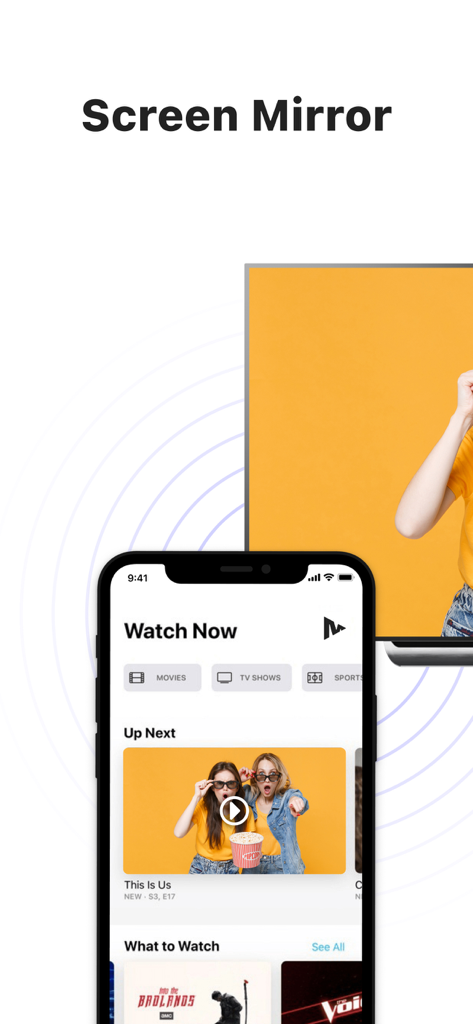
Un iPhone che visualizza contenuti video trasmessi in modalità wireless su un grande schermo di Smart TV
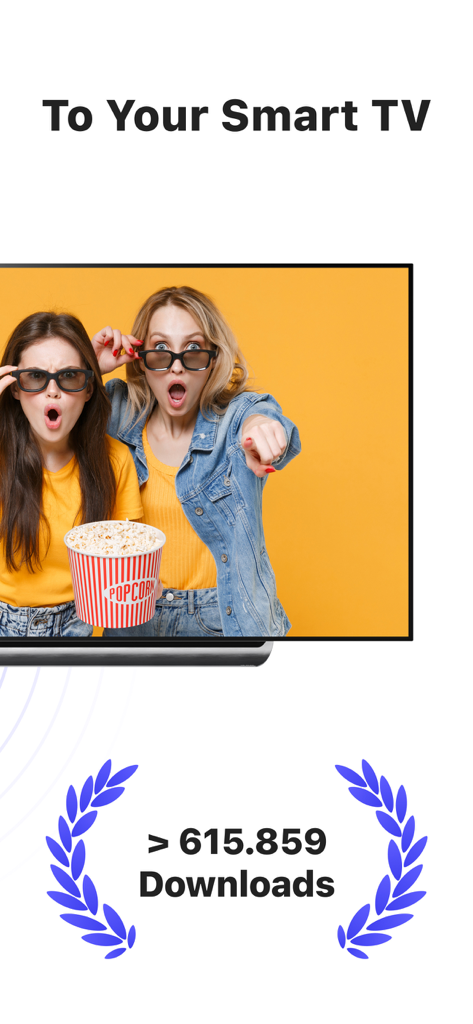
Screenshot dell'app MirrorMeister che mostra il mirroring dello schermo in modalità wireless su una Smart TV con un traguardo di download
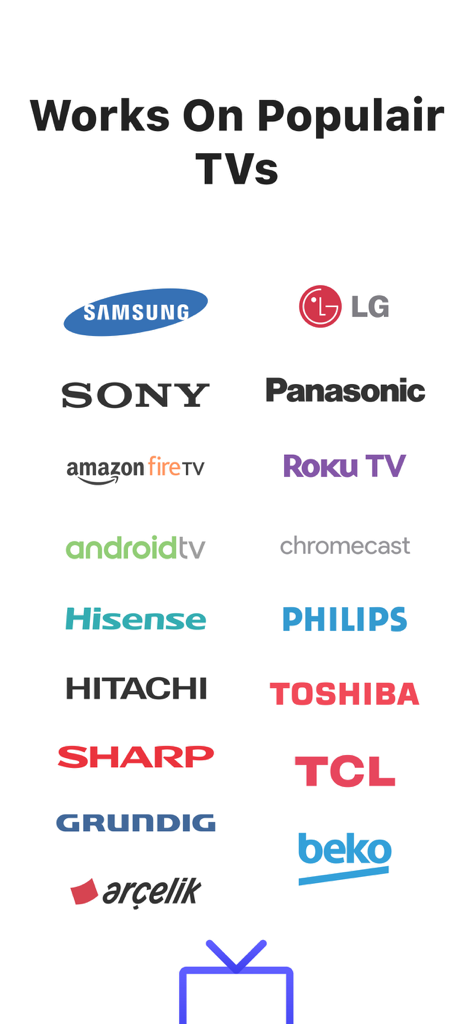
Loghi di marchi TV popolari supportati dall'app di mirroring dello schermo MirrorMeister, inclusi Samsung LG Sony e Roku TV
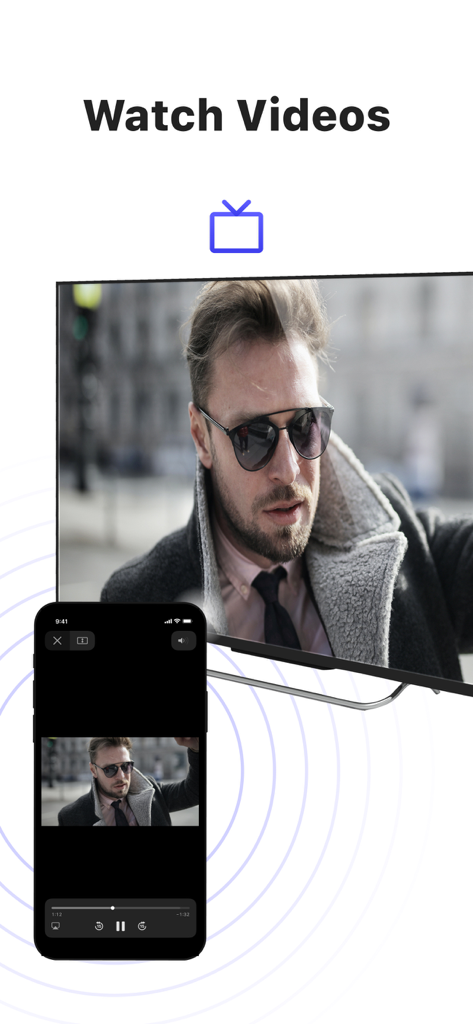
Mirroring dello schermo di un iPhone che trasmette un video di un uomo a una grande TV intelligente utilizzando l'app MirrorMeister
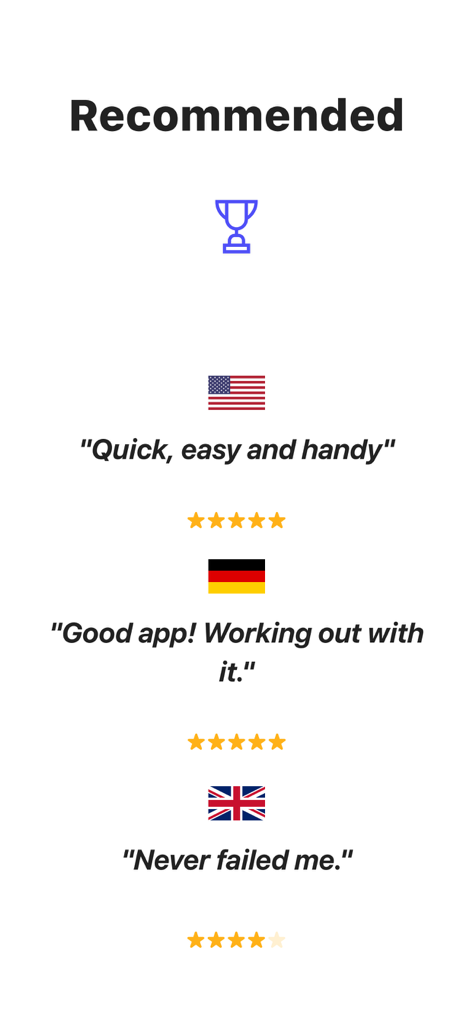
Recensioni degli utenti e valutazioni in stelle per l'app di mirroring dello schermo MirrorMeister da USA Germania e Regno Unito
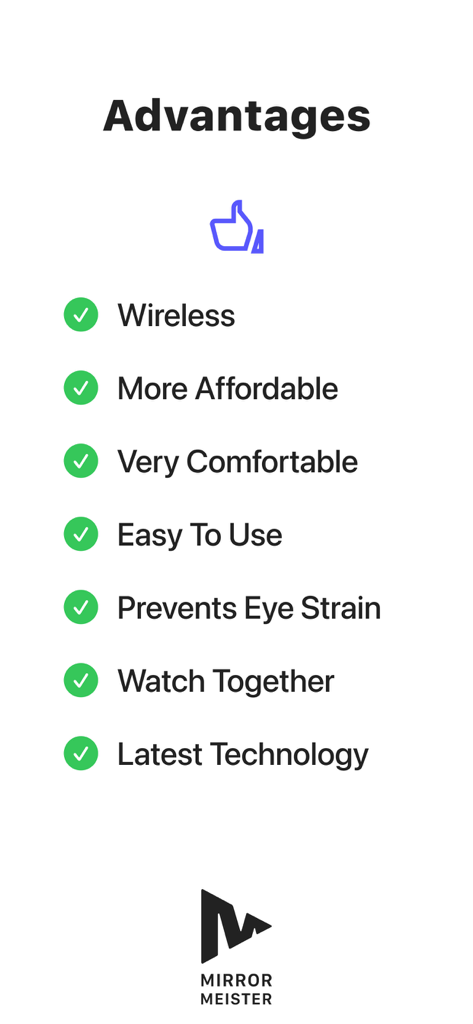
Un elenco di vantaggi per l'utilizzo dell'app MirrorMeister, inclusa la connessione wireless e la prevenzione dell'affaticamento degli occhi
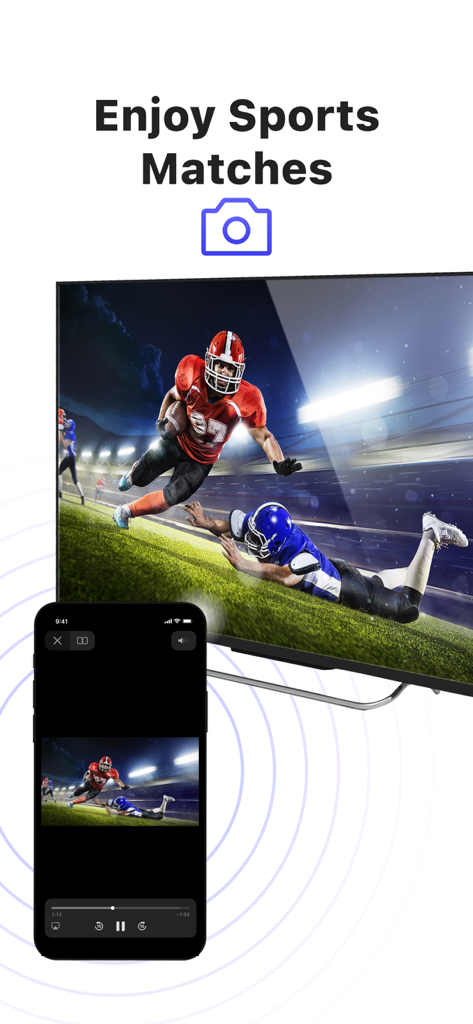
Mirroring dello schermo di un iPhone che trasmette una partita di football americano su una grande TV intelligente
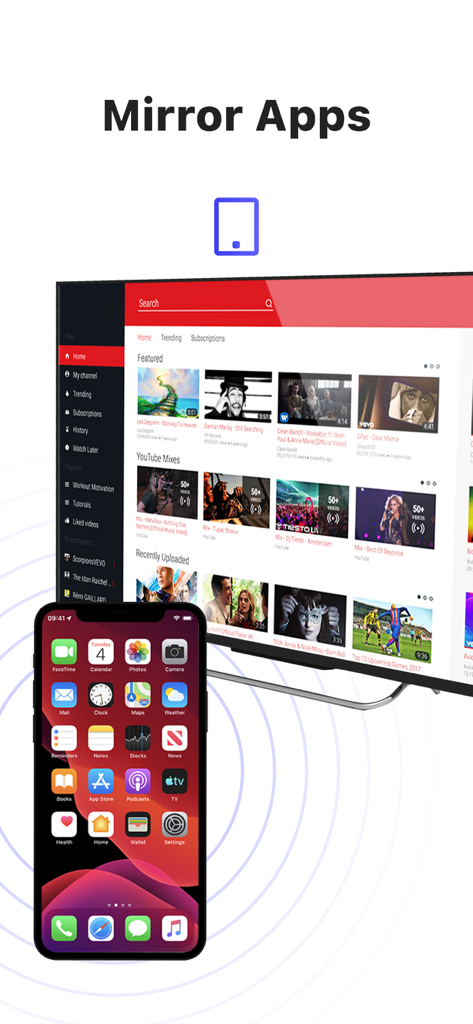
Un iPhone che trasmette in modalità wireless il proprio schermo su una grande TV intelligente che visualizza contenuti video
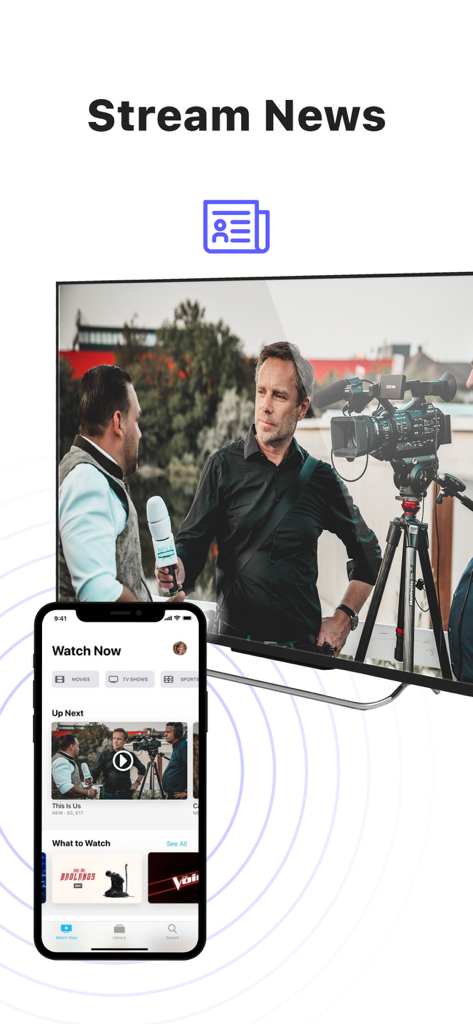
Mirroring dello schermo di un iPhone che trasmette notizie su una grande TV intelligente
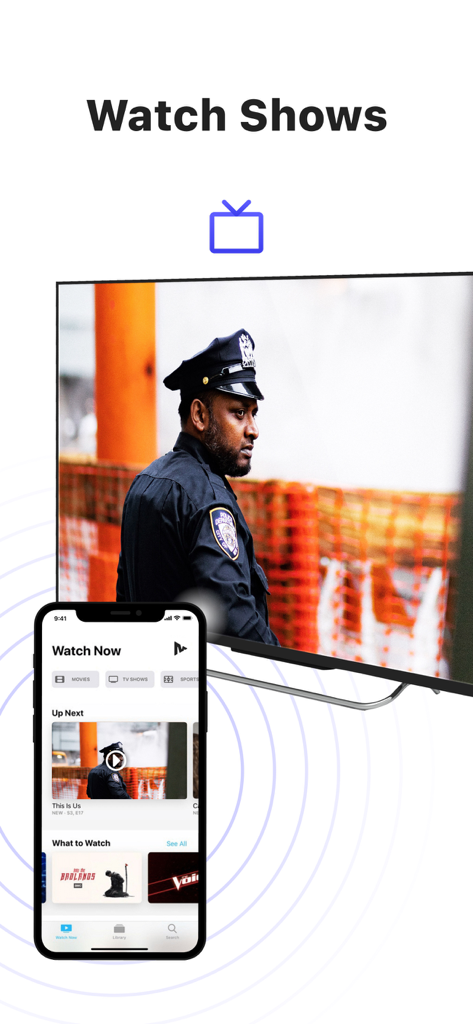
Un iPhone che trasmette uno show televisivo su un grande televisore intelligente utilizzando l'app MirrorMeister
Descrizione
Download
App Simili
App con funzionalità ed esperienza simili

Web Video Cast | Browser to TV
InstantBits Inc

PigeonCast:Send by Google Cast
Sichuan FalconAI Technology Co., Ltd.

Screen Mirroring • Smart TV
Mihkel Pikk

Screen Mirroring | Cast to TV
Ozuna Limited

Screen Mirroring・Smart View TV
TOGGLE APPS SP Z O O

UbeCast: Music Streamer & PiP
AER SOFTWARE COMPANY LIMITED

AirDroid Cast-screen mirroring
SAND STUDIO CORPORATION LIMITED

Miracast: Screen Mirroring TV
Hainan Delta Software Co., Ltd

Screen Mirroring・Air Cast TV
Dalma Innovation Solutions d.o.o.
Questa pagina non è una pagina ufficiale dell'app o del suo sviluppatore, ma una pubblicazione editoriale indipendente creata a scopo informativo e di commento. Salvo espressa indicazione contraria, né l'app né il suo sviluppatore sono affiliati, approvati, sponsorizzati, autorizzati o altrimenti ufficialmente collegati a MWM, Apple, Google Play, all'editore dell'app o allo sviluppatore dell'app, e nulla in questa pagina implica che l'app sia stata sviluppata utilizzando i servizi di MWM. Tutti i marchi, loghi, screenshot e altri contenuti rimangono di proprietà dei rispettivi proprietari.