
Mocha VNC

Assumi il pieno controllo del tuo Mac o PC Windows con un client VNC ad alte prestazioni dotato di Wake on LAN, supporto mouse hardware e accesso sicuro, il tutto senza abbonamenti mensili.
Editore
Categoria
BusinessDownload
330K+Valutazione
Valutazioni totali
3K+Lingue
1Scopri l'interfaccia usata da 330K+ utenti.
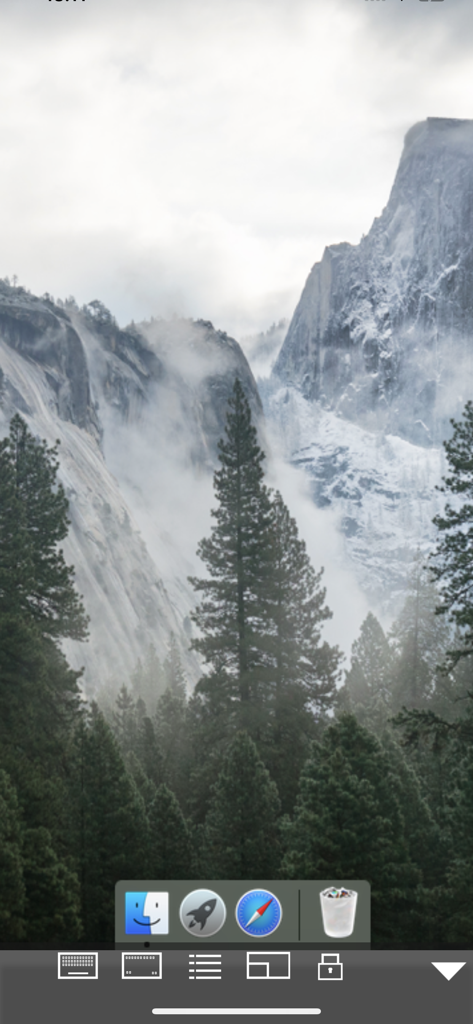
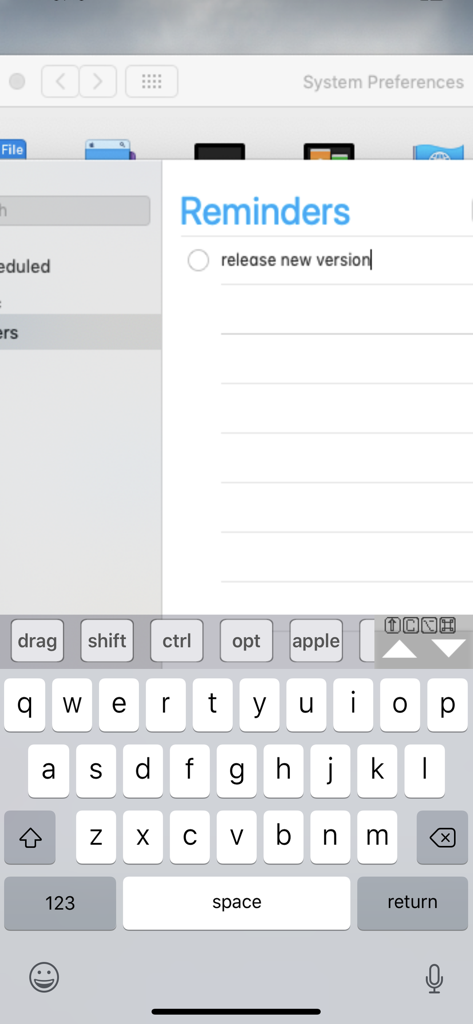
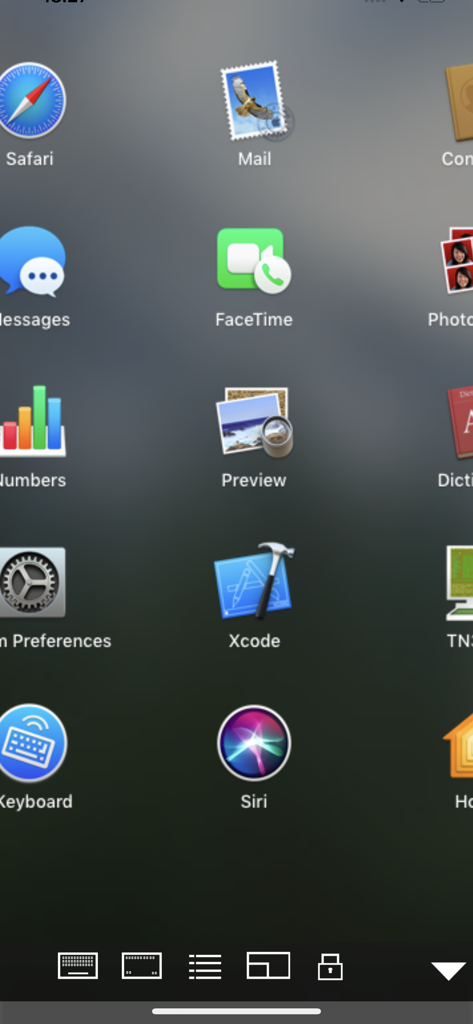
Gli strumenti che rendono questa app unica, scelti da 330K+ utenti.
Trasforma il tuo iPad in una postazione di lavoro completa con supporto nativo per mouse hardware Swiftpoint GT e trackpad Bluetooth per una navigazione fluida.
Gestisci in modo efficiente l'infrastruttura remota con supporto Wake on LAN (WOL), accessi crittografati e compatibilità tra ambienti macOS e Windows.
Colma il divario tra mobile e desktop con funzionalità di stampa remota e uno scanner di codici a barre integrato che inserisce i dati direttamente nelle tue app.
Tutto quello che devi sapere su Mocha VNC.
Descrizione
Ultima versione
6.1
Dimensione
2.3 MB
Data di lancio
11 feb 2019
Unisciti a oltre 330.000 professionisti IT e power user. Gestisci in modo sicuro il tuo Mac o PC dal tuo iPad o iPhone con Wake on LAN, supporto mouse hardware e utilità di livello professionale per un acquisto unico.
App con funzionalità ed esperienza simili

Shanghai best oray information s&t co.,ltd

Guangzhou NetEase Computer System Co.Ltd

AWERAY PTE. LTD.

AnyDesk Software GmbH

TeamViewer Germany GmbH

Hainan Youqu Technology Co., Ltd.

ZULER TECHNOLOGY PTE. LTD.

Termius Corporation

RealVNC Limited
App information, icons, screenshots, and descriptions displayed on this page are sourced from the Apple App Store and are the property of their respective developers. Download estimates and rankings are based on MWM's proprietary models and may not reflect actual figures. This page is provided for informational and analytical purposes only.
Believe this page infringes your intellectual property? File a dispute