
Questa pagina non è una pagina ufficiale dell'app o del suo sviluppatore, ma una pubblicazione editoriale indipendente creata a scopo informativo e di commento. Salvo espressa indicazione contraria, né l'app né il suo sviluppatore sono affiliati, approvati, sponsorizzati, autorizzati o altrimenti ufficialmente collegati a MWM, Apple, Google Play, all'editore dell'app o allo sviluppatore dell'app, e nulla in questa pagina implica che l'app sia stata sviluppata utilizzando i servizi di MWM. Tutti i marchi, loghi, screenshot e altri contenuti rimangono di proprietà dei rispettivi proprietari.

MoonCatcher
Smetti di accontentarti di blob bianchi sfocati. Trasforma il tuo iPhone in una fotocamera lunare di precisione con zoom 40x, controllo automatico dell'esposizione e spostamento del fuoco di livello professionale progettato specificamente per il cielo notturno.
Download
14K+Valutazione
Valutazioni totali
0Editore
Categoria
Photo & VideoLingue
2Ultima versione
18.1Dimensione
22.7 MBData di lancio
17 dic 2014Cattura il Cosmo con Precisione
Smetti di accontentarti di un bagliore bianco sfocato. MoonCatcher trasforma il tuo iPhone in un potente telescopio lunare con spostamento avanzato del fuoco e controlli di esposizione specializzati per rivelare la vera texture della luna.
Niente Più "Blob Bianchi"
La nostra speciale Modalità Luna bilancia automaticamente l'esposizione per rivelare crateri intricati e pattern lunari che le app fotocamera native solitamente bruciano.
Zoom Avanzato 40x sulla Luna
Avvicinati come mai prima d'ora. Utilizza il nostro zoom di precisione e la tecnologia di spostamento del fuoco per trovare la nitidezza perfetta, anche alla massima ingrandimento.
Gli screenshot e la descrizione seguenti provengono direttamente dall'elenco ufficiale dello store dell'app e sono di proprietà dello sviluppatore.
App Store
Screenshot
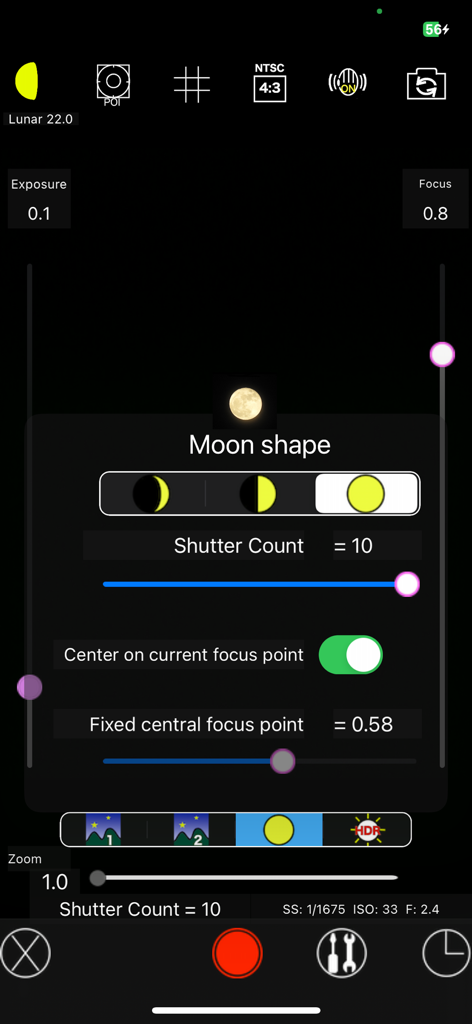
Interfaccia dell'app MoonCatcher che mostra le impostazioni manuali della fotocamera e la selezione della forma della luna per l'astrofotografia
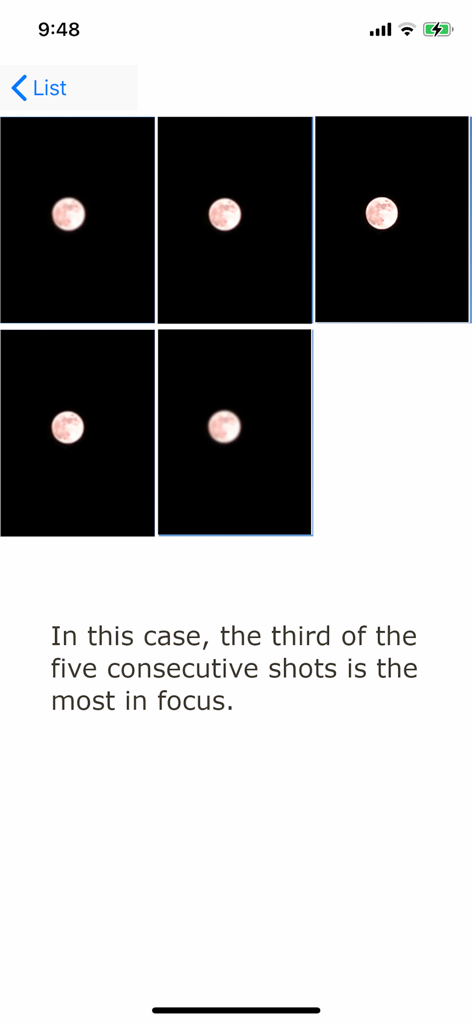
Una sequenza di cinque foto consecutive della luna nell'app MoonCatcher che dimostrano lo spostamento del fuoco per trovare l'immagine più nitida.
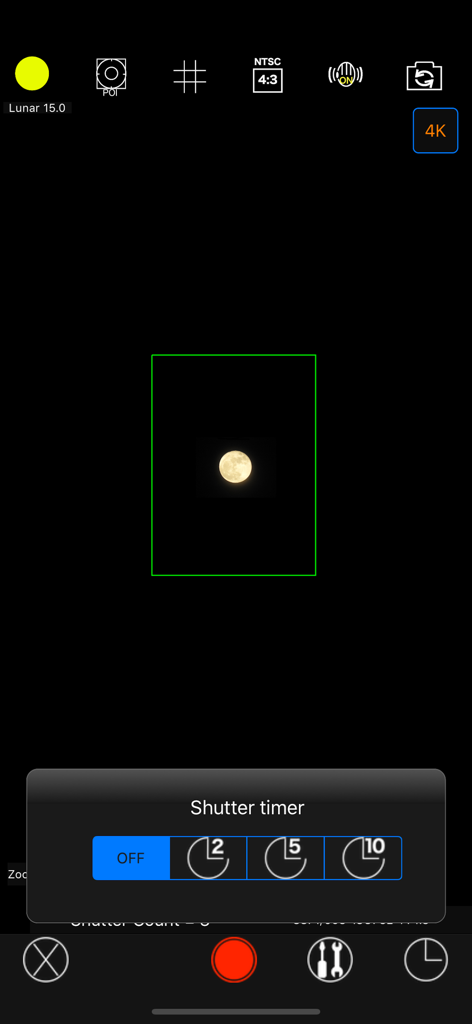
Interfaccia della fotocamera dell'app MoonCatcher che mostra un menu del timer dell'otturatore e un'immagine catturata della luna
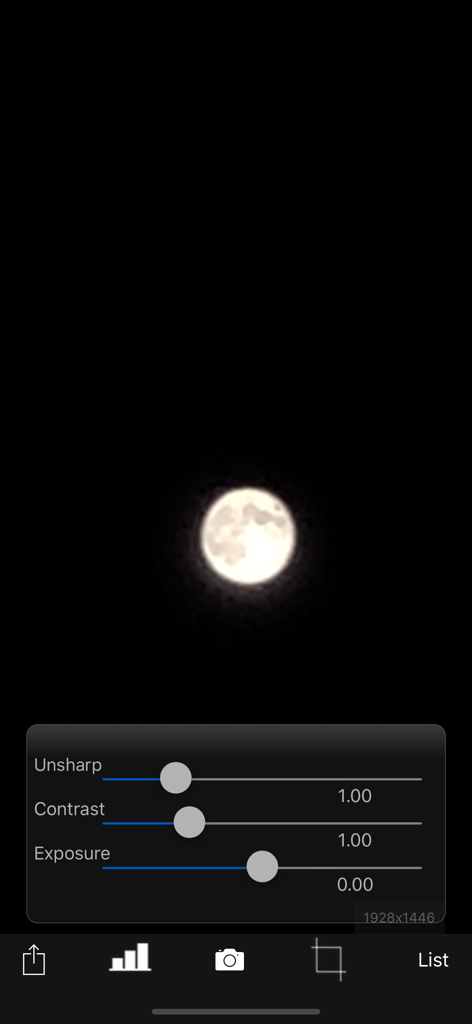
Interfaccia dell'app MoonCatcher con una foto della luna e cursori di modifica per contrasto non nitido ed esposizione
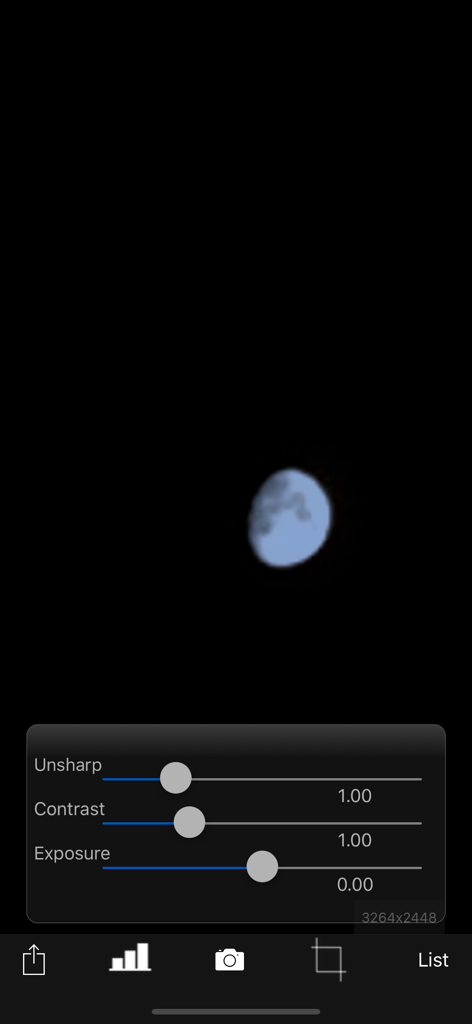
Schermata di modifica foto dell'app MoonCatcher che mostra cursori di regolazione per contrasto non nitido ed esposizione su un'immagine lunare
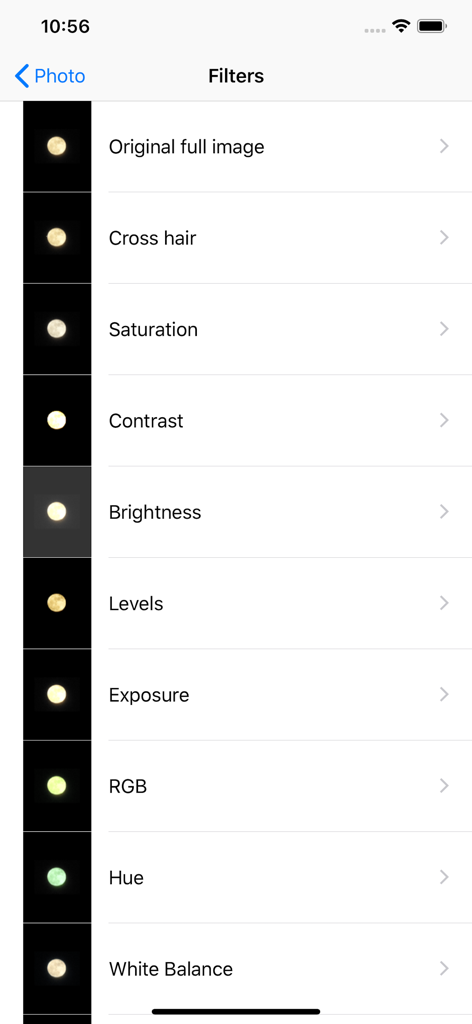
Interfaccia dell'app MoonCatcher che mostra un elenco di filtri di fotoritocco per la fotografia lunare.
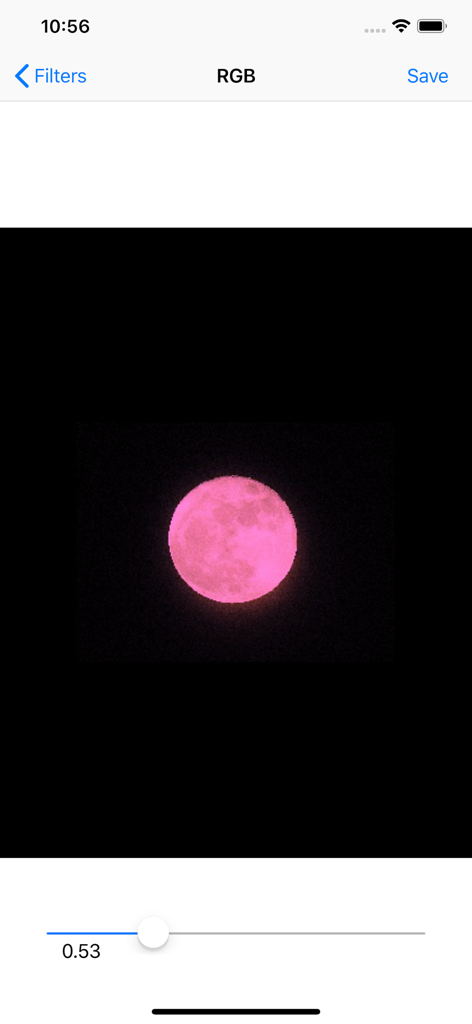
Interfaccia dell'app MoonCatcher che mostra una luna rosa in fase di modifica con un cursore del filtro RGB
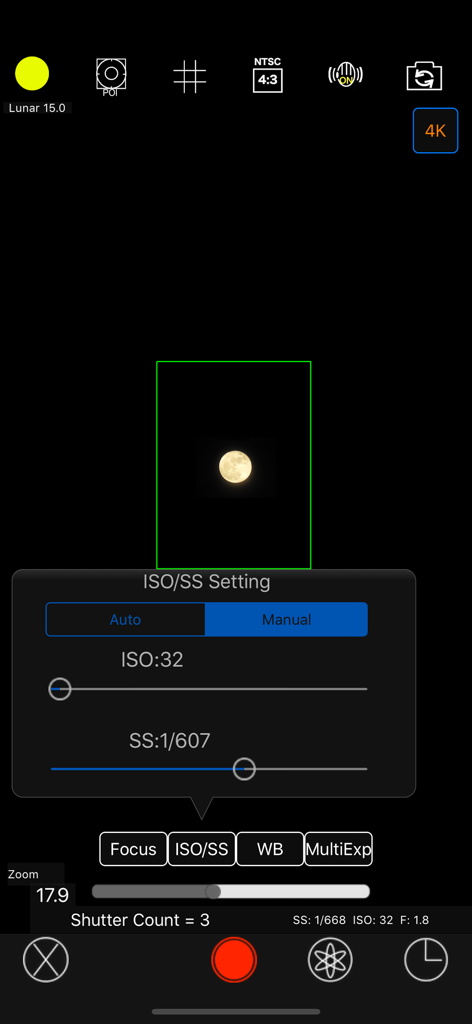
Interfaccia delle impostazioni manuali ISO e velocità dell'otturatore nell'app fotografica MoonCatcher
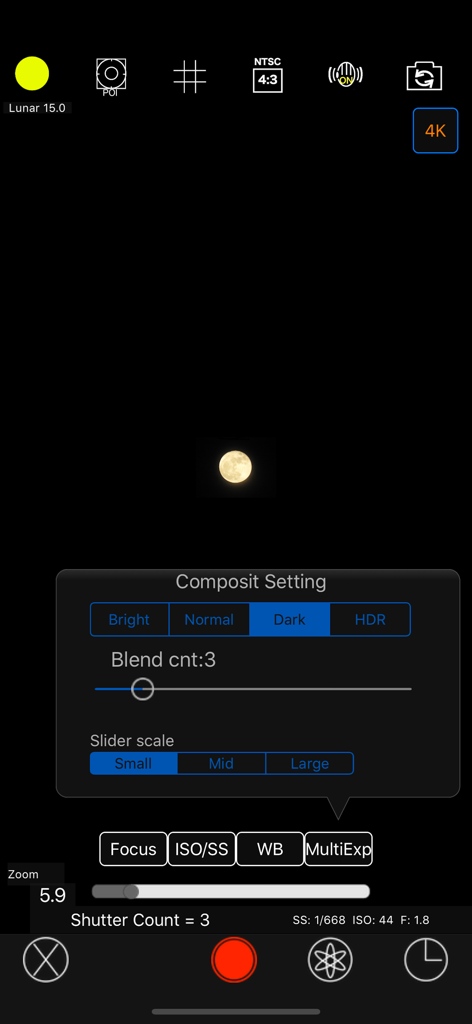
Interfaccia della fotocamera MoonCatcher che mostra il menu delle impostazioni manuali composite e un'immagine lunare catturata
Descrizione
Download
App Simili
App più classificate nella stessa categoria

CapCut: Photo & Video Editor
BYTEDANCE PTE. LTD.

Instagram, Inc.

YouTube
Google LLC

Canva: AI Photo & Video Editor
Canva Pty Ltd

Snapchat
Snap, Inc.

快手
Beijing Kwai Technology Co., Ltd.

Edits: Video Editor
Instagram, Inc.

Meitu- AI Photo & Video Editor
Xiamen Meitu Technology Co., Ltd.

Google Photos: Backup & Edit
Google LLC
Questa pagina non è una pagina ufficiale dell'app o del suo sviluppatore, ma una pubblicazione editoriale indipendente creata a scopo informativo e di commento. Salvo espressa indicazione contraria, né l'app né il suo sviluppatore sono affiliati, approvati, sponsorizzati, autorizzati o altrimenti ufficialmente collegati a MWM, Apple, Google Play, all'editore dell'app o allo sviluppatore dell'app, e nulla in questa pagina implica che l'app sia stata sviluppata utilizzando i servizi di MWM. Tutti i marchi, loghi, screenshot e altri contenuti rimangono di proprietà dei rispettivi proprietari.