
Questa pagina non è una pagina ufficiale dell'app o del suo sviluppatore, ma una pubblicazione editoriale indipendente creata a scopo informativo e di commento. Salvo espressa indicazione contraria, né l'app né il suo sviluppatore sono affiliati, approvati, sponsorizzati, autorizzati o altrimenti ufficialmente collegati a MWM, Apple, Google Play, all'editore dell'app o allo sviluppatore dell'app, e nulla in questa pagina implica che l'app sia stata sviluppata utilizzando i servizi di MWM. Tutti i marchi, loghi, screenshot e altri contenuti rimangono di proprietà dei rispettivi proprietari.


Music Transpose - Key Changer
Lo strumento essenziale per cantanti e musicisti per trasporre audio o video senza sforzo. Regola tono e velocità in modo indipendente, esercitati offline e goditi un uso a vita con un singolo acquisto una tantum.
Download
63K+Valutazione
Valutazioni totali
800Editore
Categoria
MusicLingue
32Ultima versione
4.4.14Dimensione
45.9 MBData di lancio
26 apr 2022Padroneggia Ogni Brano con Precisione
L'utility definitiva per i musicisti per trasporre tonalità e regolare il tempo all'istante: nessuna sottoscrizione, nessuna complessità, solo pura pratica.
Trasponi nella Tua Estensione
Sposta l'intonazione con incrementi fini di semitoni per adattarla alla tua estensione vocale o all'accordatura dello strumento, guidato da indicatori visivi di qualità.
Rallenta le Parti Difficili
Regola indipendentemente la velocità di riproduzione senza cambiare l'intonazione, permettendoti di padroneggiare assoli veloci e ritmi complessi al tuo ritmo.
Gli screenshot e la descrizione seguenti provengono direttamente dall'elenco ufficiale dello store dell'app e sono di proprietà dello sviluppatore.
App Store
Screenshot
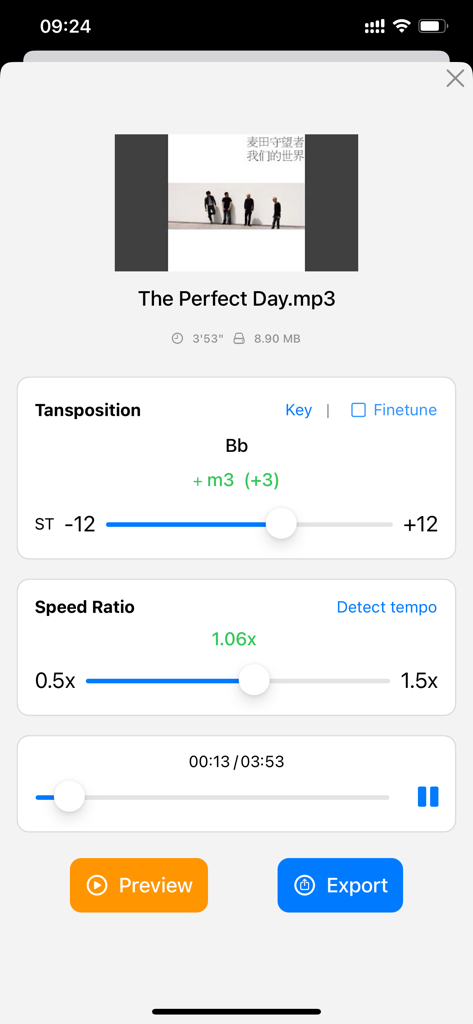
Interfaccia dell'app per cambiare la tonalità musicale e regolare il rapporto di velocità di riproduzione.
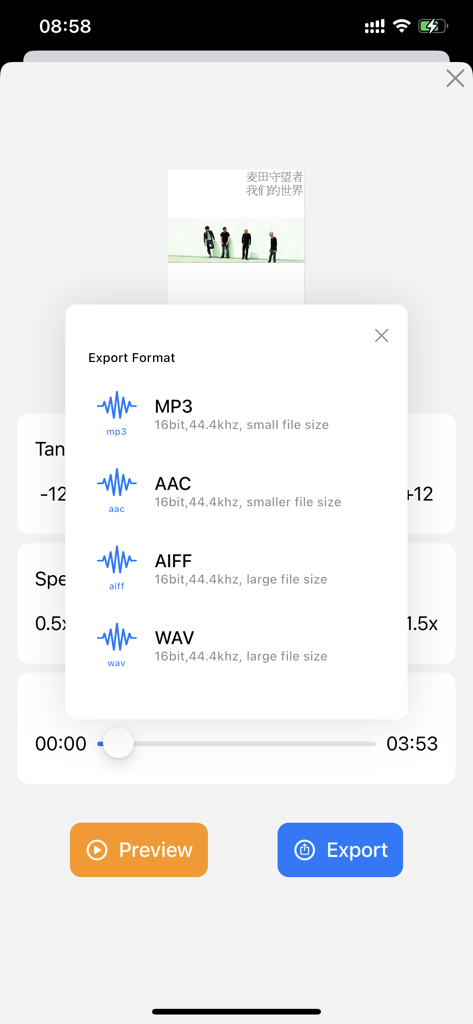
Schermata di esportazione per file musicali in formato MP3, AAC, AIFF o WAV.
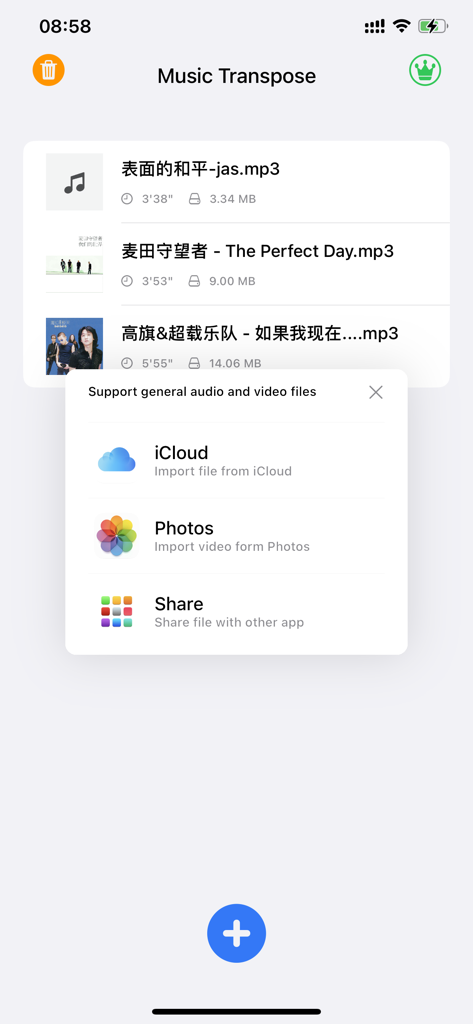
Schermata dell'app Music Transpose che mostra un menu a comparsa con opzioni per importare file audio e video da iCloud e Foto
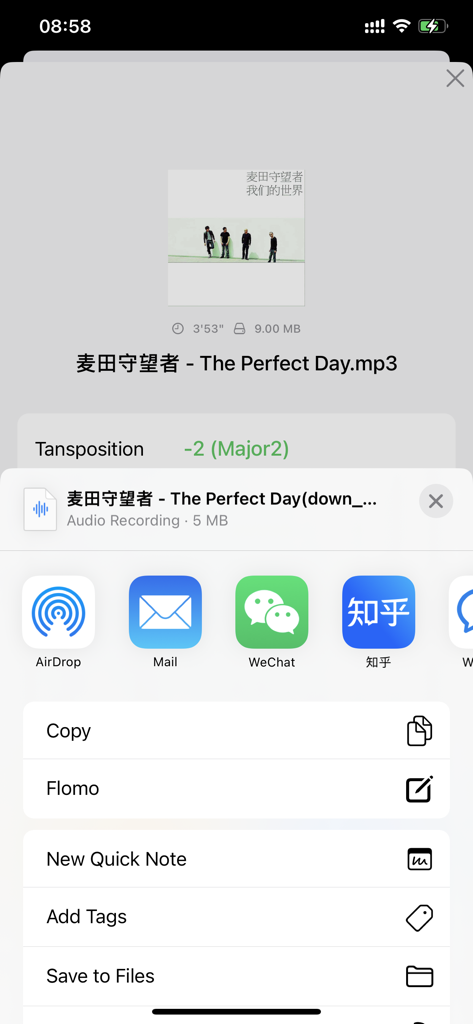
Interfaccia dell'app Music Transpose che mostra le opzioni di esportazione file dopo la regolazione dell'intonazione
Descrizione
Download
App Simili
App più classificate nella stessa categoria

Spotify: Music and Podcasts
Spotify

YouTube Music
Google LLC

Shazam: Find Music & Concerts
Apple Inc.

SoundCloud: The Music You Love
SoundCloud Global Limited & Co KG

Suno - AI Songs & Music
Suno Inc.

QQ音乐 - 听我想听
Tencent Technology (Shenzhen) Company Limited

Audiomack - Play Music Offline
Audiomack, Inc.

GuitarTuna: Tune & Play Guitar
Yousician Ltd

BandLab – Music Maker & Beats
BandLab Singapore Pte Ltd
Questa pagina non è una pagina ufficiale dell'app o del suo sviluppatore, ma una pubblicazione editoriale indipendente creata a scopo informativo e di commento. Salvo espressa indicazione contraria, né l'app né il suo sviluppatore sono affiliati, approvati, sponsorizzati, autorizzati o altrimenti ufficialmente collegati a MWM, Apple, Google Play, all'editore dell'app o allo sviluppatore dell'app, e nulla in questa pagina implica che l'app sia stata sviluppata utilizzando i servizi di MWM. Tutti i marchi, loghi, screenshot e altri contenuti rimangono di proprietà dei rispettivi proprietari.