MX Deposit

MX Deposit

Scarica su App Store
Logo di MX Deposit

MX Deposit: Inserimento Dati sul Campo di Precisione per Geologi e Minatori

Elimina l'inserimento manuale dei dati e i registri cartacei. Cattura dati precisi sui fori di perforazione e campioni ovunque, anche offline, con una piattaforma mobile-native costruita per le esigenze più rigorose dell'esplorazione sul campo.

Scarica su App Store

Editore

Minalytix Inc.

Categoria

Business

Download

600

Valutazione

1.0/5

Valutazioni totali

0

Lingue

1

Costruito per il Campo

Scopri l'interfaccia usata da 600 utenti.
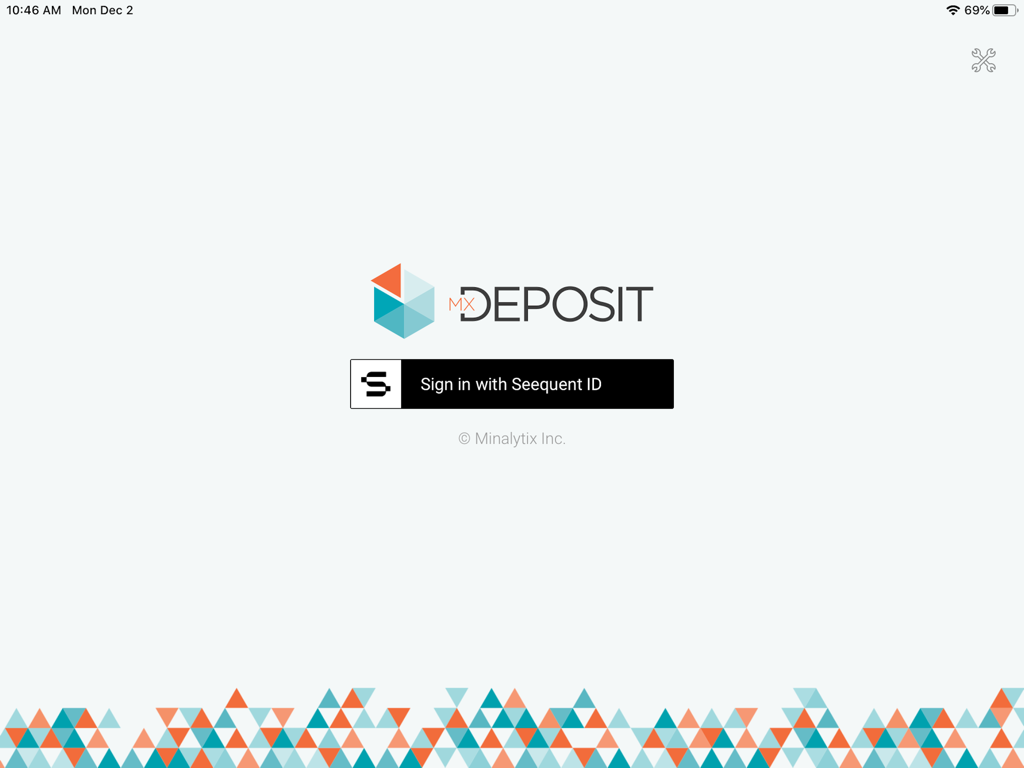
Schermata di login dell'app MX Deposit con pulsante di accesso Seequent ID e logo geometrico

Schermata di login dell'app MX Deposit con pulsante di accesso Seequent ID e logo geometrico

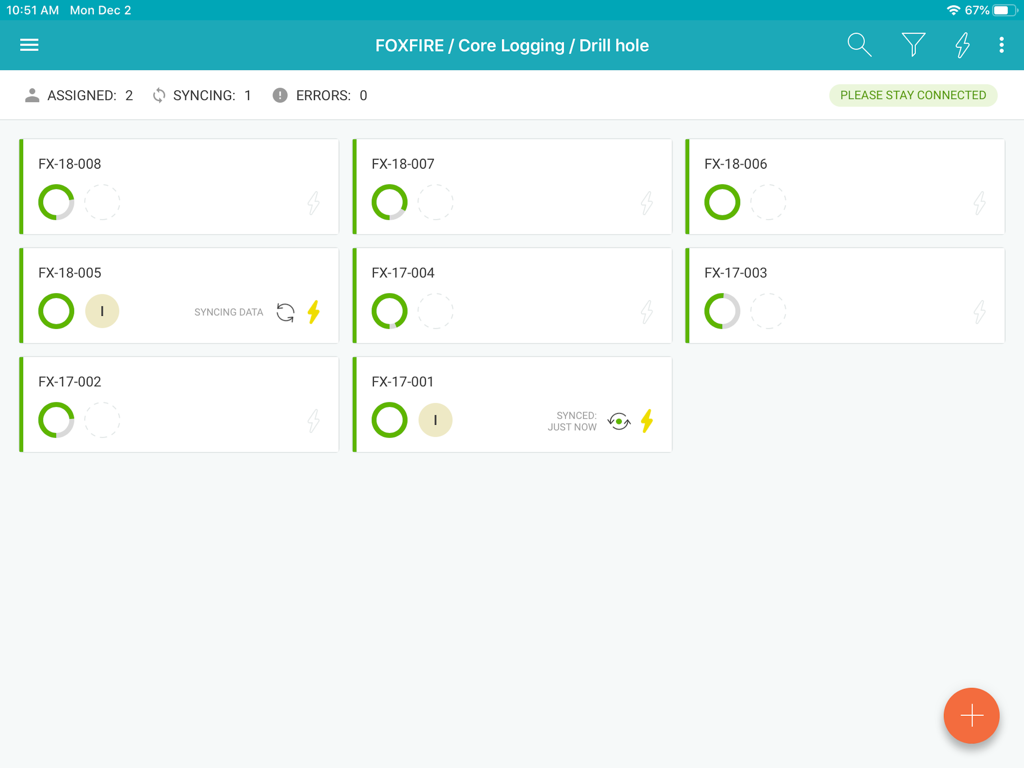
Dashboard dell'app MX Deposit che mostra i record di registrazione del carotaggio dei fori di perforazione e lo stato di sincronizzazione

Dashboard dell'app MX Deposit che mostra i record di registrazione del carotaggio dei fori di perforazione e lo stato di sincronizzazione

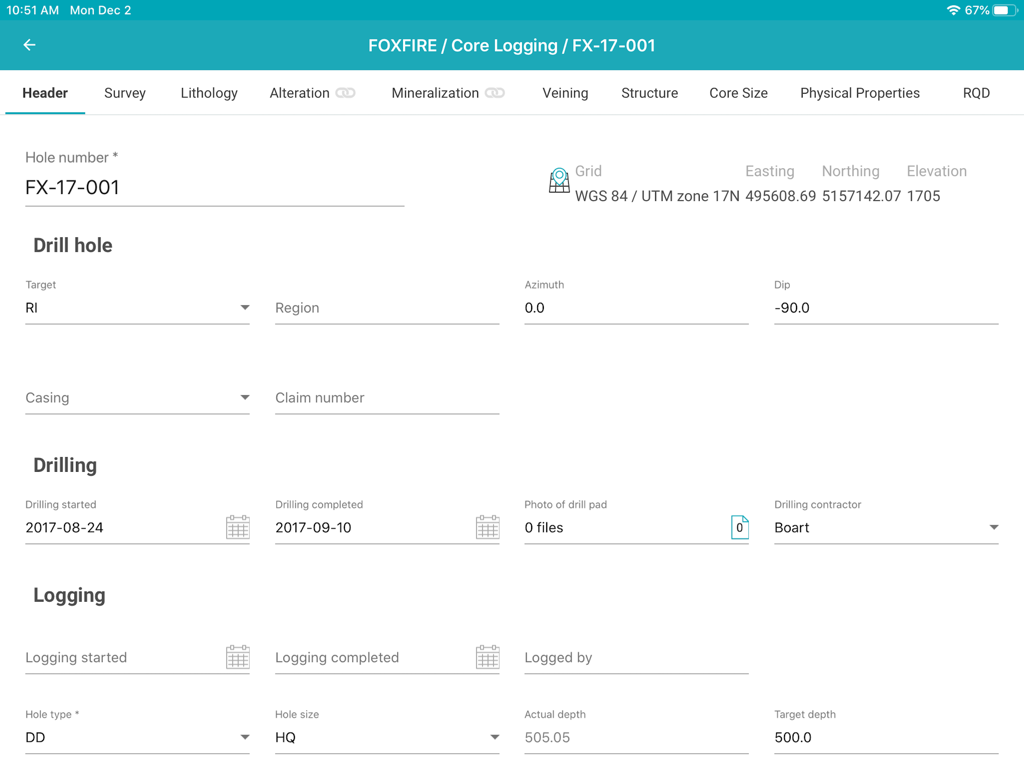
Interfaccia dell'app MX Deposit che mostra un modulo di intestazione per l'inserimento dei dati di registrazione del carotaggio dei fori di perforazione geologici

Interfaccia dell'app MX Deposit che mostra un modulo di intestazione per l'inserimento dei dati di registrazione del carotaggio dei fori di perforazione geologici

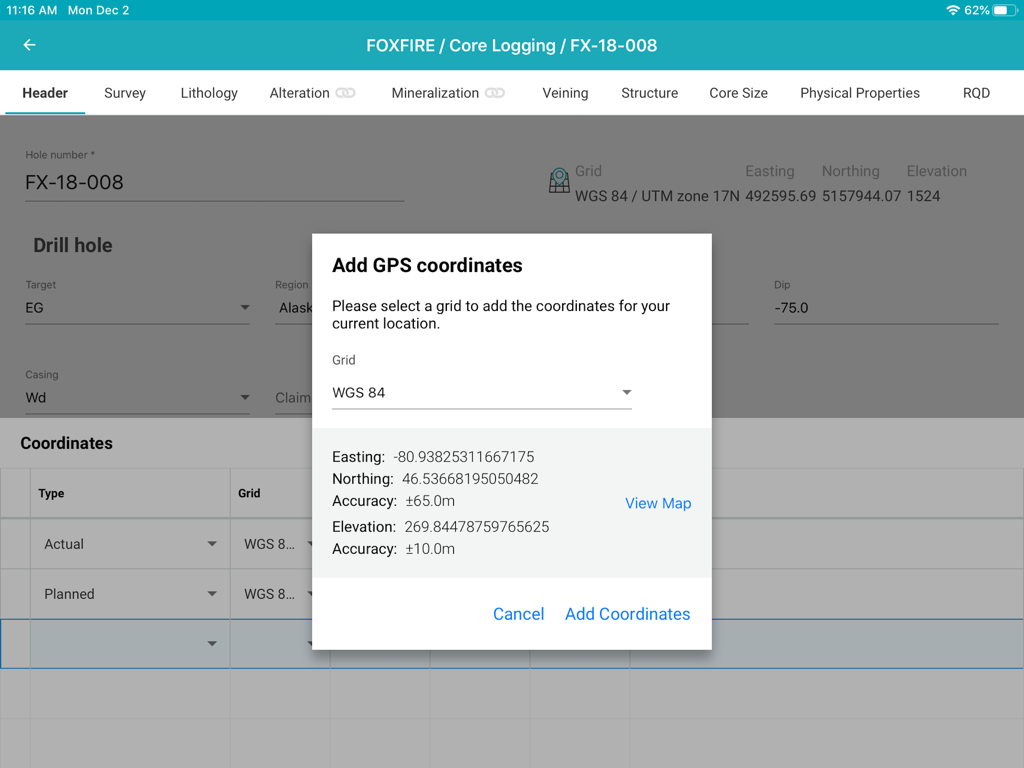
Interfaccia dell'app MX Deposit che mostra una finestra popup per aggiungere coordinate GPS a un foro di perforazione durante la registrazione del carotaggio su un iPad.

Interfaccia dell'app MX Deposit che mostra una finestra popup per aggiungere coordinate GPS a un foro di perforazione durante la registrazione del carotaggio su un iPad.

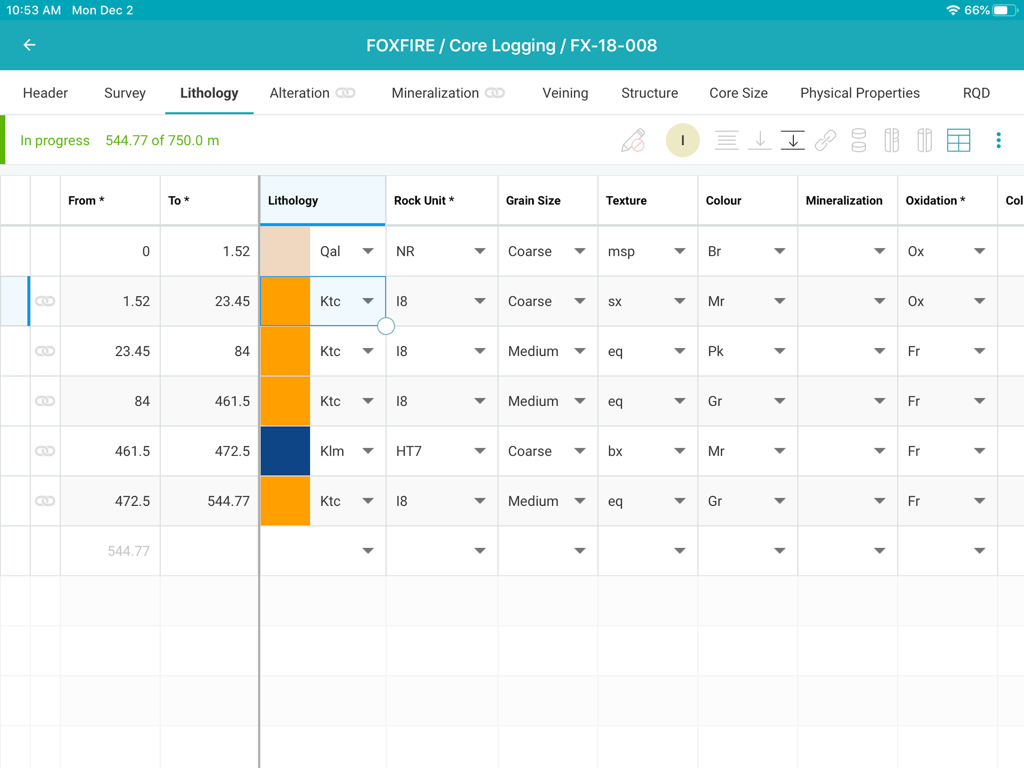
Interfaccia di registrazione del carotaggio MX Deposit che mostra una tabella dettagliata di inserimento dati di litologia per un progetto minerario

Interfaccia di registrazione del carotaggio MX Deposit che mostra una tabella dettagliata di inserimento dati di litologia per un progetto minerario

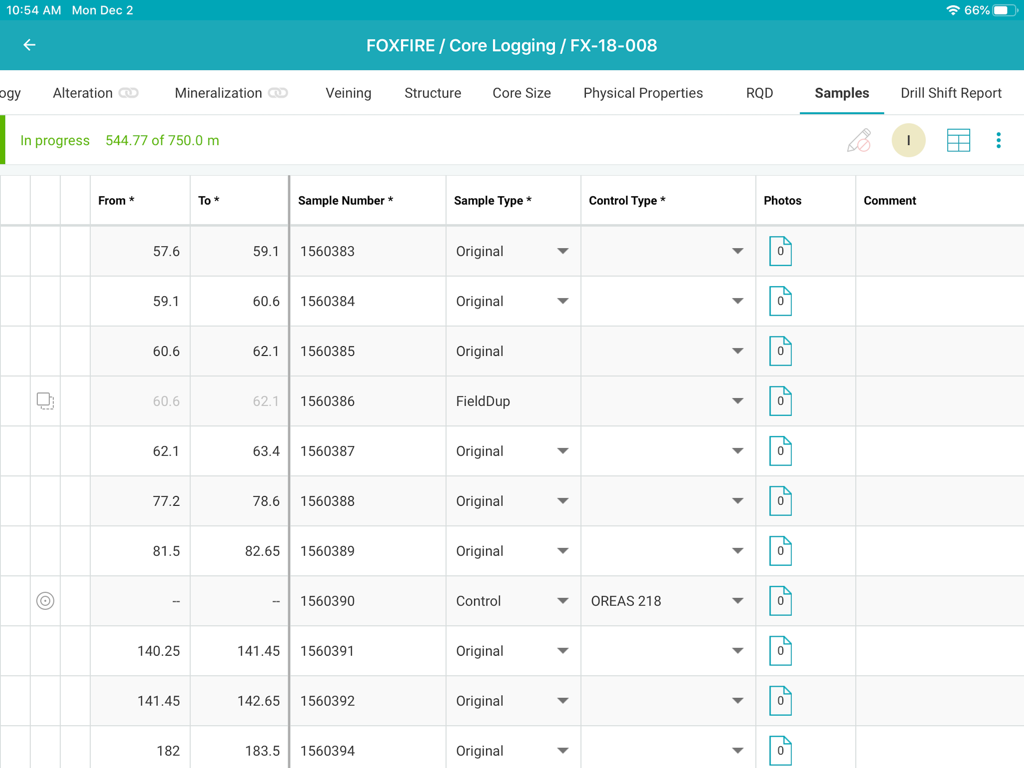
Interfaccia di registrazione del carotaggio MX Deposit che mostra una tabella dati dei campioni

Interfaccia di registrazione del carotaggio MX Deposit che mostra una tabella dati dei campioni

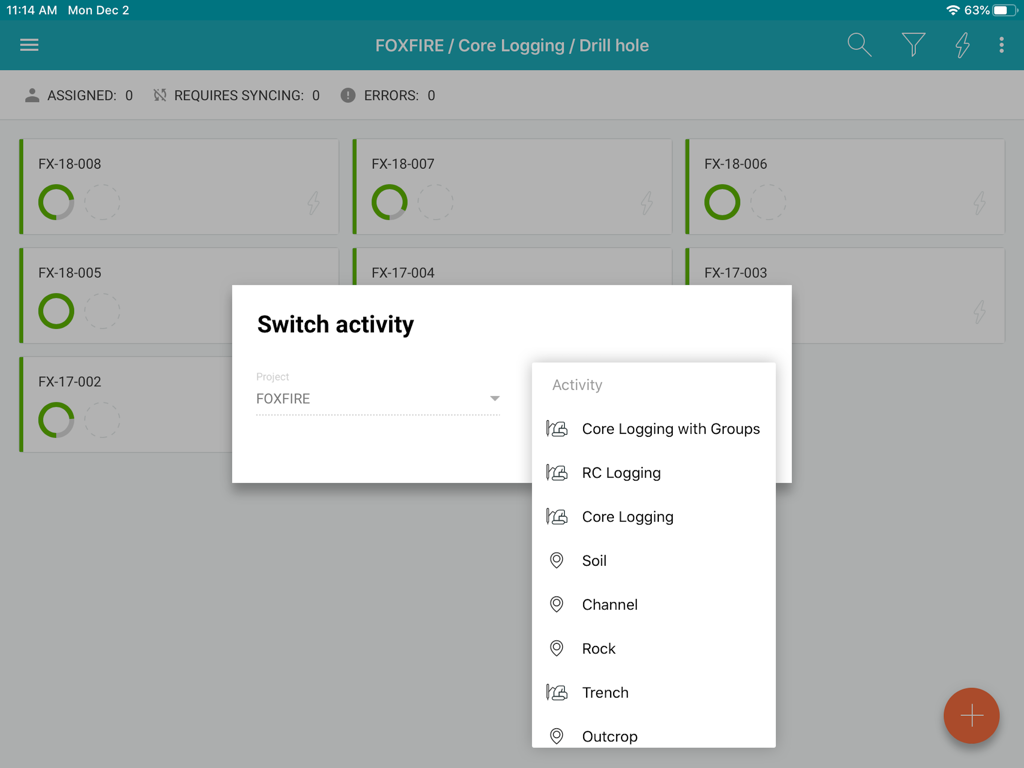
Interfaccia dell'app MX Deposit che mostra le opzioni di attività di registrazione per un progetto minerario

Interfaccia dell'app MX Deposit che mostra le opzioni di attività di registrazione per un progetto minerario

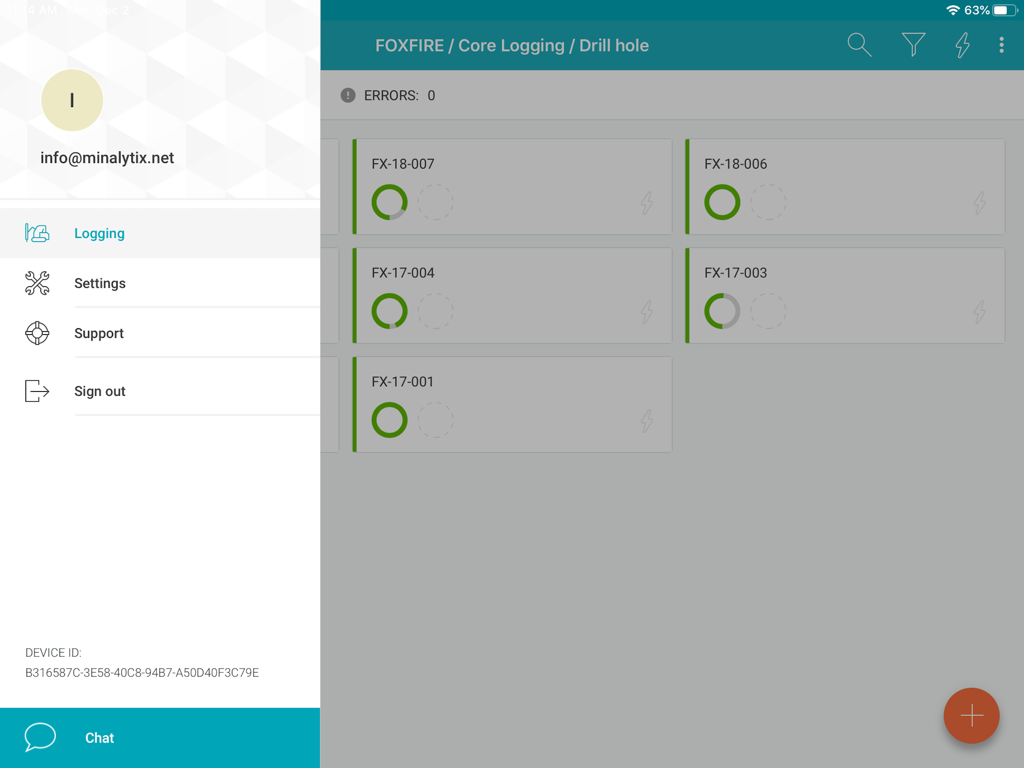
Interfaccia dell'app MX Deposit che mostra un elenco di fori di perforazione con stato di avanzamento e un menu laterale

Interfaccia dell'app MX Deposit che mostra un elenco di fori di perforazione con stato di avanzamento e un menu laterale

Ottimizza la Raccolta dei Dati sul Campo

Gli strumenti che rendono questa app unica, scelti da 600 utenti.

🛰️

Vera Performance Offline-First

Lavora nelle località più remote senza preoccuparti della connettività. Assegna i fori di perforazione per scaricare i dati localmente e sincronizza automaticamente al ritorno all'accampamento.

✍️

Progettato per i Professionisti sul Campo

Abbandona le porte desktop ingombranti. Usa gesti intuitivi e il supporto dello stilo sul tuo iPad per registrare rapidamente i dati, anche quando sei in piedi in un deposito di carote o in un sito di perforazione.

🛡️

Elimina Errori di Inserimento Costosi

Garantisci l'integrità dei dati con regole di validazione in tempo reale. Individua gli errori alla fonte in modo che il tuo team abbia sempre una versione singola e accurata della verità.

Info sull'app

Tutto quello che devi sapere su MX Deposit.

Descrizione

The MX Deposit app was built with you in mind so that field data entry is efficient and accurate. It’s not a desktop app disguised as a mobile app, it was designed to be used with mobile gestures using your finger or a stylus. With so many useful features, you’ll never want to use anything else. Your drill hole and sample data can go where you go, with or without an Internet connection. Working offline with the MX Deposit app is as easy as simply tapping a drill hole (or point) to download the data and start working on a local copy. Assigning the hole ensures that you are the only one making changes at any time. Changes are synchronized as you go, or you can switch to Offline Mode if you’re working in the field or otherwise without Internet. When you get back to the office, all the data you captured will be synchronized to the cloud and immediately available to the rest of the team. Some of the key features you’ll find in the app: **Works with your MX Deposit account Leverage all of the projects and drill hole or point activities that have been configured in the MX Deposit web app (headers, tables, pick-lists, validation rules, etc.). Any changes made to the activities or tables (through the web app) are propagated down to every device automatically. Users only see the projects & activities that they have access to when they log in to the app, and users can flip between projects & activities easily. **Continue logging a hole, or create new holes Users can “assign” out drill holes and points to download the data, work offline, and prevent other users from working on the same hole at the same time. Users can also “assign” out parts of a drill hole so that other users can work on the same hole at the same time (e.g. geology tables vs. geotech tables). Users can also create new drill holes and/or points, even when offline. All changes are synchronized to the web when the device is connected to the Internet. **Capture your data in the field Set the app to “offline mode” to continue working when in the field or the core shed. All logging templates are preloaded on the device, and all validation rules are applied as the data is being entered. Once the device gets back online, the app will automatically synchronize any changes up to the MX Deposit web app, where it is immediately available to the rest of the team. **Made for mobile Designed for mobile devices, users can easily navigate through tables and forms using intuitive gestures that are expected when working with mobile devices. Capture coordinates using the device GPS, or increase the accuracy with a bluetooth GPS. GPS coordinates can be converted into any grid system, even when offline (e.g. WGS84 lat/long to UTM northing/easting). Snap pictures of core, outcrops, drill site, etc. directly through the app, which will be immediately available to all users after sync. This app requires an active MX Deposit subscription.

Ultima versione

1.66

Dimensione

30.3 MB

Data di lancio

4 feb 2020

Sposta la Tua Registrazione sul Campo dal Carotaggio al Cloud

Scarica l'app MX Deposit per iPad e inizia a catturare dati accurati e validati ovunque, senza connessione Internet.

Scarica su App Store

App information, icons, screenshots, and descriptions displayed on this page are sourced from the Apple App Store and are the property of their respective developers. Download estimates and rankings are based on MWM's proprietary models and may not reflect actual figures. This page is provided for informational and analytical purposes only.

Believe this page infringes your intellectual property? File a dispute