
Questa pagina non è una pagina ufficiale dell'app o del suo sviluppatore, ma una pubblicazione editoriale indipendente creata a scopo informativo e di commento. Salvo espressa indicazione contraria, né l'app né il suo sviluppatore sono affiliati, approvati, sponsorizzati, autorizzati o altrimenti ufficialmente collegati a MWM, Apple, Google Play, all'editore dell'app o allo sviluppatore dell'app, e nulla in questa pagina implica che l'app sia stata sviluppata utilizzando i servizi di MWM. Tutti i marchi, loghi, screenshot e altri contenuti rimangono di proprietà dei rispettivi proprietari.


Noonlight: Feel Protected 24/7
La paura è un lusso che Noonlight non concede. Offre agli utenti il potere di trasformare l'incertezza in un comando diretto per l'aiuto.
Download
2.5M+Valutazione
Valutazioni totali
18.9KEditore
Categoria
LifestyleLingue
1Ultima versione
2.19.3Dimensione
110.8 MBData di lancio
5 ott 2013Un esame approfondito delle capacità dell'app 'Noonlight: Feel Protected 24/7' focalizzato sulla sicurezza personale e la risposta alle emergenze, valutate in base al loro impatto per gli individui attenti alla propria incolumità.
Analisi delle Funzionalità Chiave di Noonlight
Rilevamento Automatico Incidenti
L'app rileva automaticamente incidenti automobilistici gravi tramite i sensori del telefono e allerta i primi soccorritori, fornendo un intervento rapido anche in caso di incapacità dell'utente.
Pulsante di Emergenza Discreto
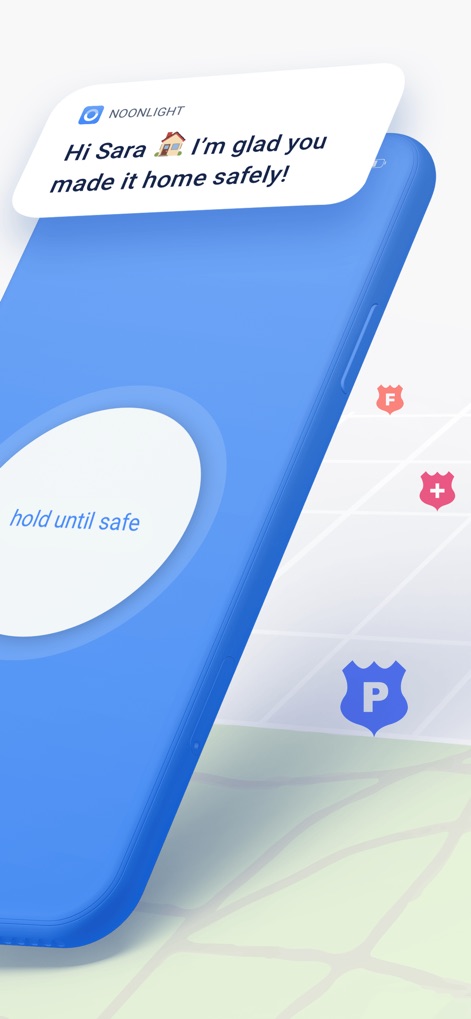
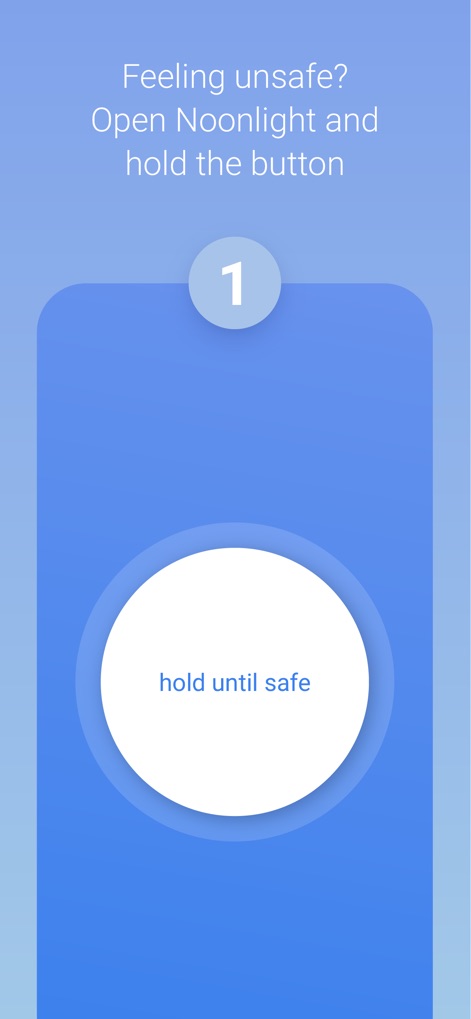
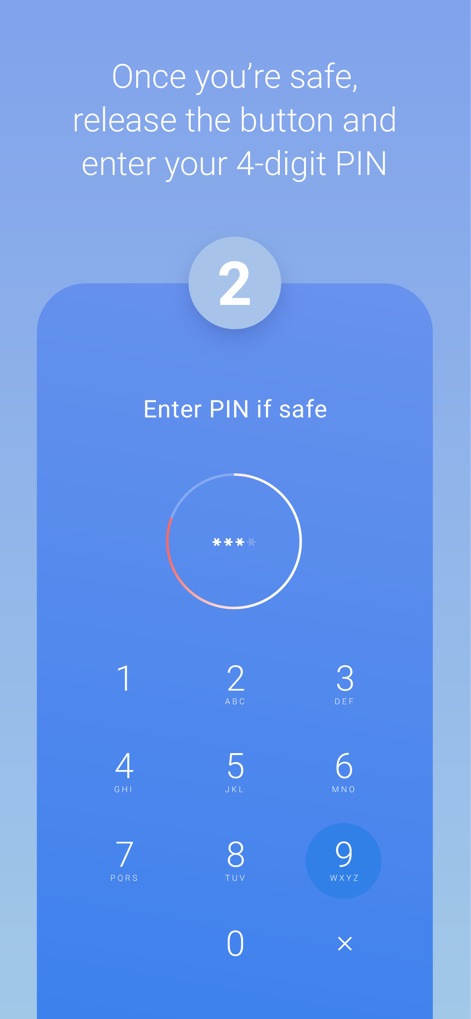
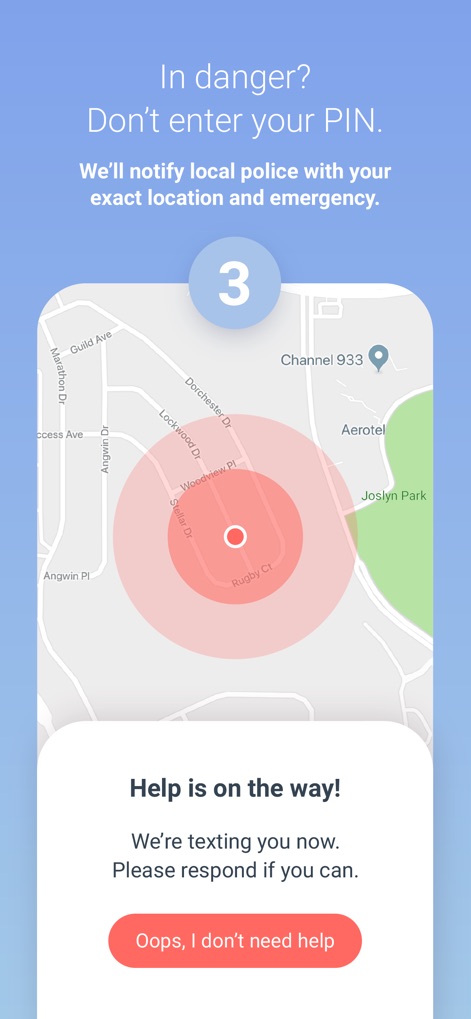
Questo strumento consente agli utenti di attivare una richiesta di soccorso discreta tenendo premuto un pulsante e rilasciandolo senza inserire il PIN in caso di pericolo immediato, oppure rilasciandolo con PIN in caso di falsa allerta.
Comunicazione Silenziosa via Testo
L'app garantisce la comunicazione con i dispatcher tramite SMS se l'utente non è in grado di parlare durante un'emergenza, assicurando che l'aiuto venga comunque inviato anche in silenzio.
Tracciamento GPS in Tempo Reale
Questo strumento aggiorna la posizione dell'utente in tempo reale, anche se in movimento, garantendo che i soccorritori possano raggiungere l'esatta posizione dell'emergenza con precisione.
Integrazione con Servizi di Ride-Sharing
Consente l'integrazione con account Lyft o Uber per inviare automaticamente dettagli sul viaggio e sull'autista ai primi soccorritori in caso di allarme, aumentando la sicurezza durante i trasporti condivisi.
Squadra di Dispatcher Certificati H24
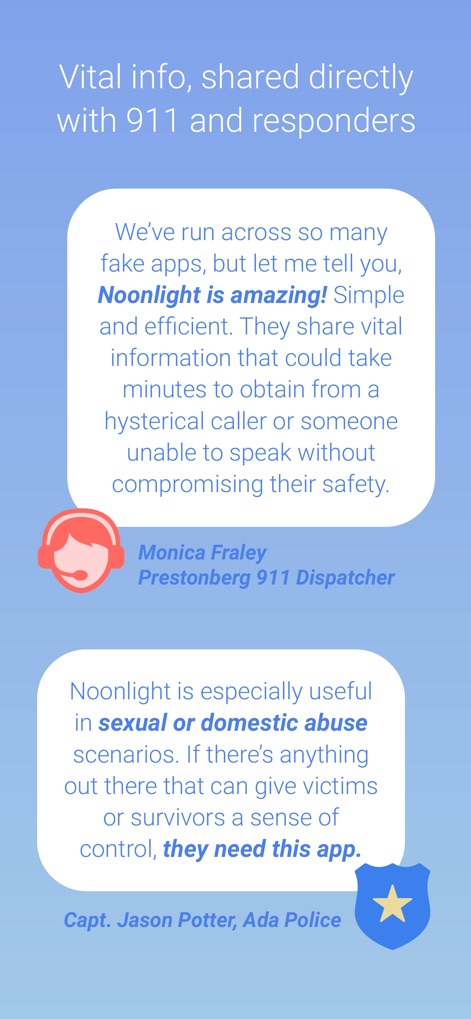
L'app fornisce accesso a un team di dispatcher certificati e disponibili 24 ore su 24, 7 giorni su 7, 365 giorni all'anno, per verificare le emergenze e coordinare l'intervento dei soccorsi.
Integrazione con Dispositivi Wearable
Consente agli utenti di attivare l'allarme di emergenza direttamente dal polso tramite Apple Watch o Wear OS, offrendo un accesso rapido e discreto ai soccorsi.
Condivisione Informazioni Contestuali
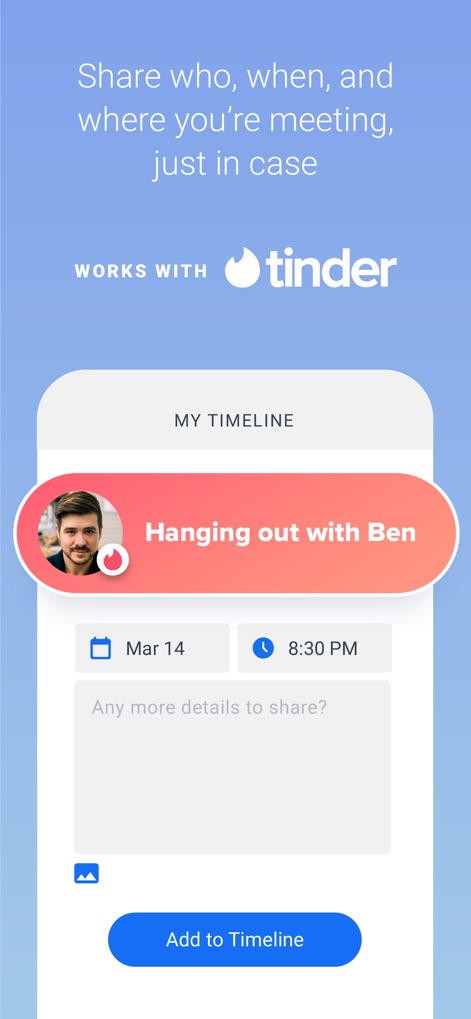
L'app permette agli utenti di aggiungere dettagli contestuali (es. incontri con sconosciuti, situazioni sospette) a una timeline, che può essere condivisa con i primi soccorritori per fornire informazioni preziose durante un'emergenza.
Gli screenshot e la descrizione seguenti provengono direttamente dall'elenco ufficiale dello store dell'app e sono di proprietà dello sviluppatore.
App Store
Screenshot
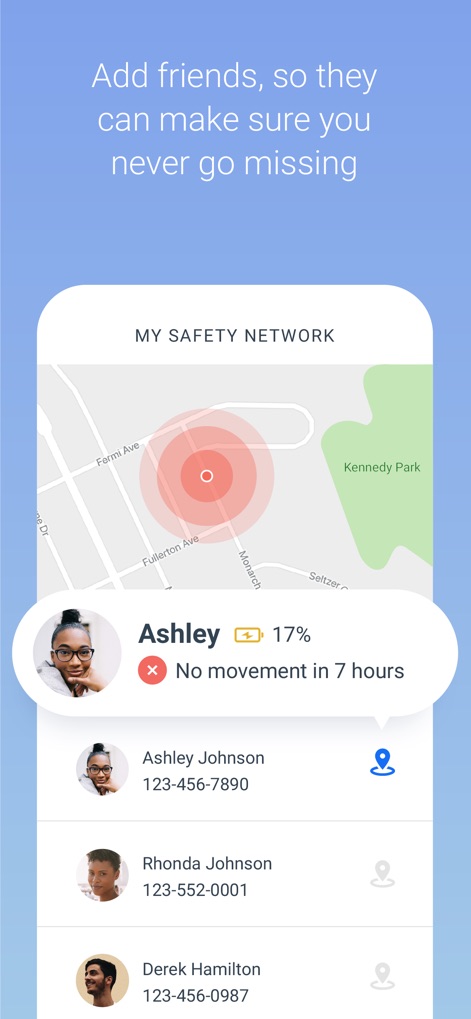
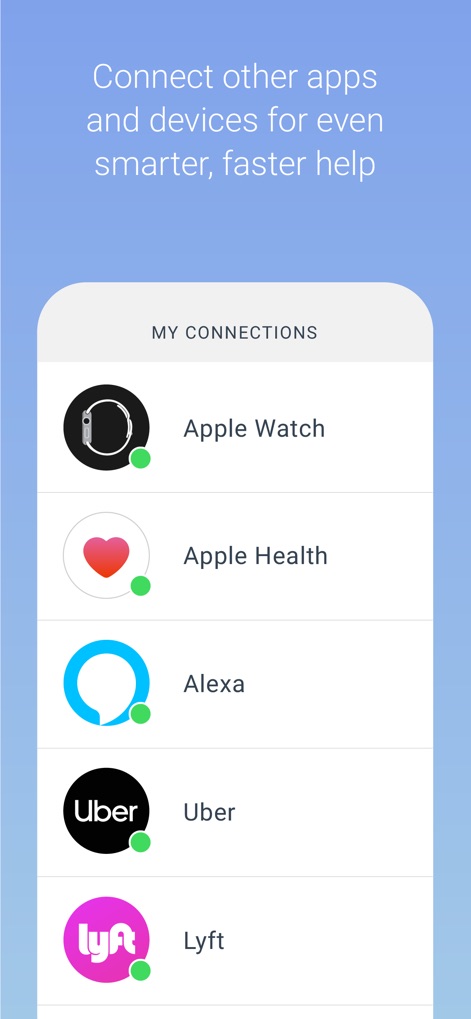
Descrizione
Download
App Simili
App con funzionalità ed esperienza simili

SafeNow™
SafeNow GmbH

Záchranka
Medical Information Technologies, s.r.o.

Kaaval Uthavi
Tamil Nadu Police

112NL
Politie Nederland
Hjelp 113
Stiftelsen Norsk Luftambulanse

EchoSOS
MobileMed Sarl

Pol-App(Kerala Police)
Kerala Police
Emergency Plus
National Triple Zero Awareness Work Group

PSCA - Public Safety
Punjab Safe Cities Authority
Questa pagina non è una pagina ufficiale dell'app o del suo sviluppatore, ma una pubblicazione editoriale indipendente creata a scopo informativo e di commento. Salvo espressa indicazione contraria, né l'app né il suo sviluppatore sono affiliati, approvati, sponsorizzati, autorizzati o altrimenti ufficialmente collegati a MWM, Apple, Google Play, all'editore dell'app o allo sviluppatore dell'app, e nulla in questa pagina implica che l'app sia stata sviluppata utilizzando i servizi di MWM. Tutti i marchi, loghi, screenshot e altri contenuti rimangono di proprietà dei rispettivi proprietari.