
Questa pagina non è una pagina ufficiale dell'app o del suo sviluppatore, ma una pubblicazione editoriale indipendente creata a scopo informativo e di commento. Salvo espressa indicazione contraria, né l'app né il suo sviluppatore sono affiliati, approvati, sponsorizzati, autorizzati o altrimenti ufficialmente collegati a MWM, Apple, Google Play, all'editore dell'app o allo sviluppatore dell'app, e nulla in questa pagina implica che l'app sia stata sviluppata utilizzando i servizi di MWM. Tutti i marchi, loghi, screenshot e altri contenuti rimangono di proprietà dei rispettivi proprietari.

Notepad+ Pro
Dalle aule universitarie alle sale riunioni, cattura le tue idee e annota documenti professionali con la precisione della Apple Pencil.
Download
317K+Valutazione
Valutazioni totali
45K+Editore
Categoria
ProductivityLingue
12Ultima versione
3.11Dimensione
56.6 MBData di lancio
11 dic 2013Eleva il Tuo Flusso di Lavoro Digitale
Trasforma il tuo iPad in una workstation ad alte prestazioni dove la scrittura a mano incontra la precisione digitale, progettata per professionisti e studenti che richiedono di più dai loro appunti.
Esperienza di Scrittura Autentica
Ottimizzata magistralmente per Apple Pencil con rifiuto del palmo e strumenti di ingrandimento, offrendoti la sensazione naturale della penna sulla carta con la potenza dell'editing digitale.
Marcatura di Documenti Professionali
Importa e annota istantaneamente PDF, fogli Excel e Keynote. Aggiungi evidenziazioni, commenti e schizzi direttamente ai tuoi documenti aziendali o alle diapositive delle lezioni.
Gli screenshot e la descrizione seguenti provengono direttamente dall'elenco ufficiale dello store dell'app e sono di proprietà dello sviluppatore.
App Store
Screenshot
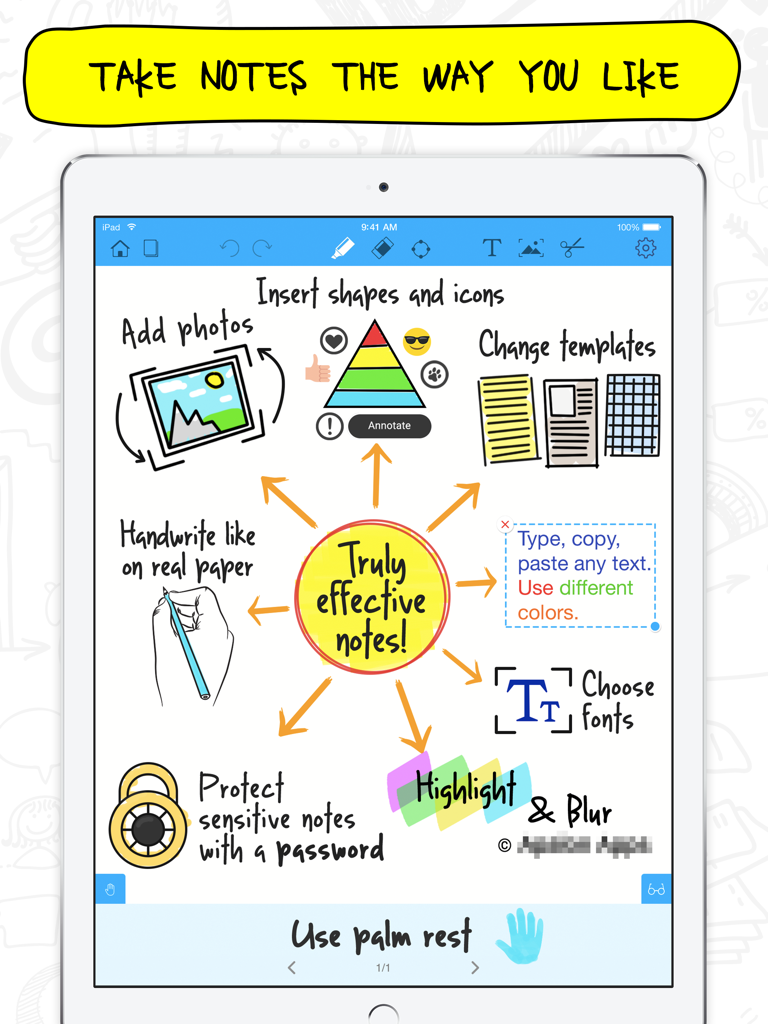
Interfaccia dell'app Notepad Pro su iPad che mostra le funzionalità di appunti che includono scrittura a mano, forme, foto e protezione password
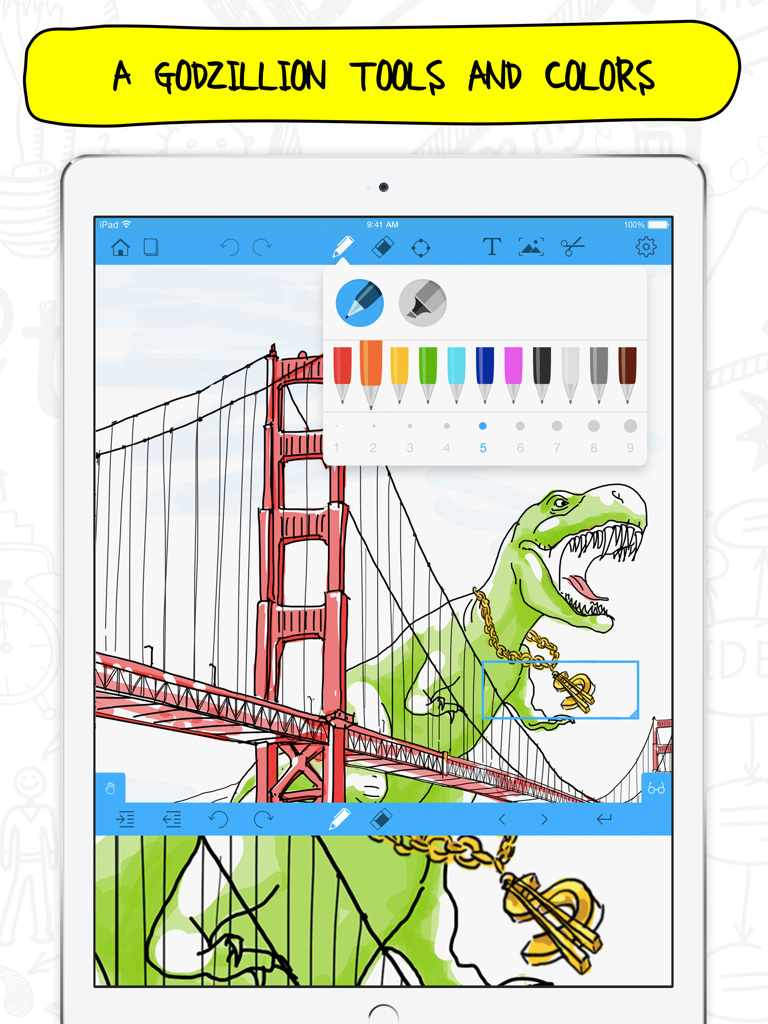
Uno schermo di iPad che visualizza l'app Notepad Pro con un disegno colorato e una selezione di strumenti penna
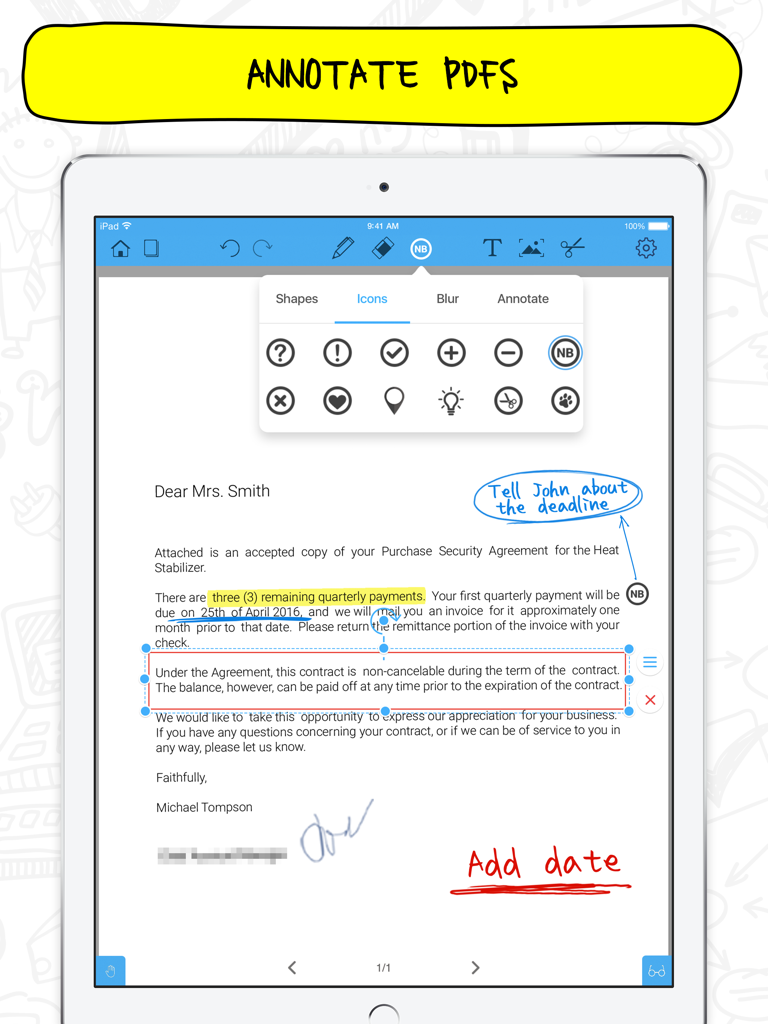
App Notepad+ Pro su iPad che mostra l'annotazione di PDF con note scritte a mano e menu icone
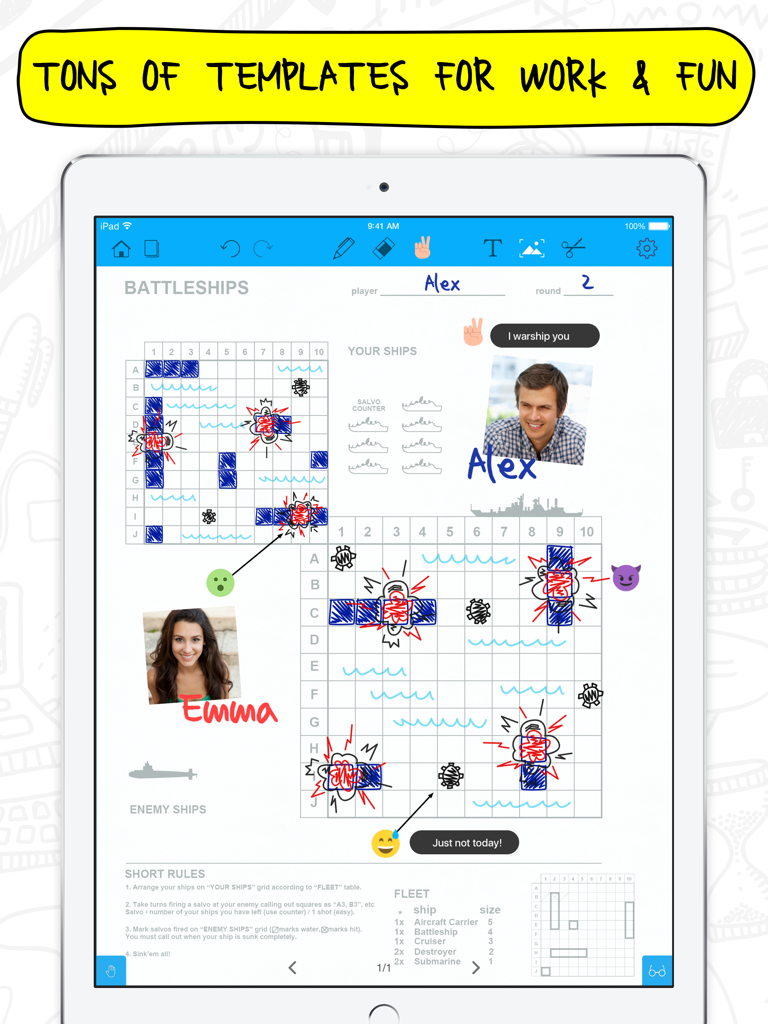
iPad che mostra l'app Notepad Plus Pro con un modello di gioco della battaglia navale e note scritte a mano
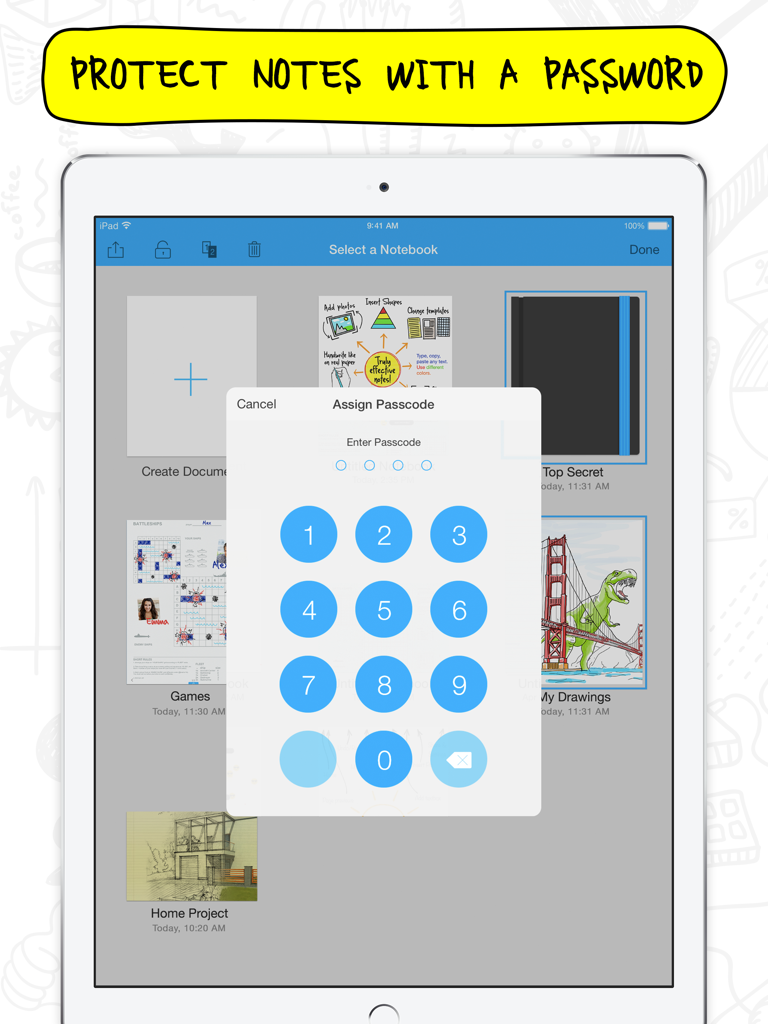
Interfaccia dell'app Notepad Pro su iPad che mostra una tastiera numerica per impostare una password per le note.
Descrizione
Download
App Simili
App con funzionalità ed esperienza simili

Notepad: Easy Notes & Memos
1381802 Ontario Inc.

EasyNote: Note, Handwrite, PDF
Hangzhou Tensorart Technology Co., Ltd

Wellnote-Notes&PDF
MAXEYE US INC.

AJournal - Planner & Journal
WonderApps AB

Element Note
Soysauce Lab

Penbook
User Camp Inc.

Notes Writer - Note Taking
Kairoos Solutions S.L.

Notewise - AI Notes, PDF, Docs
ZIIKR Pte. Ltd.

Notes Writer Pro 2026
Kairoos Solutions S.L.
Questa pagina non è una pagina ufficiale dell'app o del suo sviluppatore, ma una pubblicazione editoriale indipendente creata a scopo informativo e di commento. Salvo espressa indicazione contraria, né l'app né il suo sviluppatore sono affiliati, approvati, sponsorizzati, autorizzati o altrimenti ufficialmente collegati a MWM, Apple, Google Play, all'editore dell'app o allo sviluppatore dell'app, e nulla in questa pagina implica che l'app sia stata sviluppata utilizzando i servizi di MWM. Tutti i marchi, loghi, screenshot e altri contenuti rimangono di proprietà dei rispettivi proprietari.