
Questa pagina non è una pagina ufficiale dell'app o del suo sviluppatore, ma una pubblicazione editoriale indipendente creata a scopo informativo e di commento. Salvo espressa indicazione contraria, né l'app né il suo sviluppatore sono affiliati, approvati, sponsorizzati, autorizzati o altrimenti ufficialmente collegati a MWM, Apple, Google Play, all'editore dell'app o allo sviluppatore dell'app, e nulla in questa pagina implica che l'app sia stata sviluppata utilizzando i servizi di MWM. Tutti i marchi, loghi, screenshot e altri contenuti rimangono di proprietà dei rispettivi proprietari.

nPlayer Plus
Sperimenta l'audio DTS e Dolby di alta fedeltà con supporto nativo per ogni formato video. Riproduci in streaming l'intera libreria dal tuo NAS, Cloud o FTP senza sacrificare lo spazio di archiviazione locale.
Download
488K+Valutazione
Valutazioni totali
37K+Editore
Categoria
EntertainmentLingue
10Ultima versione
3.13.0Dimensione
62.0 MBData di lancio
24 lug 2012Padroneggia la Tua Esperienza Multimediale
Lo strumento definitivo per gli appassionati di media. Riproduci in streaming, esegui e personalizza ogni dettaglio della tua libreria con prestazioni di livello professionale e zero restrizioni di formato.
Riproduzione Universale, Nessuna Conversione
Dimentica gli strumenti di conversione. Riproduci MKV, AVI, WMV e altri formati in modo impeccabile con una fluida accelerazione hardware e il supporto HDR completo.
La Tua Cloud Multimediale Privata
Risparmia lo spazio di archiviazione del tuo dispositivo. Riproduci in streaming contenuti 4K direttamente dal tuo NAS, FTP, SMB o servizi cloud come Dropbox e Google Drive.
Gli screenshot e la descrizione seguenti provengono direttamente dall'elenco ufficiale dello store dell'app e sono di proprietà dello sviluppatore.
App Store
Screenshot
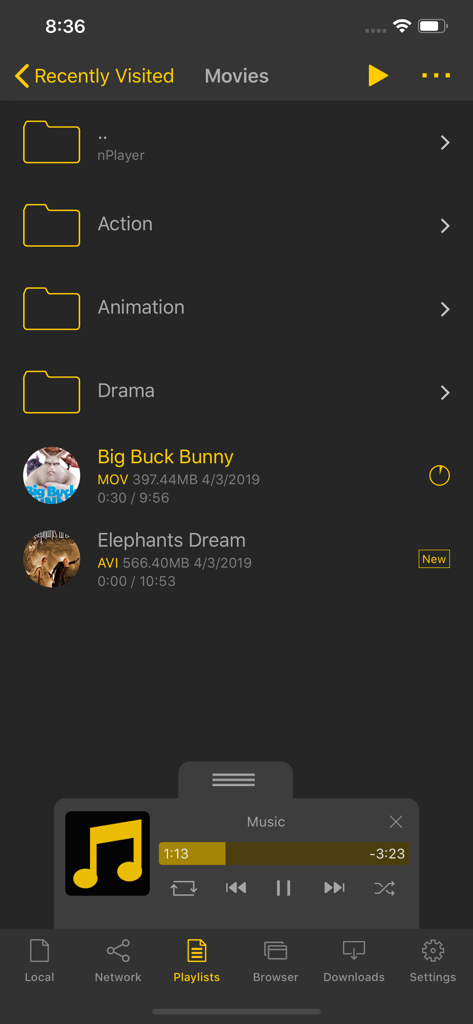
Interfaccia della libreria multimediale di nPlayer Plus che mostra cartelle di film e un pannello di controllo per il mini lettore musicale
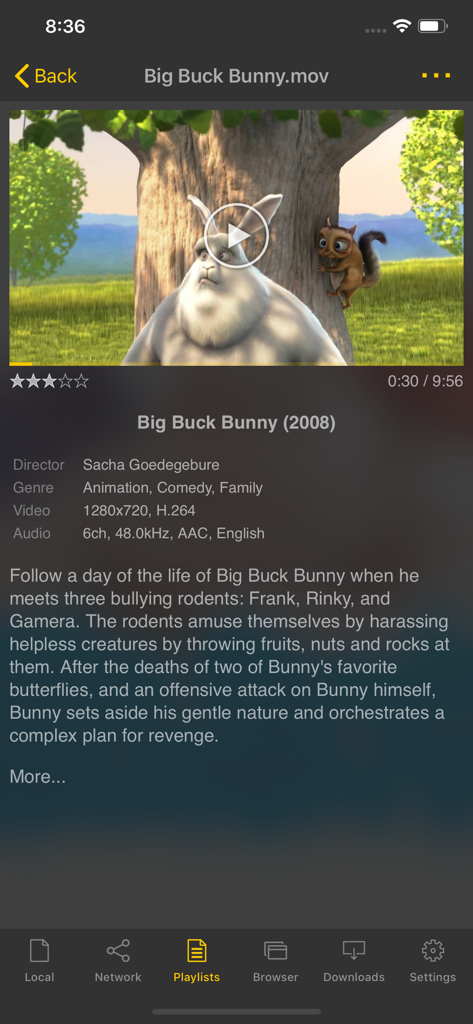
Interfaccia dell'app nPlayer Plus che mostra dettagli del film e specifiche tecniche per un file video
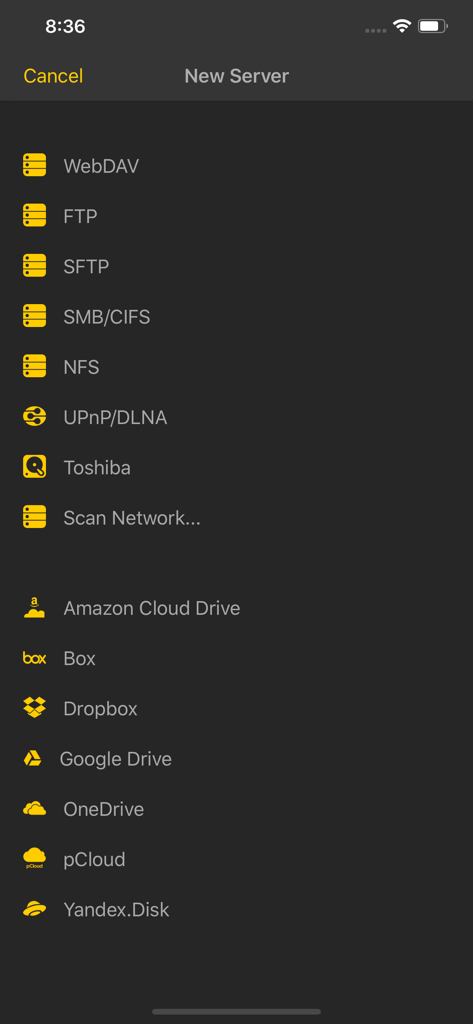
Screenshot di nPlayer Plus che mostra le opzioni di connessione al server di rete e all'archiviazione cloud
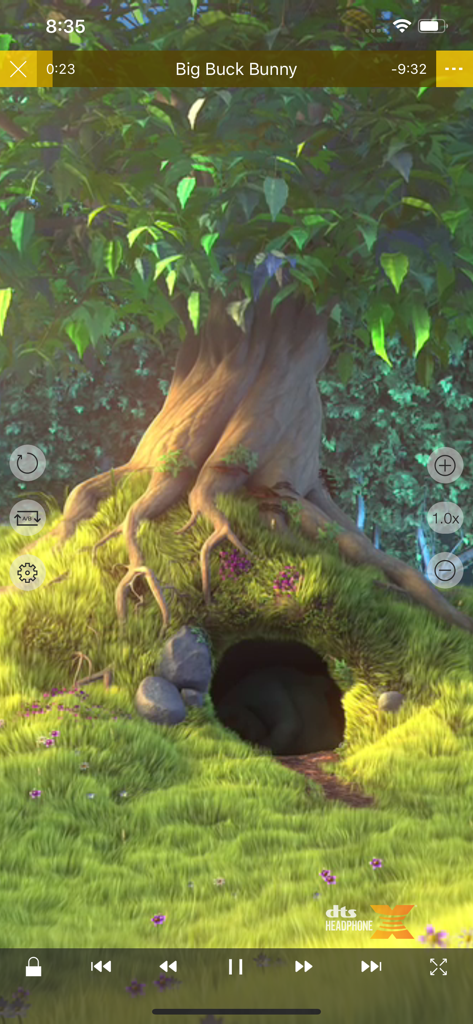
Interfaccia di riproduzione video dell'app mobile nPlayer Plus con logo DTS Headphone X e controlli di riproduzione
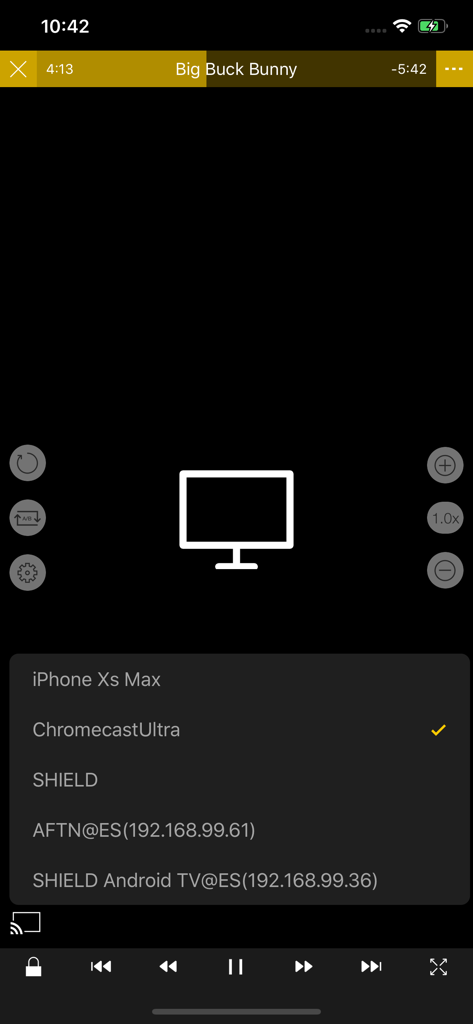
Selezione di un dispositivo Chromecast Ultra per il casting video nell'app nPlayer Plus
Descrizione
Download
App Simili
App con funzionalità ed esperienza simili

网易爆米花-智能媒体库,全能云盘网盘播放器
Guangzhou NetEase Computer System Co.Ltd

Immich
Hau Tran

飞牛
Guangzhou TR Intelligent Manufacturing Technology Co., Ltd.
nPlayer
Newin Inc.

MiraPlay
悦 刘

NipaPlay
荣广 梁

VidHub -Video Library & Player
Nanjing Oumi Software Development Co., Ltd.

Fast Player - video player
化媚 席

zFuse - Media Player
s-joys Technology Co., Ltd.
Questa pagina non è una pagina ufficiale dell'app o del suo sviluppatore, ma una pubblicazione editoriale indipendente creata a scopo informativo e di commento. Salvo espressa indicazione contraria, né l'app né il suo sviluppatore sono affiliati, approvati, sponsorizzati, autorizzati o altrimenti ufficialmente collegati a MWM, Apple, Google Play, all'editore dell'app o allo sviluppatore dell'app, e nulla in questa pagina implica che l'app sia stata sviluppata utilizzando i servizi di MWM. Tutti i marchi, loghi, screenshot e altri contenuti rimangono di proprietà dei rispettivi proprietari.