QuickScan: OCR e Automazione Professionali Senza Abbonamenti
Lo scanner di documenti più veloce e potente per iOS. 100% gratuito, senza pubblicità e focalizzato sulla privacy, con tutta l'elaborazione che avviene in modo sicuro sul tuo dispositivo.
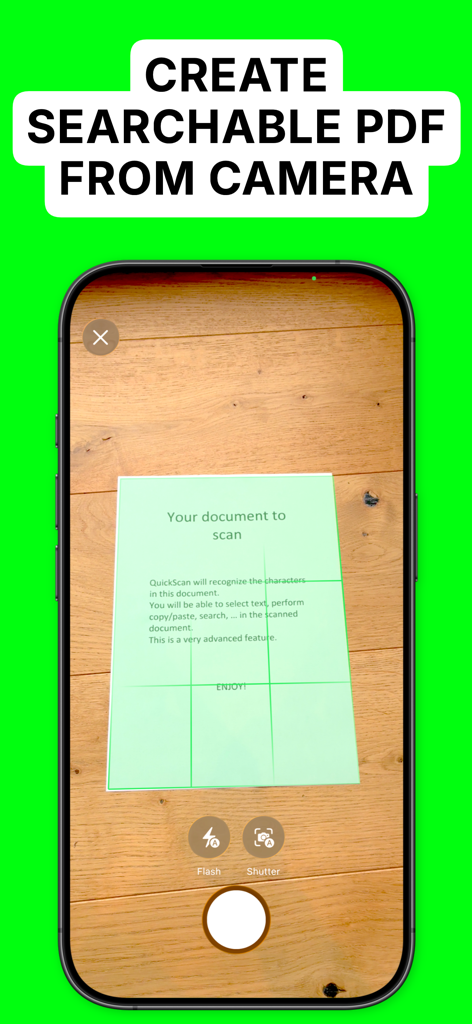
Schermata dell'iPhone che mostra l'app QuickScan mentre scansiona un documento per creare un PDF ricercabile
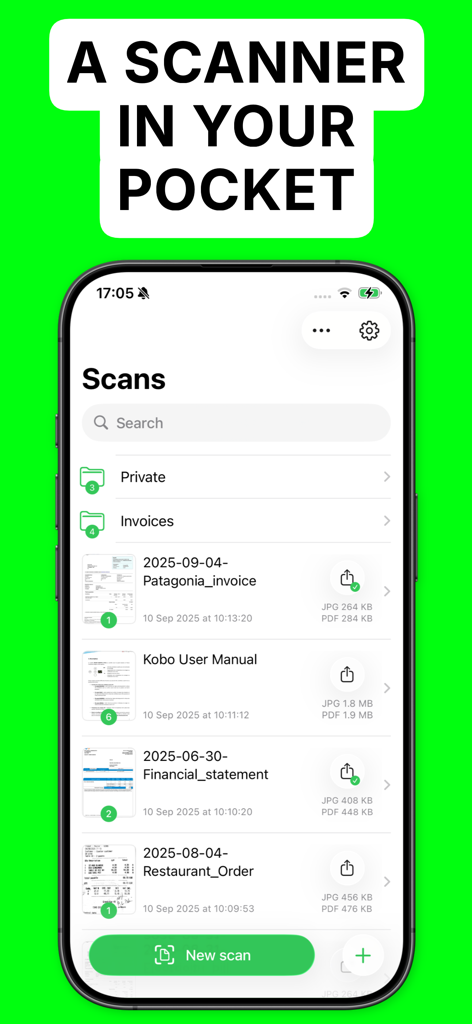
Interfaccia dell'app QuickScan su un iPhone che mostra un elenco di file scansionati come fatture e manuali
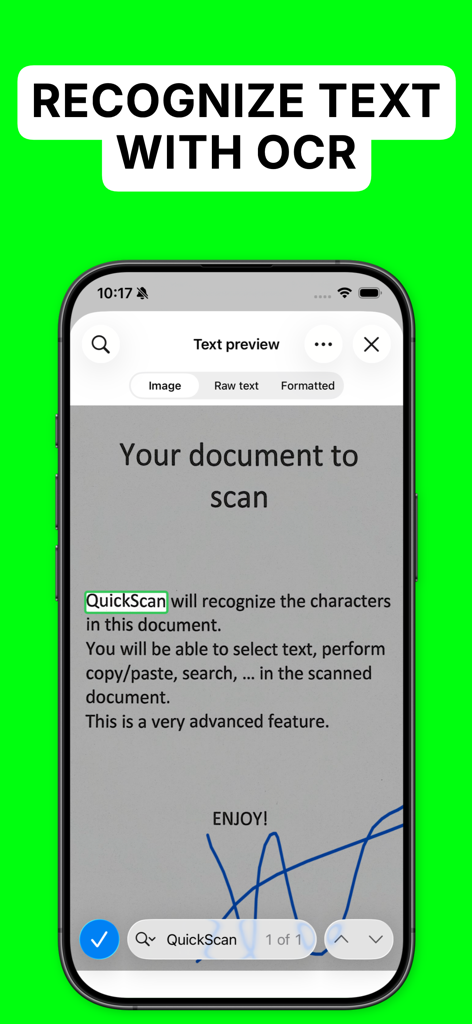
Schermata dell'iPhone che mostra l'app QuickScan mentre riconosce il testo da un documento scansionato utilizzando la tecnologia OCR
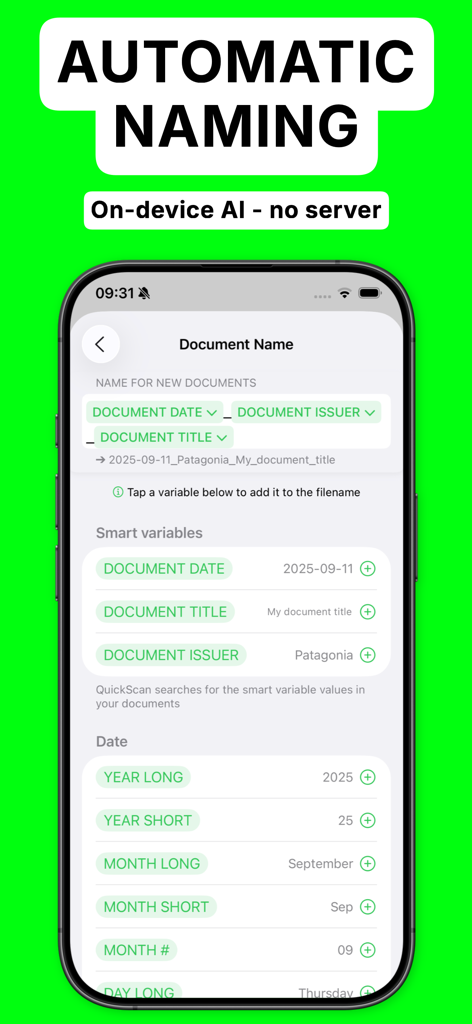
Schermata dell'app QuickScan che mostra le opzioni di denominazione automatica dei documenti con variabili intelligenti
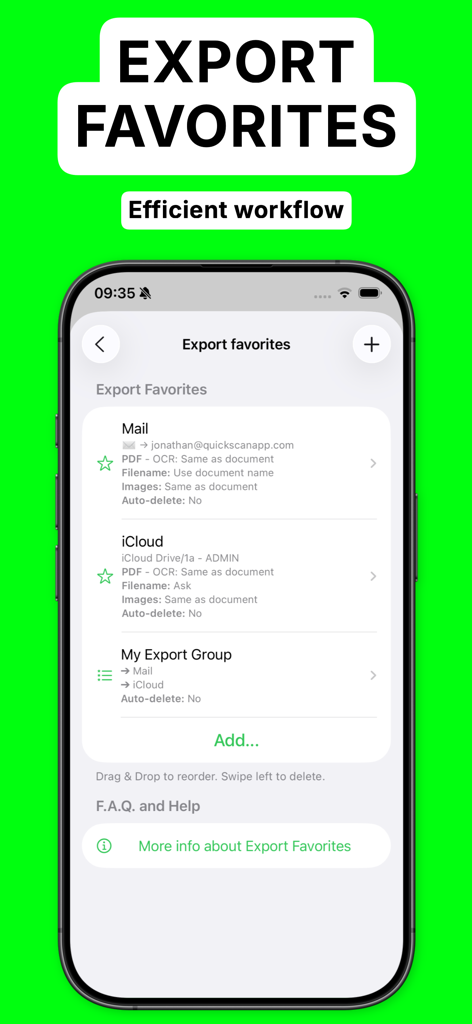
Schermata dell'iPhone che mostra il menu Esporta Preferiti nell'app QuickScan per la condivisione automatica di file su Mail e iCloud
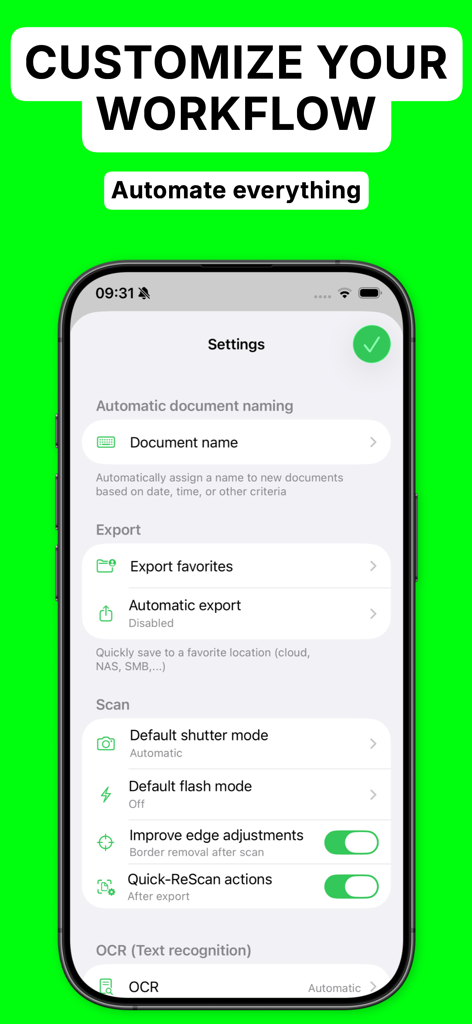
Schermata delle impostazioni dell'app QuickScan che mostra le opzioni per la denominazione automatica dei documenti e la personalizzazione del flusso di lavoro su un iPhone
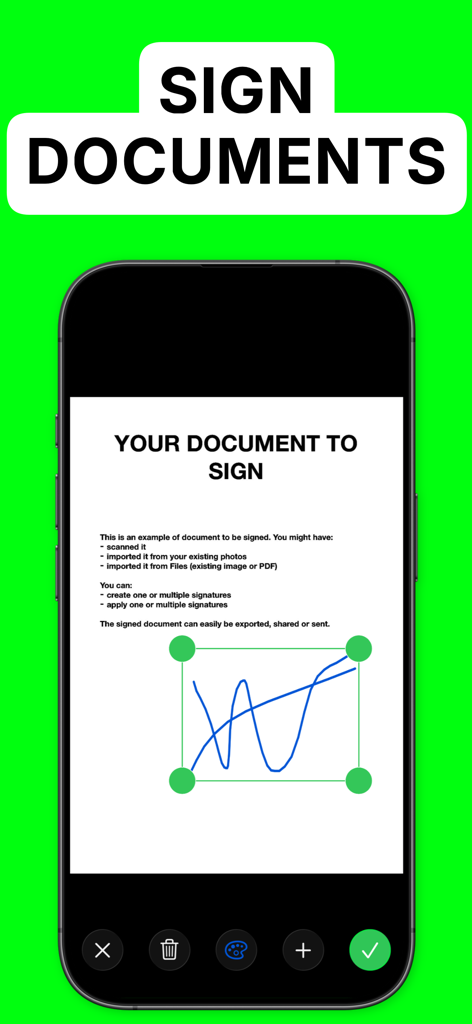
Schermata dell'iPhone che mostra l'aggiunta di una firma digitale a un documento nell'app QuickScan
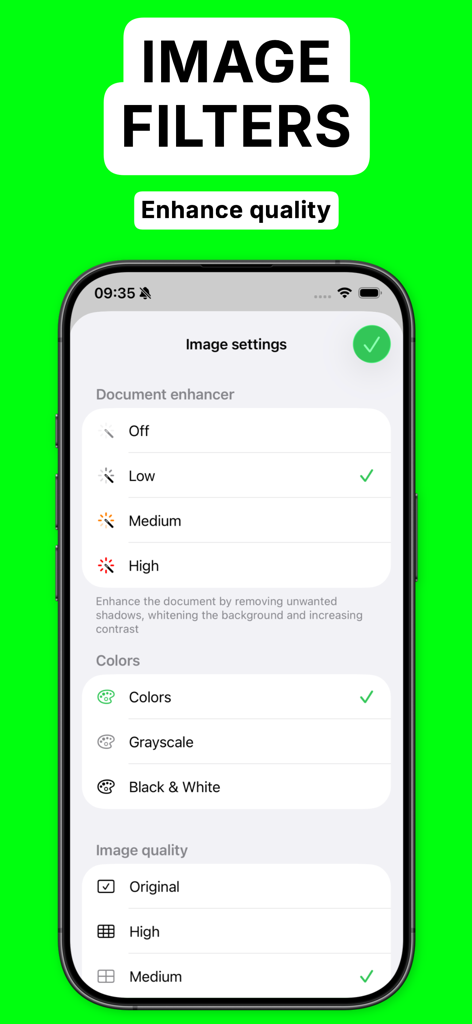
Interfaccia dell'app QuickScan che mostra le opzioni di miglioramento del documento e filtri immagine su una schermata di iPhone
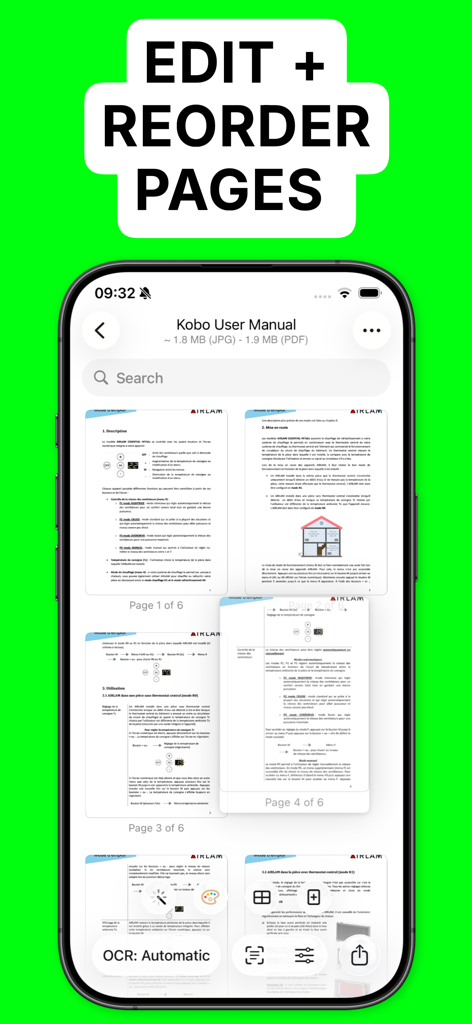
Interfaccia dell'app QuickScan che mostra la funzione di modifica e riordino delle pagine per un documento scansionato
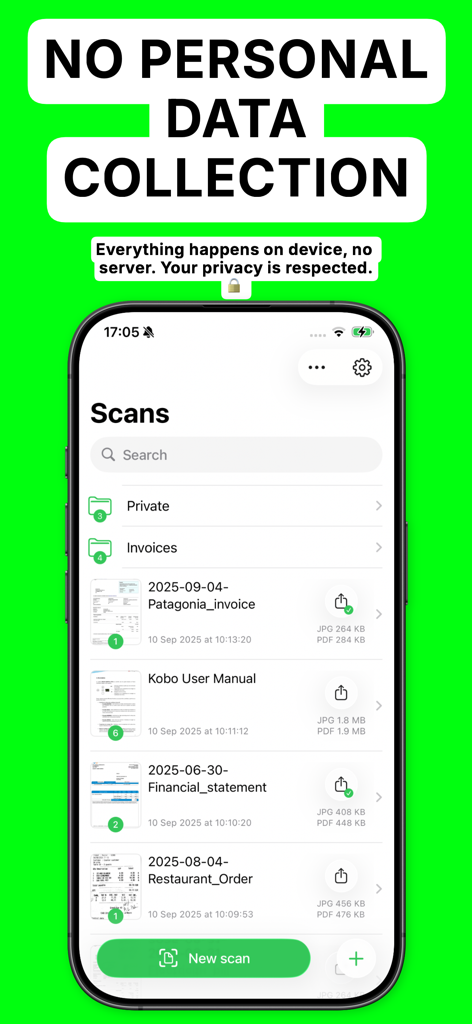
Interfaccia dell'app QuickScan che visualizza documenti scansionati e un'intestazione che enfatizza la mancata raccolta di dati personali e l'elaborazione sul dispositivo
Potenza Professionale, Privacy Totale
Gli strumenti che rendono questa app unica, scelti da 208K+ utenti.
🛡️
Progettato per Essere Privato e Sicuro
I tuoi dati non lasciano mai il tuo iPhone. L'elaborazione locale garantisce la massima sicurezza per documenti legali e personali senza mai richiedere una connessione Internet.
⚡
Flussi di Lavoro Automatizzati
Elimina le attività ripetitive. Utilizza regole di denominazione personalizzate e 'Esporta Preferiti' con un solo tocco per organizzare e archiviare istantaneamente i tuoi documenti sui servizi cloud.
🔍
Tecnologia OCR Avanzata
Trasforma la carta in dati intelligenti. Cerca, copia e incolla testo direttamente da PDF ricercabili ad alta precisione supportati da un riconoscimento di livello professionale.
Info sull'app
Tutto quello che devi sapere su OCR Text Scanner, QuickScan.
Descrizione
The app is 100% FREE, with NO ads and NO data collection. Donations are possible to support the project.
QuickScan is the easiest & quickest yet super-powerful scanner on iOS.
Main features:
### iOS integration ###
• QuickScan has been designed specifically for iOS & iPadOS for seamless integration and an exceptional user experience.
### Scan & import ###
• Scan with your camera (automatic document detection & automatic angle correction)
• Import existing images
• Import existing PDF files
• Organize your documents in folders
### OCR (text recognition) ###
• Professional-quality OCR on images and existing PDFs
• Make documents searchable with text integrated into PDFs (search, select, copy, paste)
• Automatic language detection and dictionary matching for highly accurate results
### SIGN ###
• Add signatures to your documents
• Create signatures with your finger, Apple Pencil, or import existing signatures
• Adjust size and color for a polished look
### Automate ###
• Automatic document/file naming with patterns (e.g., document date, title, issuer, time, text, counter)
• 'Export Favorites': Automatically export to preconfigured locations (cloud, email, etc.) with custom settings (color, black & white, filename, format)
• 'Export Groups': Export to multiple locations simultaneously by grouping Export Favorites
• Automatic deletion of documents after successful export
• iOS Home screen & Lock screen Widgets & Control Center controls. Associate an Export Favorite to the widget for instant export to that favorite after the scan started by tapping the widget.
• Place document automatically in the configured folder when the scan is started from a Widget/Shortcut associated to an Export Favorite
• Siri Shortcuts compatible
• Launch scan directly from the home screen with a long press on the app icon (or using a widget)
### Export ###
• Export in PDF with the recognized text integrated (very advanced feature). This allows to search/copy & paste into the generated PDF.
• Export recognized text as a .txt file
• Export as images with optional filters (grayscale, black & white)
• Save to cloud services with Favorites (iCloud Drive, Dropbox, Google Drive, OneDrive, WebDAV, paperless-ngx, pCloud, NAS, SMB, NextCloud, and more)
• Export anywhere (to Files, to any Drive, E-mail, message, Airdrop, …), or to the cloud
• Apply image filters (grayscale, black & white), crop, rotate images
• Easily adjust output file size and quality with real-time size estimation
• ... and much more, there are really many useful features
Everything is processed on your device: No internet connection required and ZERO data collection.
There’s no quicker, easier way to scan, OCR, and manage documents beautifully
SUPPORTED LANGUAGES FOR OCR:
• ENGLISH
• GERMAN
• FRENCH
• SPANISH
• ITALIAN
• PORTUGUESE
• CHINESE
• KOREAN
• JAPANESE
• UKRAINIAN
• RUSSIAN
• VIETNAMESE
• THAI
• ARABIC
• ARABIC NAJDI
• Danish
• Swedish
• Dutch
• Norwegian
• Norwegian Nynorsk
• Norwegian Bokmål
• Czech
• Polish
• Romanian
• Turkish
• Indonesian
• Malay
• Other languages are supported but do not benefit from the enhanced accuracy provided by language dictionaries
I hope you’ll save a lot of time thanks to the efficiency of QuickScan!
Your privacy matters: everything happens locally, on your device! This app does not use any server. No personal data is collected.
QuickScan is 100% free to use (no ads, does not sell your data). In-app purchases are optional donations to help me support development and bring future updates. They do not restrict the app's functionality.
---------
The privacy policy and terms of use can be found here: https://quickscanapp.com/privacy.html
Ultima versione
9.2
Dimensione
27.7 MB
Data di lancio
18 mag 2020
Pronto a Dematerializzare Senza la Fatica degli Abbonamenti?
Unisciti a oltre 200.000 utenti esperti che scansionano, firmano e automatizzano il loro flusso di lavoro gratuitamente. Nessuna pubblicità, nessuna raccolta dati: solo OCR di livello professionale che rispetta la tua privacy.
App information, icons, screenshots, and descriptions displayed on this page are sourced from the Apple App Store and are the property of their respective developers. Download estimates and rankings are based on MWM's proprietary models and may not reflect actual figures. This page is provided for informational and analytical purposes only.
Believe this page infringes your intellectual property? File a dispute