Password Manager - mSecure
Scarica su App Store

Questa pagina non è una pagina ufficiale dell'app o del suo sviluppatore, ma una pubblicazione editoriale indipendente creata a scopo informativo e di commento. Salvo espressa indicazione contraria, né l'app né il suo sviluppatore sono affiliati, approvati, sponsorizzati, autorizzati o altrimenti ufficialmente collegati a MWM, Apple, Google Play, all'editore dell'app o allo sviluppatore dell'app, e nulla in questa pagina implica che l'app sia stata sviluppata utilizzando i servizi di MWM. Tutti i marchi, loghi, screenshot e altri contenuti rimangono di proprietà dei rispettivi proprietari.


Logo di Password Manager - mSecure
Scarica su App Store

Password Manager - mSecure

Unisciti a oltre 400.000 utenti che si affidano a mSecure per salvaguardare password, record finanziari e file sensibili con la crittografia AES-256 standard del settore su tutti i tuoi dispositivi.

Numeri Chiave

Download

408K+

Valutazione

4.8/5

Valutazioni totali

53K+

Editore

mSeven Software, LLC

Categoria

Productivity

Lingue

5

Ultima versione

6.1.14

Dimensione

110.9 MB

Data di lancio

15 mag 2017
Funzioni

La cassaforte definitiva per i tuoi dati sensibili

Più di un semplice gestore di password: mSecure è il tuo portafoglio digitale sicuro, il tuo archivio e il tuo hub di sincronizzazione creato per la tua vita frenetica.

Sicurezza di livello militare

Dormi sonni tranquilli con la crittografia AES-256 standard del settore e la protezione biometrica che mantiene le tue informazioni più sensibili invisibili a chiunque tranne te.

Accesso rapido con un tocco

Smetti di reimpostare le password dimenticate. Usa l'autocompletamento nativo e l'accesso biometrico per navigare tra le tue app e i tuoi siti web preferiti su qualsiasi dispositivo.

Gli screenshot e la descrizione seguenti provengono direttamente dall'elenco ufficiale dello store dell'app e sono di proprietà dello sviluppatore.

App Store

Screenshot
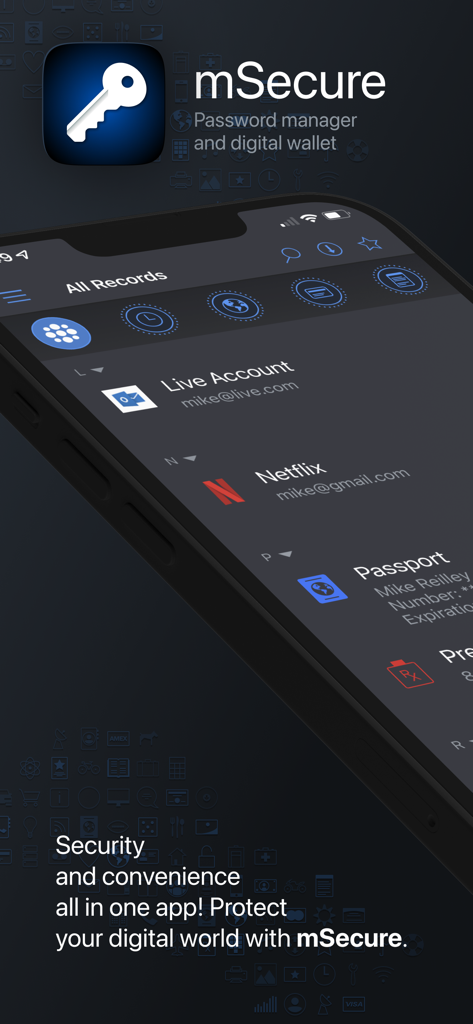
Password Manager - mSecure - Interfaccia dell'app mSecure che mostra le funzionalità del gestore di password e del portafoglio digitale sullo schermo di uno smartphone
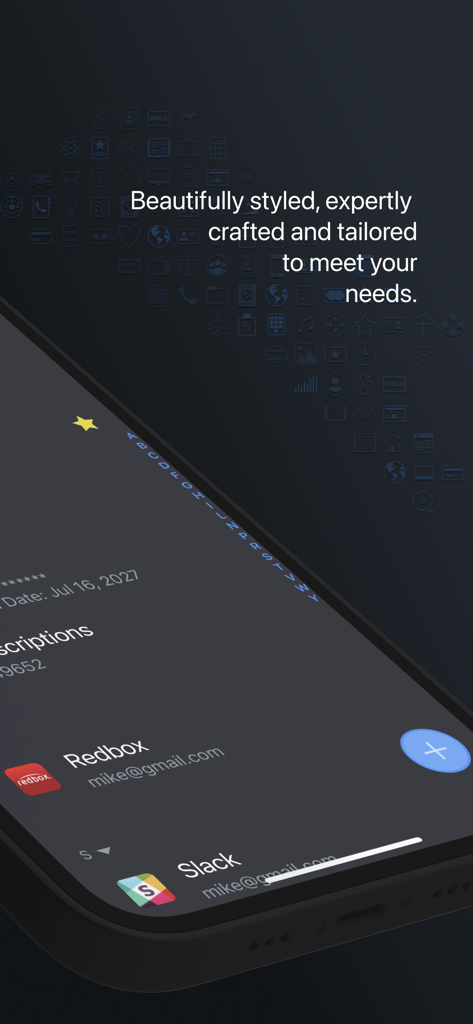
Interfaccia dell'app mSecure che mostra le funzionalità del gestore di password e del portafoglio digitale sullo schermo di uno smartphone

Password Manager - mSecure - Schermo dello smartphone che mostra l'interfaccia dell'app mSecure password manager con un elenco di account in modalità scura
Schermo dello smartphone che mostra l'interfaccia dell'app mSecure password manager con un elenco di account in modalità scura

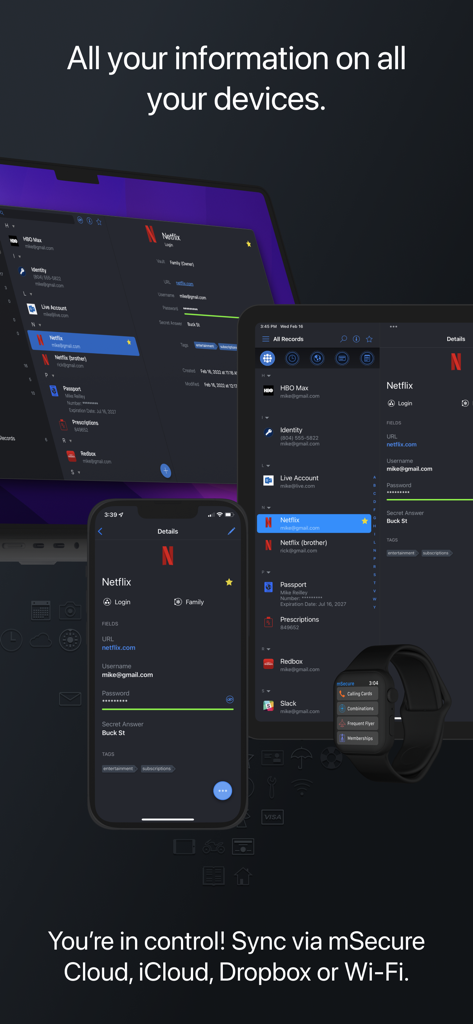
Password Manager - mSecure - Gestore di password mSecure che mostra i dati sincronizzati su laptop, tablet, smartphone e smartwatch
Gestore di password mSecure che mostra i dati sincronizzati su laptop, tablet, smartphone e smartwatch

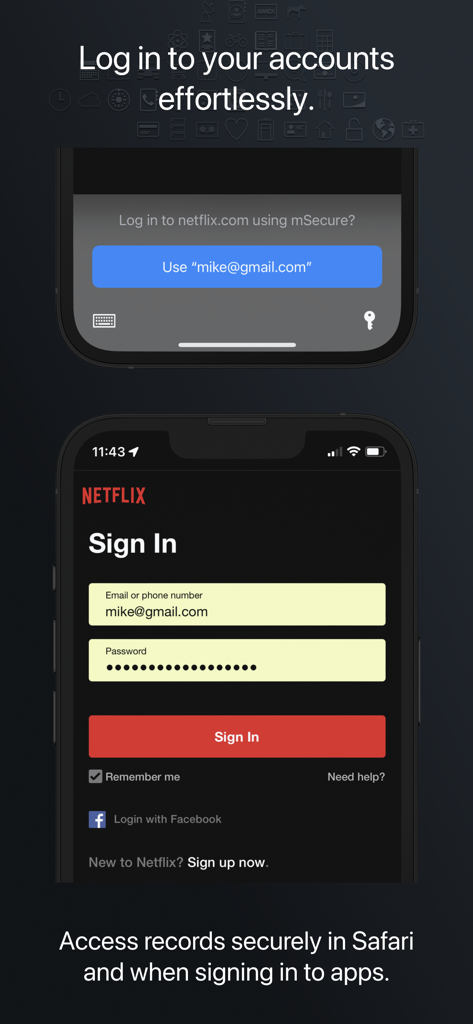
Password Manager - mSecure - Funzionalità di autocompletamento del gestore di password mSecure per un accesso facile e sicuro alle app mobili
Funzionalità di autocompletamento del gestore di password mSecure per un accesso facile e sicuro alle app mobili

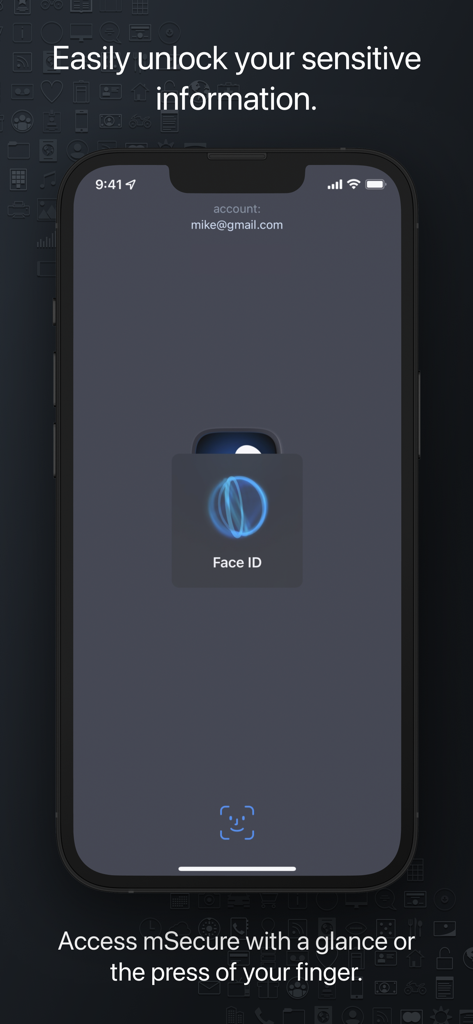
Password Manager - mSecure - Screenshot dell'app mSecure che mostra l'autenticazione biometrica Face ID per un accesso sicuro su iPhone
Screenshot dell'app mSecure che mostra l'autenticazione biometrica Face ID per un accesso sicuro su iPhone

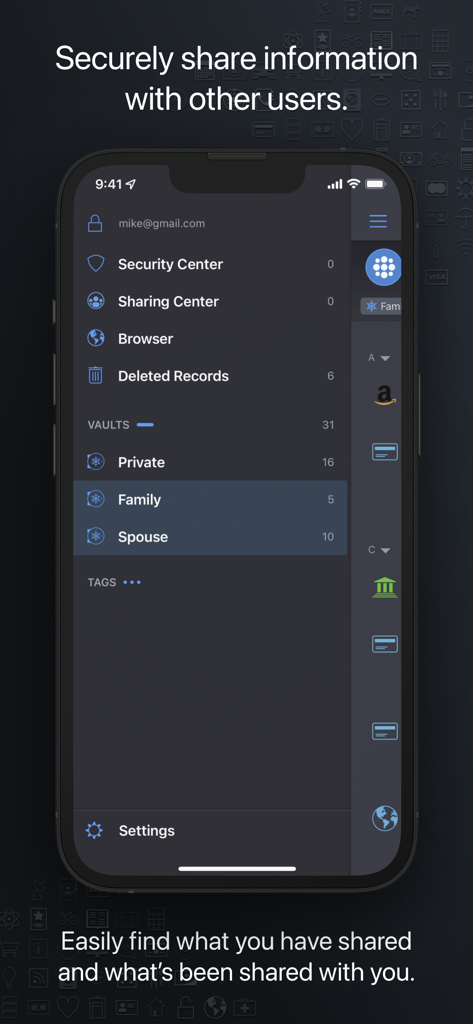
Password Manager - mSecure - Interfaccia dell'app mSecure che mostra il Centro condivisione con casseforti Privata, Famiglia e Coniuge per la condivisione sicura dei dati.

Interfaccia dell'app mSecure che mostra il Centro condivisione con casseforti Privata, Famiglia e Coniuge per la condivisione sicura dei dati.

Descrizione

Don’t take any chances with your passwords and private information. mSecure is the most secure and straightforward solution to managing your sensitive information across your devices. Protect, store and share your sensitive information with mSecure. Simplify your digital world and securely access it at your convenience. Create secure notes, generate passwords, and safely backup your information to never lose your data again. mSecure 6 is an entire redesign of the app you trust most to protect your vital and private information. New features provide the organizational flexibility you need, the convenience of auto-fill right from your web browser, and the ability to share only the data you need to share with other mSecure users. Your information is easier to use, easier to access, and always secure with industry-standard AES-encryption. Elevate your password managing experience with mSecure today! ----------------------------------------- With four plans to choose from, you decide which features are important for managing your information. Regardless of which plan you choose, your data is protected with the same enhanced security. UPDATED FEATURES ● Two-Factor Authentication* ● Family and Team Plans ● Login Password History ● Attach any type of file* *Available with a Premium subscription ~ Keep Your Digital Wallet Organized, and Secure ~ mSecure is for more than just passwords. Safeguard your financial information, personal documents, sensitive files, or anything you need protected all in one place. ~ Get More Than What You Pay For ~ ● Choose a plan to fit your needs - Essentials, Premium, Family, or Team. ● Enable full access to all features that mSecure has to offer with a Premium subscription. ~ Ideal For Families and Teams ~ Share select information with family members or teammates with ease. Use Shared Vaults to house sensitive information and data you and your family or team need under one mSecure subscription. ----------------------------------------- SECURE - Protect your sensitive information with confidence Encrypt your data using industry-standard AES 256-bit encryption Password Generator creates and stores random, complex, and unique passwords Auto-lock and Auto-backup features keep data safe with enhanced security Biometric authentication allows quick, secure access using your device’s Touch or Face ID SIMPLE - Easily add, find, manage, and organize passwords and data Auto-fill credentials in Safari and 3rd party apps with iOS Password AutoFill Find the information you need fast with powerful organizational features Enter Usernames quickly from a predefined list of emails that already exist in your data Over 20 built-in templates for quick and easy data entry with the ability to create custom templates Integrated search and collapsible headers, along with intelligent sorting, filtering and grouping simplifies the process of organizing and finding your information Mark any item as a favorite for quick access SEAMLESS - Sync all of your devices seamlessly Choose to sync via mSecure Cloud, Dropbox, iCloud or Wi-Fi to access your records on all of your devices across multiple platforms. Don’t take any chances with your passwords and private information. Keep your data safe and secure with mSecure! ----------------------------------------- SUPPORT If you have any questions or comments, please share them on our support forum: support.msecure.com/support/discussions. You can also email us directly at support@msevensoftware.com. Terms of Use: https://www.apple.com/legal/internet-services/itunes/dev/stdeula/ Privacy Policy: https://redirect.msecure.com/ios/privacy

Download

Scarica su App Store

Questa pagina non è una pagina ufficiale dell'app o del suo sviluppatore, ma una pubblicazione editoriale indipendente creata a scopo informativo e di commento. Salvo espressa indicazione contraria, né l'app né il suo sviluppatore sono affiliati, approvati, sponsorizzati, autorizzati o altrimenti ufficialmente collegati a MWM, Apple, Google Play, all'editore dell'app o allo sviluppatore dell'app, e nulla in questa pagina implica che l'app sia stata sviluppata utilizzando i servizi di MWM. Tutti i marchi, loghi, screenshot e altri contenuti rimangono di proprietà dei rispettivi proprietari.







