
Questa pagina non è una pagina ufficiale dell'app o del suo sviluppatore, ma una pubblicazione editoriale indipendente creata a scopo informativo e di commento. Salvo espressa indicazione contraria, né l'app né il suo sviluppatore sono affiliati, approvati, sponsorizzati, autorizzati o altrimenti ufficialmente collegati a MWM, Apple, Google Play, all'editore dell'app o allo sviluppatore dell'app, e nulla in questa pagina implica che l'app sia stata sviluppata utilizzando i servizi di MWM. Tutti i marchi, loghi, screenshot e altri contenuti rimangono di proprietà dei rispettivi proprietari.

PDF App: Convert, Create, Sign
Il modo più veloce per creare, modificare e firmare documenti in movimento. Semplifica il tuo flusso di lavoro con potenti strumenti progettati per il professionista moderno e agile.
Download
57K+Valutazione
Valutazioni totali
800Editore
Categoria
ProductivityLingue
1Ultima versione
1.0.6Dimensione
72.8 MBData di lancio
26 giu 2024Domina il Tuo Flusso di Lavoro in Movimento
Smetti di cercare strumenti multipli. Tutto ciò di cui hai bisogno per creare, convertire e firmare documenti professionali è in tasca, creato per il professionista mobile-first.
Firme Digitali Istantanee
Firma contratti e documenti legali in pochi secondi. Crea la tua firma una volta e applicala ovunque per chiudere accordi più velocemente senza mai aver bisogno di una stampante.
Versatile Conversione di File
Trasforma istantaneamente immagini, documenti Word e fogli di calcolo in PDF professionali. Scatta una foto di qualsiasi documento e trasformala al volo in un file di alta qualità.
Gli screenshot e la descrizione seguenti provengono direttamente dall'elenco ufficiale dello store dell'app e sono di proprietà dello sviluppatore.
App Store
Screenshot
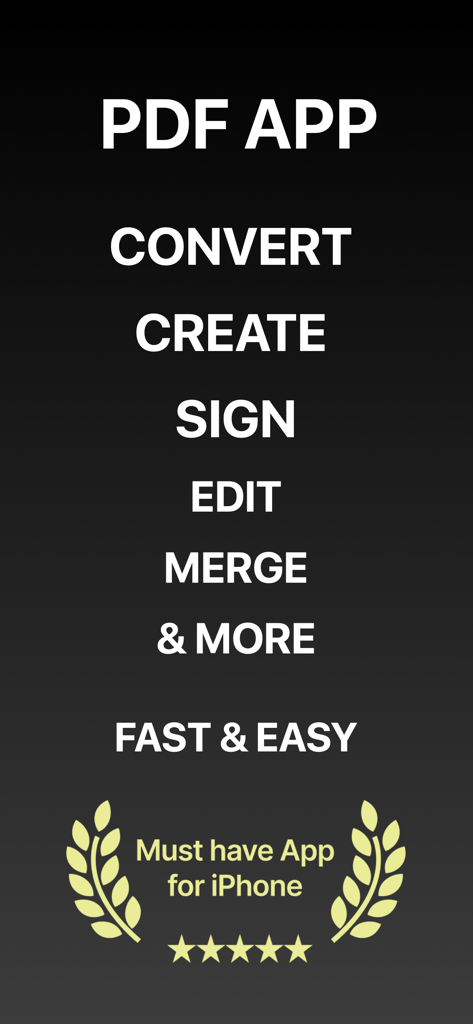
Screenshot dell'App PDF che mostra funzionalità come converti, crea, firma, modifica, unisci e una valutazione a 5 stelle per iPhone
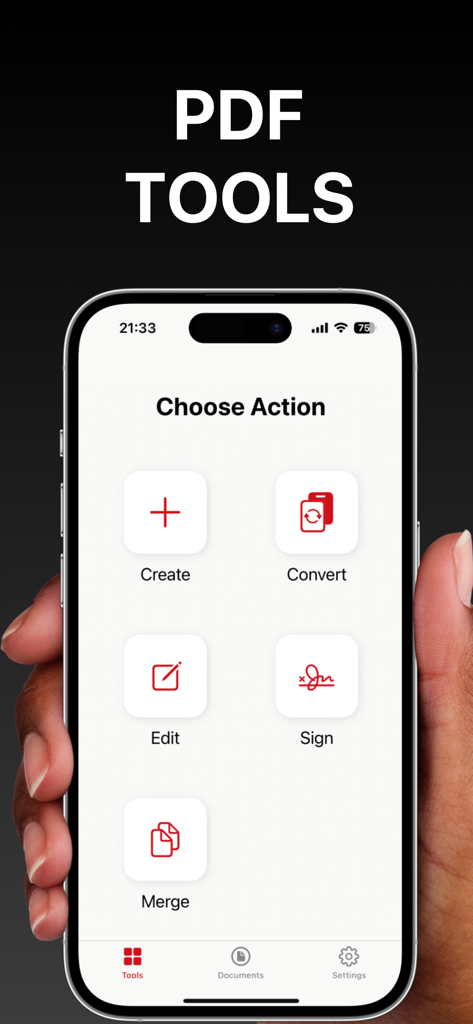
Schermata iPhone che visualizza la dashboard principale dell'App PDF con opzioni per creare, convertire, modificare, firmare e unire documenti
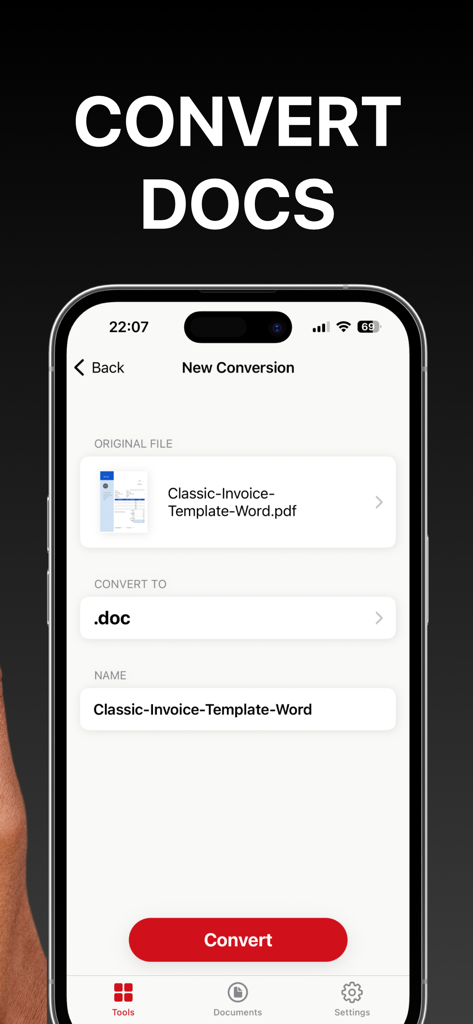
Interfaccia dell'app mobile per la conversione di un documento PDF in un file Word
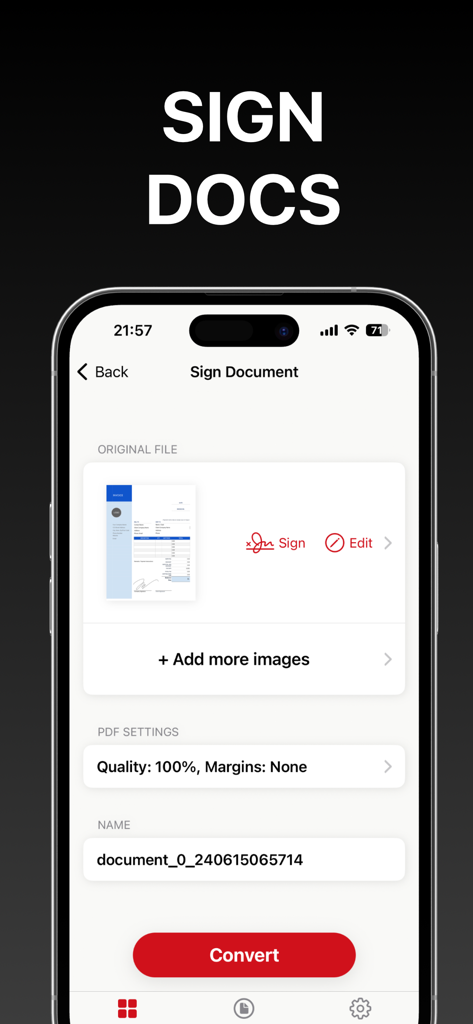
Interfaccia mobile per firmare e convertire documenti PDF su un iPhone
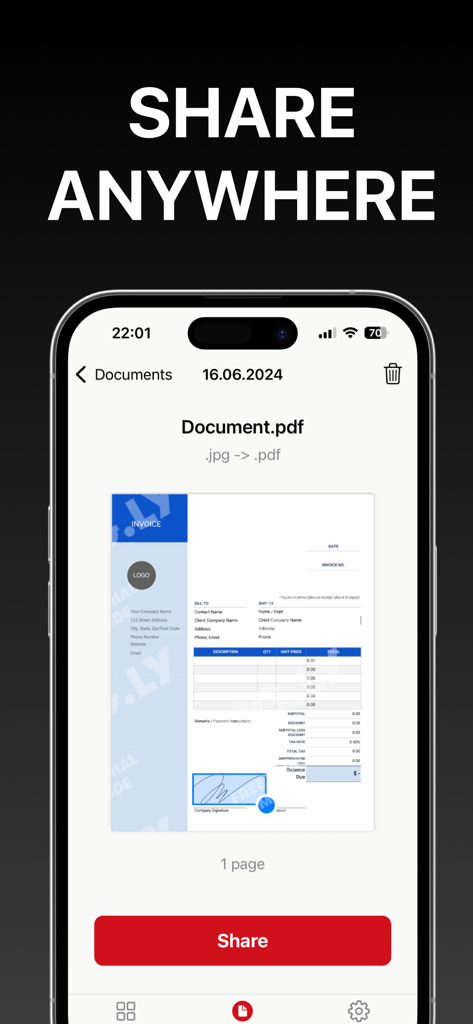
Interfaccia dell'App PDF su iPhone che mostra un'anteprima del documento e un pulsante rosso di condivisione prominente per una facile esportazione del documento.
Descrizione
Download
App Simili
App con funzionalità ed esperienza simili

PDF PRO Scan Image & Documents
Balzo srl

The PDF Scanner, PDF editor HQ
NEXT K.U.M. LTD

CamScanner - PDF Scanner App
INTSIG Information Co., Ltd

Adobe Scan: PDF & OCR Scanner
Adobe Inc.

WPS Office: PDF, Docs, Sheets
KINGSOFT OFFICE SOFTWARE CORPORATION LIMITED

iLovePDF - PDF Editor & Scan
ILOVEPDF S.L.

Scanner App: Genius Scan
The Grizzly Labs

Microsoft Lens: PDF Scanner
Microsoft Corporation

Clear Scan: Doc Scanner App
INDY MOBILE APP COMPANY LIMITED
Questa pagina non è una pagina ufficiale dell'app o del suo sviluppatore, ma una pubblicazione editoriale indipendente creata a scopo informativo e di commento. Salvo espressa indicazione contraria, né l'app né il suo sviluppatore sono affiliati, approvati, sponsorizzati, autorizzati o altrimenti ufficialmente collegati a MWM, Apple, Google Play, all'editore dell'app o allo sviluppatore dell'app, e nulla in questa pagina implica che l'app sia stata sviluppata utilizzando i servizi di MWM. Tutti i marchi, loghi, screenshot e altri contenuti rimangono di proprietà dei rispettivi proprietari.